




01. Edit your name change after divorce georgia online
Type text, add images, blackout confidential details, add comments, highlights and more.

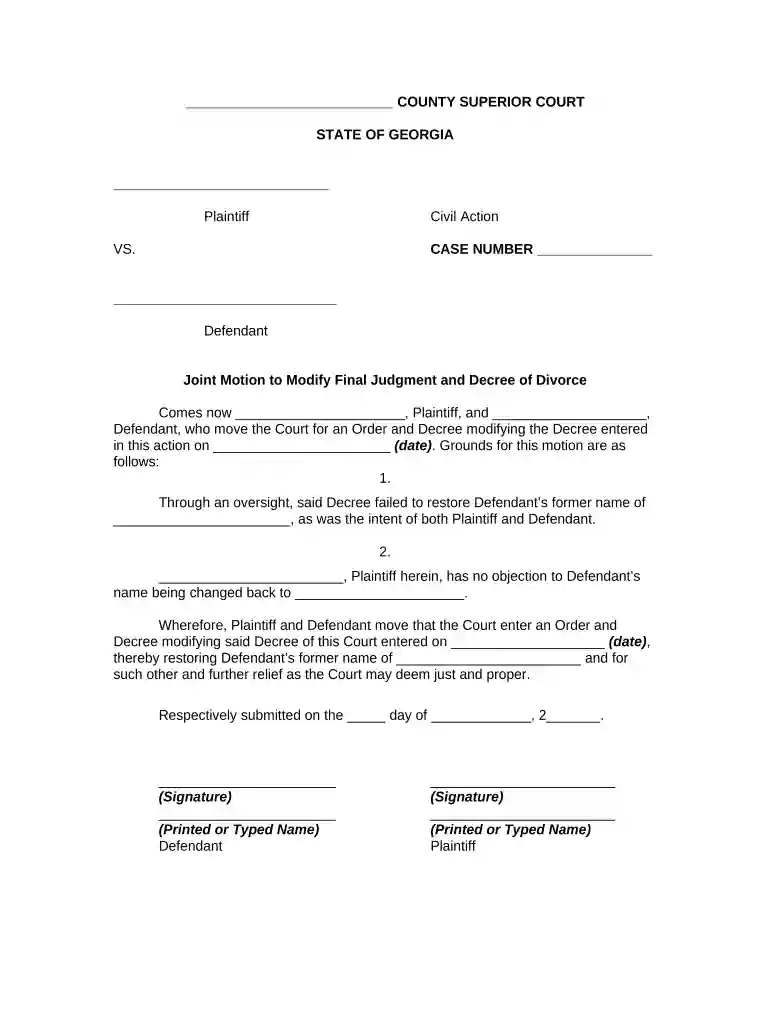
Type text, add images, blackout confidential details, add comments, highlights and more.

Draw your signature, type it, upload its image, or use your mobile device as a signature pad.

Send it via email, link, or fax. You can also download it, export it or print it out.

Start using our platform today to easily complete your divorce maiden name form online for free!
At DocHub, your data security is our priority. We follow HIPAA, SOC2, GDPR, and other standards, so you can work on your documents with confidence.
Without reference to Chapman, a unanimous court held that a married woman had a right to be known by her maiden name and by no other name, despite the marriage.Read more
If youre getting divorced in California, you can ask to go back to a former name (like your birth name) as part of your case. You can also do this after yourRead more


