




Here's how it works

01. Edit your rental letter from landlord online
Type text, add images, blackout confidential details, add comments, highlights and more.

02. Sign it in a few clicks
Draw your signature, type it, upload its image, or use your mobile device as a signature pad.

03. Share your form with others
Send tenant letter via email, link, or fax. You can also download it, export it or print it out.
How to use or fill out fl letter tenant landlord with our platform

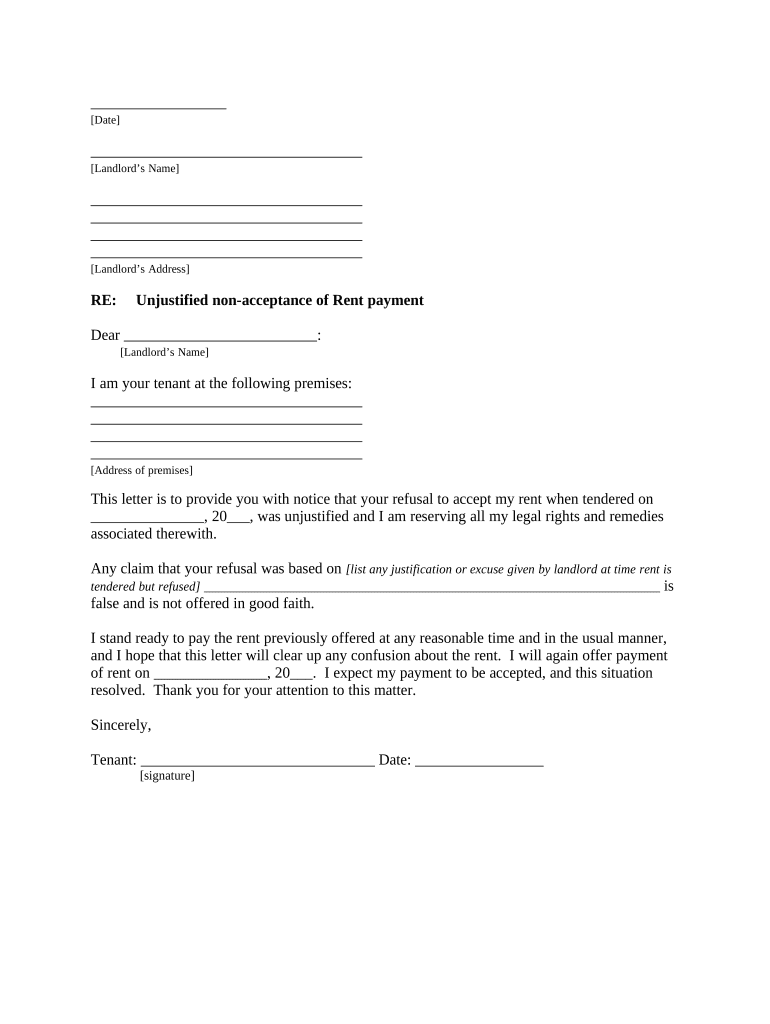
- Click ‘Get Form’ to open the fl letter tenant landlord in the editor.
- Begin by entering the date at the top of the form. This sets the context for your communication.
- Fill in the landlord’s name and address in the designated fields to ensure proper identification.
- In the body of the letter, clearly state your position as a tenant and provide your premises address.
- Specify the date when you attempted to pay rent and mention any justifications given by your landlord for refusal.
- Reiterate your willingness to pay rent and propose a new payment date, ensuring clarity in your intentions.
- Sign and date the letter at the bottom, confirming its authenticity before sending it off.
- Complete the Proof of Delivery section by selecting how you delivered this notice to your landlord.
Start using our platform today for free to streamline your document editing and signing process!
Fill out fl letter tenant landlord online
It's free
Security and compliance
At DocHub, your data security is our priority. We follow HIPAA, SOC2, GDPR, and other standards, so you can work on your documents with confidence.
Learn more


Related forms
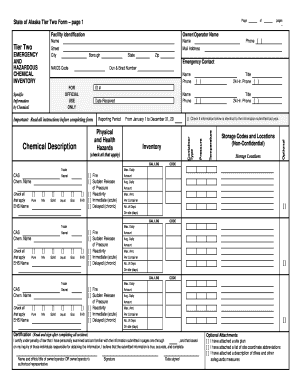
AK Tier II Form page 1 doc - State of Alaska - ready alaska
The document is the State of Alaska Tier Two Form for Emergency and Hazardous Chemical Inventory, which requires facilit ...

Geha provider appeal form
The document is a Medical Appeal Form for GEHA, allowing individuals to request a reconsideration of a denied benefit cl ...
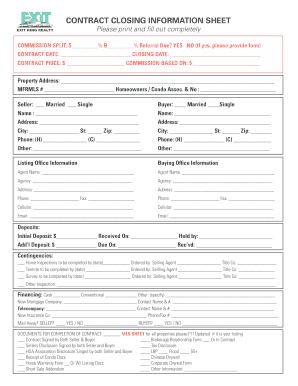
Closing information sheet
The document is a 'Contract Closing Information Sheet' that outlines essential details required for closing a real estat ...

Application form for e age banking channels and change of address
The document is an application form for e-Age Banking Channels and Change of Address at HDFC Bank. It includes sections ...
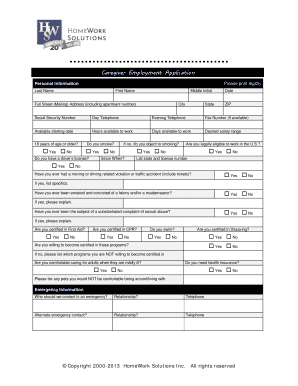
Elder Caregiver / Senior Care Job Application Form - Nanny Taxes
The document is a caregiver employment application form that collects personal, medical, educational, and employment his ...
Pension credit entitlement
The document provides detailed instructions and notes for filling out the Pension Credit application form. It covers var ...
Depaul housing forms
The document is an application package from DePaul Housing Management Corporation for affordable housing communities aim ...
Modelo 030 pdf
The document is a tax declaration form (Modelo 030) issued by the Agencia Tributaria in Spain. It is used for registerin ...