




Here's how it works

01. Edit your patelco wire transfer online
Type text, add images, blackout confidential details, add comments, highlights and more.

02. Sign it in a few clicks
Draw your signature, type it, upload its image, or use your mobile device as a signature pad.

03. Share your form with others
Send patelco swift code via email, link, or fax. You can also download it, export it or print it out.
How to use or fill out patelco wire transfer form with our platform

- Click ‘Get Form’ to open the patelco wire transfer form in the editor.
- Begin by entering your name, member number, and suffix in the designated fields. Ensure that your information is accurate for processing.
- Input the amount you wish to transfer in the 'Amount' field. Make sure to specify the currency if required.
- Fill in your address, including city, state, and zip code, along with your daytime phone number for contact purposes.
- In the 'Bank Information' section, provide the destination bank's name and its ABA/routing number (9 digits).
- Enter the destination account number and the bank's address (city, state, zip) where funds will be sent.
- Complete the account holder's name and any further credit details if applicable. Add any special instructions as needed.
- Sign and date at the bottom of the form to agree to the wire transfer terms and conditions outlined in the Patelco Credit Union Member Handbook.
Start using our platform today for free to streamline your wire transfer process!
Fill out patelco wire transfer form online
It's free
It's free
See more patelco wire transfer form versions
We've got more versions of the patelco wire transfer form form. Select the right patelco wire transfer form version from the list and start editing it straight away!
Security and compliance
At DocHub, your data security is our priority. We follow HIPAA, SOC2, GDPR, and other standards, so you can work on your documents with confidence.
Learn more


Related forms
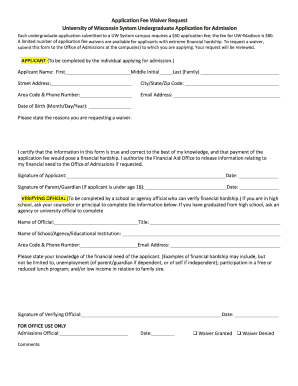
Fee waiver system
The document is an Application Fee Waiver Request form for undergraduate admissions to the University of Wisconsin Syste ...

Invoice Receipt Request - Azusa Pacific University
The document is a form for graduate and professional students at Azusa Pacific University to request an invoice or recei ...
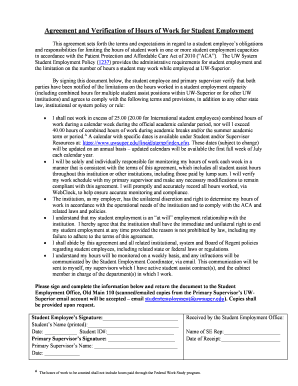
Agreement and Verification of Hours of Work for Student
The document outlines the Agreement and Verification of Hours of Work for student employees at UW-Superior, detailing th ...
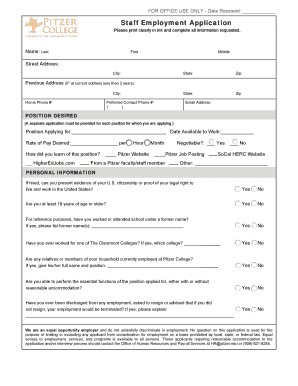
Pitzer college application
The document is a staff employment application for Pitzer College, requiring applicants to provide personal information, ...
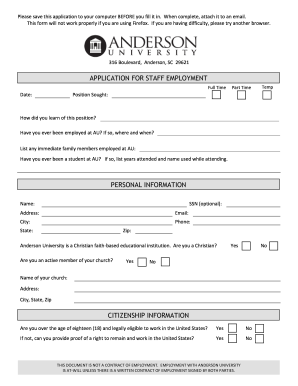
Anderson application staff form
The document is an application form for staff employment at Anderson University, a Christian institution. It outlines th ...

RCC Incident Intake Information Form - Georgia Department of
The document is an Ambulatory Surgical Center Incident Report Form designed for facilities to report specific incidents ...

95 Printable General Evaluation Template Forms - Fillable
The document outlines the CSHCN Services Program Wheelchair Seating Evaluation Form and its instructions for completion. ...

Evangelism report sample
The document is a 2014 Evangelism Report template for churches to report their membership changes and worship activities ...