




Here's how it works

01. Edit your form online
Type text, add images, blackout confidential details, add comments, highlights and more.

02. Sign it in a few clicks
Draw your signature, type it, upload its image, or use your mobile device as a signature pad.

03. Share your form with others
Send it via email, link, or fax. You can also download it, export it or print it out.
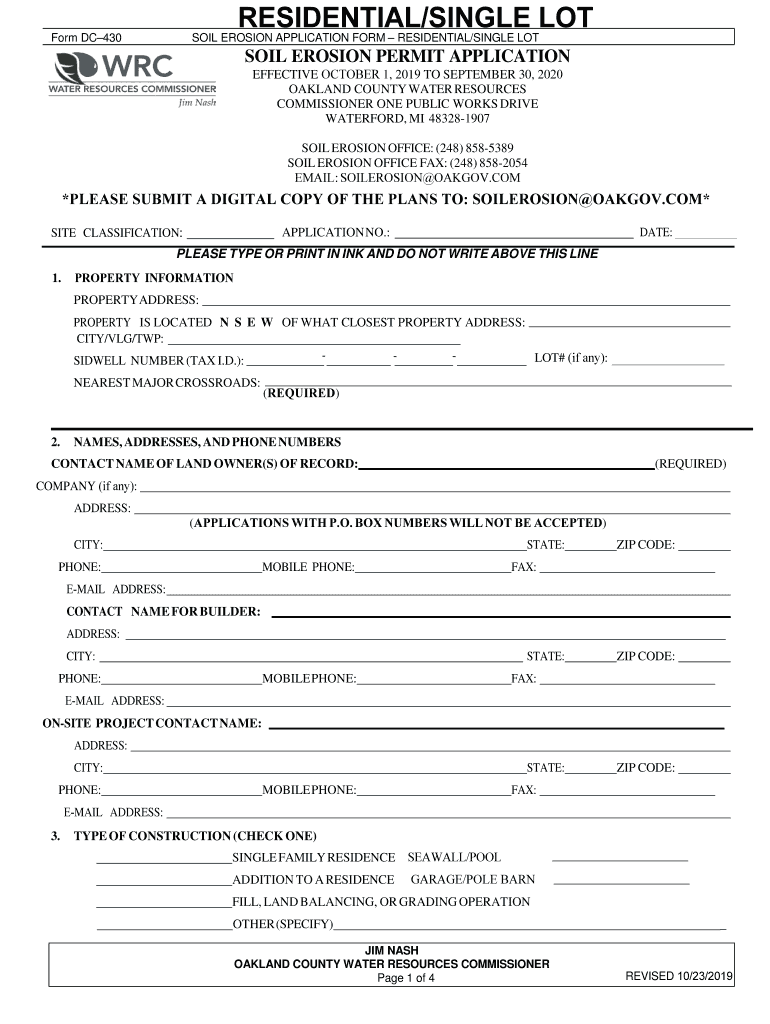
How to use or fill out RESIDENTIAL/SINGLE LOT with our platform

- Click ‘Get Form’ to open the RESIDENTIAL/SINGLE LOT application in the editor.
- Begin by filling out the PROPERTY INFORMATION section. Enter the property address, site classification, and nearest major crossroads. Ensure all fields are completed accurately.
- In the NAMES, ADDRESSES, AND PHONE NUMBERS section, provide contact details for the landowner(s), builder, and on-site project contact. Remember that applications with P.O. Box numbers will not be accepted.
- Select the TYPE OF CONSTRUCTION by checking one of the options provided. This helps categorize your project appropriately.
- Answer all YES/NO questions regarding soil removal and fill material. Be specific about any required permits and provide additional information as necessary.
- Complete the SEQUENCE OF CONSTRUCTION chart by detailing your operation time schedule for each phase of construction.
- Attach a site plan that includes legal descriptions, topographical maps, and locations of water bodies as specified in the requirements.
- Finally, review all entries for accuracy before signing at the end of the form to acknowledge understanding of terms and conditions.
Start using our platform today to streamline your document editing and submission process for free!
Fill out RESIDENTIAL/SINGLE LOT online
It's free
It's free
See more RESIDENTIAL/SINGLE LOT versions
We've got more versions of the RESIDENTIAL/SINGLE LOT form. Select the right RESIDENTIAL/SINGLE LOT version from the list and start editing it straight away!
Security and compliance
At DocHub, your data security is our priority. We follow HIPAA, SOC2, GDPR, and other standards, so you can work on your documents with confidence.
Learn more


Related forms
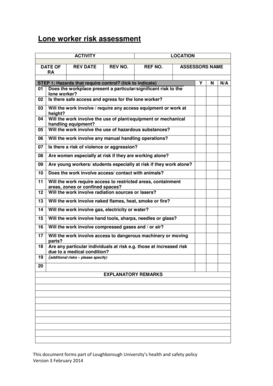
Lone worker risk assessment
The document is a risk assessment for lone workers at Loughborough University, outlining potential hazards, evaluating r ...

Business Loan Questionnaire - First Commonwealth Bank
The document is a COVID-19 Financial Assistance Business Loan Questionnaire designed for businesses experiencing financi ...

Body Corporate ten year maintenance plan example for South Africa
The document outlines a ten-year maintenance plan for a Body Corporate in South Africa, detailing building information, ...