




Here's how it works

01. Edit your form online
Type text, add images, blackout confidential details, add comments, highlights and more.

02. Sign it in a few clicks
Draw your signature, type it, upload its image, or use your mobile device as a signature pad.

03. Share your form with others
Send it via email, link, or fax. You can also download it, export it or print it out.
How to use or fill out sinp generic formscom with our platform

- Click ‘Get Form’ to open the SINP Family Members Category Application Form in the editor.
- Begin by filling out your personal information, including your surname, date of birth, and place of birth. Ensure accuracy as this information is crucial for processing.
- Next, address the eligibility criteria. For each criterion listed, indicate 'YES' or 'NO' and provide supporting documentation where required. This includes details about your family member in Saskatchewan and your educational background.
- Complete the section regarding your work experience and age. Make sure to include your date of birth and check that you meet the age requirement.
- Fill in the personal information of any accompanying family members, ensuring all names and relationships are clearly stated.
- Finally, review the declaration section carefully before signing. Confirm that all provided information is truthful and complete.
Start using our platform today to fill out your SINP application form easily and for free!
Fill out sinp generic formscom online
It's free
See more sinp generic formscom versions
We've got more versions of the sinp generic formscom form. Select the right sinp generic formscom version from the list and start editing it straight away!
Security and compliance
At DocHub, your data security is our priority. We follow HIPAA, SOC2, GDPR, and other standards, so you can work on your documents with confidence.
Learn more


Related forms

Erwin v Wanda E Wise Revocable Trust - Supreme Court - sconet state oh
The case Erwin v. Wanda E. Wise Revocable Trust involves Cary and Alicia Erwin appealing a trial court's summary judgmen ...
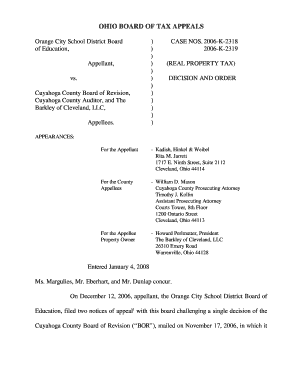
Orange City School District Board
The document is a decision and order from the Ohio Board of Tax Appeals regarding an appeal by the Orange City School Di ...

26101 Robert Lee Nance v
The document contains opinions from the Supreme Court and Court of Appeals of South Carolina, specifically Advance Sheet ...

The records in the office of the Clerk of the Supreme Court show that on - judicial state sc
The records in the office of the Clerk of the Supreme Court show that on - judicial state sc
The document contains a series of legal opinions and orders from the Supreme Court and Court of Appeals of South Carolin ...
Alignment study report - Rhode Island Department of Education - RI
The Rhode Island Alternate Assessment Alignment Study Report, conducted by the National Center for Assessment, evaluates ...
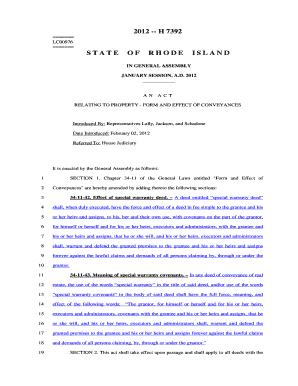
RELATING TO PROPERTY - FORM AND EFFECT OF CONVEYANCES
The document is an act introduced in the Rhode Island General Assembly in 2012, amending Chapter 34-11 of the General La ...

Act 44 Legislation - PennDOT - Pennsylvania Department of - ftp dot state pa
The document outlines the Omnibus Amendments to the General Local Government Code, Transportation, and Vehicle Code in P ...
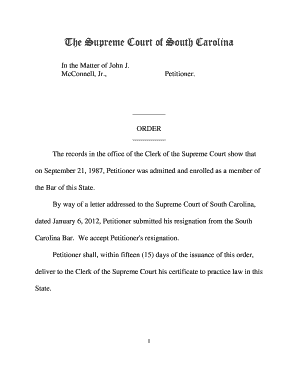
Order - In the matter of John J McConnell Jr (unpublished) docx - judicial state sc
The document contains multiple orders from the Supreme Court of South Carolina regarding the resignations of attorneys J ...