Here's how it works



How to use or fill out Contact information for your local county with DocHub

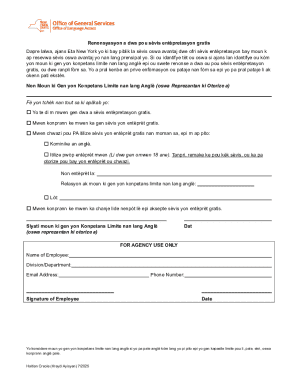
- Click ‘Get Form’ to open the Contact Information for your local county form in the editor.
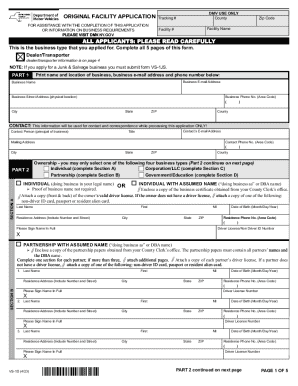
- Begin by entering your last name, first name, middle name, and any suffix if applicable. This information is crucial for identifying your voter record.
- Provide your date of birth along with either your NC Driver's License number or the last four digits of your Social Security number. This step is mandatory for verification purposes.
- Fill in your residential address, including street, city, state (NC), and zip code. If you have a different mailing address, ensure to provide that as well.
- If you are assisting a voter, indicate this by checking the appropriate box and completing the required fields for contact information such as phone and email.
- Finally, review all entered information for accuracy before signing and submitting the form. Your signature is required to validate the request.
Start using our platform today to easily fill out and manage your county contact information online for free!
It's free
See more Contact information for your local county versions
Got questions?
Is it safe to sign my Contact information for your local county electronically?
You should use only trustworthy software solutions with strong data protection compliance to sign your paperwork electronically. DocHub is just the type of service you need! It stores data on Amazon Web Servers and complies with all necessary security requirements and eSignature laws, so it’s a trustworthy way to electronically sign your Contact information for your local county or other forms with this tool.
How to manage my Contact information for your local county from Gmail?
In case your go-to email service is Gmail, you can easily incorporate your DocHub editor in your work. Modify your Contact information for your local county with DocHub instruments and connect it to your drafts in Gmail. See how straightforward it is to exchange papers and work together having a swift PDF editing solution at hand.
Security and compliance
At DocHub, your data security is our priority. We follow HIPAA, SOC2, GDPR, and other standards, so you can work on your documents with confidence.
Learn more