
Get any PDF form from the DocHub library of ready-made templates - Page 1295
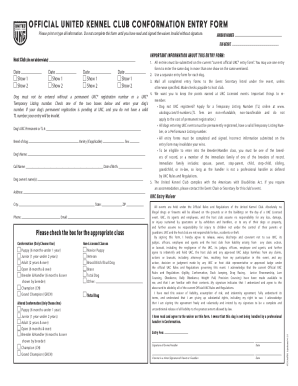
United entry form
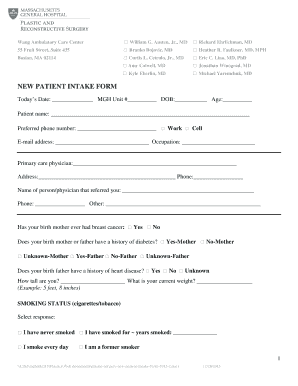
Hospital intake form
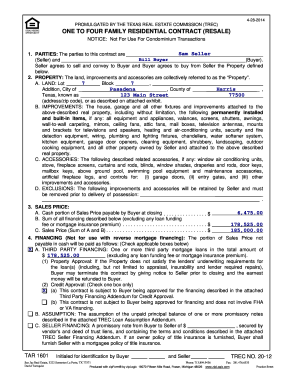
Texas resale contract
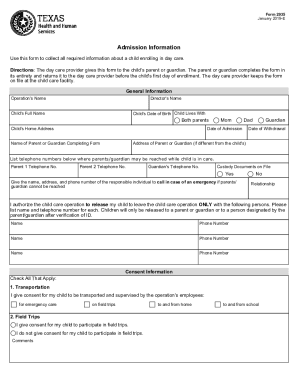
Form 2935

Copy of one of those types of ID with this form
Key contacts print
Referee statement form
Section 1088 of the
Form 24 3
F: MH01/14
Questionnaire canada
DocHub fill-and-sign-pdf-form34477Driving Test Checklist Pdf - Fill Out and Sign Printable PDF
Supplementary utility fees declaration
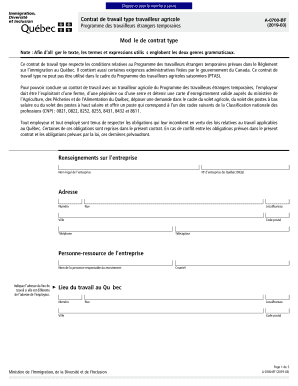
Les contrats de travail - Ministre du Travail, de l'Emploi et de l ...

Forms.uct.ac.zastudentadminaca44ACA44 - Deferred Examination Application Form
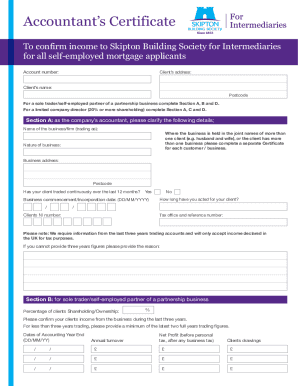
Uk
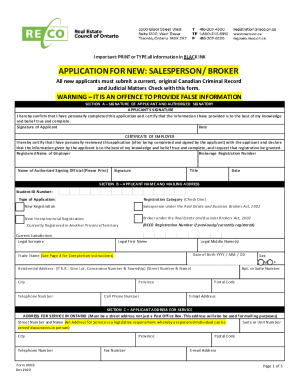
Date recieved NEW Application for New/Reinstatement: Broker/Salesperson - Weebly
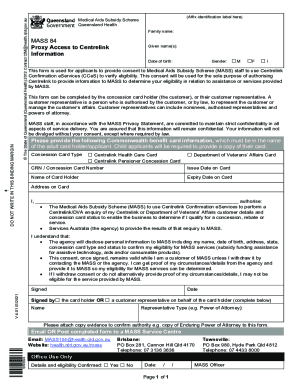
Centrelink proxy form
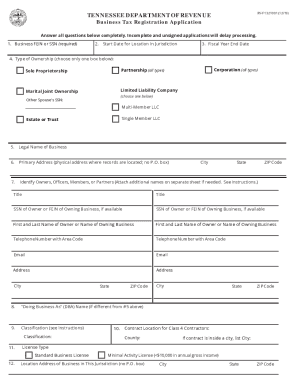
Business tax application
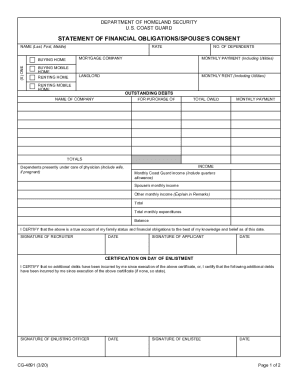
Statement of financial form
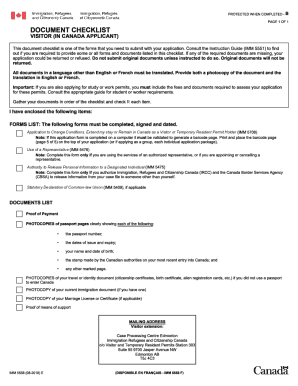
Imm 5558 document

HS-HealthCenterForm-11x17 16.indd
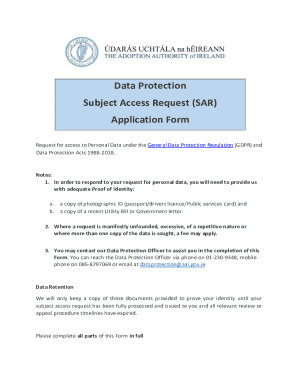
Ireland subject access request
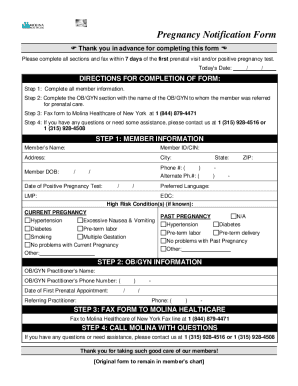
Molina healthcare pregnancy notification form
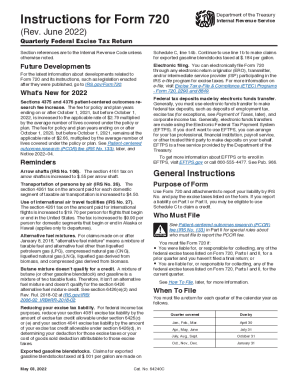
Instructions 720 federal
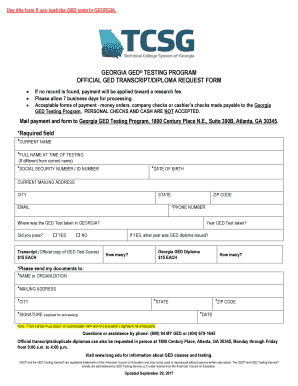
State of georgia ged certificate
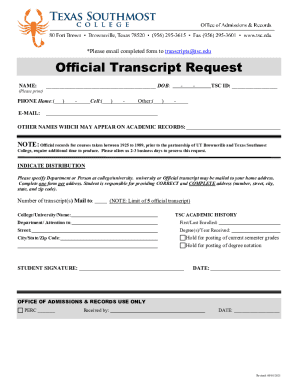
Tsc official request
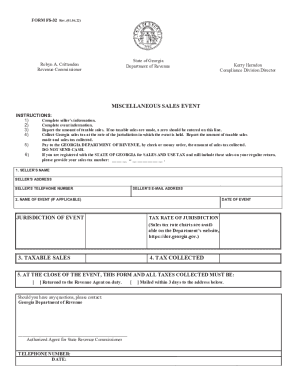
Ga miscellaneous
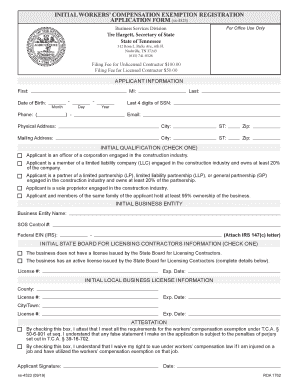
Worker compensation exemption registration

Sfn 16770 application employment

DocHub 574561410--PPTC-658-E-Fillable Online PPTC 658 E Fax Email Print - DocHub
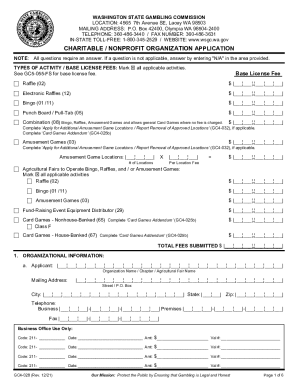
APPLICATION PACKET FOR CHARITABLE / NONPROFIT ORGANIZATIONS FUND ...
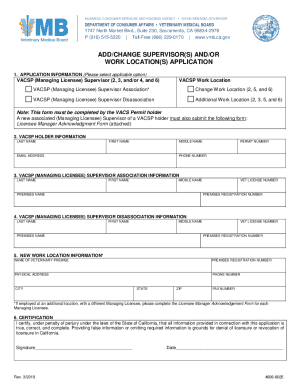
DEPARTMENT OF CONSUMER AFFAIRS VETERINARY MEDICAL BOARD

IN THE MATTER OF CASE NO. APPLICATION FOR CORRECTION OF ...

Va physical form
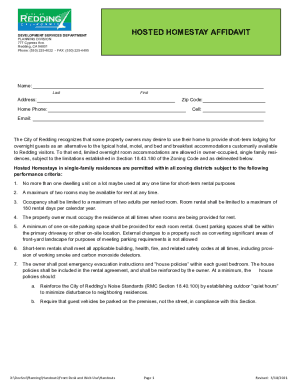
Hosted redding
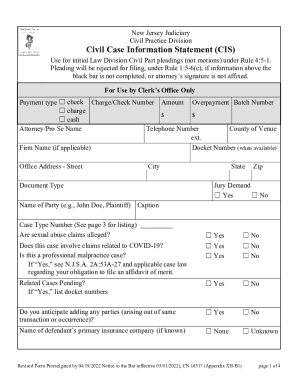
Civil case information
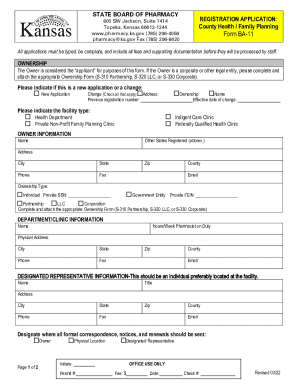
LAWS AND REGULATIONS - Kansas Board of Pharmacy
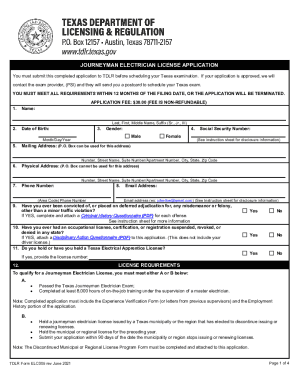
Tdlr electrician license
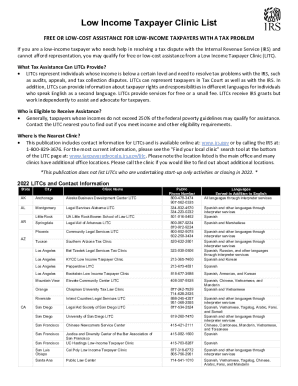
2022 internal revenue service
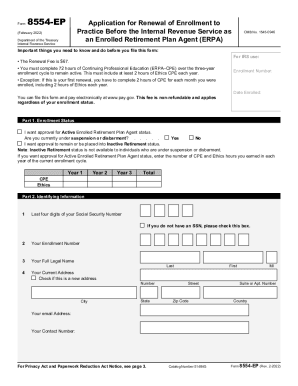
Form 8554 (Rev. 2-2022). Application for Renewal of Enrollment to Practice Before the Internal Revenue Service as an Enrolled Retirement Plan Agent (ERPA)
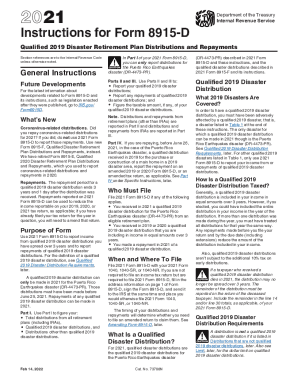
Instructions 8915 form

Instructions 5471
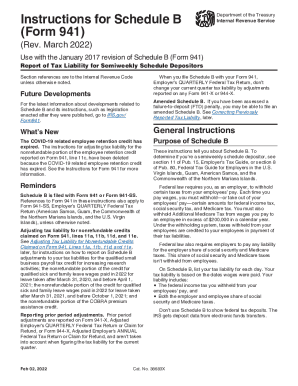
Instructions form
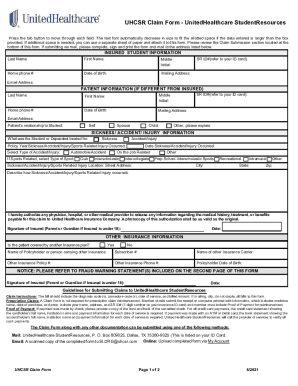
Student claim form

(PDF) Non-attendance at Drug Service Hepatitis C Outreach Clinics ...

Permit request

Tanf form
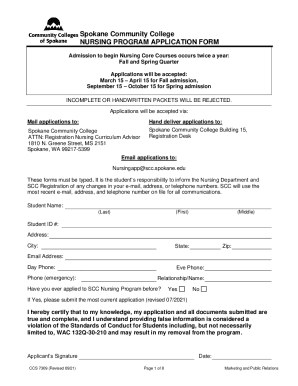
Spokane college nursing

Radiology Application Packet
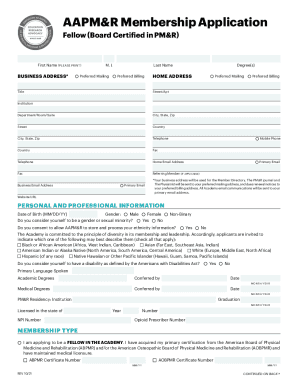
Aapmr membership
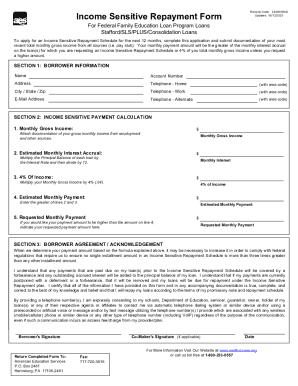
Forms - American Education Services

DocHub form-library474207-cornellCornell University Employer-Provided Vehicle Certification

Uben 121
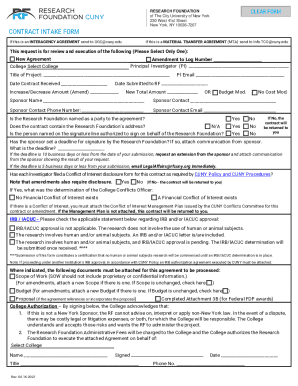
Contract intake form

Re entry application

Before completing: Students should review the minor policy as printed on the back of this form and/or in the Undergraduate Catalog

Instrucciones planilla

Irs pubirs-pdfInstrucciones para el Anexo B (Formulario 941-PR) (Rev Marzo

Instructions for Form 941 -SS - Internal Revenue Service
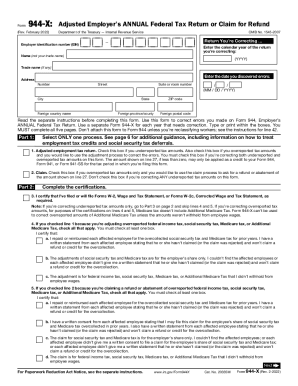
Federal tax

Irs form
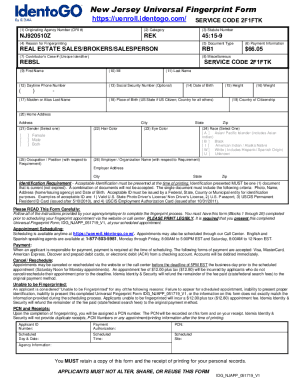
New jersey fingerprint get
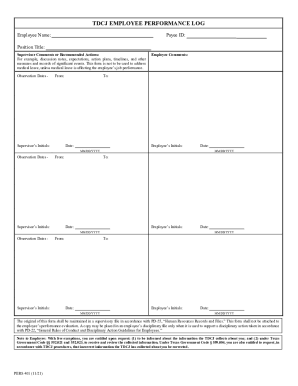
Huntsville hr tdcj

Iowa athletic pre participation physical form
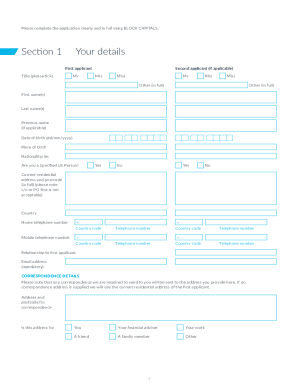
Commonwealth Financial Counselling - Community Grants
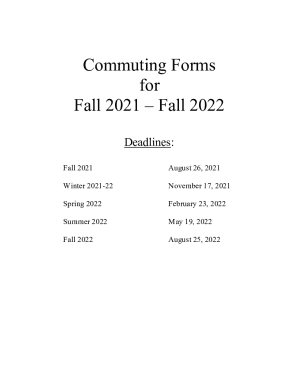
Commuting form printable

Form 202 form
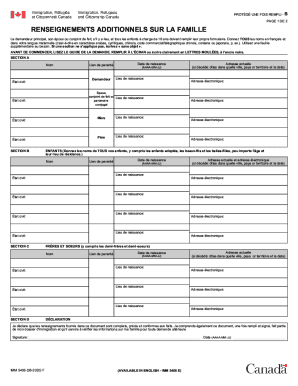
Imm 5406 f
Acams recertification
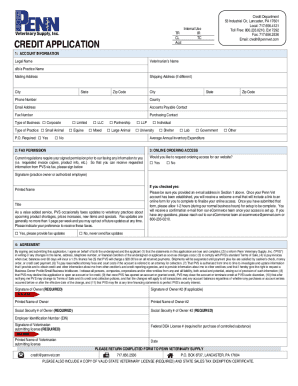
DEA COMPLIANCE FORM - Penn Veterinary Supply
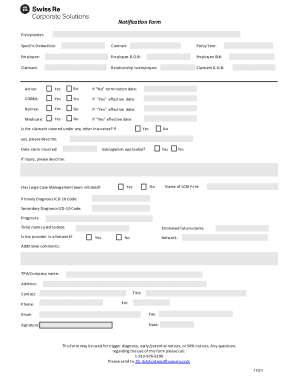
DocHub fill-and-sign-pdf-form80120General Information & Instructions - Fill Out and
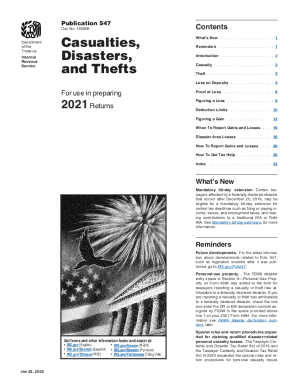
Irs publication 547
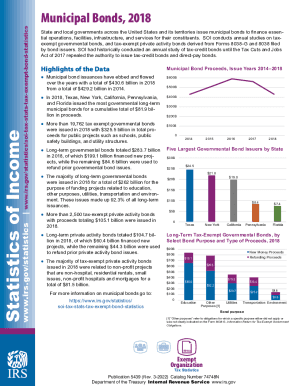
Irs statisticssoi-tax-stats-statisticsStatistics of IncomeInternal Revenue Service - IRS tax forms
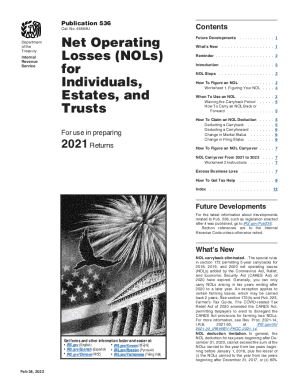
536
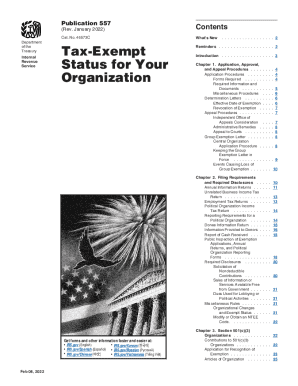
Irs publication 557
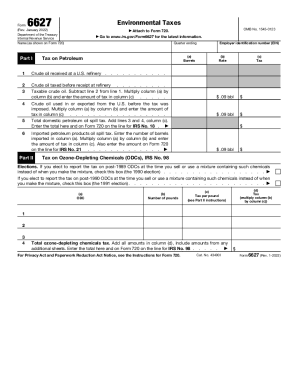
6627

Instruction 941 schedule r
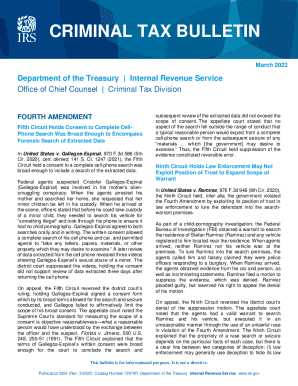
Irs about-irsoffice-of-chief-counsel-atOffice of Chief Counsel At-a-GlanceInternal Revenue Service
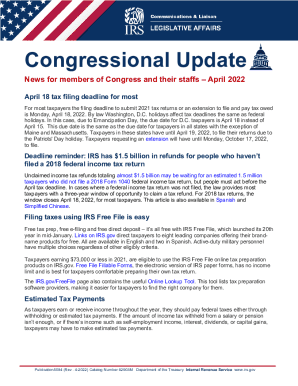
2022 irs publication
Publication 1915 spanish

The form 1098

Irs 720 form

Ucf residency form

Additional authority form

Georgia criminal consent form
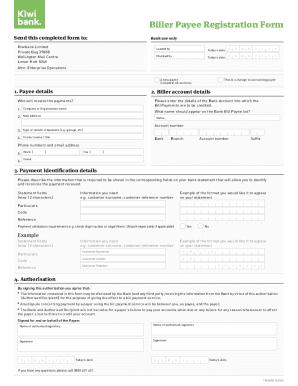
New zealand bank bill

Direct deposit authorization form

Political party affiliation form

Arkansas application health

Uab h 1b information sheet form

Sfs form

Pennsylvania transcript
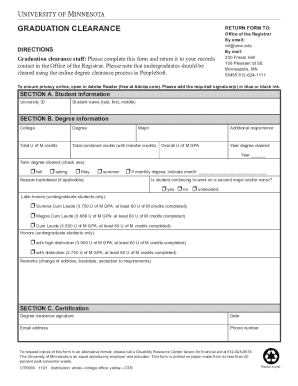
REGISTRATION REQUEST FOR GRADUATE CREDIT - onestop.umn.edu
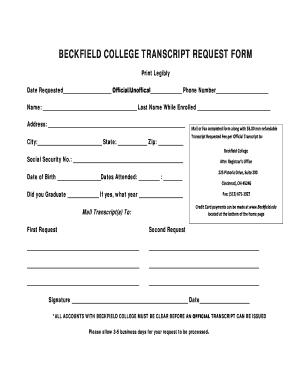
Beckfield college transcript request
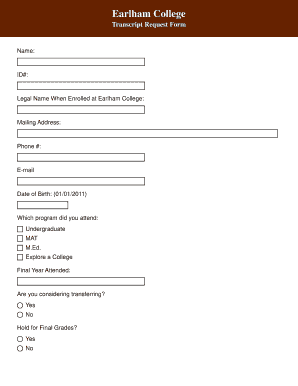
Earlham college transcript request

Sjsu applicant form

Loan discharge school

Yrc bill of lading form

Uk medical form
Benefit from the DocHub online library of fillable PDF forms
Searching the PDF forms doesn't have to be a tedious and time-consuming process. With the DocHub online library, it has become easier to find the fillable PDF forms and modify them in your browser. The service allows you to adjust the document to your needs using powerful editing tools.
You can use online document editing features to modify almost any type of document with ease. You just need to find the template of your choice, open it in the editor, and use the toolbar to make the necessary corrections.
Follow this guide to get your document done with DocHub:
- Find the PDF template you need.
- Click the Get Form button to open the file in the editor.
- Use the toolbar to fill out and edit the document.
- Easily add and highlight text, insert images, checkmarks, and symbols.
- Drop new fillable fields, and rearrange or delete pages from your file.
- Save changes and download your record.
DocHub empowers everyone to streamline document editing, signing, and distribution, and form completion. Create an account and benefit from our well-organized PDF Forms library and comprehensive editor.