




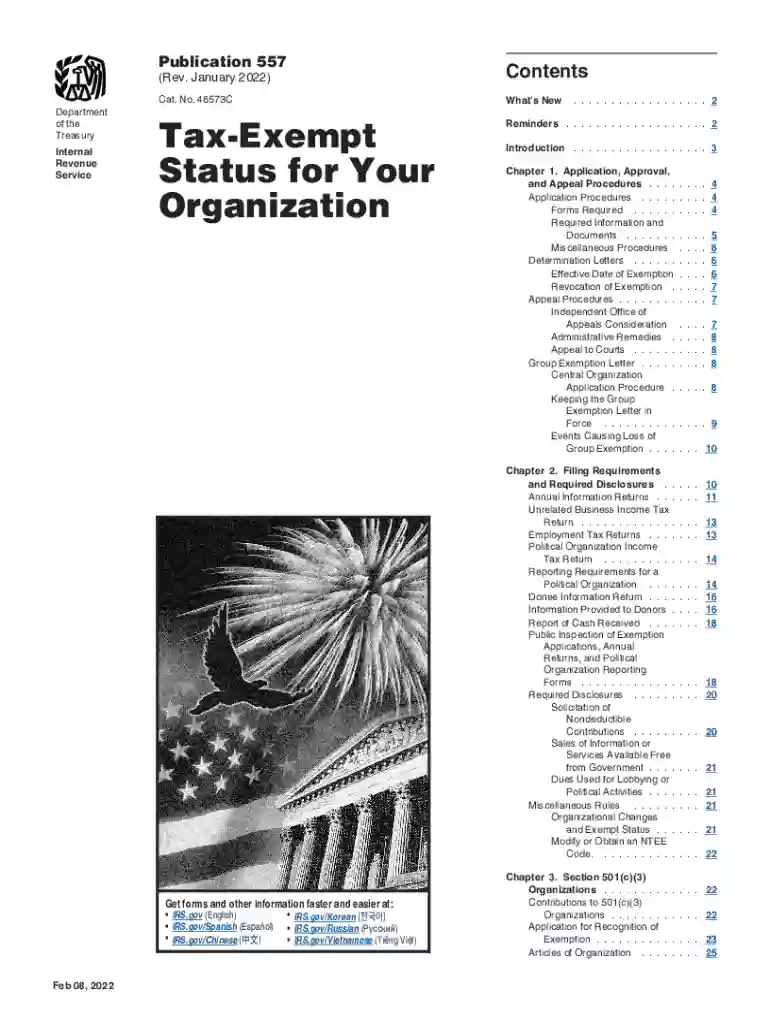
01. Edit your irs publication 557 online
Type text, add images, blackout confidential details, add comments, highlights and more.

Type text, add images, blackout confidential details, add comments, highlights and more.

Draw your signature, type it, upload its image, or use your mobile device as a signature pad.

Send publication 557 via email, link, or fax. You can also download it, export it or print it out.

With DocHub, making adjustments to your paperwork requires only some simple clicks. Make these quick steps to change the PDF Irs publication 557 online for free:
Our editor is super intuitive and efficient. Try it now!
We've got more versions of the irs publication 557 form. Select the right irs publication 557 version from the list and start editing it straight away!
You need to use only trusted software solutions with strong data protection compliance to approve your documents electronically. DocHub is just the type of service you need! It stores data on Amazon Web Servers and complies with all essential security requirements and eSignature laws, so it’s a trusted way to eSign your irs publication 557 or other documents using this tool.
Document editing with DocHub is equally convenient on desktop and mobile devices. You only need an internet browser to edit your irs publication 557 on Android. Open our site and sign in to access the instruments you require. Add your document and introduce your intended changes. After that, you can keep your form in your document storage or send it out instantly.
At DocHub, your data security is our priority. We follow HIPAA, SOC2, GDPR, and other standards, so you can work on your documents with confidence.
Future developments. The IRS has created a page on IRS.gov for information about Publica- tion 557, at IRS.gov/Pub557. Information about.Read more
For more information, see the IRS website, especially Publication 557, Tax-Exempt Status for Your Organization. Due to recent changes in filing requirements anRead more
May 2, 2017 Severance payments are wages subject to social security and Medicare taxes. As noted in section 15 of Pub. 15 (Circular E), severance payments.Read more


