
Get any PDF form from the DocHub library of ready-made templates - Page 1196

Drop Off Information and Consent Form

Brookdale externship

Carna verification of registration
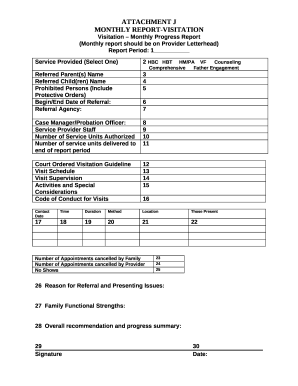
Supervised contact report example

Resident intake

Reg 1000 ib

Wisconsin endorsement application
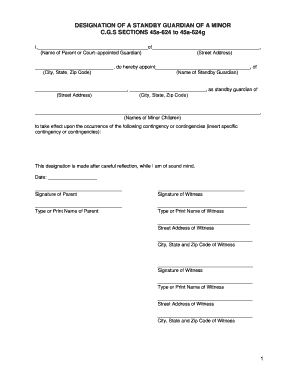
Standby guardian form

Pennsylvania Certificate of Residency for Deed docx
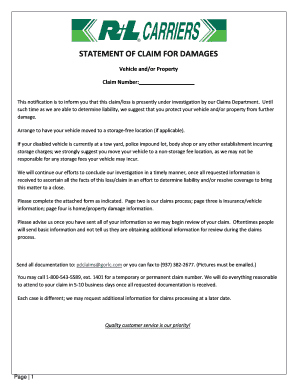
Sample Demand Letter: Claim for Vehicle Damage - Nolo
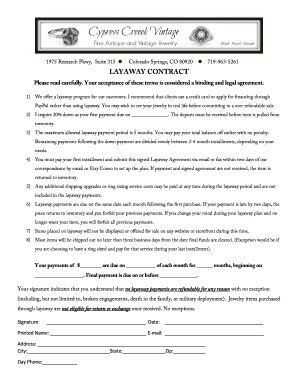
Layaway policy template
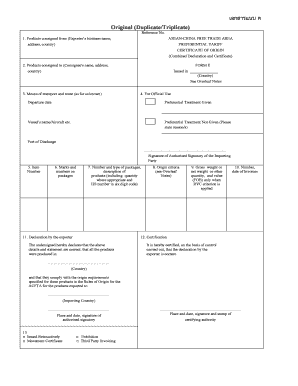
Shipping bill
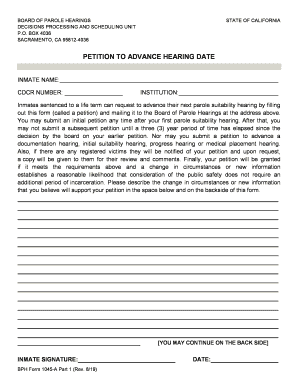
1045a form
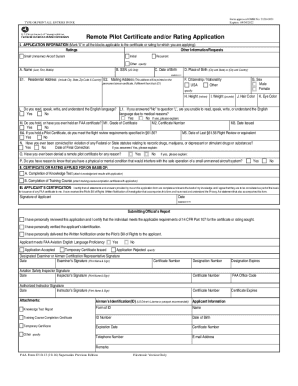
Faa 8710 application form
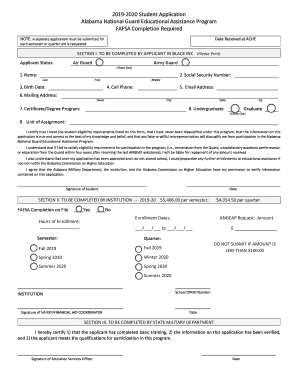
Angeap application
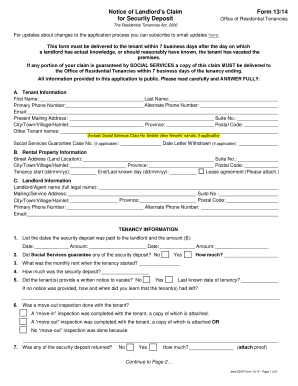
Form 13 14

30 day notice

Minnesota quitclaim deed

New hampshire cohabitation

Community property

Power attorney form
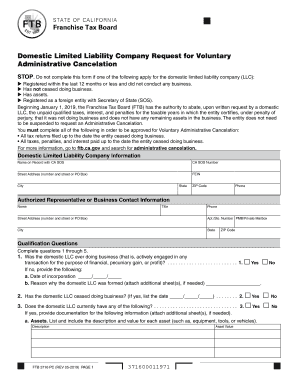
Form 3716

TNT Construction, Inc - Employee Handbook (v 6 2018-final)

Staar seating chart
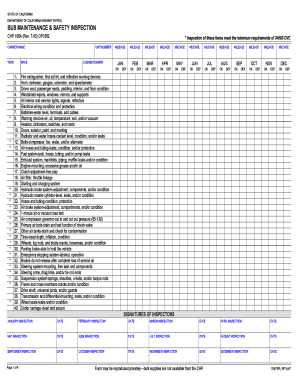
Bus Maintenance & Safety Inspection, CHP 108A File 0419

F2978
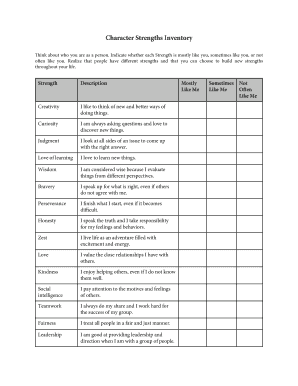
Character strengths worksheet pdf

Eastwest bank credit card application form
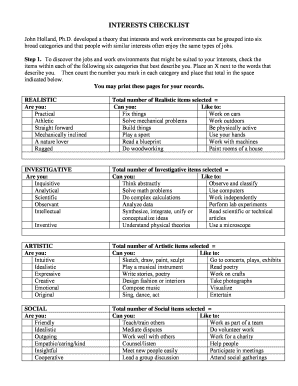
INTERESTS CHECKLIST
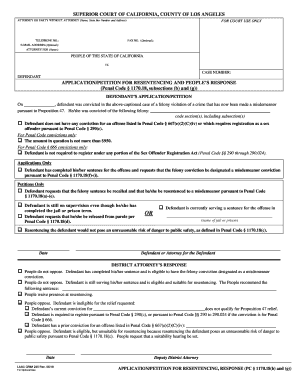
Application petition resentencing fill
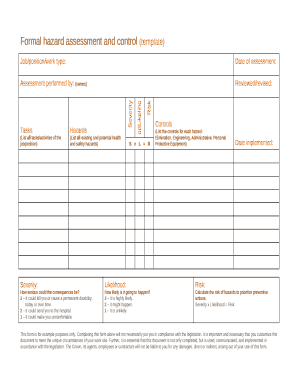
Formal hazard assessment template
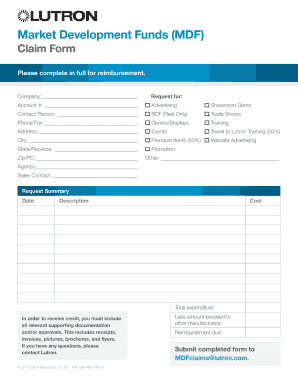
Universal MDF Claim Form Universal MDF Claim Form

Equitation score sheet

Virginia sales use tax certificate
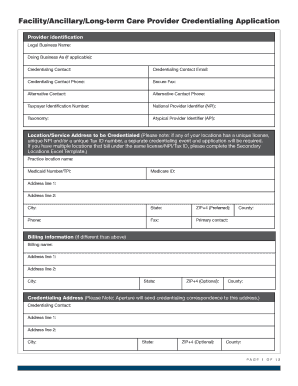
Facility Ancillary Long-term Care Provider Credentialing Application
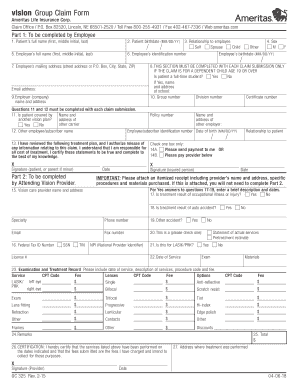
Ameritas vision claim form

Equal employment opportunity commission
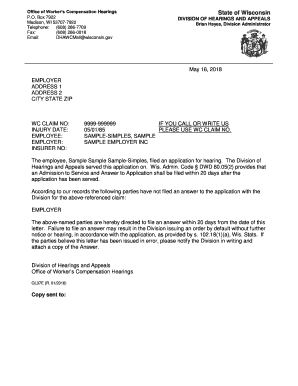
Guide Letters - Wisconsin Department of Workforce Development
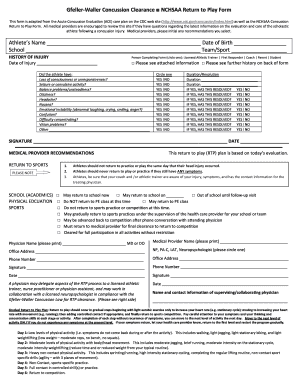
Concussion clearance form

Pearl izumi warranty
Acap integrity handbook for test administration
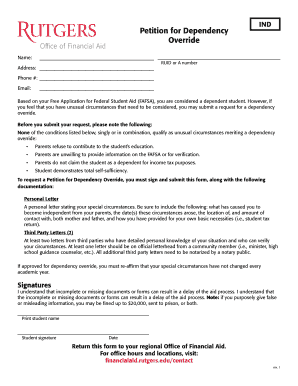
Petition for Dependency Override - Rutgers Financial Aid

Architectural change request form

Head Start Application Form - ECKAN
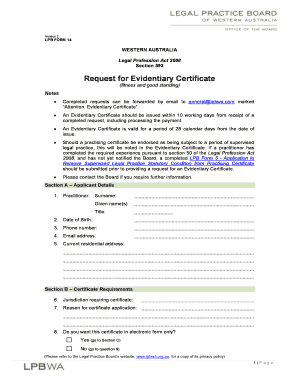
LPB Form 14 Request for Evidentiary Certificate
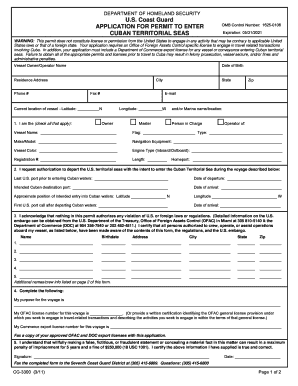
Uscg cg seas form

Application for Dog License - Caldwell Health - Caldwell, NJ
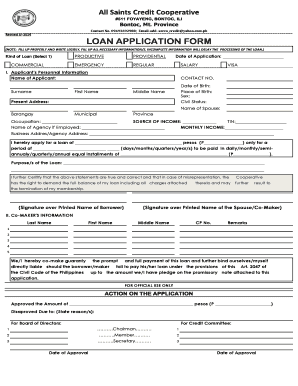
Co operative loan application form pdf

East africa tourist visa
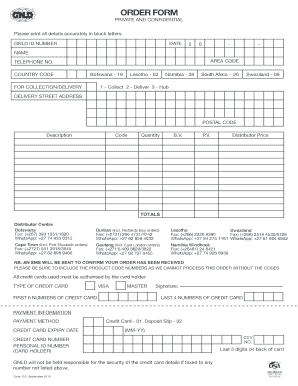
Neolife order form
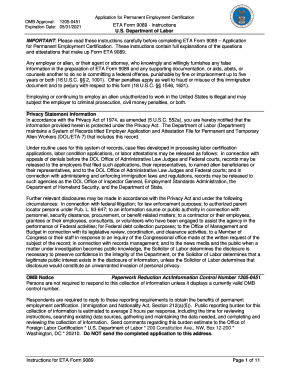
Form 9089 instructions
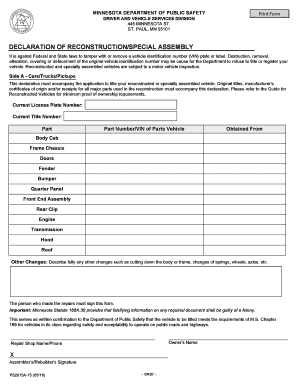
Declaration of reconstruction

T rowe price psw
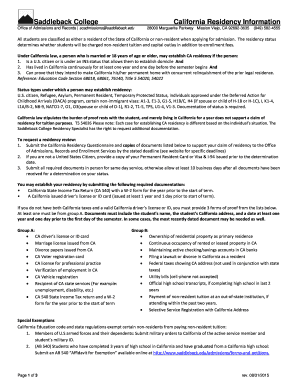
Saddleback residency
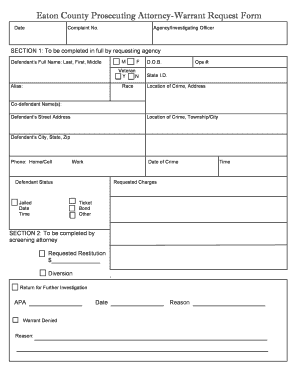
Warrant request form
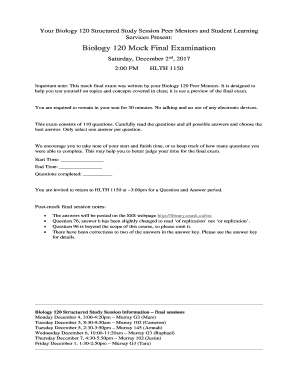
Biology 120 final exam

Extrajudicial settlement with waiver of rights sample philippines

ICD-10-Route-slip-9 26 15 PDF

Asbestos register template
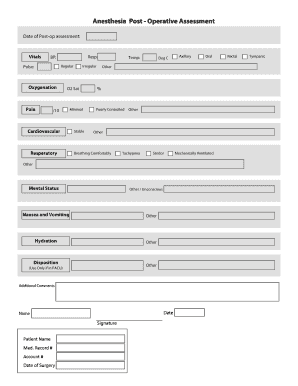
Anesthesia post form

ToR PGH Consignment DPPS - Philippine General Hospital
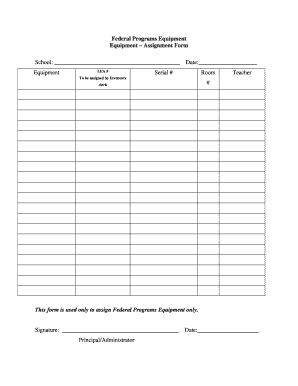
Equipment assignment form

Ny paid family leave form

Certificate of conversion to islam
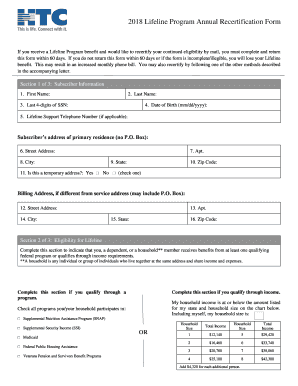
Lifeline program annual recertification form
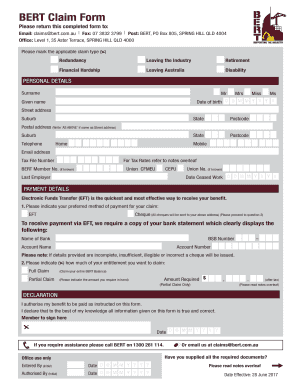
Bert claim form
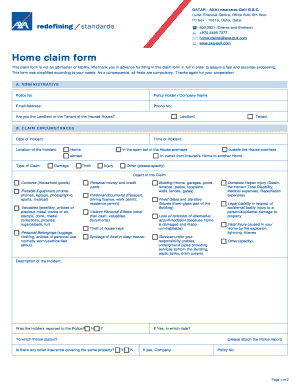
QATAR - AXA Insurance Gulf B
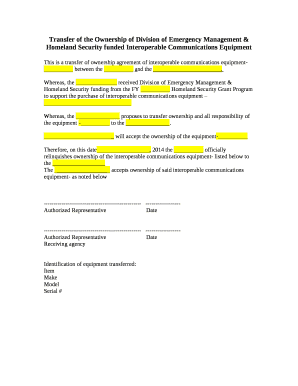
Transfer of ownership agreement word format
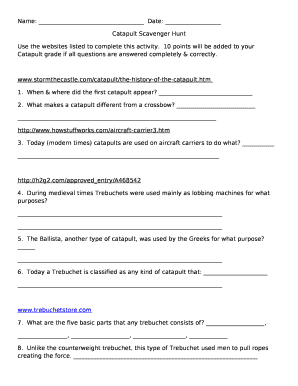
Catapult Scavenger Hunt
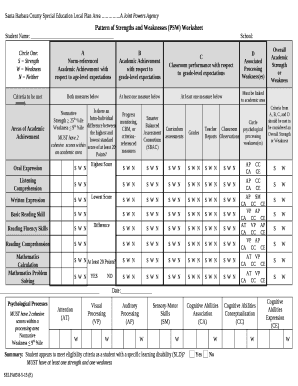
Pattern of strengths and weaknesses worksheet
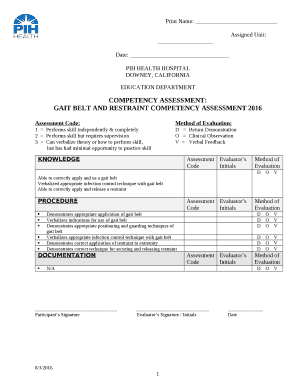
Pih doctors note

Cara edit kad pengenalan
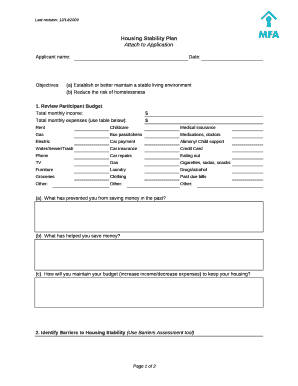
Housing plan template
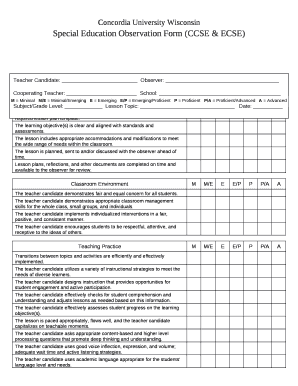
Special education observation form
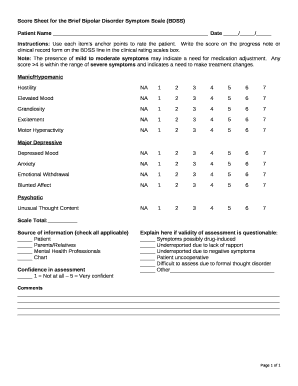
Bdss scale

FOR A LIMITED CERTIFICATE OF ADMISSION TO PRACTICE LAW IN SOUTH CAROLINA PURSUANT TO RULE 405, SCACR
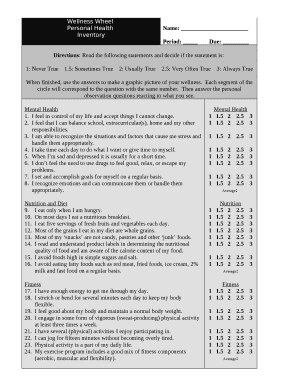
Wellness Wheel
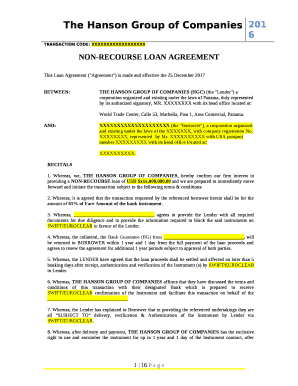
Non recourse loan agreement sample

Medical certificate for work
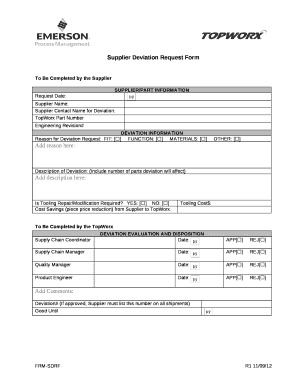
Deviation request form template excel

ENTREPRENEURSHIP: COURSE SYLLABUS

Safety training attendance sheet

1 Title Page - California Bureau of Real Estate - State of California
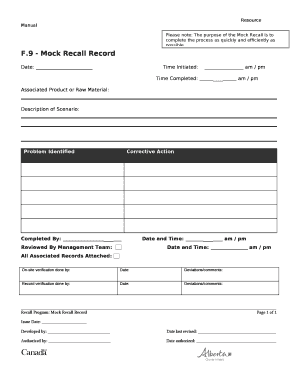
Mock recall template pdf
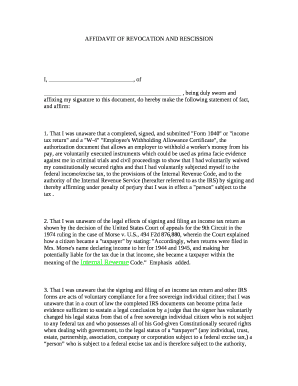
Affidavit of rescission

Deed poll sample uganda
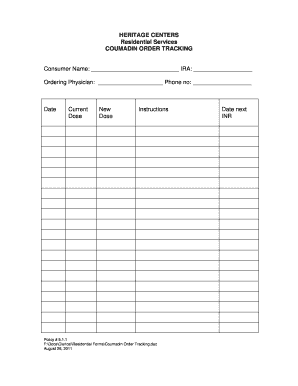
Coumadin tracking log

SPECIMEN LOG BOOK
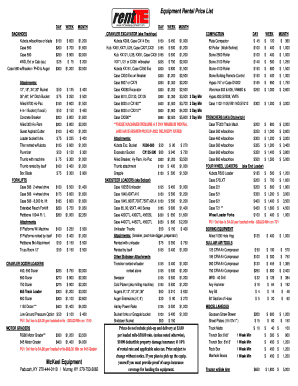
Equipment Rental Price List

Sample Letter: Grant Award Notification to Nonprofits

Tempus unlimited termination form

Imm 5532

CONSTRUCTION TRAFFIC MANAGEMENT PLAN

Van LGV Driver Walk-Around Check Sheet
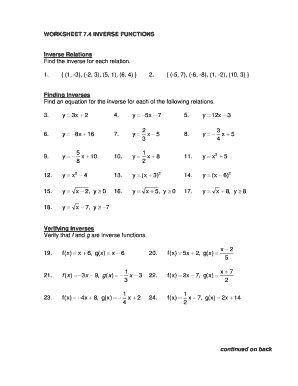
Inverse functions worksheet with answers pdf
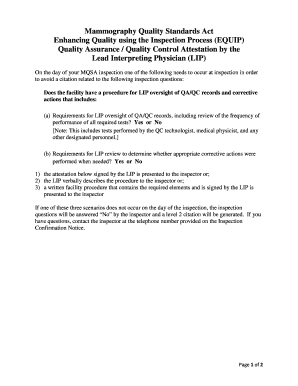
Mammography Quality Standards Act
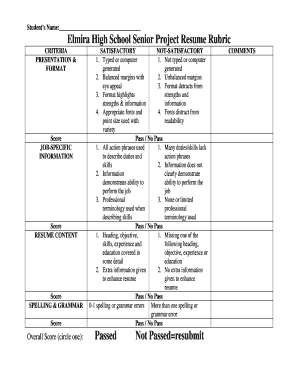
Resume rubric for high school students

Florida unclaimed property claim form
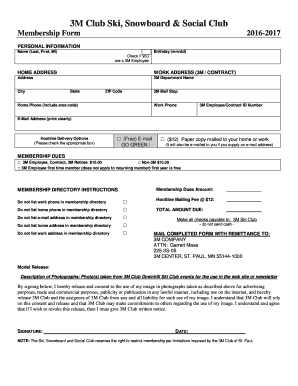
Membership Form (PDF) - Ski, Snowboard and Social Club
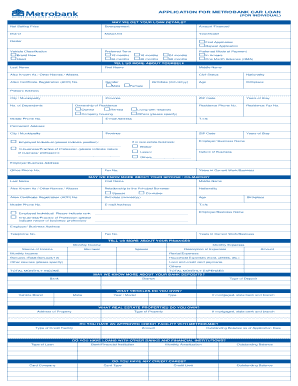
Metrobank car loan application form
Benefit from the DocHub online library of fillable PDF forms
Searching the PDF forms doesn't have to be a tedious and time-consuming process. With the DocHub online library, it has become easier to find the fillable PDF forms and modify them in your browser. The service allows you to adjust the document to your needs using powerful editing tools.
You can use online document editing features to modify almost any type of document with ease. You just need to find the template of your choice, open it in the editor, and use the toolbar to make the necessary corrections.
Follow this guide to get your document done with DocHub:
- Find the PDF template you need.
- Click the Get Form button to open the file in the editor.
- Use the toolbar to fill out and edit the document.
- Easily add and highlight text, insert images, checkmarks, and symbols.
- Drop new fillable fields, and rearrange or delete pages from your file.
- Save changes and download your record.
DocHub empowers everyone to streamline document editing, signing, and distribution, and form completion. Create an account and benefit from our well-organized PDF Forms library and comprehensive editor.