
Get any PDF form from the DocHub library of ready-made templates - Page 1185
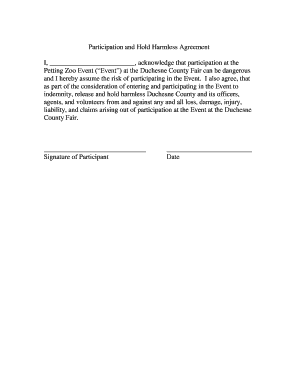
Participation and Hold Harmless Agreement (Petting Zoo)

HOMEWORK CENTER REGISTRATION FORM
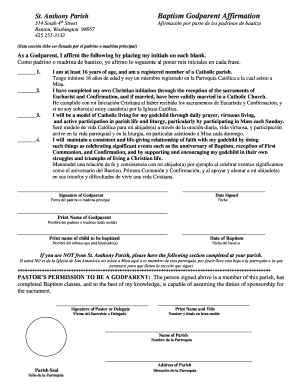
St Anthony Parish Baptism Godparent Affirmation - st-anthony
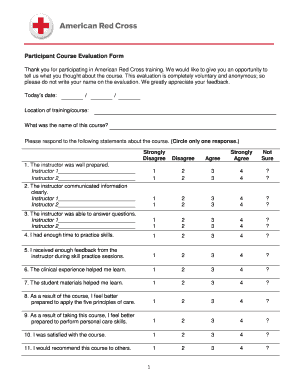
Red cross evaluation form

Child pick up authorization form

Articles of incorporation texas template

Sample Ticket to Ride Form Completion - leanorg
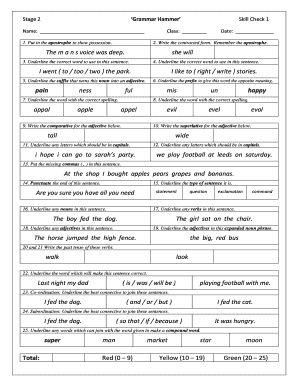
Grammar hammer year 2
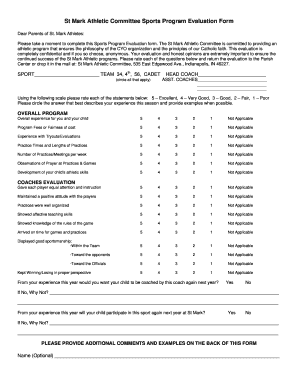
Sports assessment form

Care and needs scale
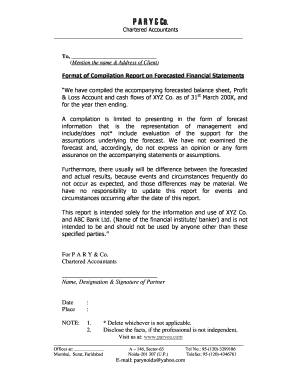
Compilation report sample 2022
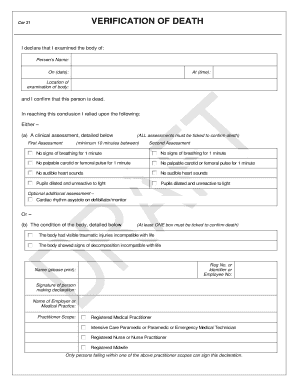
Verification of death form
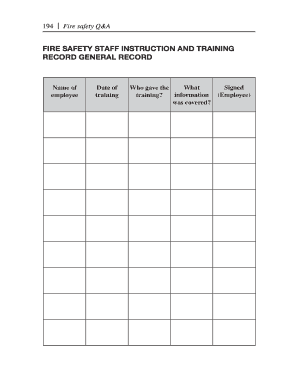
Staff fire training template
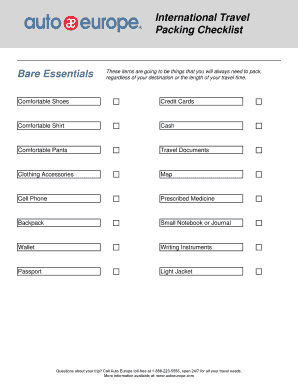
Printable Packing List A printable packing list to help you stay organized while you pack Auto Europ
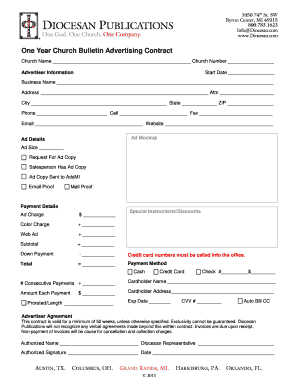
One Year Church Bulletin Advertising Contract - diocesancom
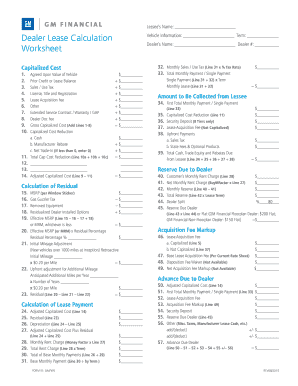
Gm financial dealer lease calculation worksheet form id gmfws

NEWLY-EMPLOYED DRIVER TRAINING CHECKLIST

Band saw safety test
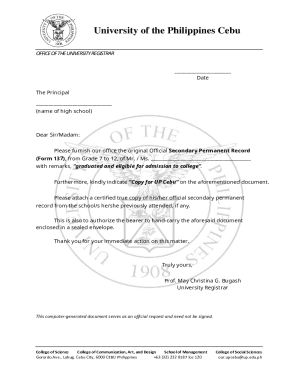
Deped request form 137 download
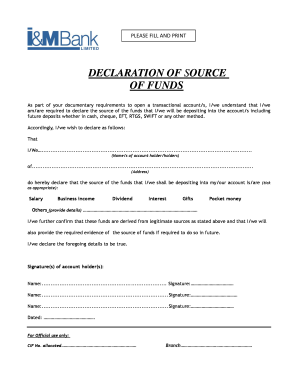
Source of savings declaration format

Trade request form
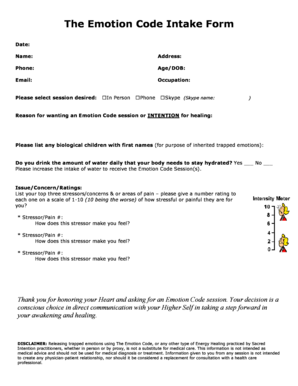
Dom sub consent form

HOLLYWOOD CASINO COLUMBUS PASSENGER MANIFEST FOR CHARTER

Cardiology Referral Form - Jackson Health System

Blank mls listing sheet
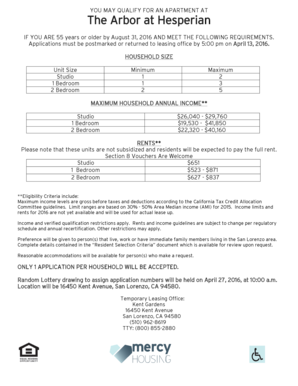
Mercy housing application pdf

Authorization to Release-Exchange Confidential Information

Mcat emergency refund
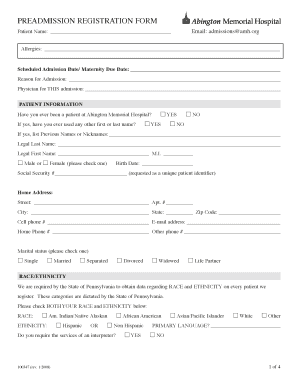
PREADMISSION REGISTRATION FORM Abington Memorial Hospital
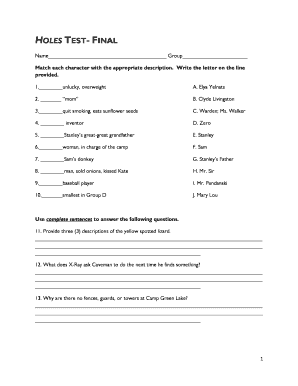
Holes test pdf
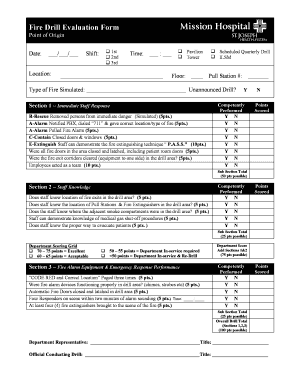
Fire Drill Evaluation Form - Hospital Association of
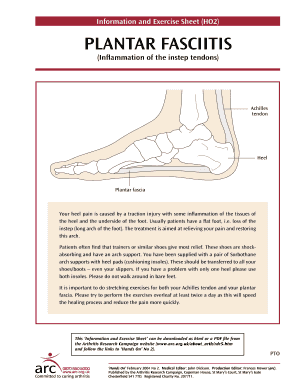
Plantar fasciitis exercise sheet
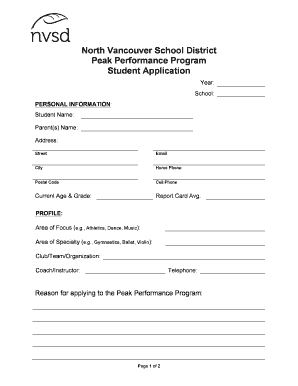
North Vancouver School District Peak Performance Program

Confirmation appraisal form

Dmr 276 form

Financial literacy post test

2014 7 form

College acceptance form - Teach NYC

Oxygen concentrator form
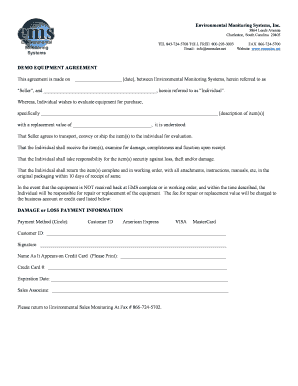
Equipment demo agreement template
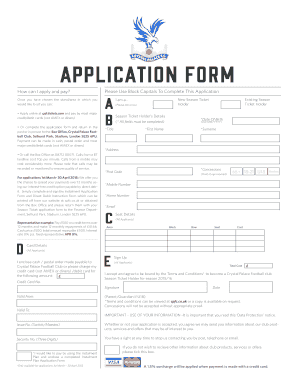
Crystal palace form
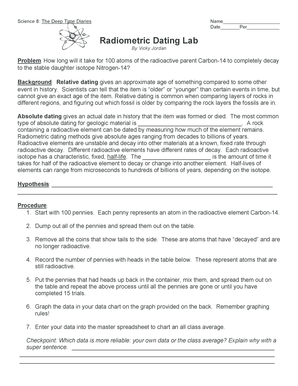
Radiometric dating lab answer key
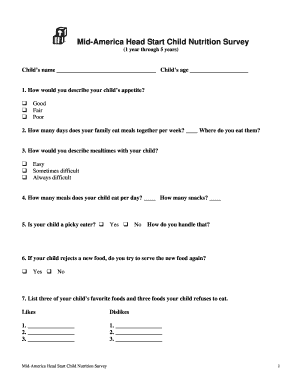
Nutrition survey
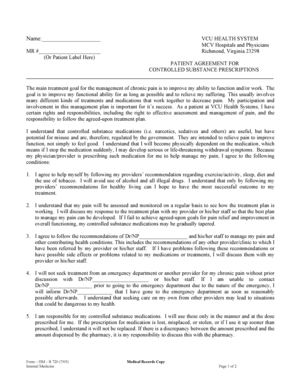
Controlled substance policy template

Indian consulate houston

Form Formule 73AA - New Brunswick - gnb

Lexisnexis opt in

Mystery shopping excel template

TRINIDAD AND TOBAGO MACHINE READABLE PASSPORT
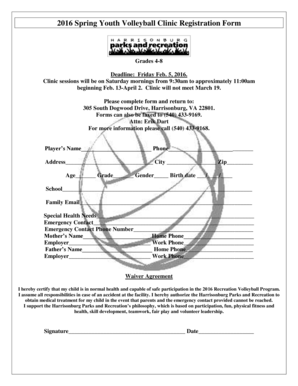
Volleyball registration form template
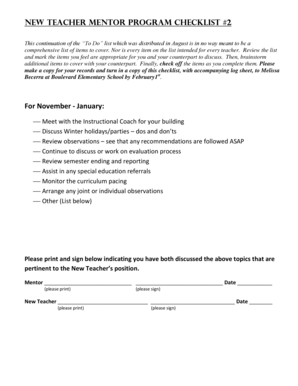
New Teacher Mentor Program CHECKList 2

Restrictive covenant agreement sample
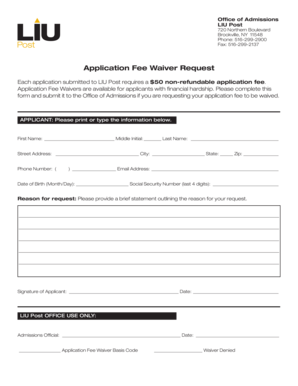
Liu waiver code

Delsey warranty card
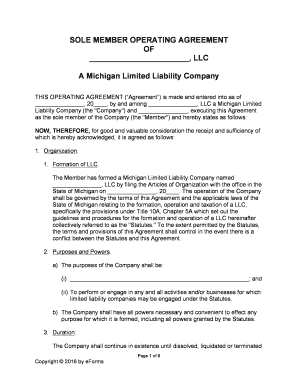
Single member llc operating agreement michigan
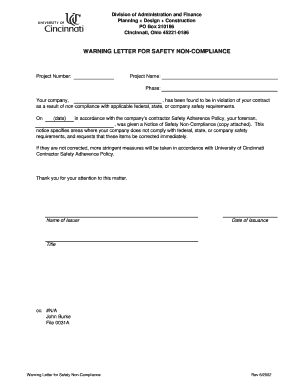
Warning letter for safety non compliance
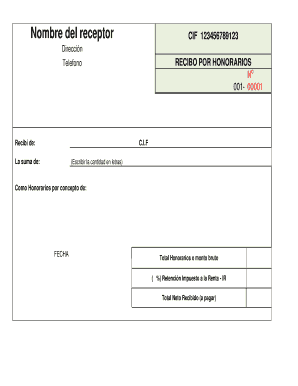
Recibo de honorarios formato word

Ny insurance cards
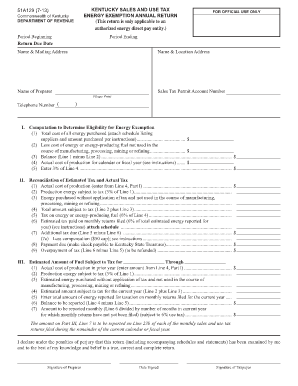
Fillable form 51a129
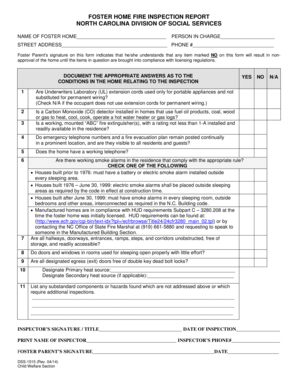
DSS-1515 FOSTER HOME FIRE INSPECTION SAFETY REPORT - info dhhs state nc

2014 form mw508
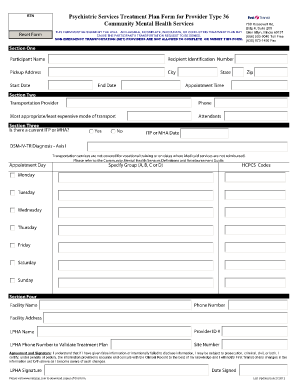
Blank treatment plan
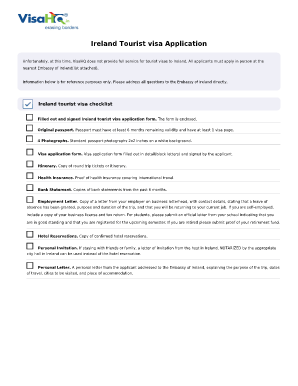
Ireland visa application form pdf
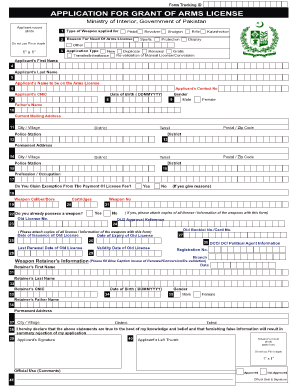
Application for grant of arms license islamabad

Hack license broward
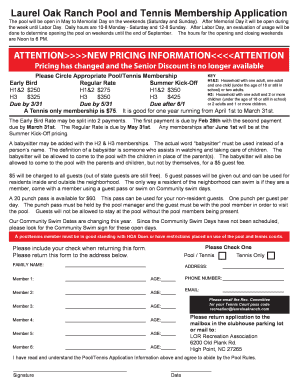
Laurel oak ranch pool
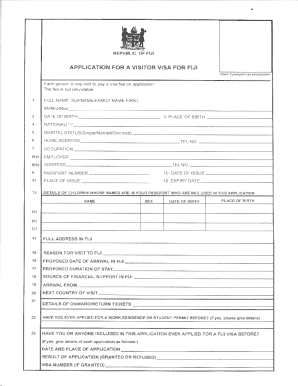
Visitor visa single application

DEPARTMENT OF THE ARMY - Womack Army Medical Center
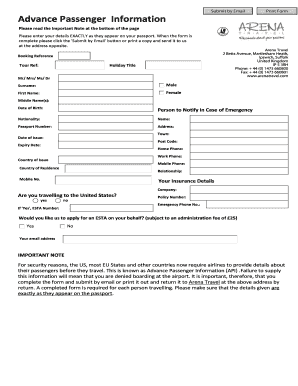
Advanced passenger information form
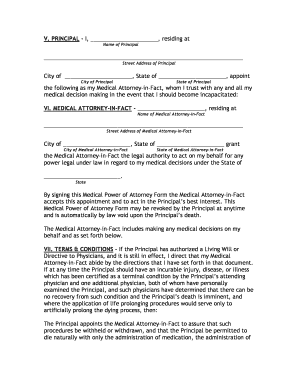
Kentucky Medical Power of Attorney Form
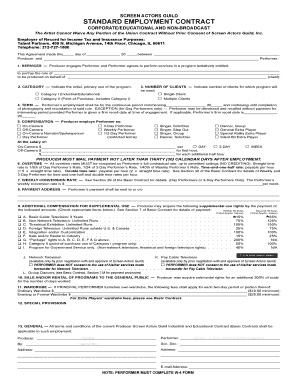
SAG-AFTRA Industrial Contract - Talent Partners
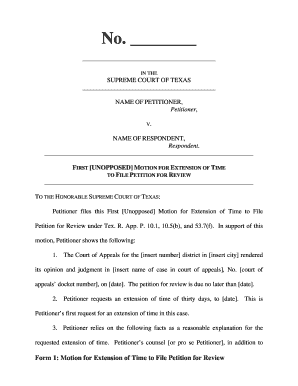
Time petition format
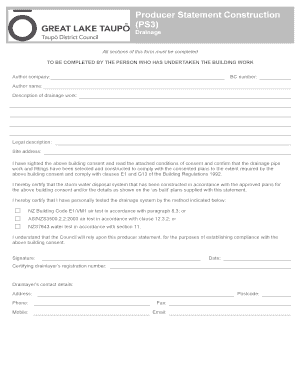
Producer Statement Template - Drainage - Taupo District Council - taupodc govt
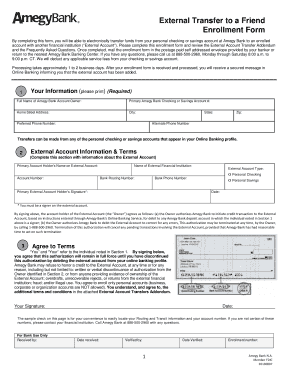
Amegy bank direct deposit form
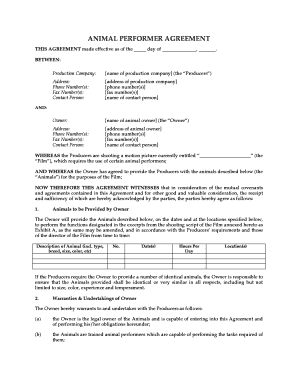
ANIMAL PERFORMER AGREEMENT - MegaDox

PHYS 2326 - Laredo Community College - laredo

Declaration of Deregistration - I amsterdam
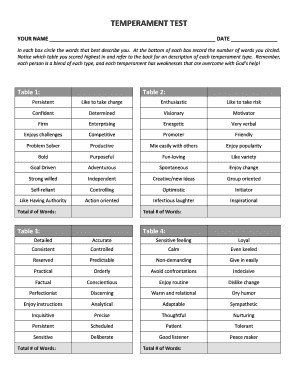
Temprament test

Invoice review checklist
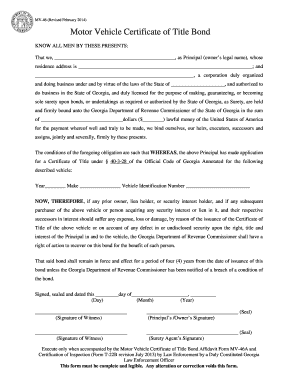
Printable mv 46 form

Time-Delayed and Date-Certain Delivery Mail - prc
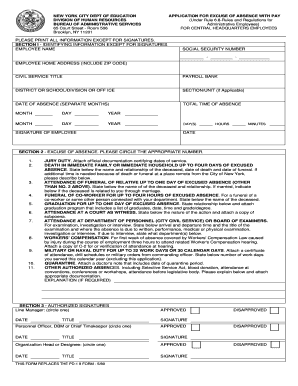
Pd19
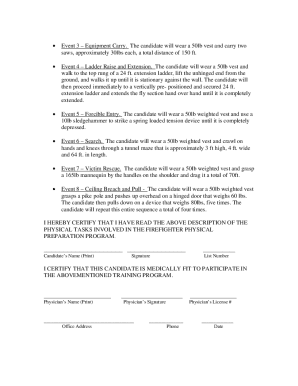
Fdny letterhead

Pre-Operative Pacemaker Implantable Cardioverter Defibrillator Form

Measures of center worksheet answer key pdf
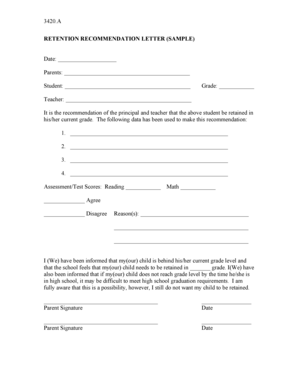
Sample retention letter to parents
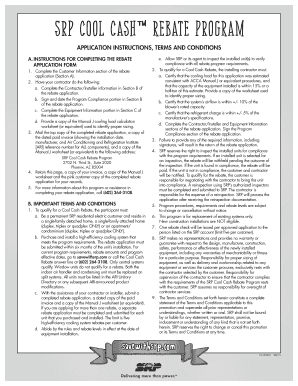
Srp rebate form
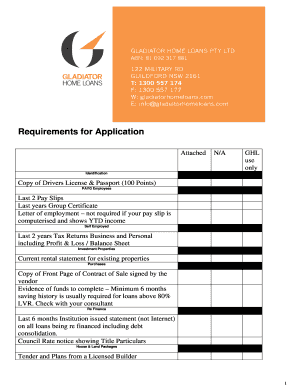
Ics outsourcing online test

Autovan Commercial Motor Insurance Proposal form - Car Insurance
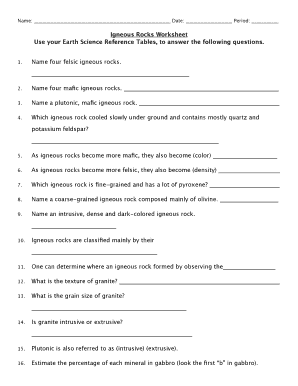
Igneous rocks worksheet answer key
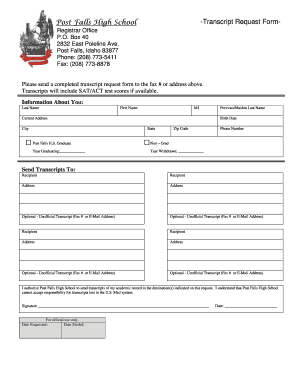
Post falls high school high school transcript form

Pedi ikdc pdf
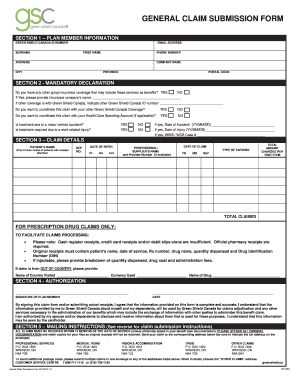
Greenshield claim forms

LCSW SHORT-FORM APPLICATION (Two-Part Document) PART I: Affirmation and Signature Note: This documen
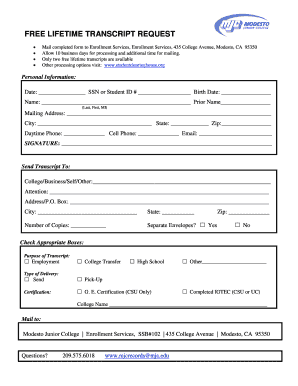
Modesto junior college transcripts
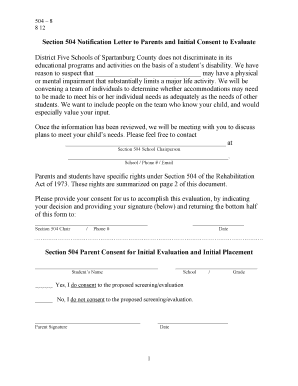
Section 504 Notification Letter to Parents
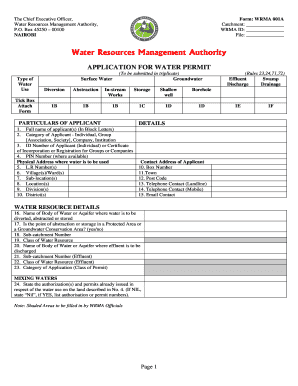
Wrma application forms

Sponsorship form nz
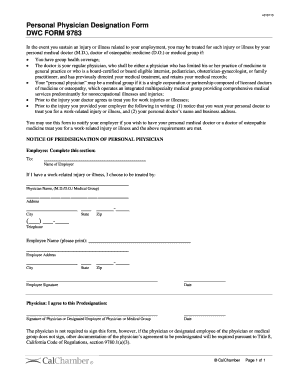
Dwc form 9783
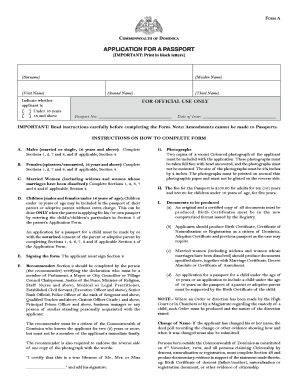
Dominica passport form
Benefit from the DocHub online library of fillable PDF forms
Searching the PDF forms doesn't have to be a tedious and time-consuming process. With the DocHub online library, it has become easier to find the fillable PDF forms and modify them in your browser. The service allows you to adjust the document to your needs using powerful editing tools.
You can use online document editing features to modify almost any type of document with ease. You just need to find the template of your choice, open it in the editor, and use the toolbar to make the necessary corrections.
Follow this guide to get your document done with DocHub:
- Find the PDF template you need.
- Click the Get Form button to open the file in the editor.
- Use the toolbar to fill out and edit the document.
- Easily add and highlight text, insert images, checkmarks, and symbols.
- Drop new fillable fields, and rearrange or delete pages from your file.
- Save changes and download your record.
DocHub empowers everyone to streamline document editing, signing, and distribution, and form completion. Create an account and benefit from our well-organized PDF Forms library and comprehensive editor.