
Get any PDF form from the DocHub library of ready-made templates - Page 1184

Nht indemnity form
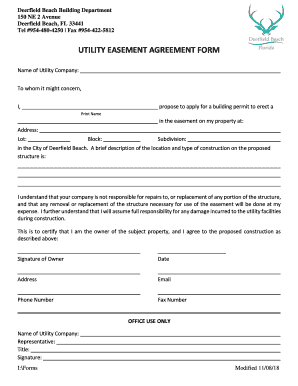
Utility agreement template
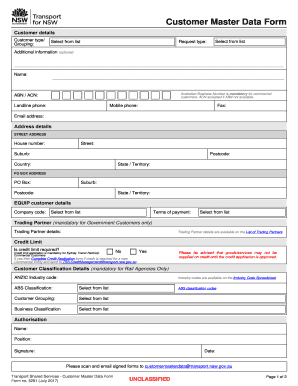
Master data form
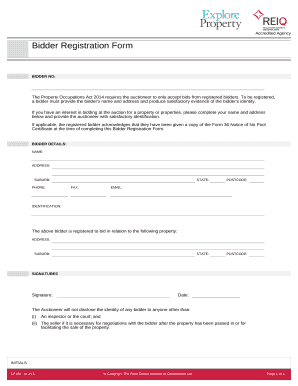
Bidder Registration Form - Explore Property
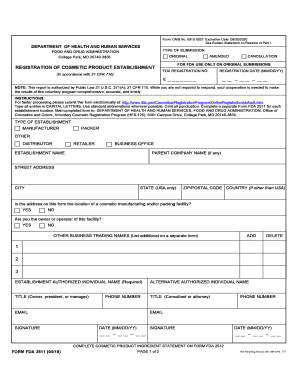
Fda 2511 form
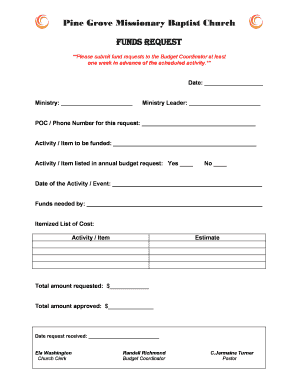
Church funds request form
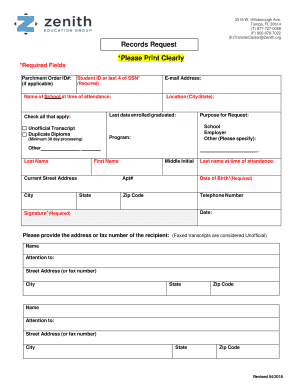
Transfercenter zenith org
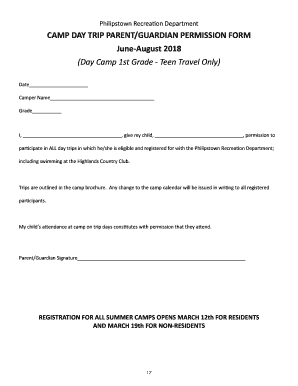
CAMP DAY TRIP PARENT GUARDIAN PERMISSION FORM
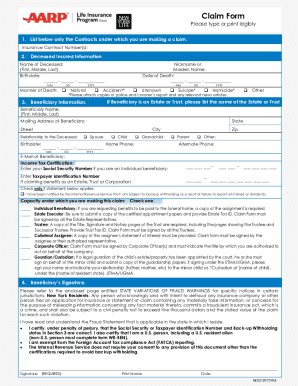
Dear Beneficiary: Please accept our - AARP Life Insurance Program
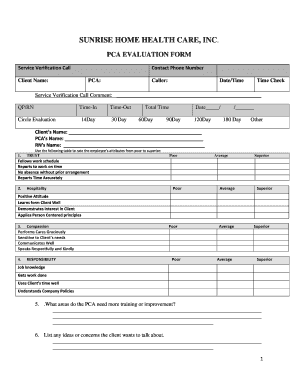
PCA EVALUATION FORM - Sunrise Home Health Care,

Credit Card Authorized User Form Credit Card Authorized User Form

Sea trial checklist pdf

Speed II Questionnaire for Dry Eye Disease Ocular Surface Disease

Credit Restoration Agreement - Credit Repair
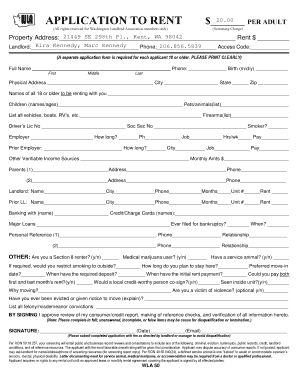
RENTAL APPLICATION Equal Housing Opportunity - RentLinx
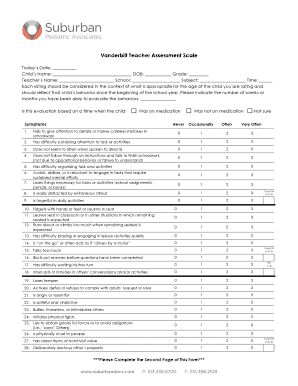
Vanderbilt-Teacher-Assessment-Form
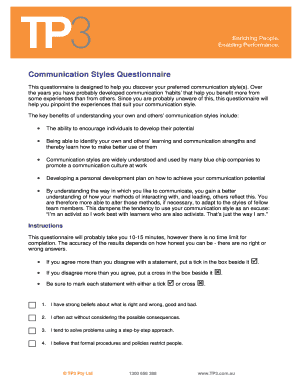
Communication styles quiz pdf

California withholding support
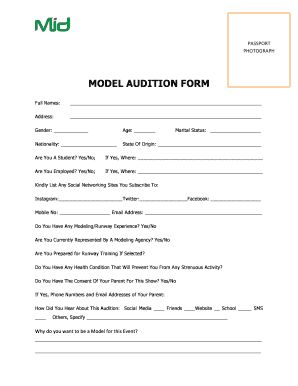
Model audition form
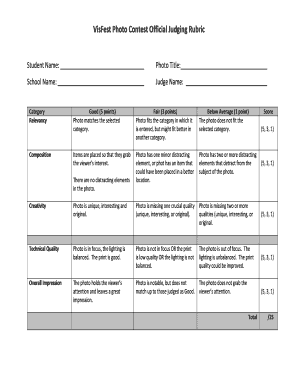
Rubrics for photography contest
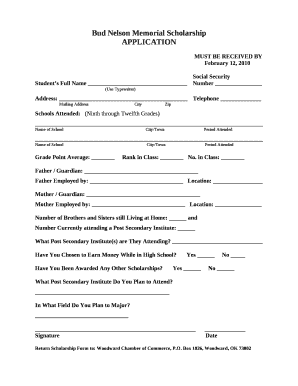
Memorial scholarship template

COLLEGE DEAN LETTERHEAD
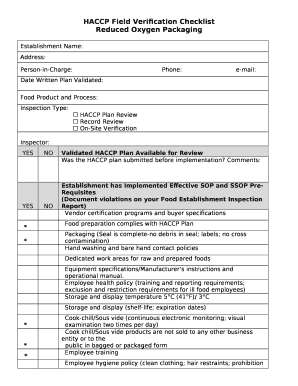
Haccp validation and verification examples pdf
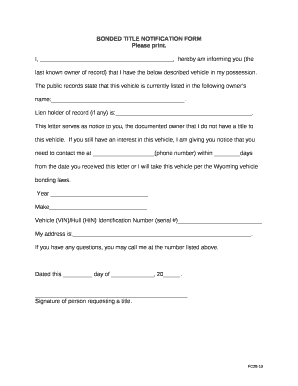
BONDED TITLE NOTIFICATION FORM
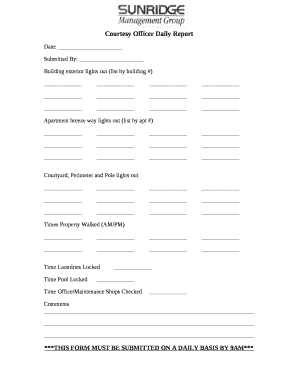
Apartment courtesy officer checklist
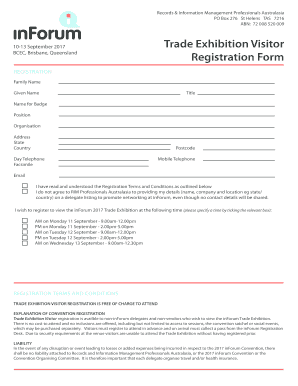
Trade Exhibition Visitor

Sbti target submission form

Volume of a rectangular prism

Shipping form
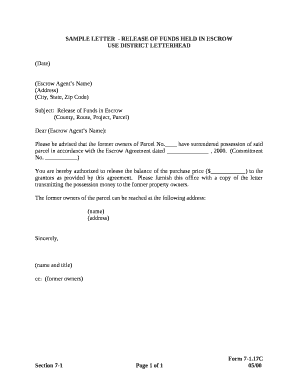
Request letter for fund release from company
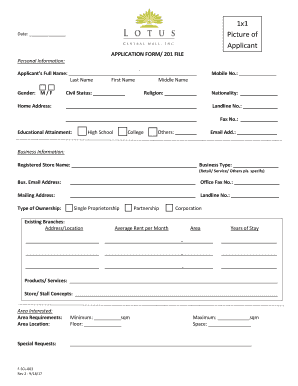
201 file sample

Wells Fargo fax:

R44 form
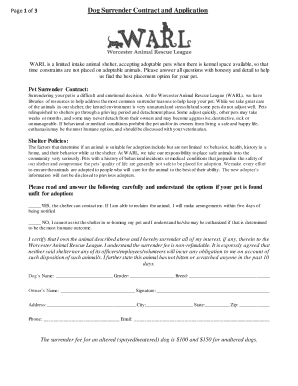
Dog owner surrender contract

Pulpit etiquette pdf

Ics 202 example

Osint report template
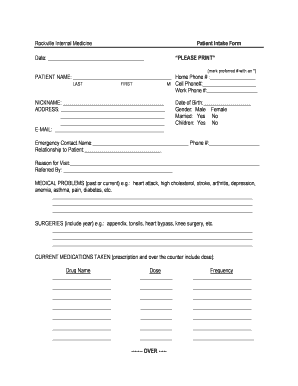
Rockville Internal Medicine

Rg 010a
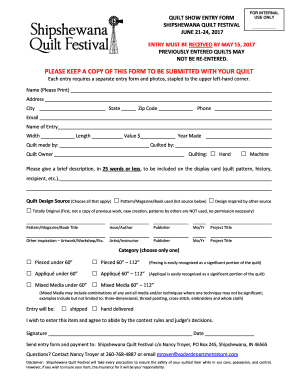
Quilt show entry forms
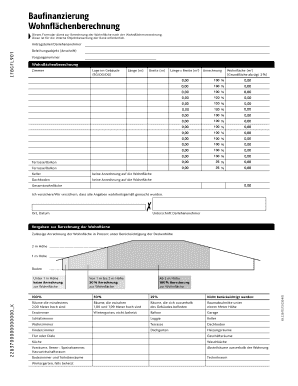
Baufinanzierung Wohnfl chenberechnung - marcobruse
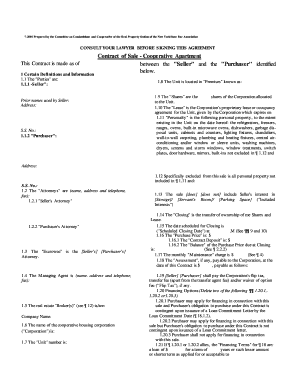
Contract of Sale Cooperative Apartment-1000-27 7-2001 Prepared by the Committee on Condominium and C
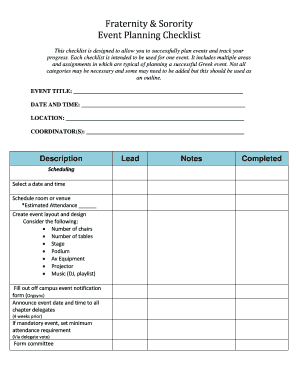
Fraternity & Sorority Event Planning Checklist - csusb
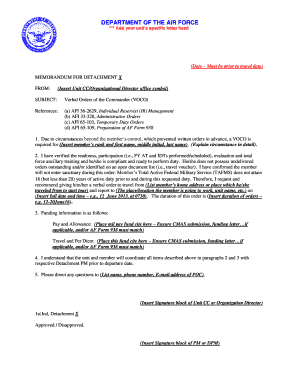
Air force letter format
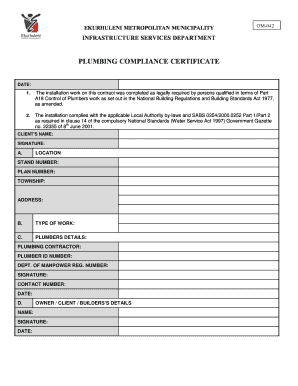
Plumbing coc template
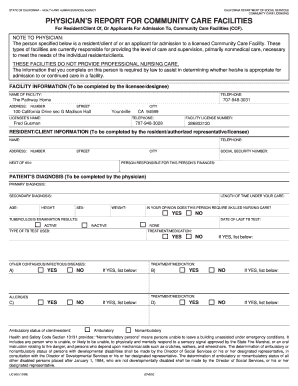
Physician's report for community care facilities
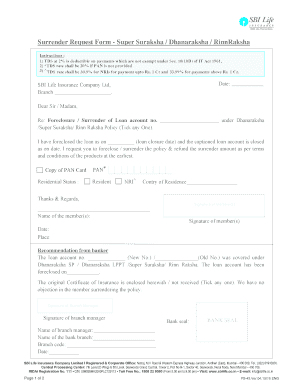
Edit data in pdf

Farrell s OperatiOn Manual Farrell s Kickboxing Handbook

BMI Direct Deposit Authorization Form

Wa dol certificate of fact

Enrolment forms fo pre school

Grade 5 history exam papers pdf
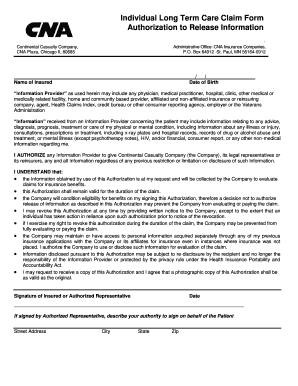
CNA Authorization to Release Information - Amada Senior Care

Worksafebc form 6a

Data safety and monitoring plan example

New Patient Questionnaire - hss
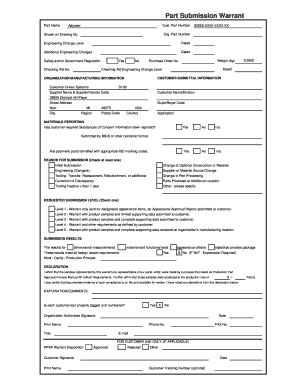
Ppap psw template

Harris County Appraisal District Business & Industrial - hcad

Purdue substitute w 9
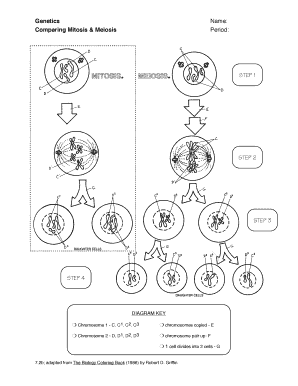
Meiosis coloring worksheet

Standard Template Letter - Bilingual (Protected)

Chapter 6 paying taxes vocabulary check

Statement of organizer

Grade check form for athletics
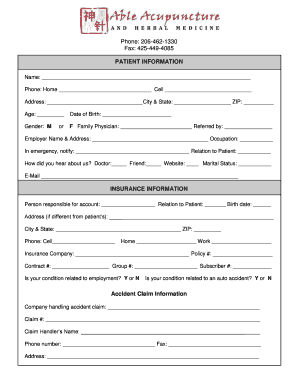
New Patient Registration Form - Able Acupuncture & Herbal Medicine
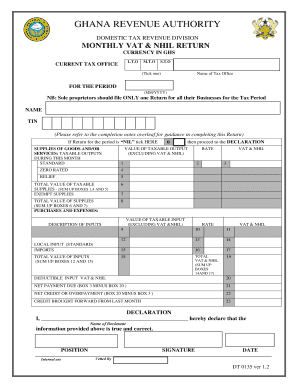
Sample vat invoice ghana
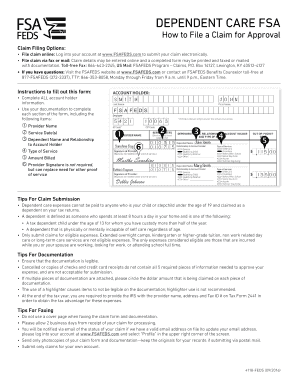
4118 feds
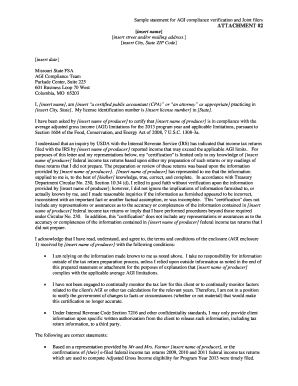
Sample statement for AGI compliance verification and Joint filers - fsa usda
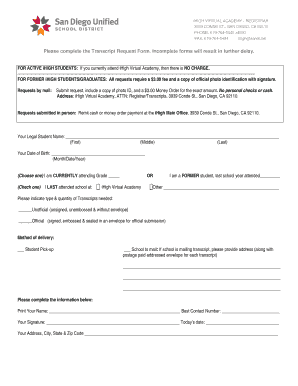
Transcript request form - San Diego Unified School District

Mortgage Form 6 1 - Charge Mortgage of Land - Manitoba (6260 MB
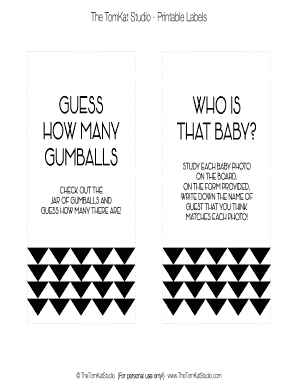
Guess how many pdf
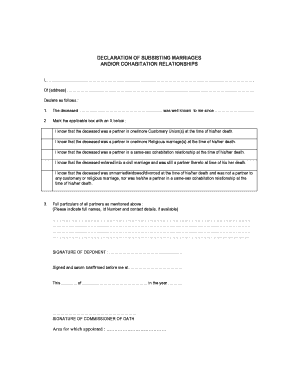
Declaration of subsisting marriages
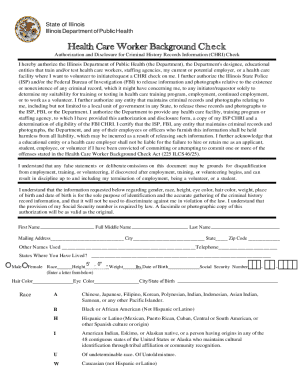
Healthcare worker background check form
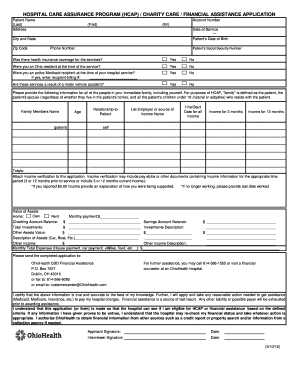
Ohio health financial assistance online application

Sample Rental History Verification Form - Pdfsdocuments

Epworth Sleepiness Scale - Sleep Solutions
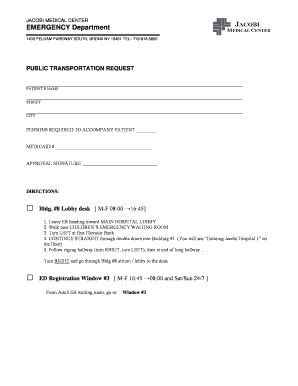
JACOBI MEDICAL CENTER EMERGENCY Department - remed
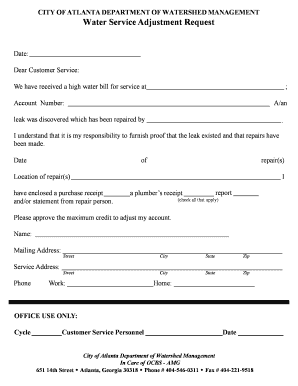
Water Service Adjustment Request - ATL 311
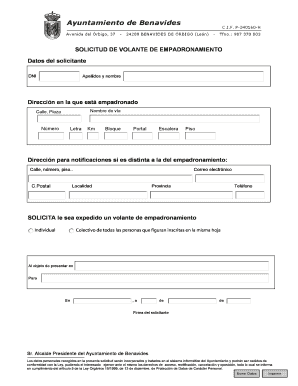
Modelo de empadronamiento
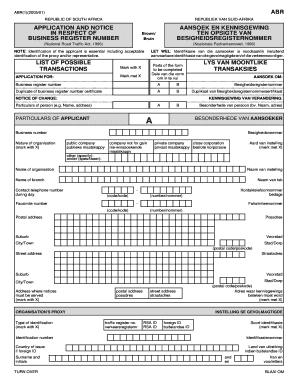
Abr form
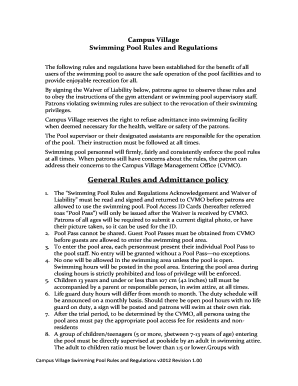
Swimming Pool Rules and Regulations v20120519 Cleaneddocx - campusvillage
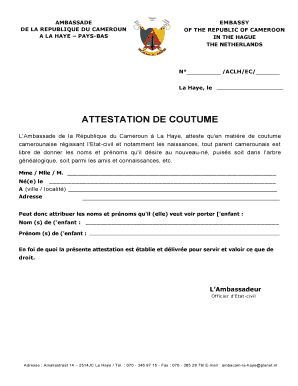
Certificat de coutume

AUTHORIZATION CARD INSTRUCTIONS - Teamsters Local Union 856 - teamsters856
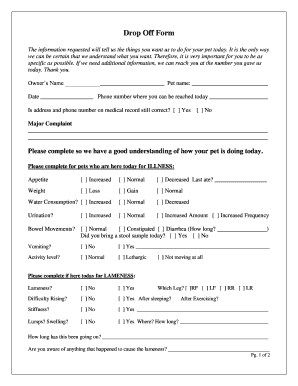
Drop Off Form - Welcome to Park Place Veterinary Hospital
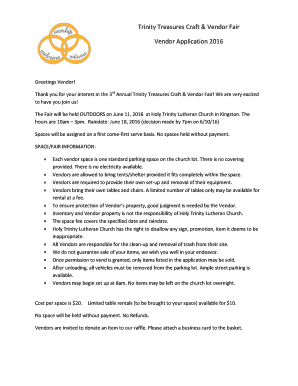
Htlconline
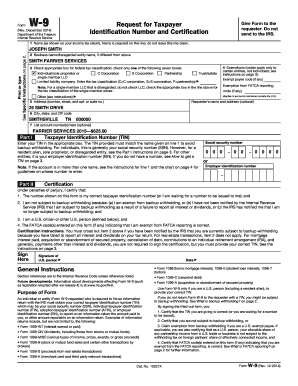
Sample w9 form
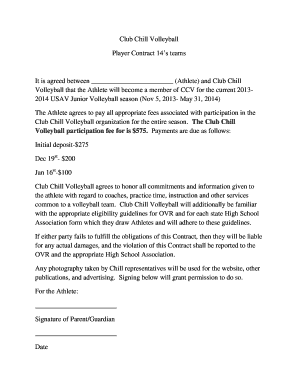
Volleyball player contract template
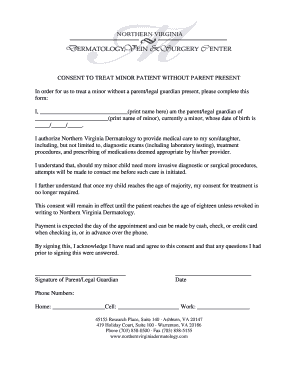
CONSENT TO TREAT MINOR PATIENT WITHOUT PARENT PRESENT In order for us to treat a minor without a par
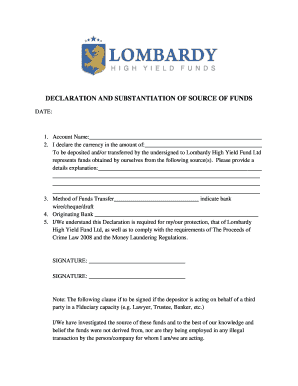
Source of funds declaration letter
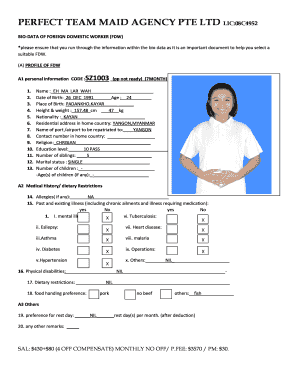
Biodata form for domestic helper
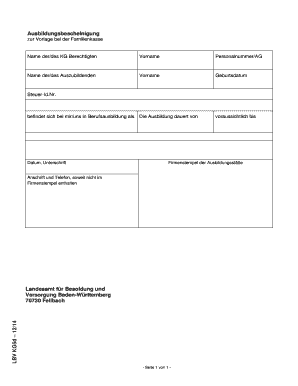
Ausbildungsbescheinigung vorlage word
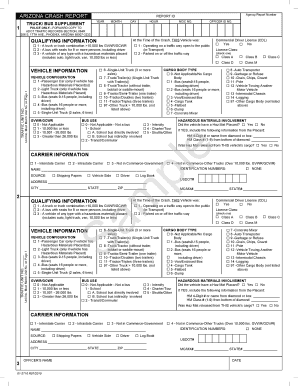
Arizona crash report form
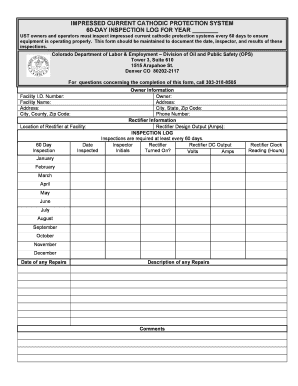
IMPRESSED CURRENT CATHODIC PROTECTION SYSTEM 60DAY INSPECTION LOG FOR YEAR UST owners and operators
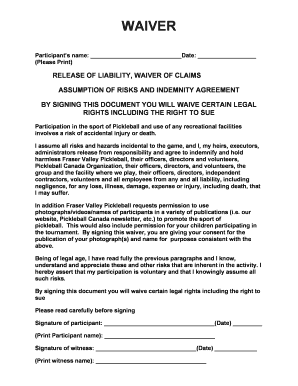
Bwaiverb - Fraser Valley Pickleball - fraservalleypickleball
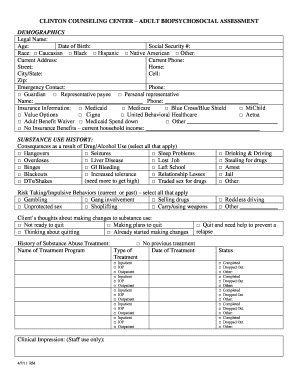
BIOPSYCHOSOCIAL ASSESSMENT - Clinton Counseling Center
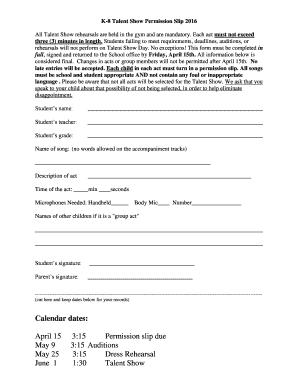
Talent Show Permission Slip - bunityschoolbbcomb
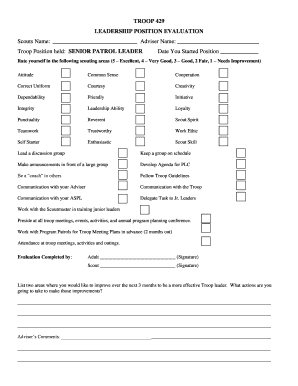
Scout Evaluation Forms PDF - BSA Troop 429 - bsatroop429

Sunday School Registration Form - St George Orthodox Church - stgeorgesf
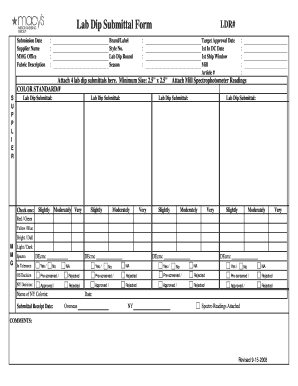
Lab dip submission form
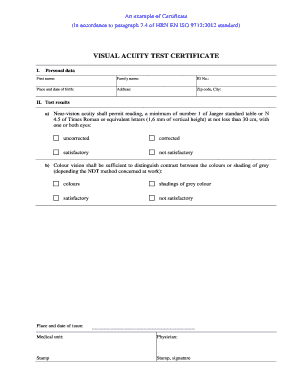
Visual acuity test form
Benefit from the DocHub online library of fillable PDF forms
Searching the PDF forms doesn't have to be a tedious and time-consuming process. With the DocHub online library, it has become easier to find the fillable PDF forms and modify them in your browser. The service allows you to adjust the document to your needs using powerful editing tools.
You can use online document editing features to modify almost any type of document with ease. You just need to find the template of your choice, open it in the editor, and use the toolbar to make the necessary corrections.
Follow this guide to get your document done with DocHub:
- Find the PDF template you need.
- Click the Get Form button to open the file in the editor.
- Use the toolbar to fill out and edit the document.
- Easily add and highlight text, insert images, checkmarks, and symbols.
- Drop new fillable fields, and rearrange or delete pages from your file.
- Save changes and download your record.
DocHub empowers everyone to streamline document editing, signing, and distribution, and form completion. Create an account and benefit from our well-organized PDF Forms library and comprehensive editor.