
Get any PDF form from the DocHub library of ready-made templates - Page 1154

Fnu withdrawal form
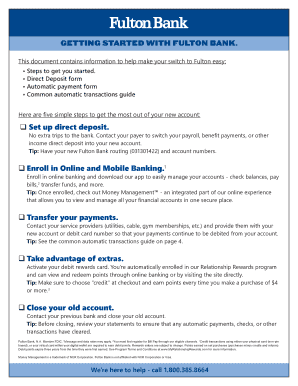
Fulton bank direct deposit form

Application to add a child to an existing child support assessment (CS065)
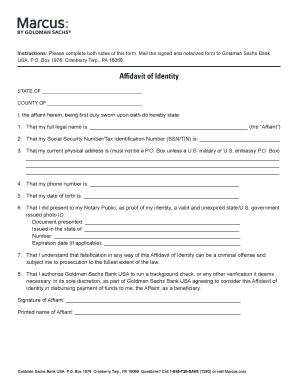
Marcus affidavit of identity
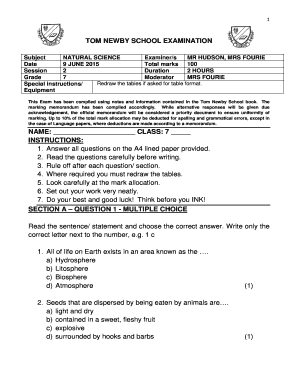
Tom newby grade 4 e notes
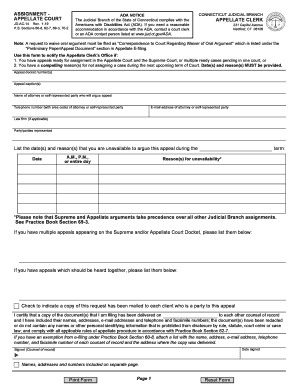
Form appellate court

FHA Amendatory Clause Real Estate Certification

Medicare prospecting letter

Tmuniverse

Victim Impact Statement - Hillsborough County State Attorney Office

Application for payment excel
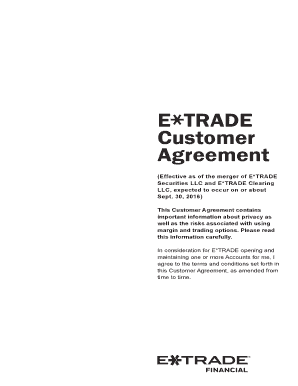
Etrade customer agreement
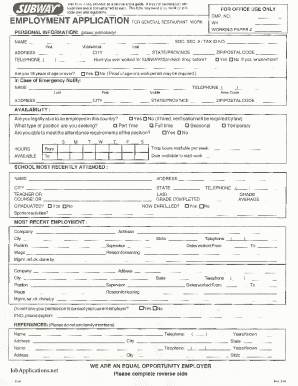
Subway Job Application Form
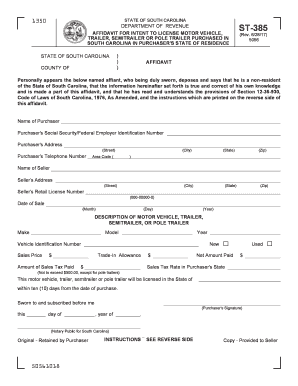
South carolina

Counselling Form IUCD - icgp ie
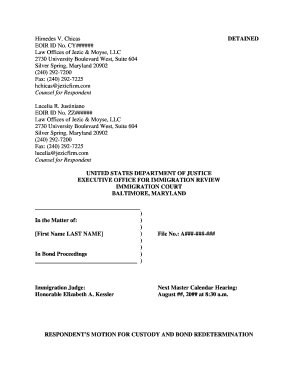
Sample Motion for Custody and Bond Redetermination
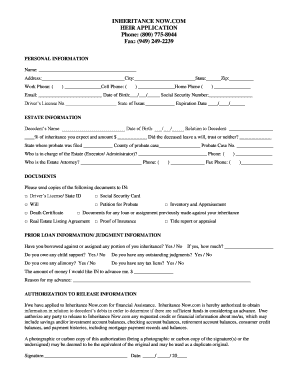
Advance on inheritance form

The great debaters movie response worksheet answer key pdf
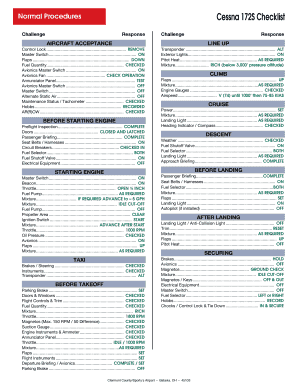
Cessna 172 checklist excel
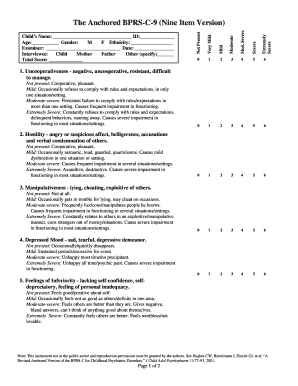
Bprs child version pdf
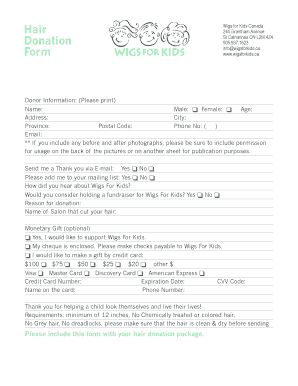
Wigs for kids form
Emdr target sequence plan
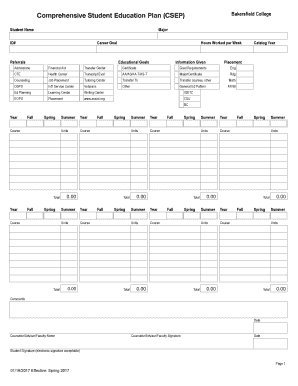
Plan csep

Sample notice of appearance, 04-04-14 doc

Parental guardian approval for minor to travel and medical authorization
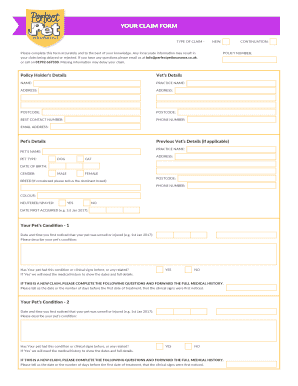
Perfect pet claim form
Annex for UAE AVI Import

Pigeon pedigree forms blank download
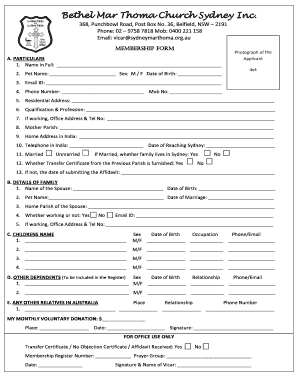
Membership Form - Bethel Mar Thoma Church, Sydney
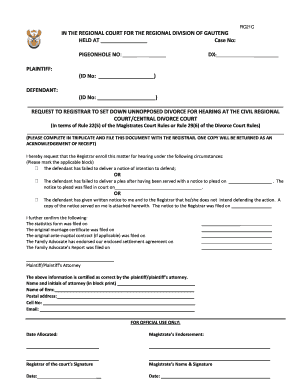
South african divorce papers pdf download
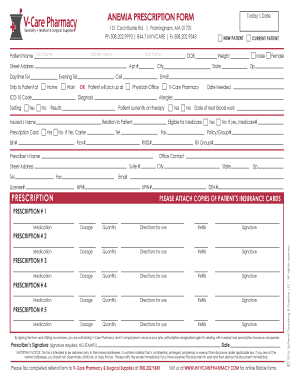
ANEMIA PRESCRIPTION FORM
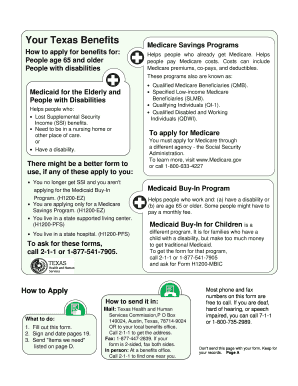
HHSC - Your Texas Benefits
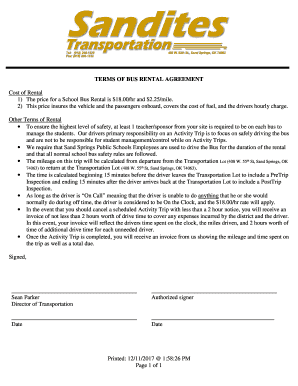
Bus rental agreement template

Ucsd powerpoint template
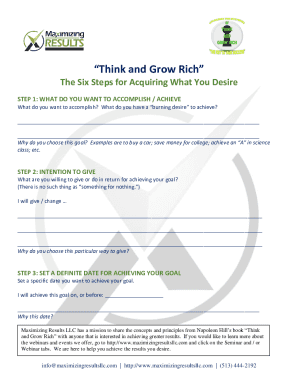
Think and grow rich 6 steps template

Resilient quiz

Shellfish Harvest Record
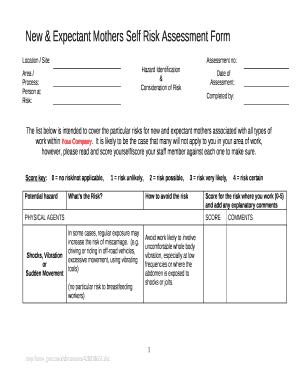
Expectant mother and baby information sheet

Science 24 final exam
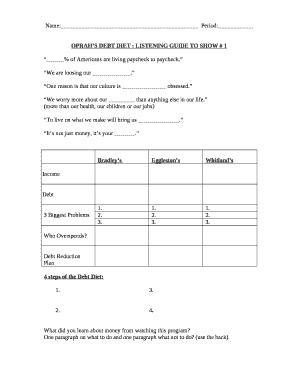
Oprah's debt diet worksheet
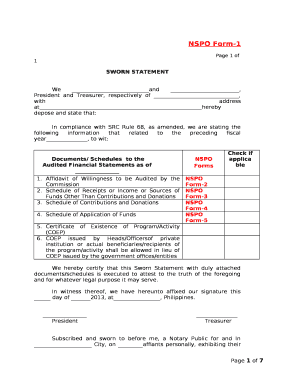
Nspo form 1 download
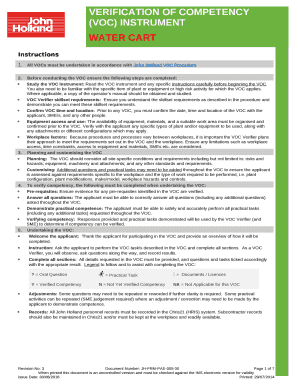
Voc form
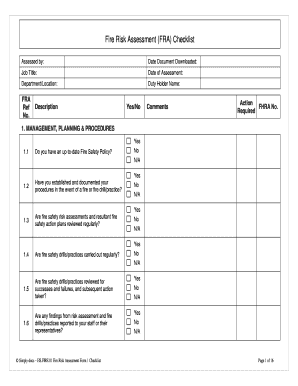
Fire Risk Assessment (FRA) Checklist

Cheerleading demerit form template

Dance assessment rubric

Learning journal template word
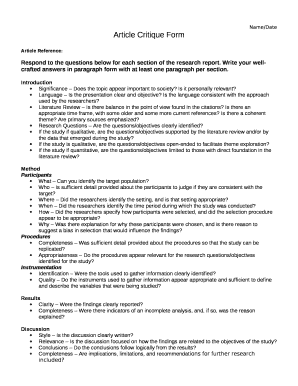
Article critique template
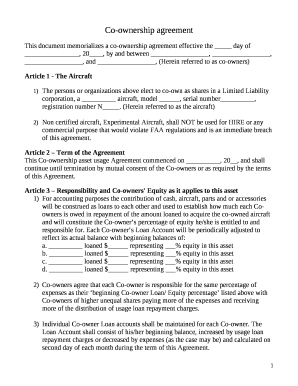
Co ownership agreement template

Rhinitis control assessment test pdf
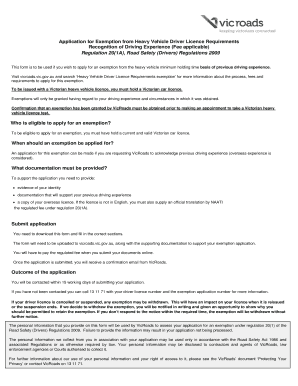
Exemption letter for hr licence
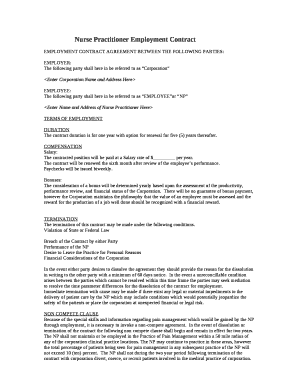
Nurse practitioner employment contract example

COOK COUNTY HIGH SCHOOL EQUIVALENCY RECORDS OFFICE

Free Printable Behavior Charts Anger Management Stoplight

Hertz family and friends discount
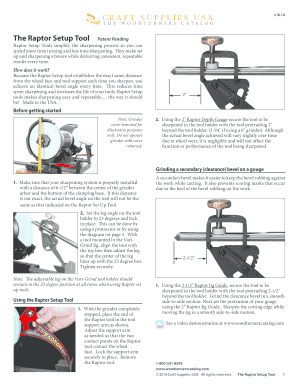
Raptor setup tool template

Golf match play spreadsheet

Dliq template

Designated Beneficiary Plan Agreement - Tembion Capital
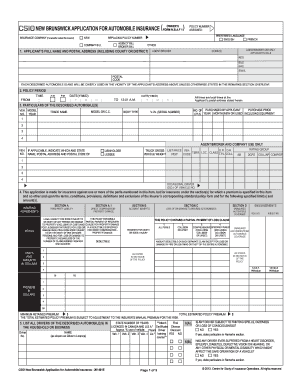
Nbaf1
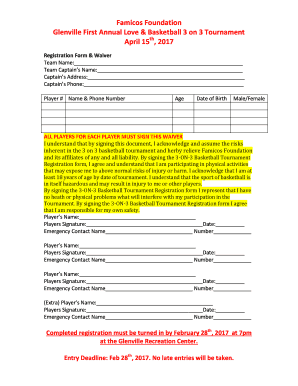
3 on 3 Basketball Tournament Registration Form & Waiver

Incident Form Cheat Sheet - YMCA of Greater Brandywine

Non borrower contribution sample
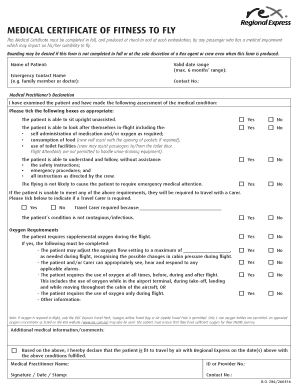
Fitness to fly certificate form
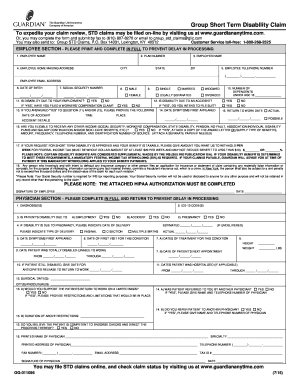
Group short term disability claim form
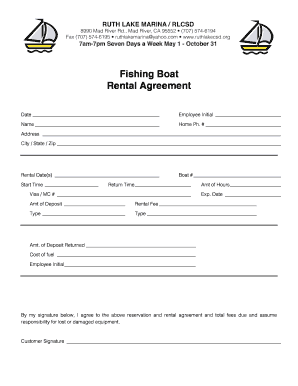
Rentals vieos foms pdf

C14 form
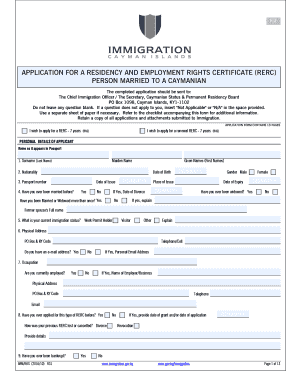
APPLICATION FOR A RESIDENCY AND EMPLOYMENT RIGHTS CERTIFICATE (RERC)

Registration securities
Gridded response practice sheet

Invitation letter for visa uk

The martian worksheet pdf answers

AFFIDAVIT OF DOMESTIC PARTNERSHIP - employeebenefits ri - employeebenefits ri

Demande de passeport express

Columbia Business School Security Analysis Student Lecture
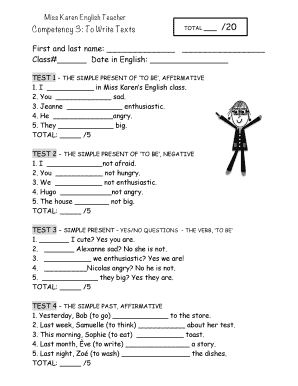
Grade 5 exam papers download pdf
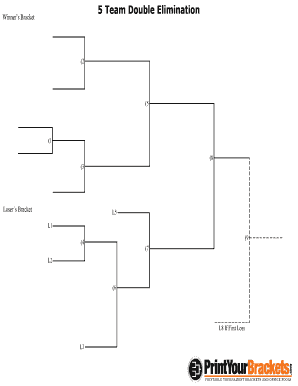
5 Team Double Elimination - PrintYourBrackets

VOLUNTEER RELEASE FORM FOR MINORS (under the age of 18)
Docusign credit card authorization form
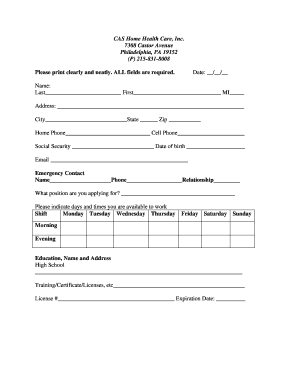
CAS Home Health Care Application for Website docx - cashomehealth
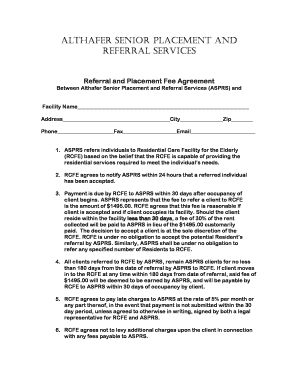
Althafer senior placement and referral services - Althafer Assisted
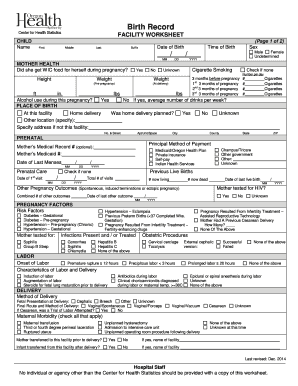
Oregon death certificate form
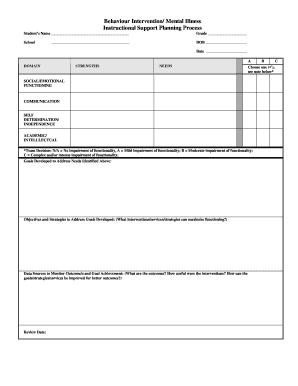
Behaviour Intervention Mental Illness Instructional Support Planning Process Behaviour Intervention

Employee of the Month Nomination Form - City of Manitou
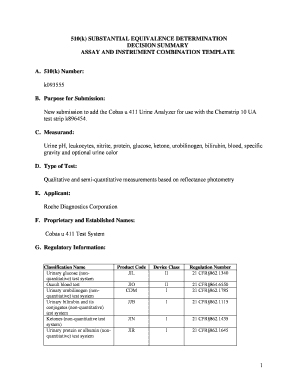
New submission to add the Cobas u 411 Urine Analyzer for use with the Chemstrip 10 UA

Girl scout parent handbook
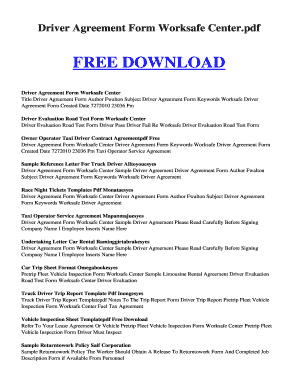
Taxi driver agreement form
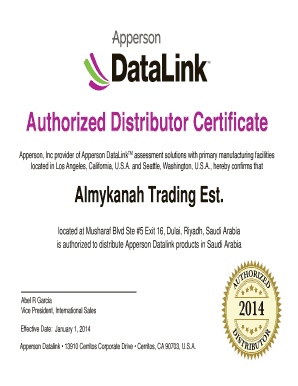
Distribution certificate format
Zoning and Development Handbook - City of Sachse

Study leave form pdf
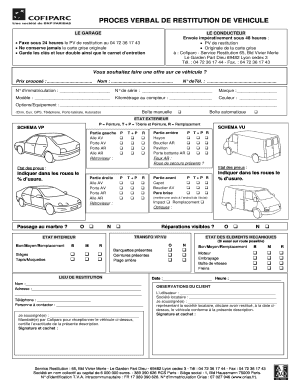
Mod le pv restitution v hicule

Pine green property management
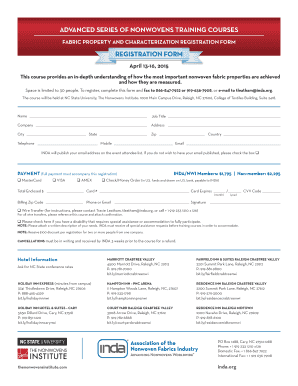
ADVANCED SERIES OF NONWOVENS TRAINING COURSES FABRIC PROPERTY AND CHARACTERIZATION REGISTRATION FORM
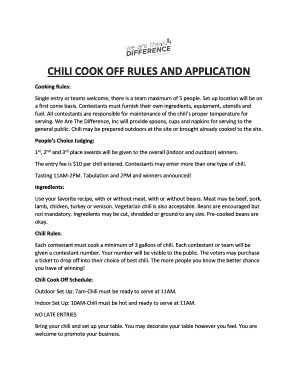
CHILI COOK OFF RULES AND APPLICATION - wearethedifference

Lamentations of the flame princess character sheet
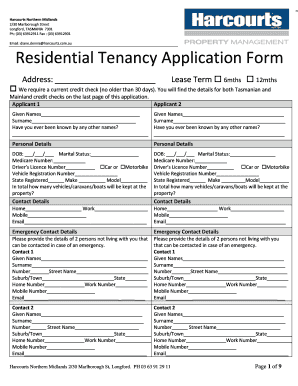
Harcourts Northern Midlands 2 30 Marlborough Street Longford, TASMANIA 7301 Ph: (03) 63912911 Fax :

Kiss me kennels
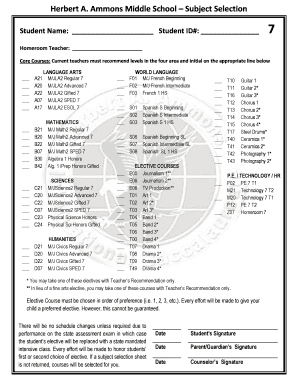
Herbert a ammons
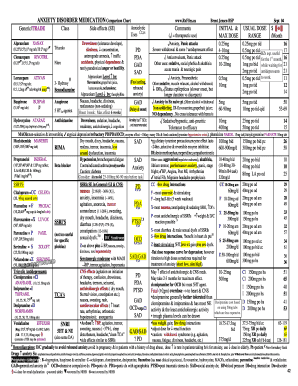
Anxiety medication comparison chart
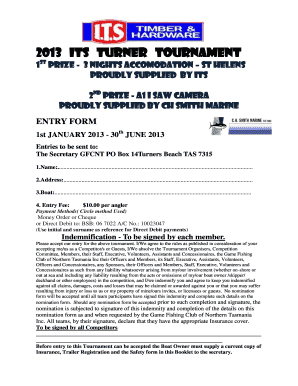
2013 its turner tournament - Game Fishing Club of Northern Tasmania

Statement of issues and contentions
Benefit from the DocHub online library of fillable PDF forms
Searching the PDF forms doesn't have to be a tedious and time-consuming process. With the DocHub online library, it has become easier to find the fillable PDF forms and modify them in your browser. The service allows you to adjust the document to your needs using powerful editing tools.
You can use online document editing features to modify almost any type of document with ease. You just need to find the template of your choice, open it in the editor, and use the toolbar to make the necessary corrections.
Follow this guide to get your document done with DocHub:
- Find the PDF template you need.
- Click the Get Form button to open the file in the editor.
- Use the toolbar to fill out and edit the document.
- Easily add and highlight text, insert images, checkmarks, and symbols.
- Drop new fillable fields, and rearrange or delete pages from your file.
- Save changes and download your record.
DocHub empowers everyone to streamline document editing, signing, and distribution, and form completion. Create an account and benefit from our well-organized PDF Forms library and comprehensive editor.