
Get any PDF form from the DocHub library of ready-made templates - Page 1152
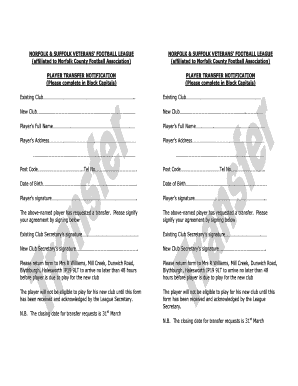
Football transfer letter sample
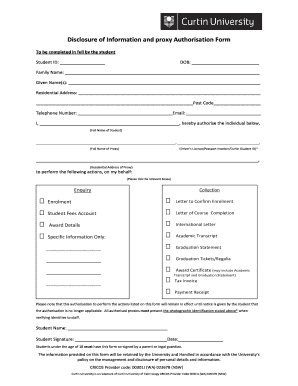
Curtin proxy form
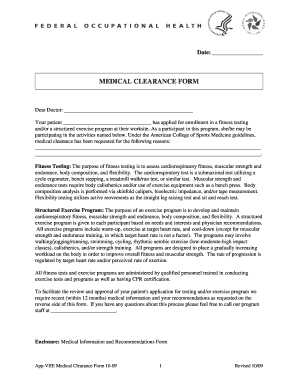
MEDICAL CLEARANCE FORM - Federal Occupational Health - foh hhs
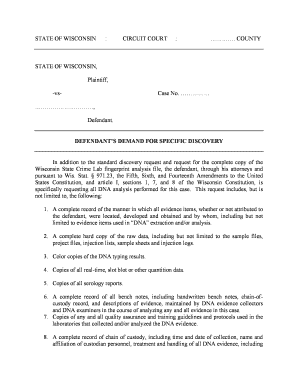
Lepsch Specific Discovery Demand DNAdocx
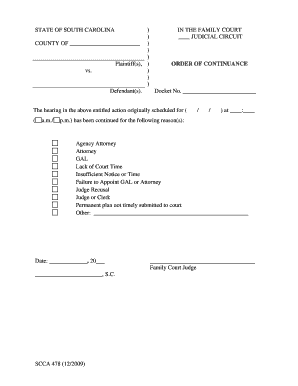
Scca 478 - South Carolina Judicial Department - judicial state sc
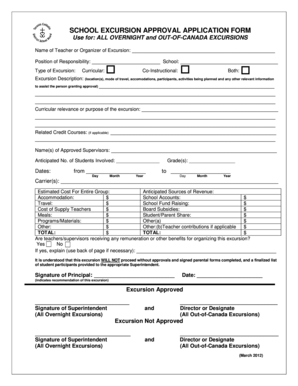
Tcdsb excursion forms
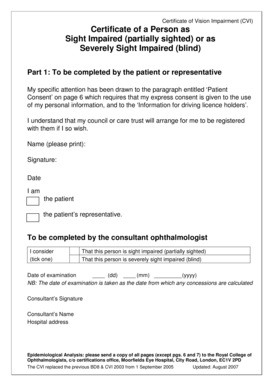
Certificate of a Person as Sight Impaired (partially sighted - Gov UK
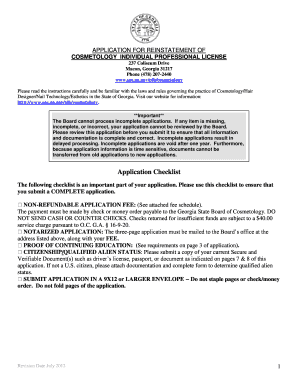
Application for reinstatement of cosmetology individual - Georgia - sos ga
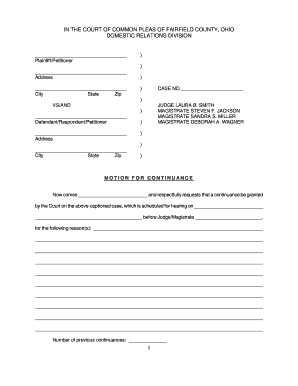
Motion For Continuance - Fairfield County - co fairfield oh
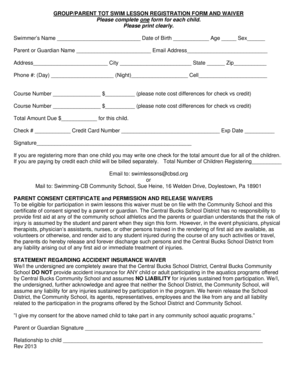
GROUP PARENT TOT SWIM LESSON REGISTRATION FORM AND WAIVER Please complete one form for each child -
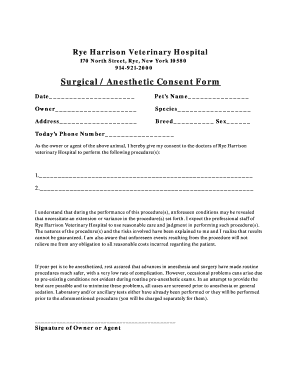
Veterinary anesthesia consent form
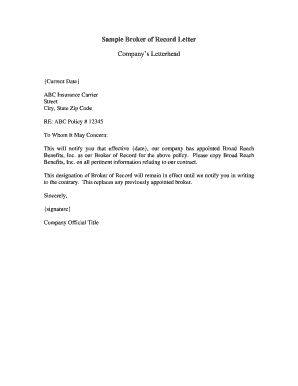
Agent of record letter sample

Medication disposition form
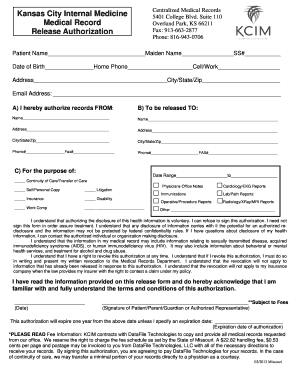
Medical Records Release Form - Kansas City Internal Medicine

Bluewater District School Board OFFENCE DECLARATION FORM

Chronic low back pain questionnaire images

Fines victoria nomination statement form

Wcpss field trip forms
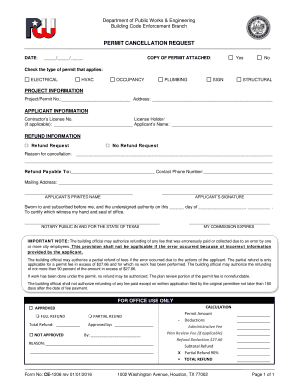
Permit cancellation form
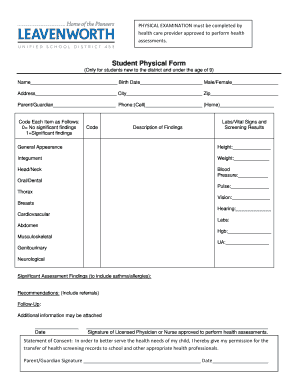
Student Physical Form - Leavenworth Unified School District 453 - usd453
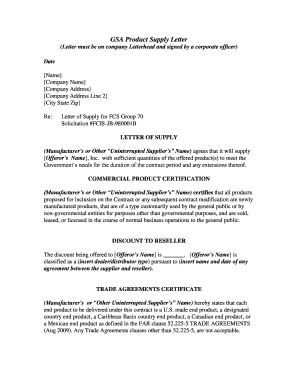
Letter of supply
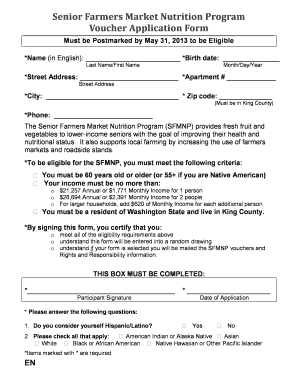
How to apply for farmers market vouchers

Anonymous Bullying Report Form - cms k12 nc
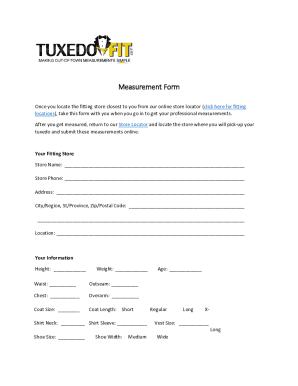
Tuxedo measurement form pdf
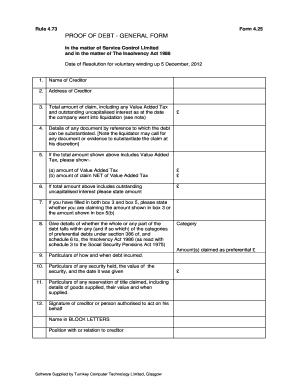
Proof of debt form
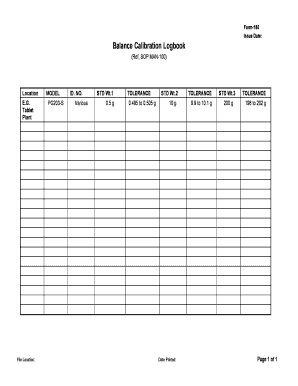
Scale calibration log sheet

Human Services Normal v2 1 Hazard report form used for reporting hazards at a workplace - rch org
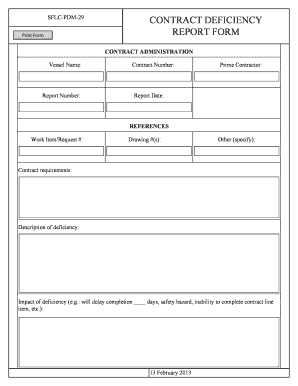
Deficiency report template

Prepayment penalty clause

Pediatric sleep center referral form outpatient history and physical - millerchildrenshospitallb

Mini cog pdf
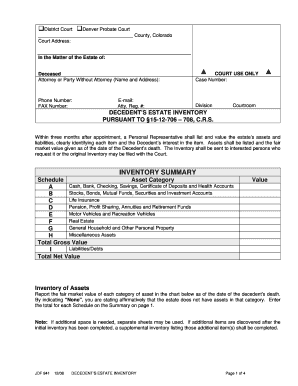
Probate accounting template excel
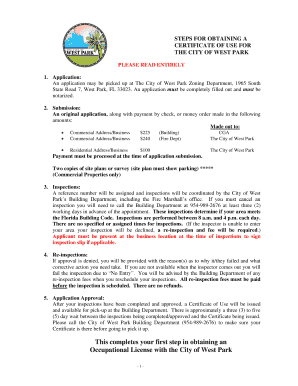
Certificate of Use Application - City Of West Park - cityofwestpark
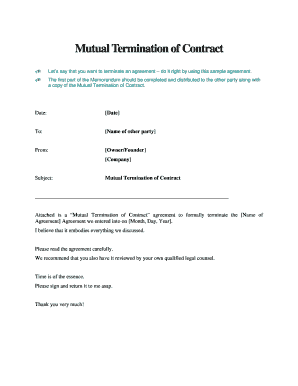
Mutual termination

School finance - Oklahoma State Department of Education
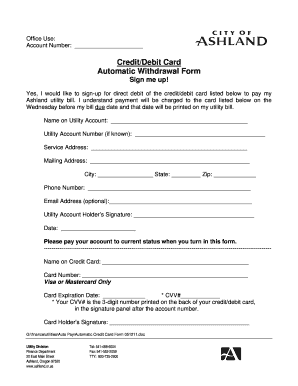
Automatic withdrawal form
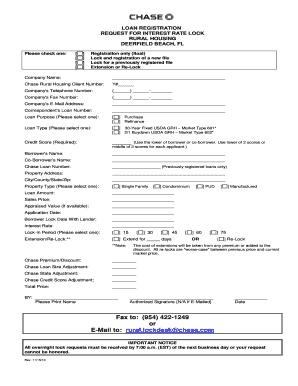
Chase bank forms
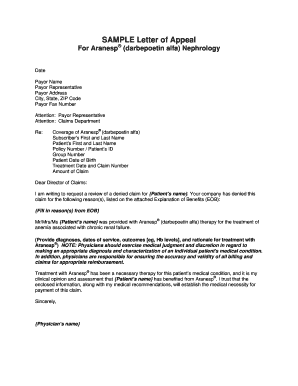
Health insurance appeal letter example

Cub scout registration form
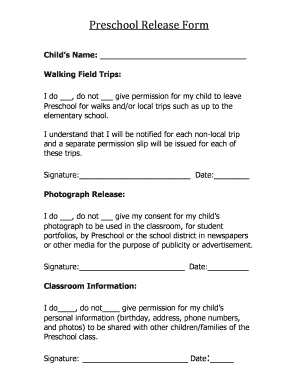
Photo permission release for preschool

S Bonds
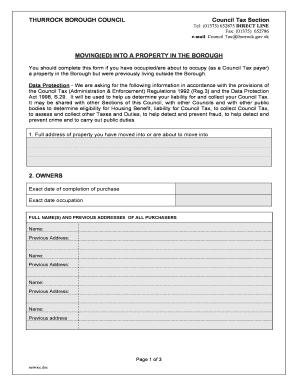
Thurrock council tax moving house
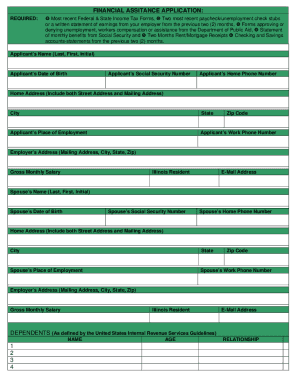
Rush copley financial assistance
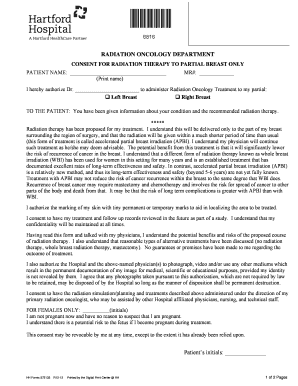
CONSENT FOR RADIATION THERAPY TO PARTIAL BREAST ONLY (ENGLISH), #572132 Hartford Hospital Consent Fo
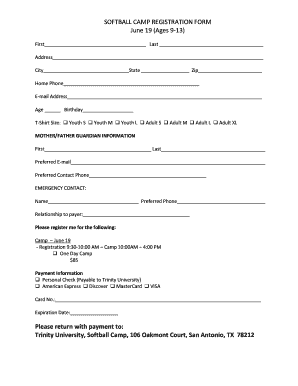
SOFTBALL CAMP REGISTRATION FORM - Trinity University - web trinity
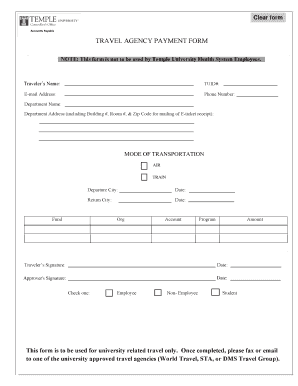
TRAVEL AGENCY PAYMENT FORM - Temple University
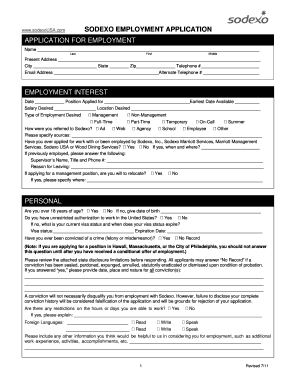
Sodexo salary slip download
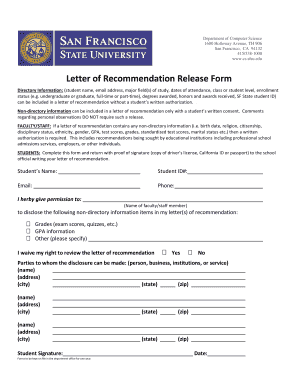
Sfsu letter of recommendation

Mn nursing assistant registry renewal form
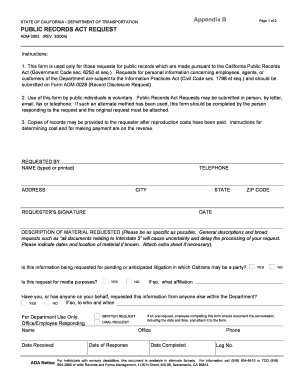
Caltrans public records request

Fence permit application - Shawnee County
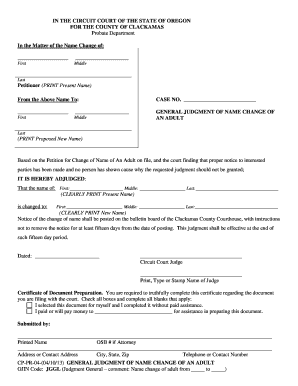
Oregon name change forms for adults

Knight sims scholarship form
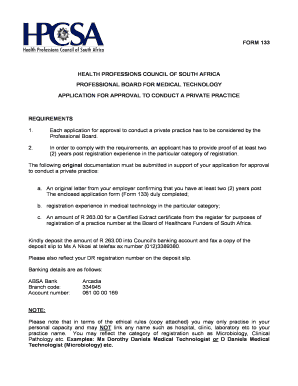
Form 133
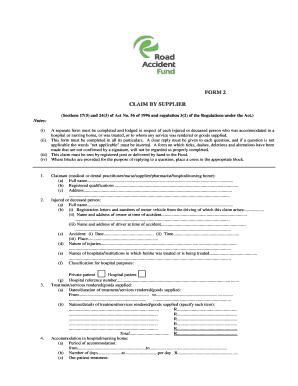
Form 2 - Claim by Supplier - Road Accident Fund - raf co
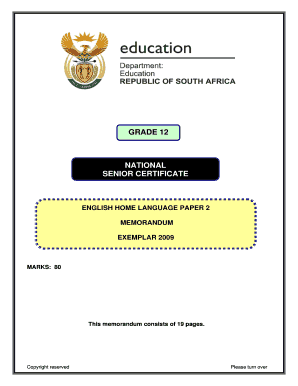
Grade 11 sepedi paper 2 pdf
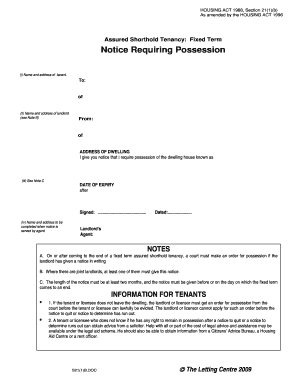
Section 21 form

Annuity common quotation form 2022
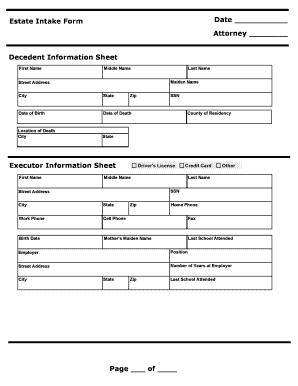
Death first call sheet pdf
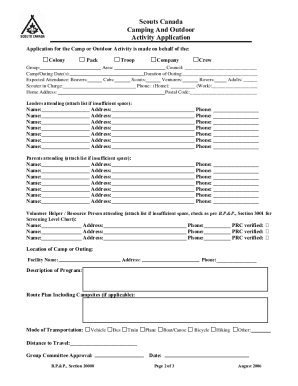
Scouts canada adventure application form

Form 23

Nl food fishery 2022 disability
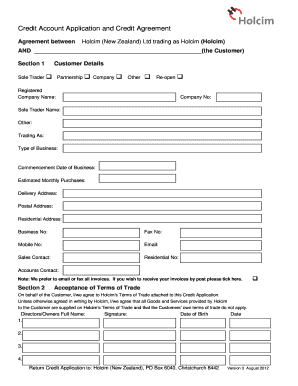
Account application form template nz

Urbana university transcript

Financial responsibility letter
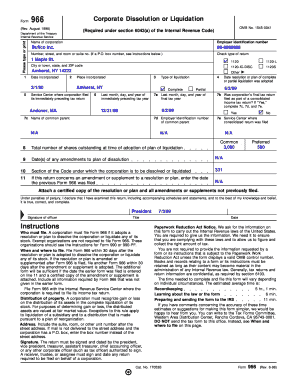
Form 966
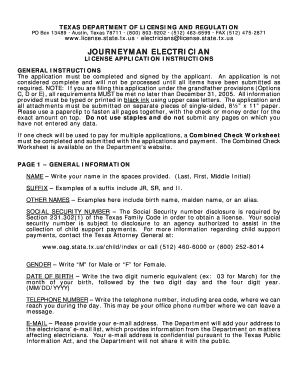
Electrical journeyman application
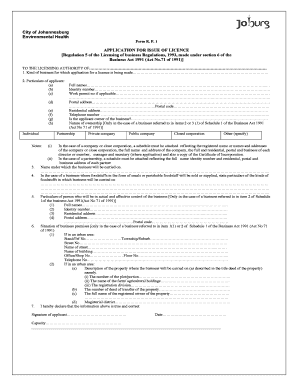
Health certificate application form
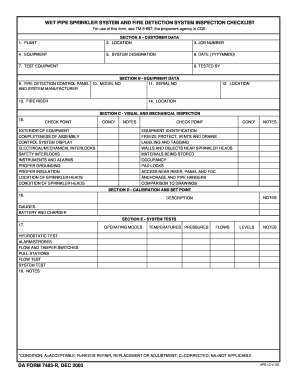
Sprinkler checklist

Rebate agreement template
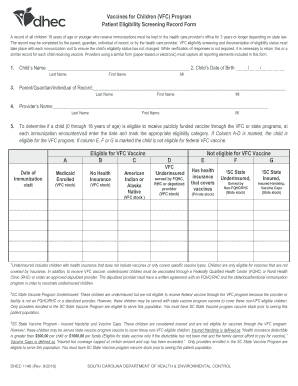
Dhec 4024 form printable
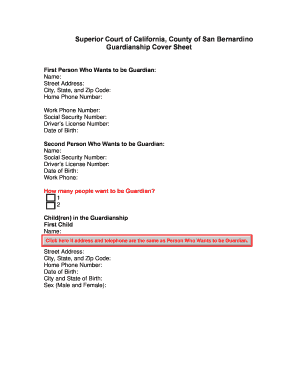
San bernardino county guardianship forms
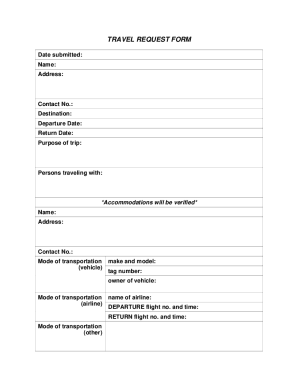
Us probation travel request form
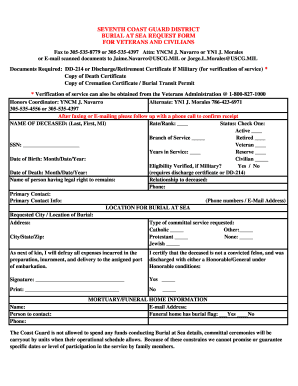
Burial at sea blank certificate form
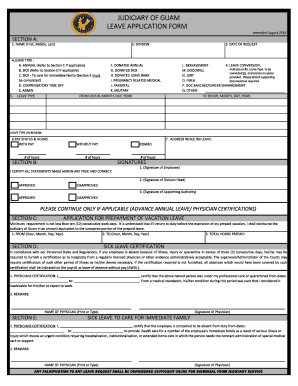
Guam leave application form
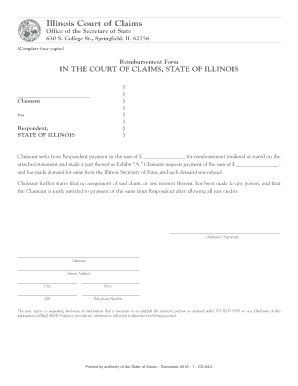
Illinois claims form

Visa application form hungary
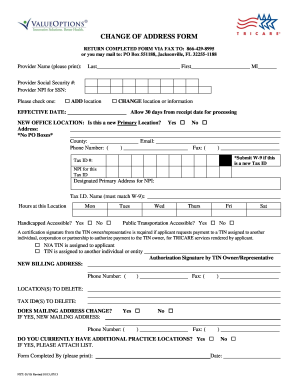
Humana change of address
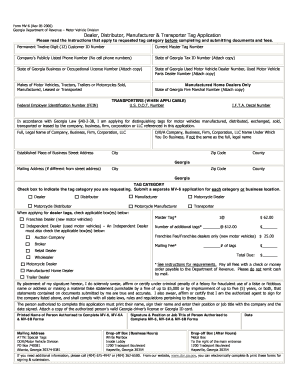
Temporary tag print out georgia
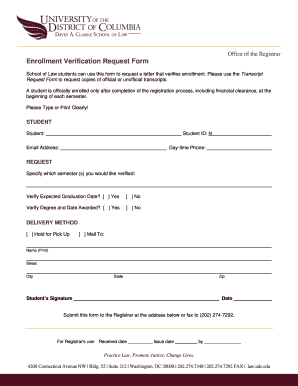
Enrollment verification form
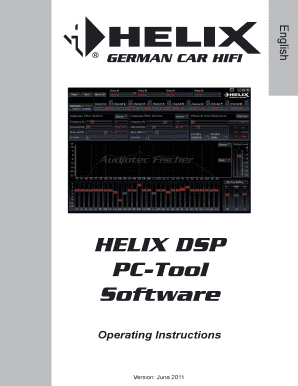
Audiotec fischer dsp tool manual

W-4 Form 2012-2013
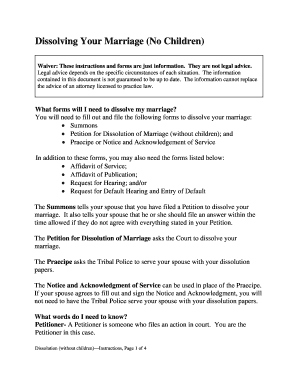
General power of attorney pakistan word format
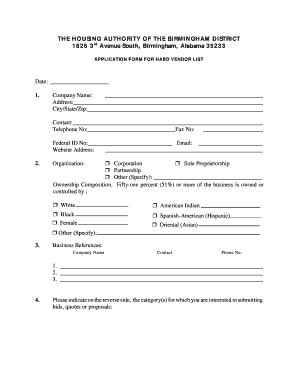
Birmingham housing authority application
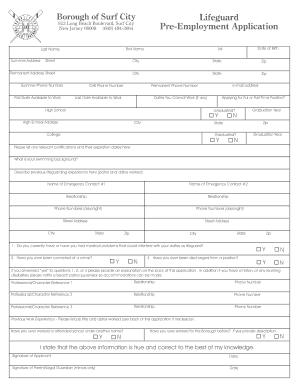
Lifeguard pre employment pdf form
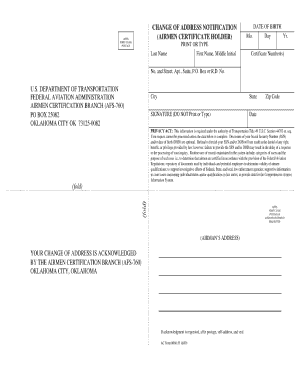
Form 8060 55

Gators dockside application

RCCF Form - Utep - University of Texas at El Paso - academics utep
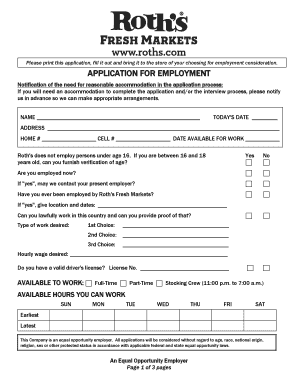
Roth's application
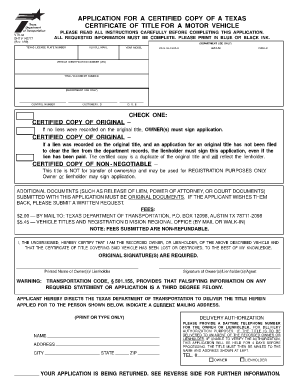
Texas car title template

Form 5000-46 - Mine Safety and Health Administration - msha
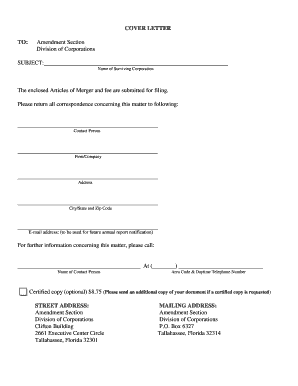
Sunbiz org
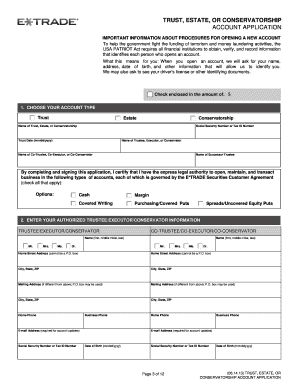
Etrade estate account application

ROOFING FORM 100 - PERMIT APPLICATION : SUMMARY of

Event vendor registration form

Sample letter requesting a hearing
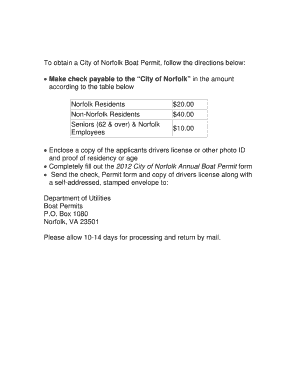
Norfolk lakes boat permit
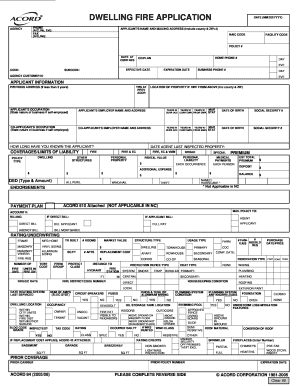
Dwelling fire application

Insurance fact finder template
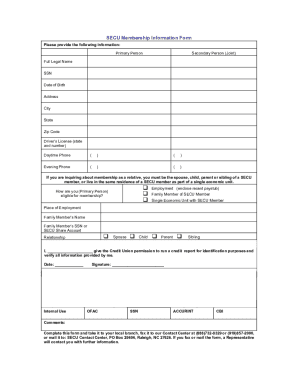
Secu bank statement template
Benefit from the DocHub online library of fillable PDF forms
Searching the PDF forms doesn't have to be a tedious and time-consuming process. With the DocHub online library, it has become easier to find the fillable PDF forms and modify them in your browser. The service allows you to adjust the document to your needs using powerful editing tools.
You can use online document editing features to modify almost any type of document with ease. You just need to find the template of your choice, open it in the editor, and use the toolbar to make the necessary corrections.
Follow this guide to get your document done with DocHub:
- Find the PDF template you need.
- Click the Get Form button to open the file in the editor.
- Use the toolbar to fill out and edit the document.
- Easily add and highlight text, insert images, checkmarks, and symbols.
- Drop new fillable fields, and rearrange or delete pages from your file.
- Save changes and download your record.
DocHub empowers everyone to streamline document editing, signing, and distribution, and form completion. Create an account and benefit from our well-organized PDF Forms library and comprehensive editor.