
Get any PDF form from the DocHub library of ready-made templates - Page 1151
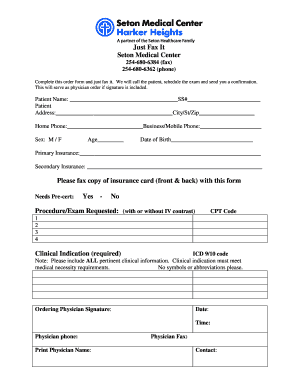
Just Fax It - Seton Medical Center Harker Heights

Fun run sponsorship form template

Consent to release information template
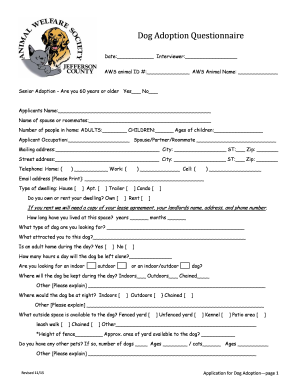
Puppy adoption questionnaire

Refund Application TuGo Travel Insurance - AZ Financial - azfinancial
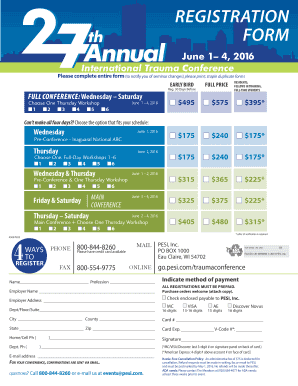
Pesi voucher application 2023

St louis county backflow test form
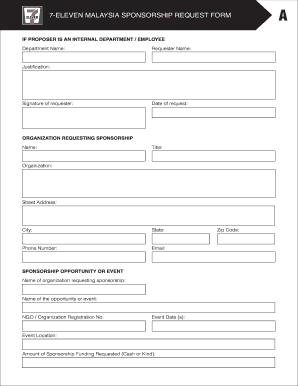
7 11 donation request
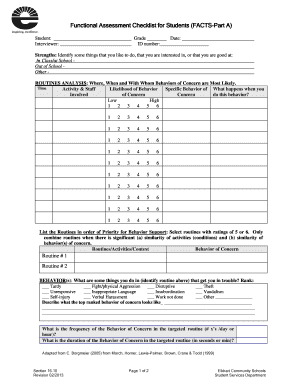
Functional assessment checklist for students
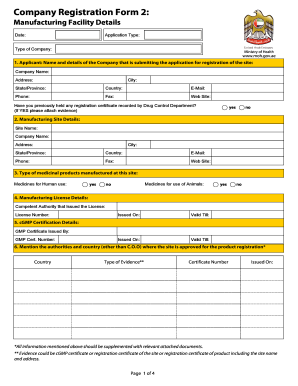
Company form
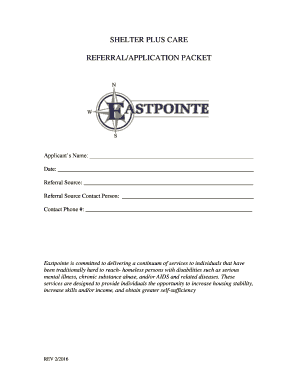
Shelter plus care topeka ks
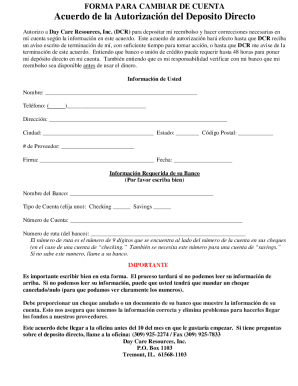
Direct deposit form in spanish
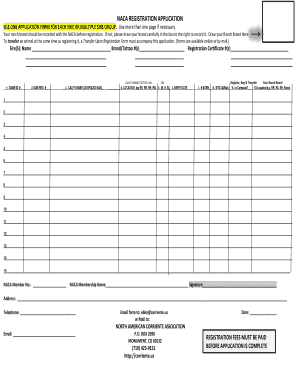
NACA REGISTRATION APPLICATION USE ONE APPLICATION FORM FOR - corriente
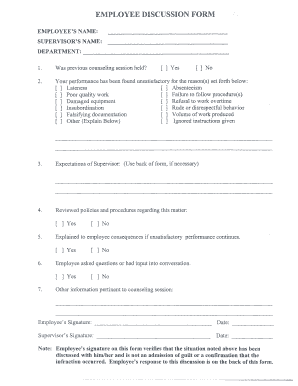
Employee discussion form
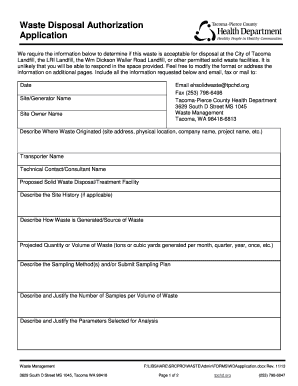
WASTE DISPOSAL AUTHORIZATION PROCESS - TPCHD
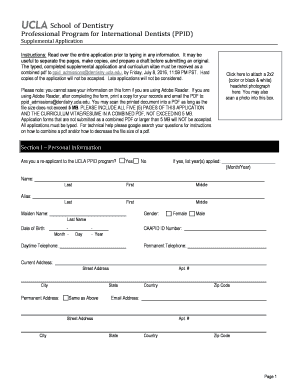
Ucla ppid supplemental application
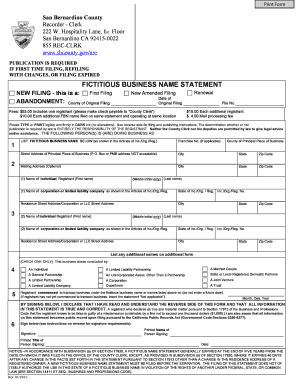
FICTITIOUS BUSINESS NAME STATEMENT - sbcountygov
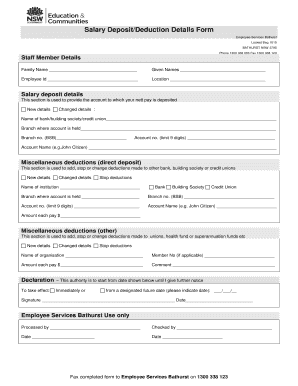
Salary DepositDeduction Details Form

Dast 10 screening tool
Translate english to amharic pdf

FORM W-2 REPLACEMENT REQUEST - scps k12 fl

Fiscal sponsor agreement template
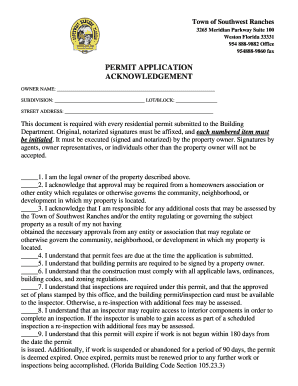
PERMIT APPLICATION ACKNOWLEDGEMENT - Southwest Ranches Florida - southwestranches
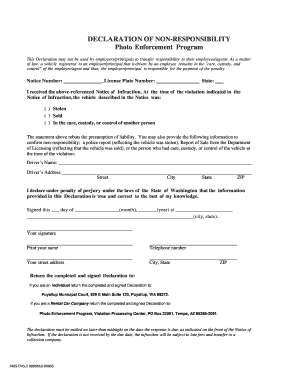
Declaration of non responsibility

Waiver of exclusion ground form
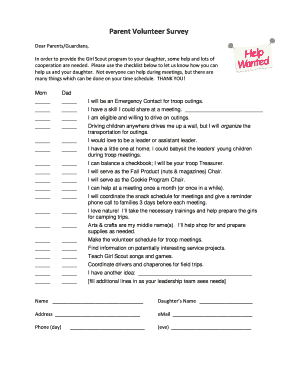
Girl scout interest survey

ARHA Ranch Roping Score Sheet - barkstockhorseorgb

Prostate Cancer Radiation Therapy Treatment Plan Checklist

Knights of columbus tootsie roll order form

New mexico cremation authorization form
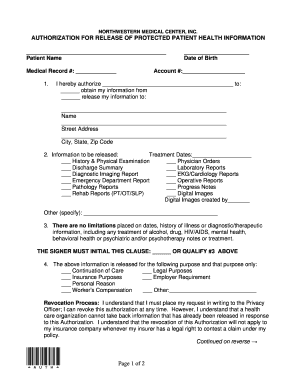
Roi form

Negative Pressure Monitoring Log

MOTION FOR APPROPRIATE RELIEF Defendant
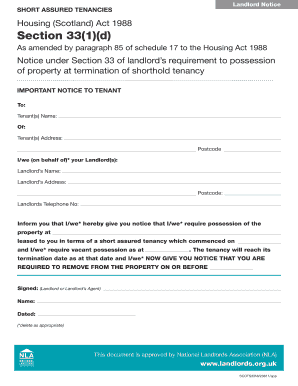
Section 33 notice template

Ui 8d form

Direct deposit form for leasing car rbc

IN THE CIRCUIT COURT OF JACKSON COUNTY MISSOURI AT KANSAS - 16thcircuit

STAR Case Management Intake Assessment Form Client Information

Evanston insurance company

MOTION FOR CONTINUANCE - cityoffestusorg

Hw080

Mcdc application

4-14 Approved Hazardous Materials Management Plan - northeast

Hnb dispute form
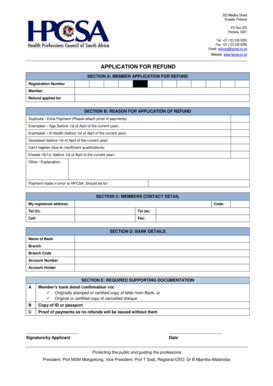
Hpcsa refund form 2022

Ap reader expense voucher
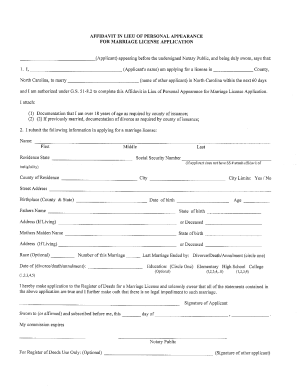
Nc affidavit appearance marriage
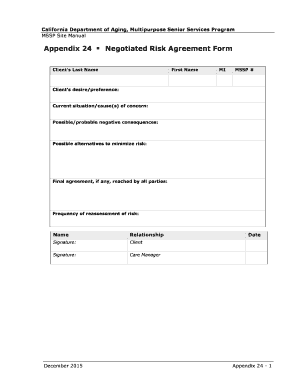
Negotiated risk agreement template
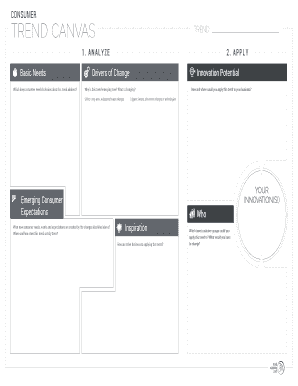
Consumer trend canvas template

Cactus Drilling Company, L

South carolina bill of sale form 4031
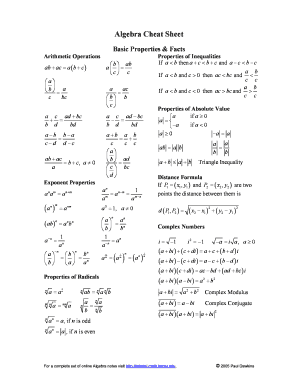
Algebra cheat sheet
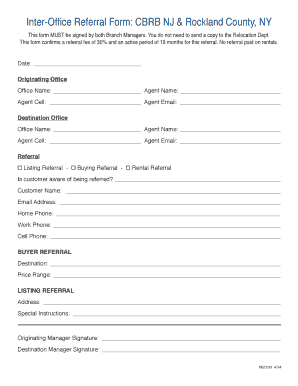
Inter-Office Referral Form: CBRB NJ & Rockland County, NY

Hud 92700

Spectera contact lens selection list 2022

Pregnancy candy match game answers
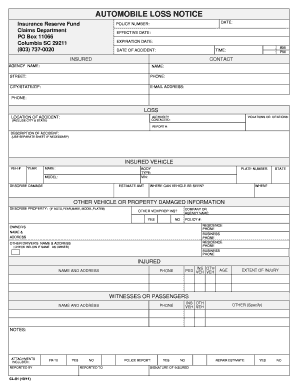
Automobile loss notice - South Carolina Insurance Reserve Fund - irf sc

Trucking company safety policy template
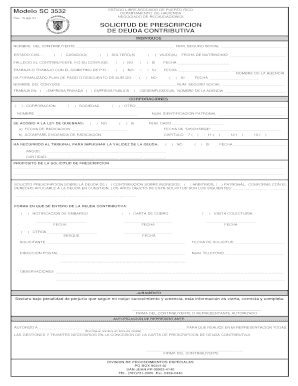
Modelo SC 3532 - pr
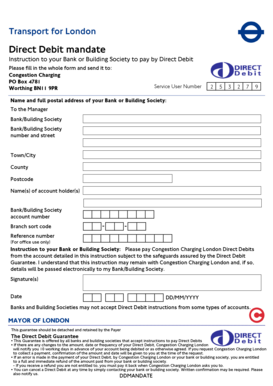
Direct debit mandate form
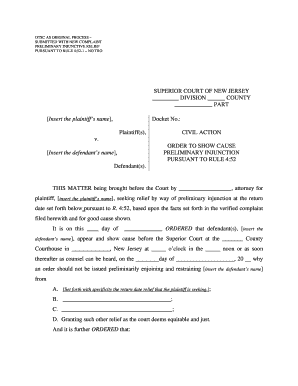
Order to show cause nj sample

Iatse area standards agreement 2022 pdf
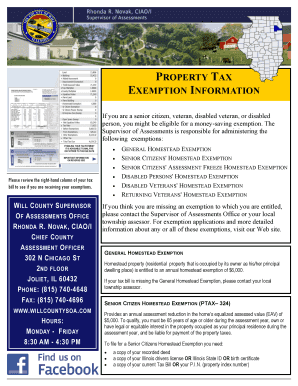
Ssa 4926 sm
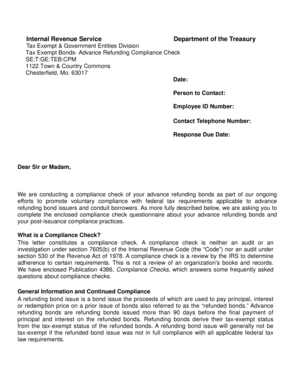
Irs cover letter example
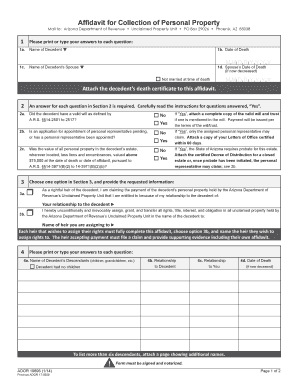
Arizona form 17 5509

Opti staffing timesheet
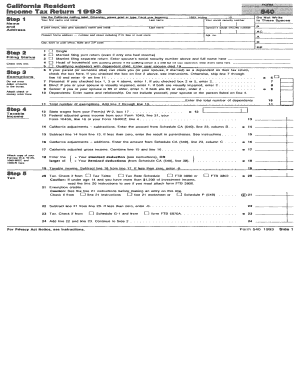
California Resident Income Tax Return 1993 540 - ftb ca
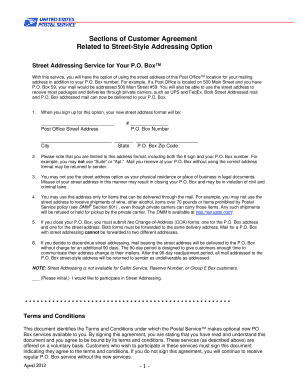
Usps customer agreement form
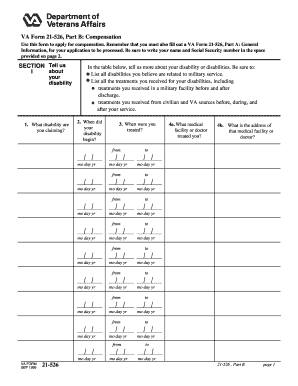
Va form 21 526

Skilsmisse blanket til print

New patient forms referral printable for podiatry

Acro application form

Santa anita program

Family member certificate application form

Citizens bank dispute form
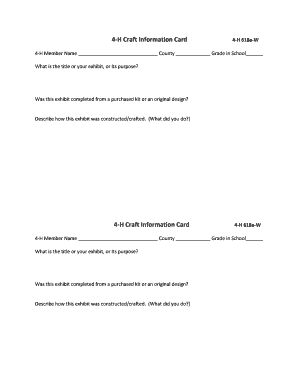
4 h craft information card

Zusatzblatt kiz 5b
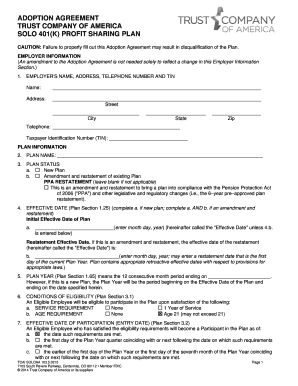
ADOPTION AGREEMENT TRUST COMPANY OF AMERICA SOLO 401(K) PROFIT SHARING PLAN CAUTION: Failure to prop

Fire hydrant inspection checklist pdf

SPOUSAL RENUNCIATION OF RIGHTS AFFIDAVIT - OMWBE - omwbe wa

Child support complaint

Manpower application form
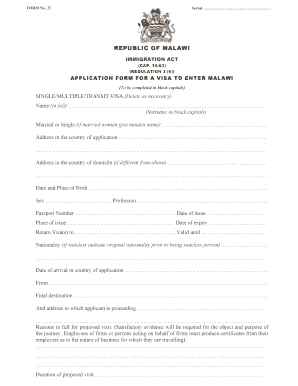
Immigration forms No Download Needed malawi
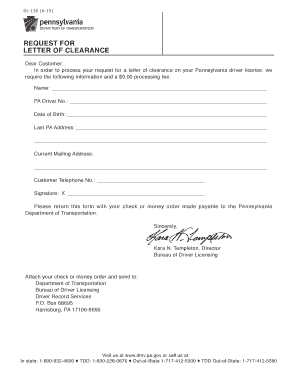
PennDOT - Request For Letter Of Clearance - Pennsylvania

Security timesheet template
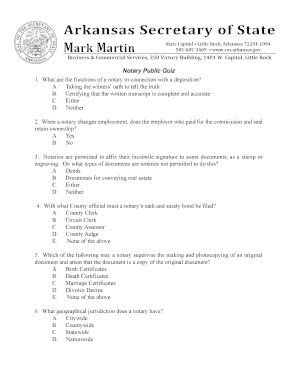
Arkansas secretary of state notary
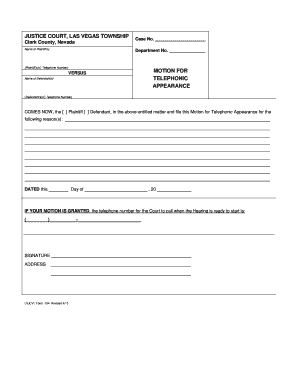
Motion for Telephonic Appearance - Las Vegas Justice Court
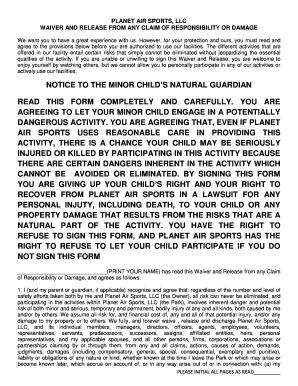
Planet air waiver
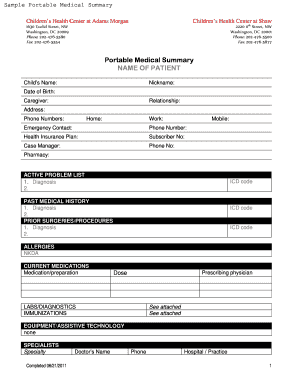
Medical summary form
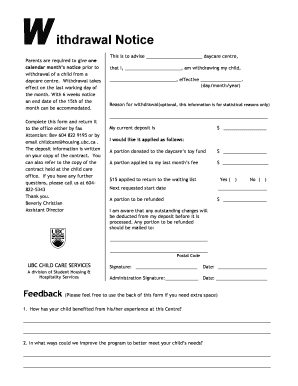
Childcare withdrawal form
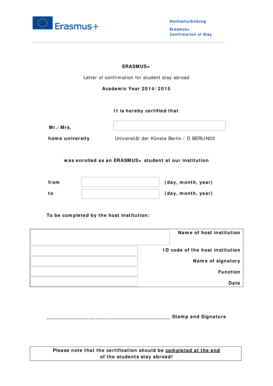
Letter of confirmation erasmus
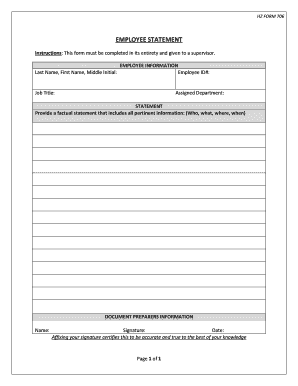
HZ FORM 706
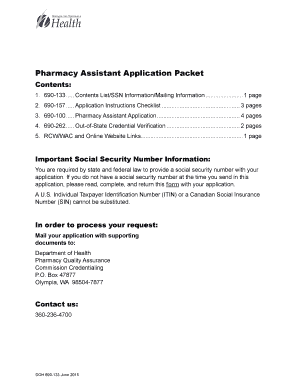
Pharmacy Assistant Application Packet - doh wa
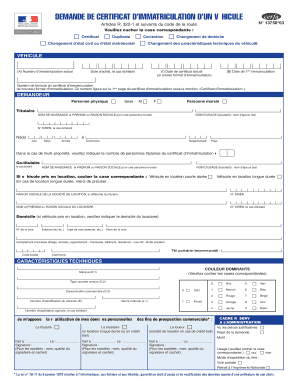
Demande de certificat d immatriculation d un v hicule
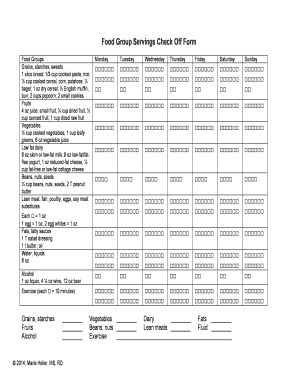
Dash diet servings check off form

Ebr early childhood application
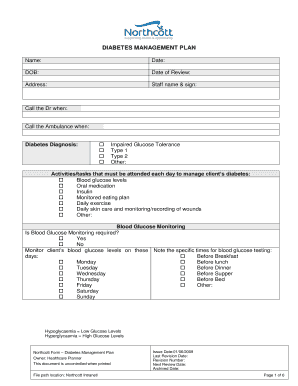
Diabetes Management Plan - Northcott

Mobility plus application york region

Rcbc account opening

Combustion air calculation worksheet
Benefit from the DocHub online library of fillable PDF forms
Searching the PDF forms doesn't have to be a tedious and time-consuming process. With the DocHub online library, it has become easier to find the fillable PDF forms and modify them in your browser. The service allows you to adjust the document to your needs using powerful editing tools.
You can use online document editing features to modify almost any type of document with ease. You just need to find the template of your choice, open it in the editor, and use the toolbar to make the necessary corrections.
Follow this guide to get your document done with DocHub:
- Find the PDF template you need.
- Click the Get Form button to open the file in the editor.
- Use the toolbar to fill out and edit the document.
- Easily add and highlight text, insert images, checkmarks, and symbols.
- Drop new fillable fields, and rearrange or delete pages from your file.
- Save changes and download your record.
DocHub empowers everyone to streamline document editing, signing, and distribution, and form completion. Create an account and benefit from our well-organized PDF Forms library and comprehensive editor.