
Get any PDF form from the DocHub library of ready-made templates - Page 1150
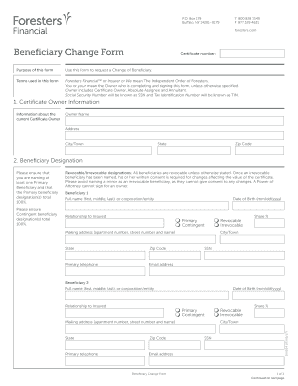
Foresters beneficiary change form
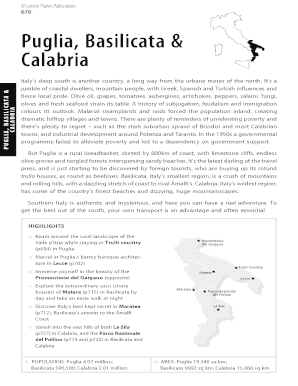
Lonely planet puglia pdf
Construction planning level 2 textbook pdf
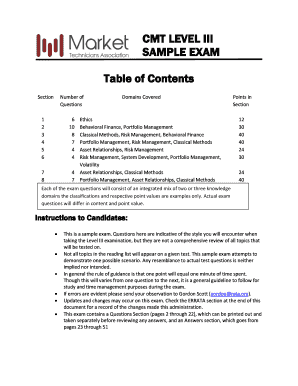
Cmt level 3 pdf
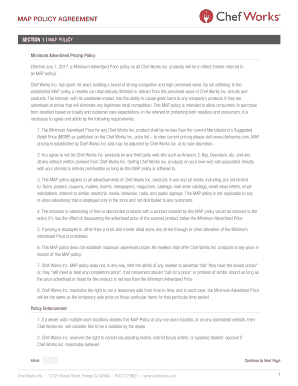
Map agreement template
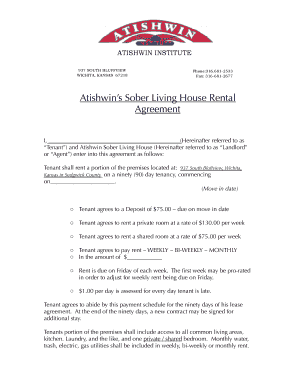
Sober living contract template
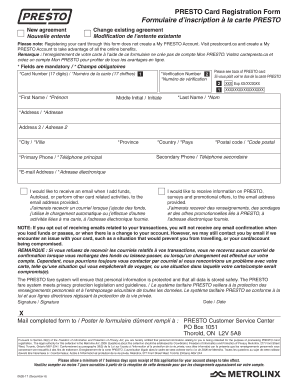
Presto card registration form
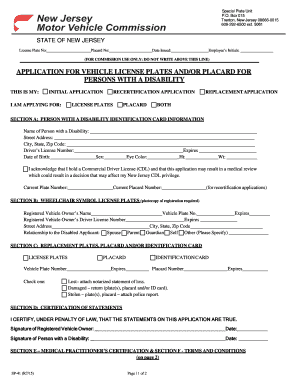
License Plate No:

Gulf Breeze High School

Prn log
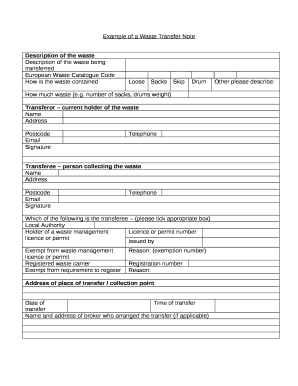
Waste transfer note template

Bus log template
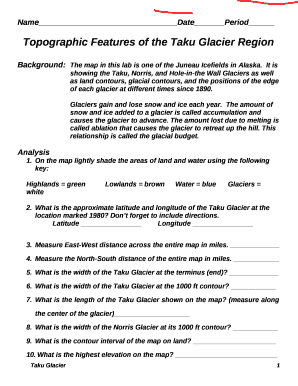
Topographic features of the taku glacier region
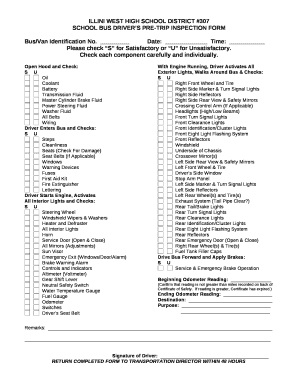
SCHOOL BUS DRIVERS PRE-TRIP INSPECTION template
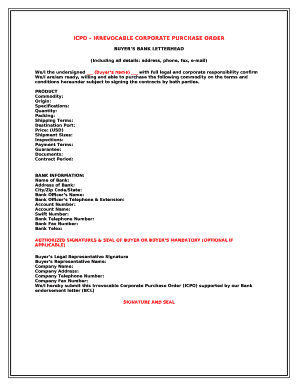
Icpo format word
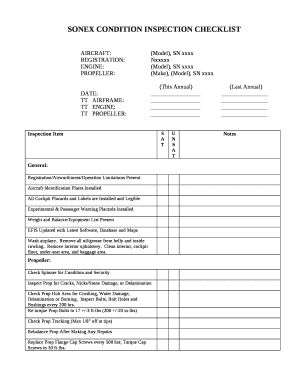
SONEX CONDITION INSPECTION CHECKLIST

Edit sijil spm

Controlled Substances Record: Administration Log

Loop Electrosurgical Excision Procedure (LEEP) Consent Form

Emergency Management Plan DRAFT
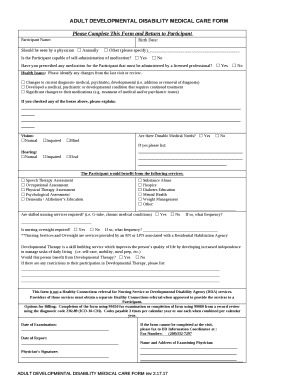
ADULT DEVELOPMENTAL DISABILITY MEDICAL CARE FORM
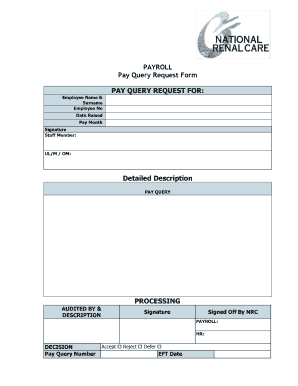
Pay query form
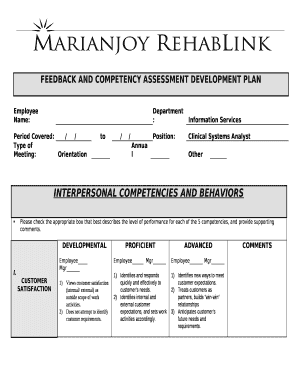
FEEDBACK AND COMPETENCY ASSESSMENT DEVELOPMENT PLAN template
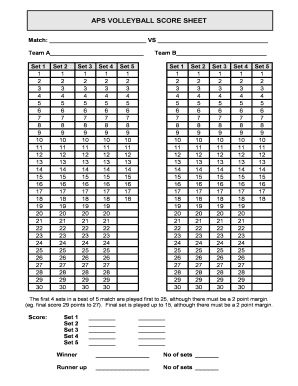
APS VOLLEYBALL SCORE SHEET
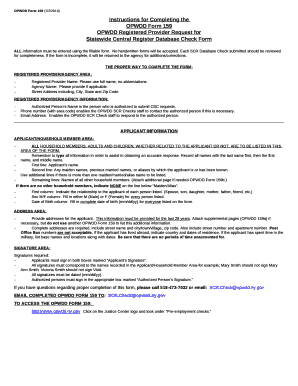
Opwdd form 159

Welcome to another exciting season of cheerleading at Rosa International

Darts checkout table pdf
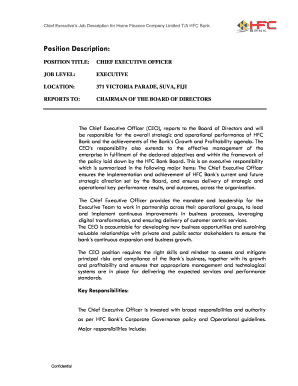
Chief Executives Job Description for Home Finance Company Limited T A HFC Bank

Function machines creating equations answer key
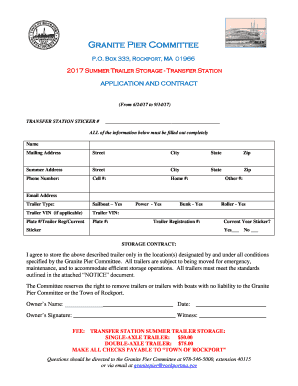
Granite Pier Committee
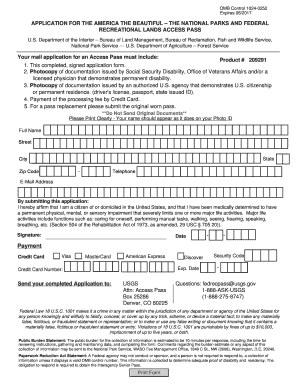
Application form pass

Retirement, Survivors and Disability Insurance - Social Security
STATEMENT ON AUDITING STANDARDS

Image one carecorenational upads forms review form
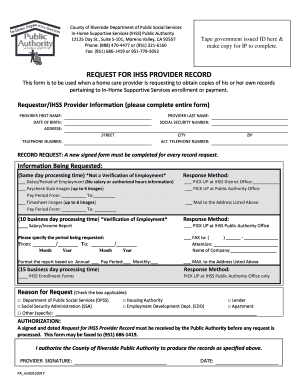
Ihss timesheet riverside county
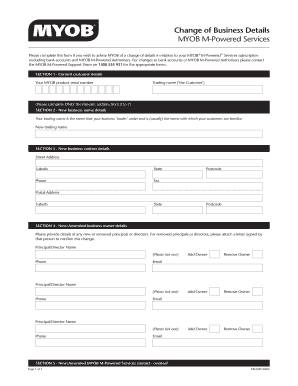
Company details form
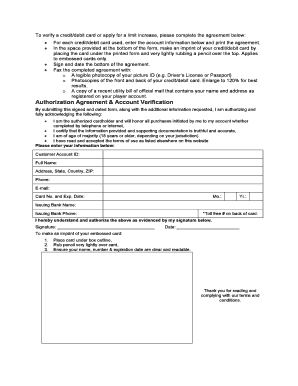
Fax Back Form - Casino Extreme
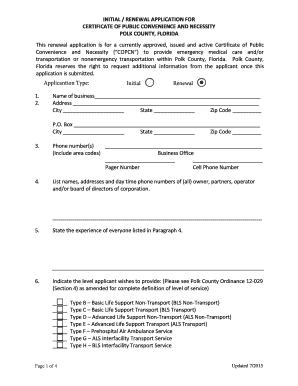
Certificate of public convenience and necessity polk county florida application

Hospice intake form
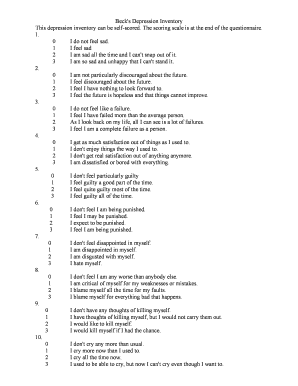
Beck's Depression Inventory
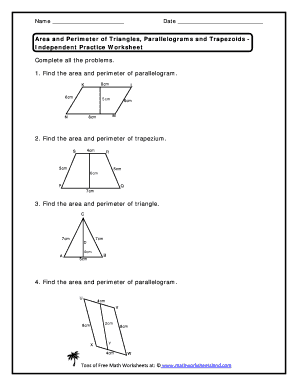
Area of triangles and parallelograms worksheet
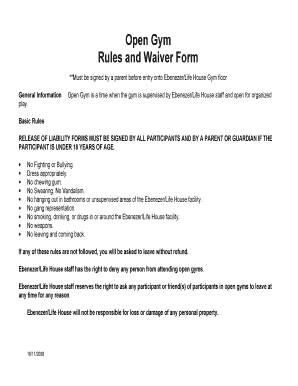
Open Gym Rules and Waiver Form - ebenezer-crc
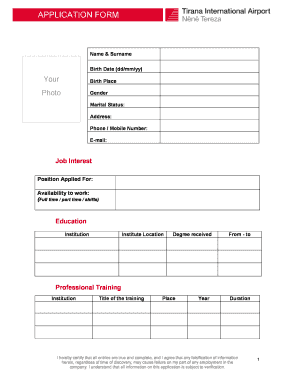
APPLICATION FORM (2) - tirana-airport
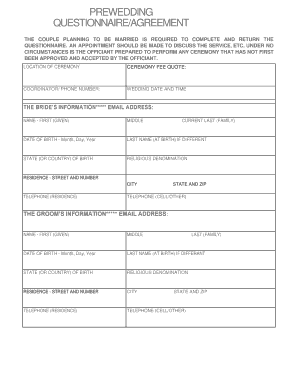
Wedding officiant questionnaire pdf
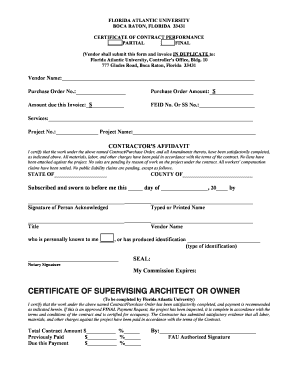
CERTIFICATE OF CONTRACT PERFORMANCE
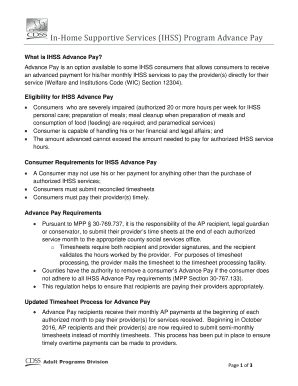
Ihss advance pay
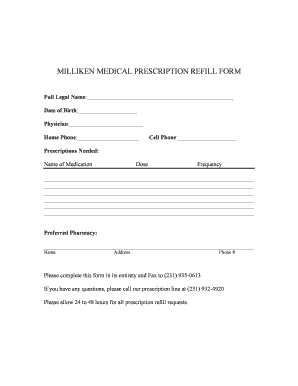
PRESCRIPTION REFILL FORM-1 - millikenmedical
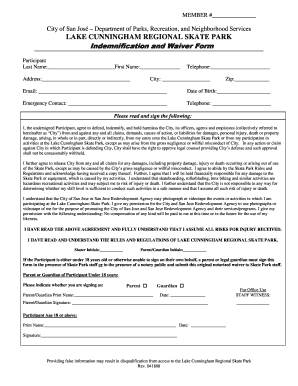
Waiver Form - City of San Jose - sanjoseca
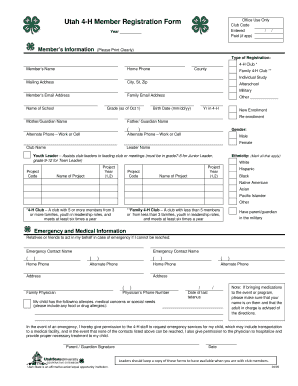
Utah 4-H Member Registration Form - Dixie 4H - dixie4h

Annotation practice worksheets pdf
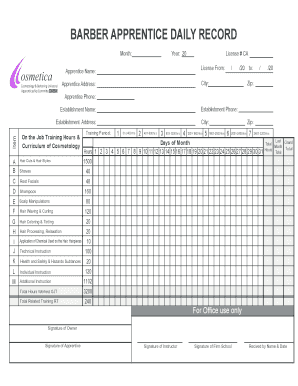
Apprentice form for barber
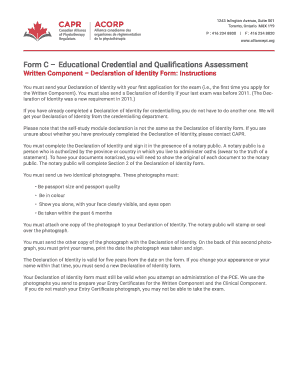
CAPR ACORP - Form C - Written Component Declaration of Identity
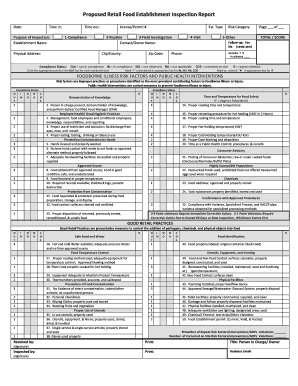
Proposed Retail Food Establishment Inspection Report - dshs texas
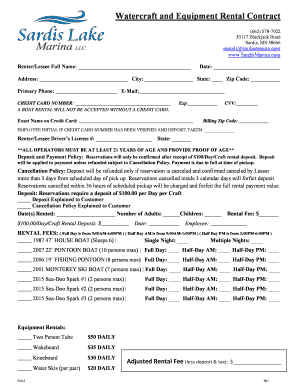
Boat Rental Agreement docx
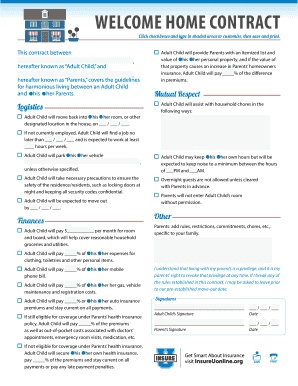
Online contract form
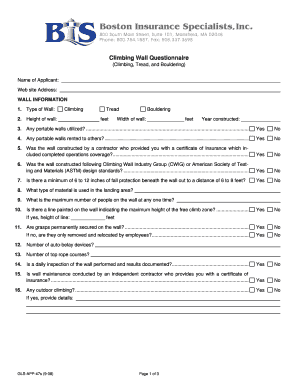
Climbing Wall Questionnaire - bis-ins
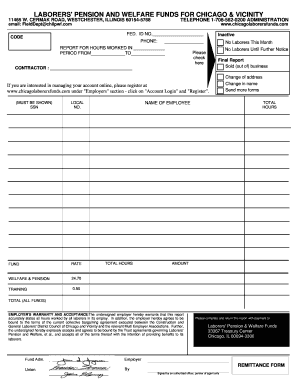
Chicagolaborersfunds
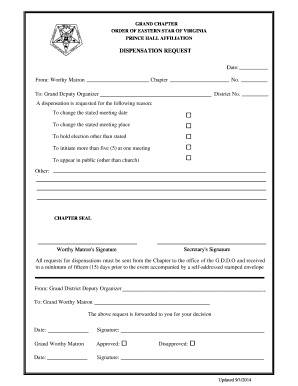
Gcoesva
Ec 38
Pre tenancy application form
ASSEMBLY OCCUPANCY INSPECTION FORM NORTH DAKOTA STATE FIRE - ag nd

VERIFICATION OF SATISFACTORY TEACHING EXPERIENCE - jobs polk-fl
Remplissable N 13983*02
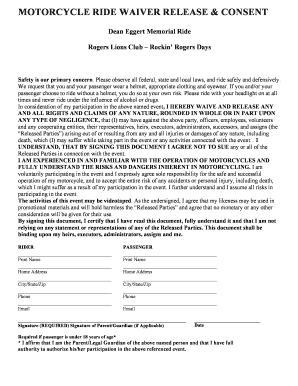
Dean Eggert Memorial Ride Rogers Lions Club Rockin - rogersmnlions

I have no financial relationship to disclose
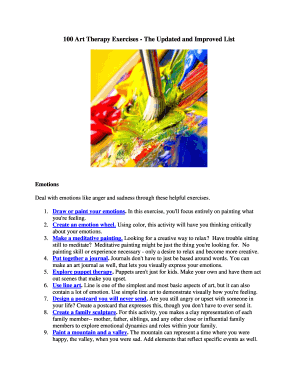
Art therapy activities pdf

Circumcision consent form template

Obrazac punomoci

Distance and midpoint map activity answer key
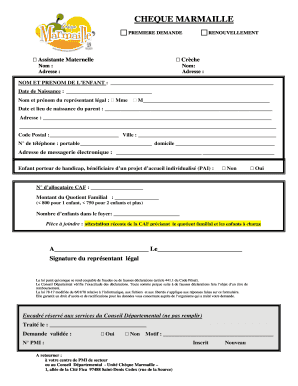
Demande de cheque marmaille en ligne
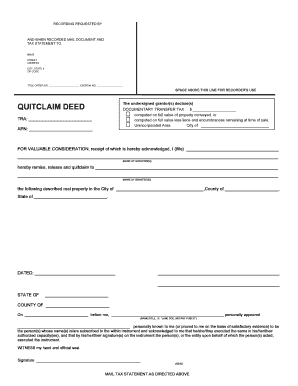
Kern county quit claim deed form
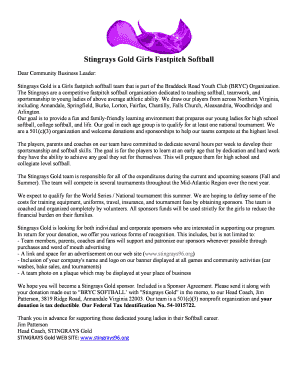
Stingrays GOLD Sponsorship Letter - stingraysva
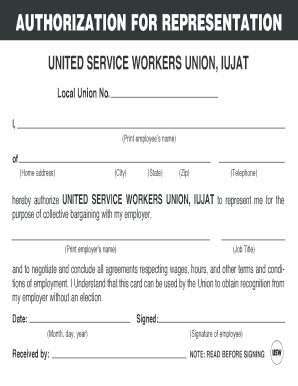
Union authorization card template
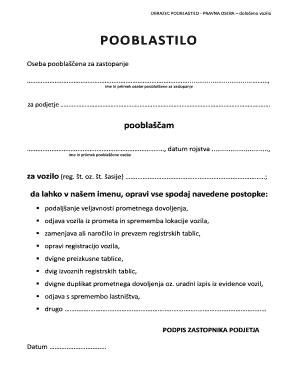
Pooblastilo za avto

Biologic Consent Form - Charlottesville Dermatology

Dog barking violation letter

Bus permission slip - LCC Day School

Nova Scotia Health Employees Pension Plan (NSHEPP) - nshepp
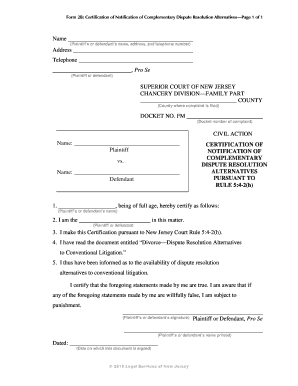
Certification of notification of complementary dispute resolution

Ibjjf belt record form
Apel test sample questions and answers

Comprehensive exam reviewer for maed
General contractor termination letter
Custom blue sea labels

Apple reseller agreement
MONEY INSURANCE PROPOSAL FORM - Massy United Insurance
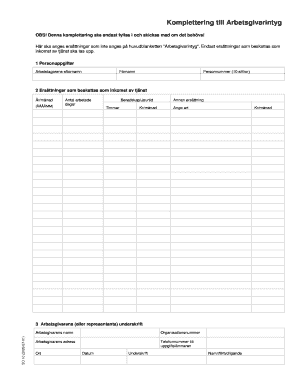
Komplettering till arbetsgivarintyg pdf
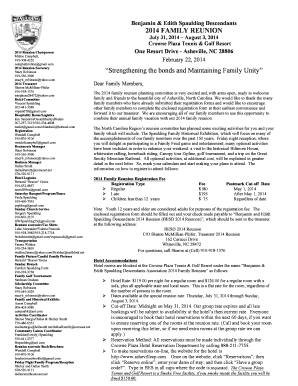
Sample family reunion letter

African pediatric fellowship programme application
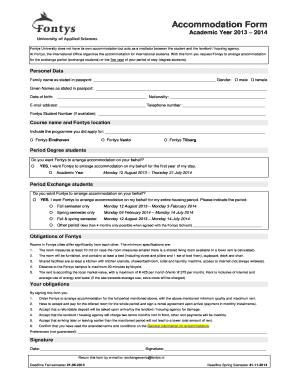
Accommodation Form - Fontys International Campus Venlo - fontysvenlo
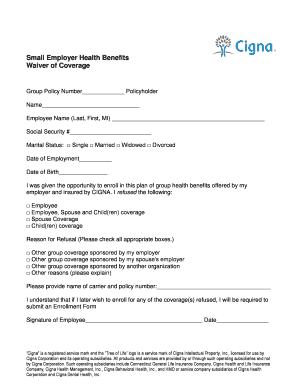
Benefits waiver

Cma exam support package 2022

Peo founders day activies
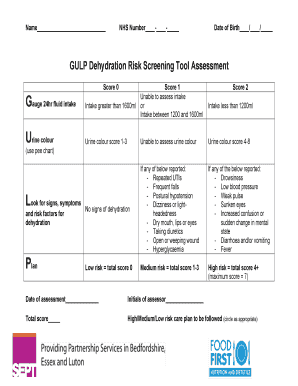
Gulp assessment

Gio workers compensation
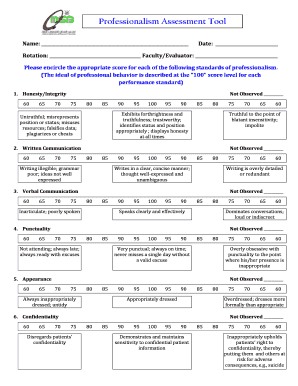
Professionalism assessment tool
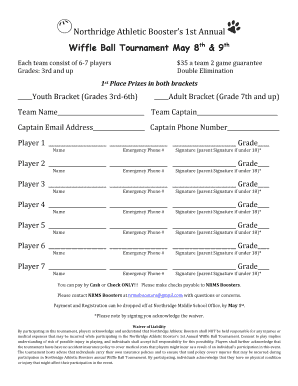
Wiffle Ball Registration Form - Revised - nelsd
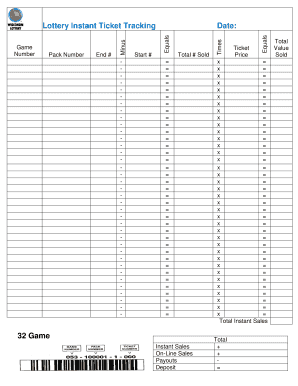
Instant Ticket Tracking Form 32 Game - Wisconsin Lottery
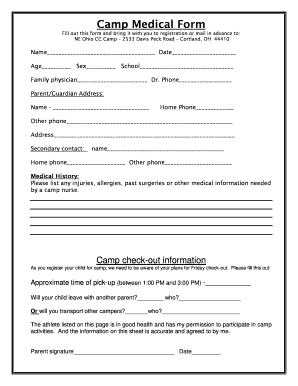
Camp medical form template

Cheyenne river sioux tribe salazar payment
Benefit from the DocHub online library of fillable PDF forms
Searching the PDF forms doesn't have to be a tedious and time-consuming process. With the DocHub online library, it has become easier to find the fillable PDF forms and modify them in your browser. The service allows you to adjust the document to your needs using powerful editing tools.
You can use online document editing features to modify almost any type of document with ease. You just need to find the template of your choice, open it in the editor, and use the toolbar to make the necessary corrections.
Follow this guide to get your document done with DocHub:
- Find the PDF template you need.
- Click the Get Form button to open the file in the editor.
- Use the toolbar to fill out and edit the document.
- Easily add and highlight text, insert images, checkmarks, and symbols.
- Drop new fillable fields, and rearrange or delete pages from your file.
- Save changes and download your record.
DocHub empowers everyone to streamline document editing, signing, and distribution, and form completion. Create an account and benefit from our well-organized PDF Forms library and comprehensive editor.