
Get any PDF form from the DocHub library of ready-made templates - Page 1057
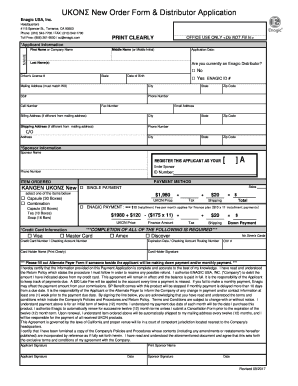
UKON New Order Form & Distributor Application
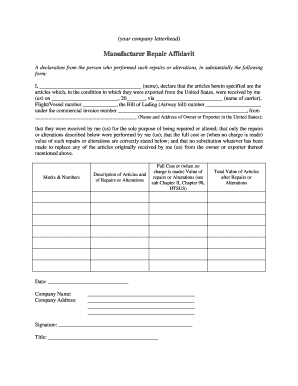
Repair affidavit

PRESCHOOL TEACHER APPLICATION FORM

Clarification document

Sgb functionality tool 2021

RUSSIA medical department MEDICAL CERTIFICATE OF FITNESS

Room attendant performance appraisal
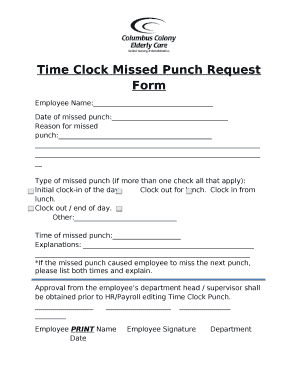
Time Clock Missed Punch Request Form

WORKING TIME DIRECTIVE - OPT OUT AGREEMENT

Form 3698
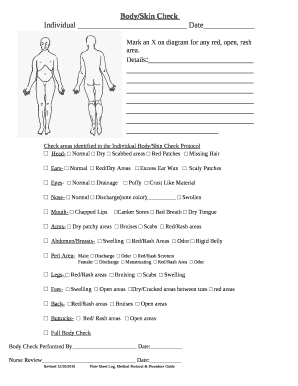
Body Skin Check
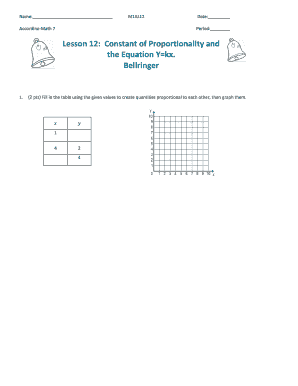
Accordino math 7 answer key
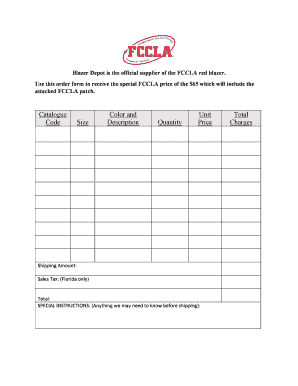
Blazer Depot is the official supplier of the FCCLA red blazer
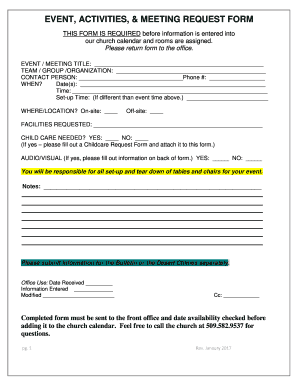
Meeting request form
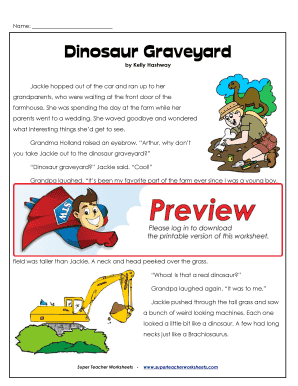
Dinosaur graveyard answer key

Fishing license for the disabled
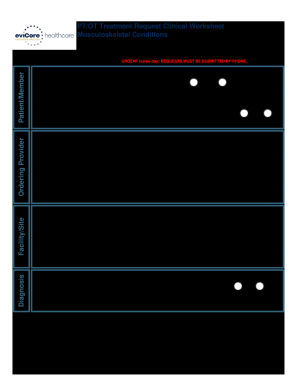
Evicore treatment request
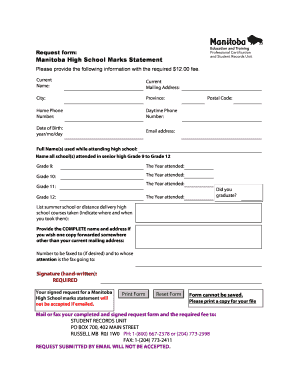
Manitoba statement of high school marks

Major Declaration Form - American University in Bulgaria
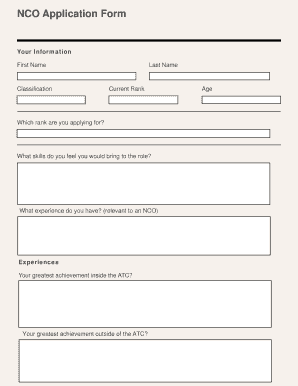
NCO Application Form - Hartlepool Air Cadets - hartlepoolaircadets co
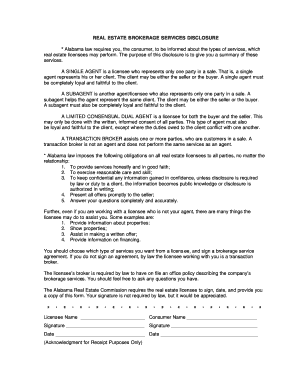
RECAD Form doc

Uab charity care
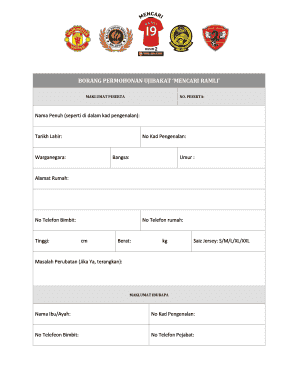
Semak no ic melalui nama
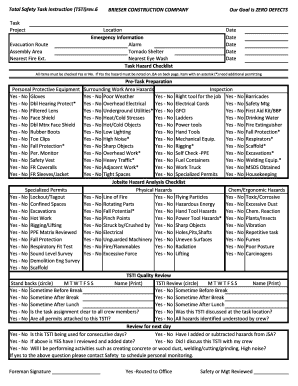
Total safety task instruction
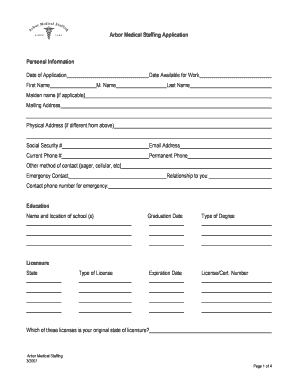
Arbor medical staffing application
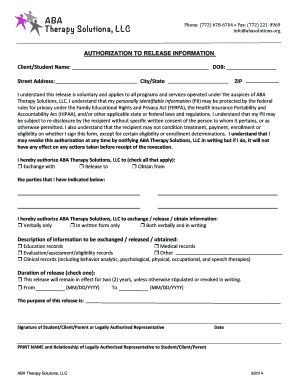
Medical release of information form aba
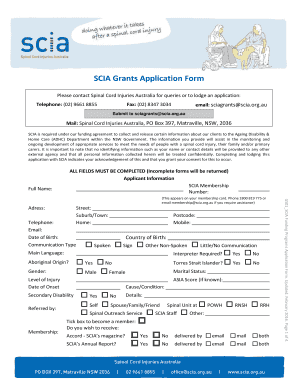
SCIA Grants Application Form - Spinal Cord Injuries Australia - scia org

Nppr wicklow
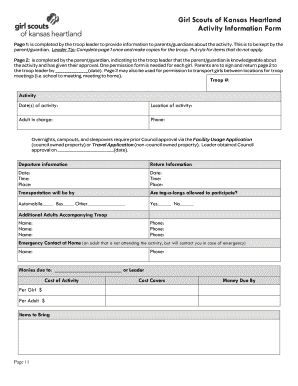
Activity Permission Form - Girl Scouts of Kansas Heartland - kansasgirlscouts
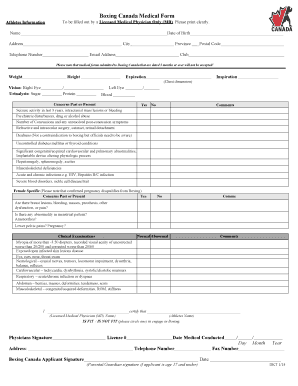
Boxing canada medical form

Fdevarestyrelsen Kontrolinformation - findsmiley dk
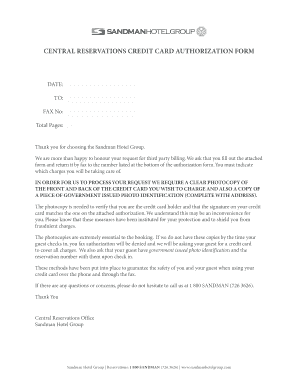
Central reservations credit card authorization form - Sandman Hotels
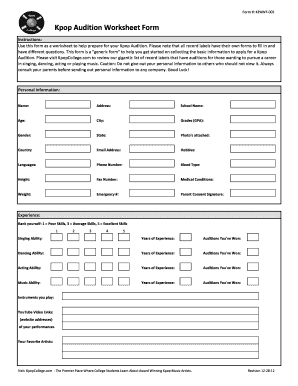
Kpop audition form

Hpi sheet
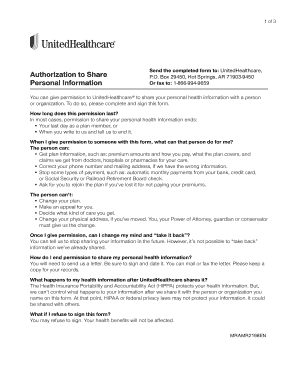
BAuthorizationb to Share Personal bInformation Formb - UnitedHealthcare
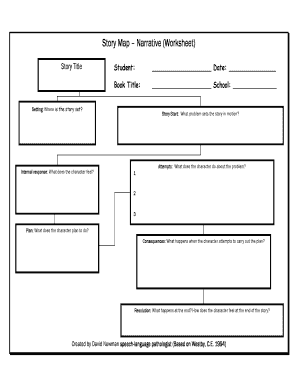
Narrative therapy worksheets pdf
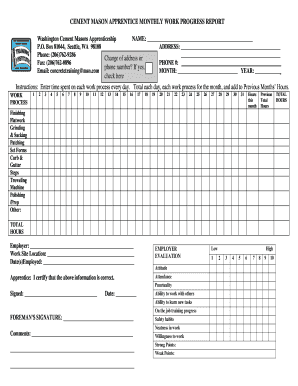
CEMENT MASON APPRENTICE MONTHLY WORK PROGRESS REPORT - opcmialocal528

Door quotation format
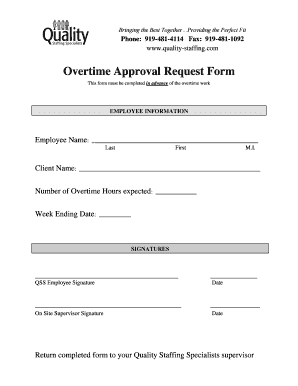
Overtime approval form

Cash collection form

Hazard identification form

COLLECTION POINT REGISTRATION FORM - bREDISAb - redisa org
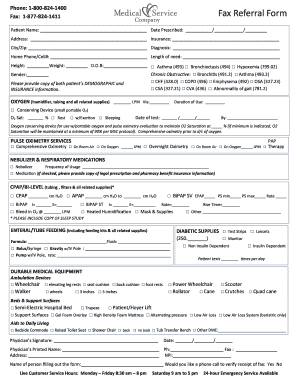
877 824 1411

Conditonal acceptance for value pdf

Spousal support letter template

9 Monterey Bay Aquarium Fieldtrip bWorksheetb

Fce answer sheet 2021
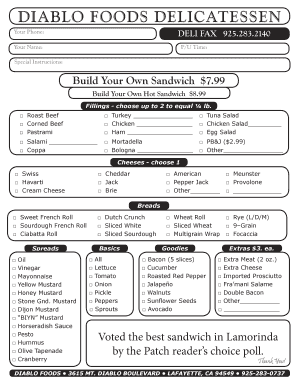
Diablo foods deli menu
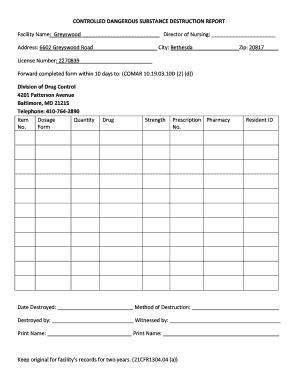
CONTROLLED DANGEROUS SUBSTANCE DESTRUCTION REPORT

Furniture order form
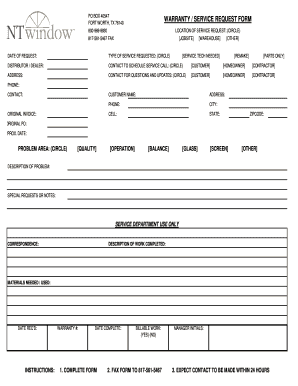
SERVICE REQUEST FORM - NT Window
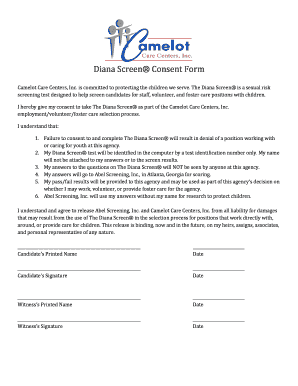
The diana screen questions
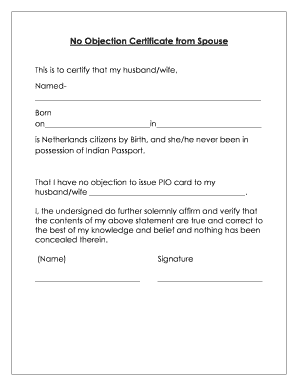
No objection letter from wife to husband

Fast Fingerprints General Registration Form - standrewparish

State of Maine License and Certificate of Marriage
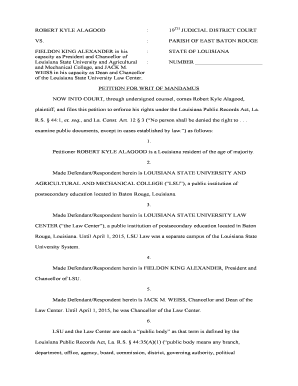
Writ of mandamus louisiana
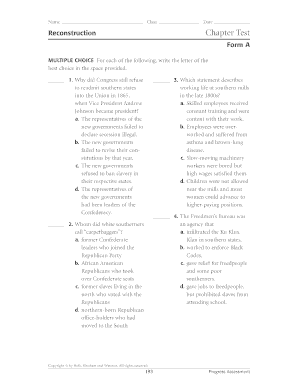
Relias test answers download
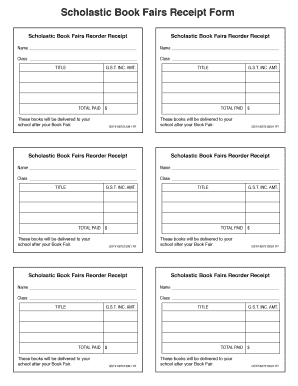
Receipt paid
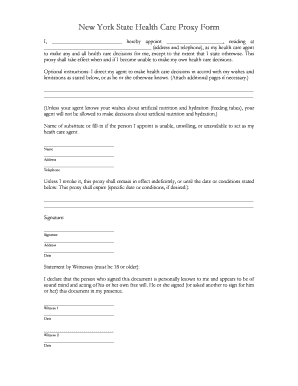
New York State Health Care Proxy Form -
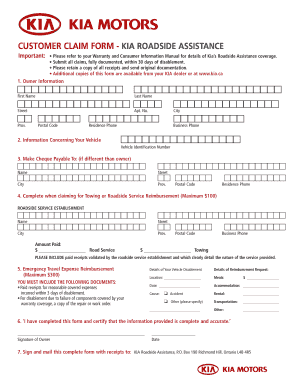
Kia roadside assistance reimbursement
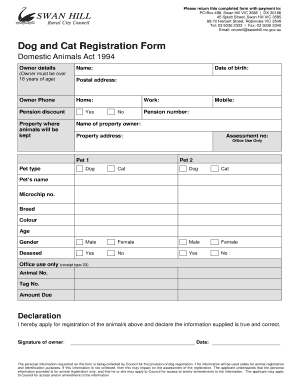
Dog and Cat Registration Form - PDF
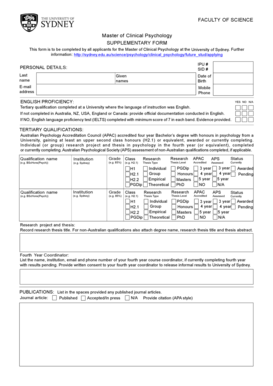
MCP Supplementary Form - University of Sydney - psych usyd edu

Request form template excel
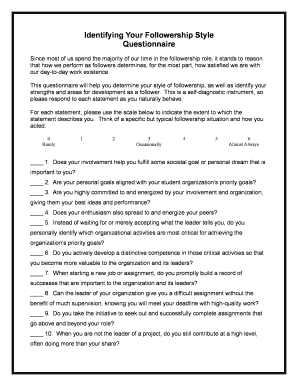
Kelley followership questionnaire pdf
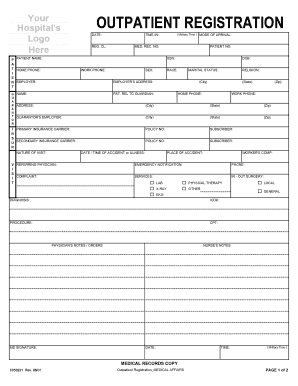
Forms 8850221 outpatient registration blank

New St Gianna Referral Slip - Roman Catholic Diocese of - buffalodiocese
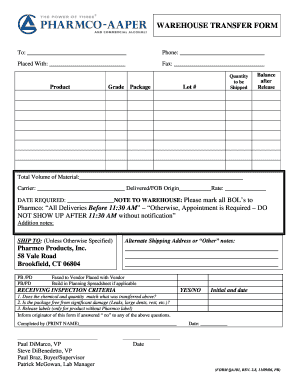
Warehouse transfer form
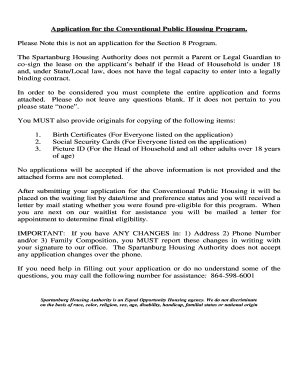
Spartanburg housing authority application
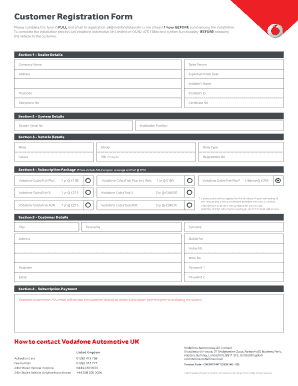
Vodafone automotive customer registration form

Usa wrestling waiver
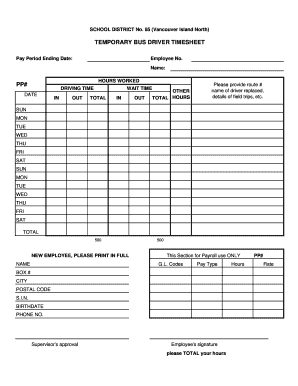
Driver timesheet template

New Patient Form - NorthShore University HealthSystem - northshore

Ymca guest pass san diego

Request for Temporary Extension of Stay 4 May 2015doc - hdb gov
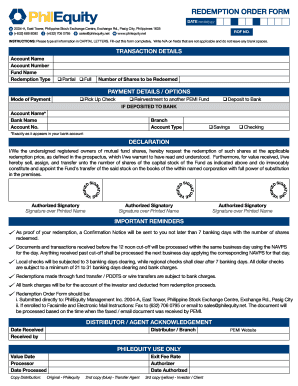
Philequity redemption form
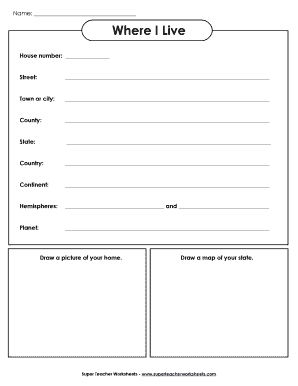
Where I Live - Super Teacher Worksheets
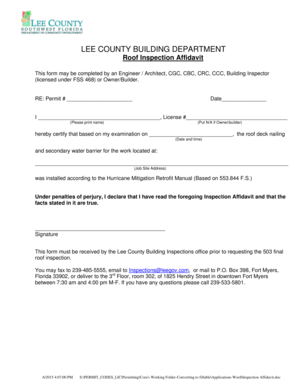
Lee county roof affidavit
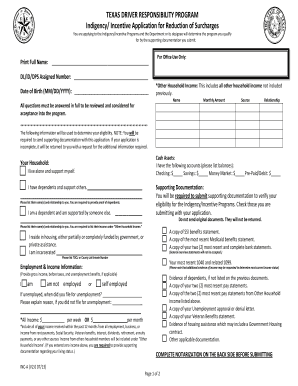
TEXAS DRIVER RESPONSIBILITY PROGRAM Indigency Incentive

OWNER AUTHORIZATION TENANT UTILITY SERVICE

Talent Show Audition Rubric

Household worksheet form
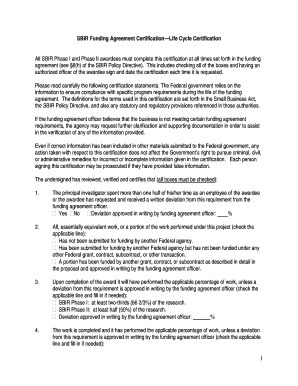
Sbir life cycle certification
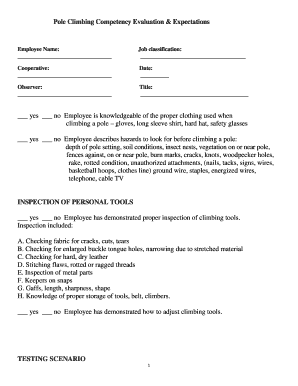
Pole Climbing Competency Evaluation & Expectations

In service training record child care facility

Tennessee themselves divorce form

Myplate daily checklist

Restaurant gross receipts restaurant gross receipts - stlouis-mo
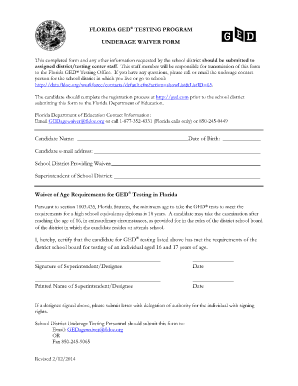
Ged in florida
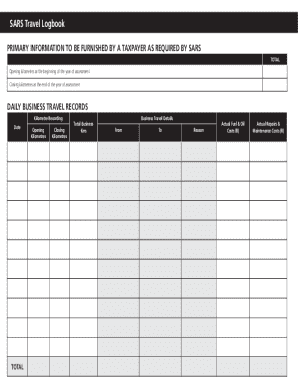
Travel log book

Small estate form 13100 california

Whittling chip card printable
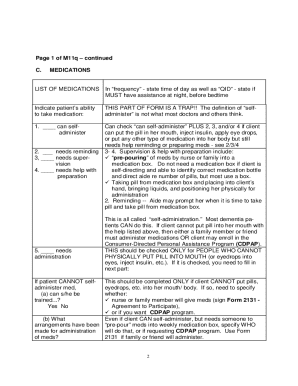
Printable m11q form

180 writ form

CAT ADOPTION QUESTIONNAIRE

Aetna viscosupplementation form
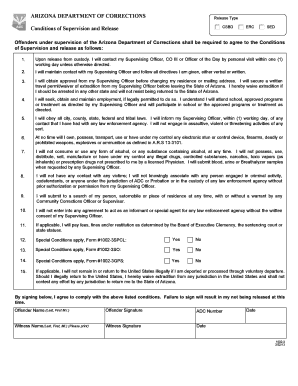
Csbd release type meaning

Caregiver Timesheet

BFORMb SM 03 - San Marino Aircraft Registry
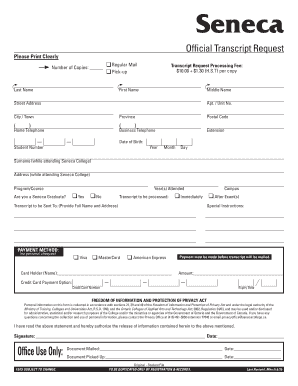
Seneca college transcript
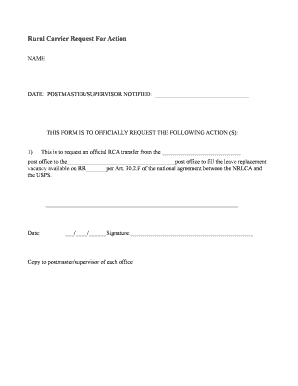
Rca transfer request form
Benefit from the DocHub online library of fillable PDF forms
Searching the PDF forms doesn't have to be a tedious and time-consuming process. With the DocHub online library, it has become easier to find the fillable PDF forms and modify them in your browser. The service allows you to adjust the document to your needs using powerful editing tools.
You can use online document editing features to modify almost any type of document with ease. You just need to find the template of your choice, open it in the editor, and use the toolbar to make the necessary corrections.
Follow this guide to get your document done with DocHub:
- Find the PDF template you need.
- Click the Get Form button to open the file in the editor.
- Use the toolbar to fill out and edit the document.
- Easily add and highlight text, insert images, checkmarks, and symbols.
- Drop new fillable fields, and rearrange or delete pages from your file.
- Save changes and download your record.
DocHub empowers everyone to streamline document editing, signing, and distribution, and form completion. Create an account and benefit from our well-organized PDF Forms library and comprehensive editor.