




01. Edit your act 33 clearance online
Type text, add images, blackout confidential details, add comments, highlights and more.

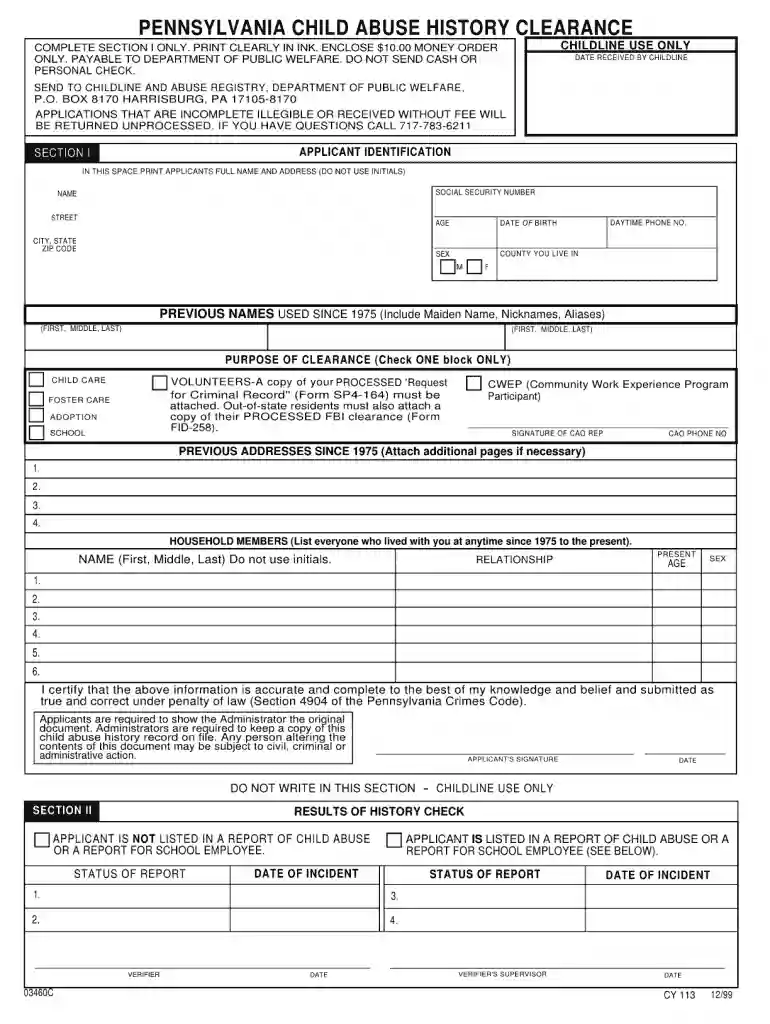
Type text, add images, blackout confidential details, add comments, highlights and more.

Draw your signature, type it, upload its image, or use your mobile device as a signature pad.

Send it via email, link, or fax. You can also download it, export it or print it out.

Start using our platform today for free to complete your child abuse clearance application form efficiently!
We've got more versions of the act 33 clearance form. Select the right act 33 clearance version from the list and start editing it straight away!
You should use only reliable software solutions with strong data protection compliance to sign your documents electronically. DocHub is just the type of service you need! It stores data on Amazon Web Servers and complies with all necessary security requirements and eSignature laws, so it’s a reliable way to electronically sign your child abuse clearance application form 1999 or other documents using this tool.
You may easily fill out, modify, and even eSign your child abuse clearance application form 1999 using DocHub. Create a new profile and begin your free trial. After that, you can add the document with the form and simply make all the needed edits. No need to print on paper or use a third-party application to sign it, as you can put your electronic signature on your document quicker through DocHub.
At DocHub, your data security is our priority. We follow HIPAA, SOC2, GDPR, and other standards, so you can work on your documents with confidence.
Download Complete the Pennsylvania Child Abuse History Clearance Form. 2. Submit the Pennsylvania Child Abuse History Clearance Form and a $10.00 Money.Read more
ICPC 100A Instructions (7/20) Instructions For Completing Form ICPC 100A Interstate Compact On The Placement Of Children Request ICPC 100A (11/20) Read more
Jun 27, 2012 The bill would provide that the adoption procedures currently governing the State Department of Social Services and licensed adoption agencies.Read more


