




Here's how it works

01. Edit your state form 54244 640p online
Type text, add images, blackout confidential details, add comments, highlights and more.

02. Sign it in a few clicks
Draw your signature, type it, upload its image, or use your mobile device as a signature pad.

03. Share your form with others
Send state form 54244 via email, link, or fax. You can also download it, export it or print it out.
How to use or fill out Indiana Unemployment Application with DocHub

- Click ‘Get Form’ to open the Indiana Unemployment Application in our editor.
- Begin by entering the claimant's name and Social Security Number in the designated fields. Ensure accuracy as this information is mandatory for processing.
- Fill in the Benefit Year End date, followed by the claimant's street address, city, state, and ZIP code.
- Next, input the Indiana SUTA (Employer Account Number) along with the employer's name and address details.
- Indicate the employment period by entering the start and last day worked using the mm/dd/yyyy format.
- Provide a brief statement of facts regarding separation. If applicable, select a reason for separation from the provided options.
- If there are any additional documents to support your submission, check the box indicating attachments and specify the total number of pages.
- Finally, enter your contact name, date, and signature before submitting via fax to UI Adjudications at 317-233-5499.
Start filling out your Indiana Unemployment Application today using our platform for free!
Fill out indiana unemployment application online
It's free
See more indiana unemployment application versions
We've got more versions of the indiana unemployment application form. Select the right indiana unemployment application version from the list and start editing it straight away!
Security and compliance
At DocHub, your data security is our priority. We follow HIPAA, SOC2, GDPR, and other standards, so you can work on your documents with confidence.
Learn more


Related forms

SC-3 Answer
The document is a legal form used in the District Court of Alaska for defendants participating in small claims procedure ...

Information For Defendants About Getting A Court-Appointed Attorney
The document provides information for defendants in Alaska regarding their right to a court-appointed attorney if they c ...

Cr 225 unsecured bond
The document is an Unsecured Appearance Bond for a defendant in the State of Alaska, outlining the conditions under whic ...
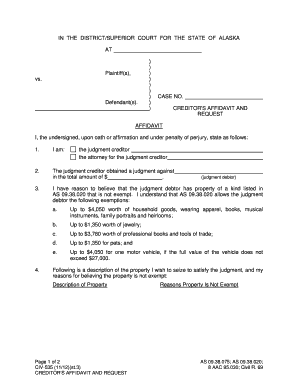
Alaska 535 affidavit
The document is a Creditor's Affidavit and Request filed in the District/Superior Court for the State of Alaska. It outl ...
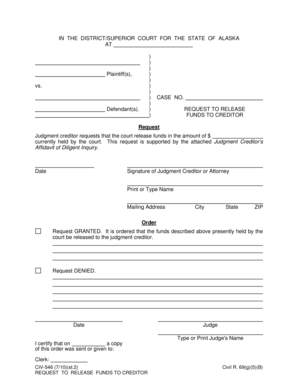
CIV-546 Request To Release Funds to Creditor 7-10 CIV-546 Request To Release Funds to Creditor 7-10
CIV-546 Request To Release Funds to Creditor 7-10 CIV-546 Request To Release Funds to Creditor 7-10
The document is a legal request submitted to the District/Superior Court for the State of Alaska, where a judgment credi ...

SC-13 Default - Plaintiff 9-88 Small Claims
The document is a Default Judgment issued by the District Court for the State of Alaska, declaring that the defendant ha ...
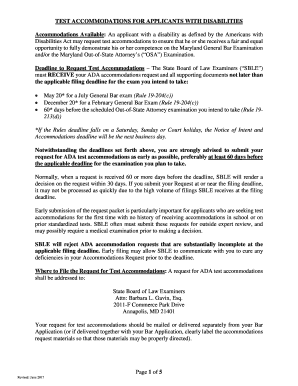
Americans with disabilities accommodation maryland court form
The document outlines the process for applicants with disabilities to request test accommodations for the Maryland Gener ...
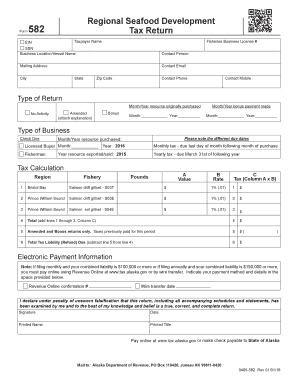
- tax alaska
The document is a tax return form for the Regional Seafood Development program in Alaska, designed for fisheries busines ...