




Here's how it works

01. Edit your how old do you have to be to work at morrisons online
Type text, add images, blackout confidential details, add comments, highlights and more.

02. Sign it in a few clicks
Draw your signature, type it, upload its image, or use your mobile device as a signature pad.

03. Share your form with others
Send can you work at morrisons at 16 via email, link, or fax. You can also download it, export it or print it out.
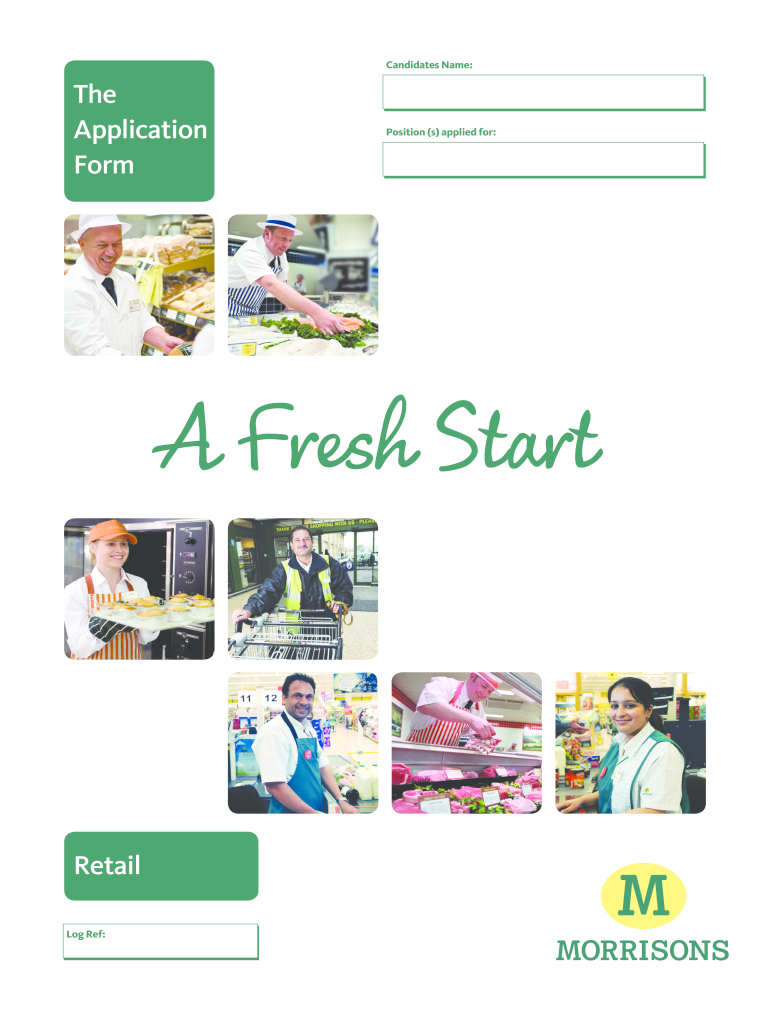
How to use or fill out morrisons application form with our platform

- Click ‘Get Form’ to open the morrisons application form in the editor.
- Begin by filling out your personal details. Ensure you complete all mandatory fields marked with an asterisk, including your name, address, and contact information.
- In the 'Education & Training' section, list all relevant qualifications and training courses. Be thorough to showcase your skills effectively.
- Provide details of your current or most recent employment. Include the employer's name, job title, responsibilities, and salary information.
- For references, include two personal referees who are not relatives. Fill in their names, addresses, and how long you have known them.
- Complete the 'Vacancy Details' section by indicating the position applied for and any preferences regarding store locations or availability.
- Finally, review your application for accuracy before submitting it through our platform to ensure a smooth process.
Start using our platform today to fill out your morrisons application form online for free!
Fill out morrisons application form online
It's free
See more morrisons application form versions
We've got more versions of the morrisons application form form. Select the right morrisons application form version from the list and start editing it straight away!
| Versions | Form popularity | Fillable & printable |
|---|---|---|
| 2012 | 4.9 Satisfied (30 Votes) |
Security and compliance
At DocHub, your data security is our priority. We follow HIPAA, SOC2, GDPR, and other standards, so you can work on your documents with confidence.
Learn more


Related forms
Travel renewal
The document is a renewal application form for the Seller of Travel registration in California, issued by the Department ...
YOUR RIGHTS MAY BE BETTER PROTECTED
The document is a comprehensive guide for respondents in divorce cases in West Virginia, detailing the necessary steps a ...
Cja30 worksheet fill
The document is a CJA 30 Attorney Worksheet that outlines various legal services provided by an attorney, including in-c ...

Michigan acceptance appointment
The document is an acceptance of appointment form from the State of Michigan Probate Court, where an appointed fiduciary ...
Bruggenschmidt v Indianapolis Metro Police Dep'tCase No
The document is an order from the United States District Court for the Southern District of Indiana regarding a motion f ...

Nj subpoena instructions
The document provides detailed instructions for completing and serving a subpoena in New Jersey. It outlines the necessa ...

Ocean county surrogate estate information sheet
The document is a Guardianship Application filed in the Essex County Surrogate’s Court of New Jersey, concerning a minor ...
Separation affidavit template
The document is a legal notice from the Court of Common Pleas in Pennsylvania regarding a civil action for divorce. It i ...