
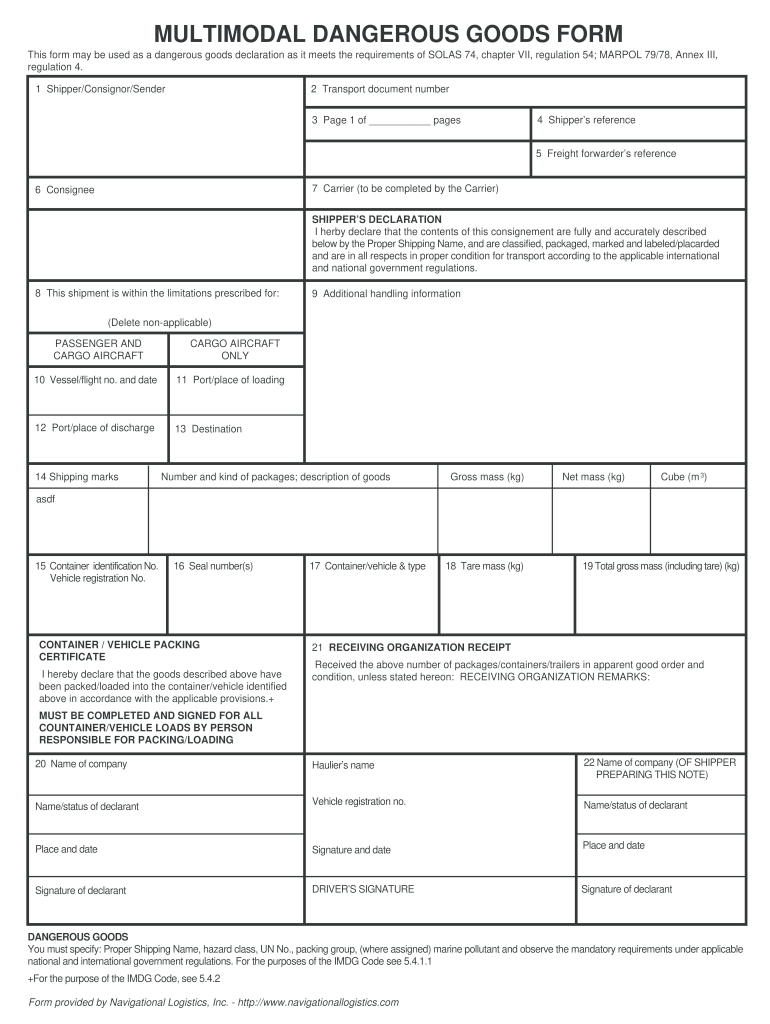




Here's how it works

01. Edit your multimodal dangerous goods form online
Type text, add images, blackout confidential details, add comments, highlights and more.

02. Sign it in a few clicks
Draw your signature, type it, upload its image, or use your mobile device as a signature pad.

03. Share your form with others
Send multimodal dangerous goods form template via email, link, or fax. You can also download it, export it or print it out.
How to use or fill out multimodal dangerous goods form with our platform

- Click ‘Get Form’ to open it in the editor.
- Begin by filling in the 'Shipper/Consignor/Sender' section with your details. Ensure accuracy as this information is crucial for transport.
- Enter the 'Transport document number' and any references such as 'Shipper’s reference' and 'Freight forwarder’s reference' to maintain proper tracking.
- In the 'Shipper’s Declaration', confirm that the contents are accurately described, classified, and packaged according to regulations. This is a critical legal statement.
- Specify details about the shipment including 'Vessel/flight no. and date', 'Port/place of loading', and 'Destination'. These fields ensure smooth logistics.
- Complete the 'Container/Vehicle Packing Certificate' section, providing necessary details about packing and loading compliance.
- Finally, ensure all signatures are collected where required, including those of the declarant and driver, to validate the document.
Start using our platform today for free to streamline your document editing and form completion!
Fill out multimodal dangerous goods form online
It's free
Security and compliance
At DocHub, your data security is our priority. We follow HIPAA, SOC2, GDPR, and other standards, so you can work on your documents with confidence.
Learn more


Related forms
Sanitary permit blank form
The document is a Sanitary Permit Application form from the Safety and Buildings Division in Wisconsin. It collects esse ...

Delta sigma theta whistleblower policy
The document outlines the Whistleblower Policy of Delta Sigma Theta Sorority, Incorporated, emphasizing the organization ...

Health improvement benefit approval form
The document is a Health Improvement Benefit Approval Form that must be completed by a qualified Health Provider to auth ...
Download California LLC Articles of Organization Forms
The document outlines the application process for obtaining a Certificate of Authority for a Foreign Limited Liability C ...

TTB F 5150 22 TTB F 5150 22 APPLICATION FOR AN INDUSTRIAL ALCOHOL USER PERMIT
The document is an application form for an Industrial Alcohol User Permit issued by the Alcohol and Tobacco Tax and Trad ...
Paid Parental Leave application 6-09doc - bmcc cuny
The document outlines the application process for paid parental leave, requiring employees to notify their department ch ...
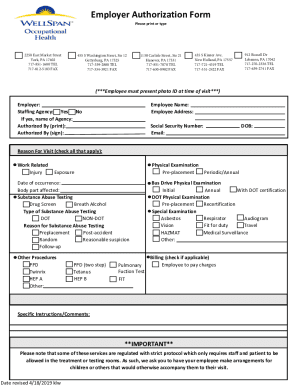
WellSpan Occupational Health, 455 S Washington St
The document outlines the procedures and requirements for employees visiting WellSpan Occupational Health for work-relat ...

Golf permission slip from wife
This document is a permission slip for parents to transport their child after a golf tournament. It requires the parent' ...