




Here's how it works

01. Edit your abortion paperwork online
Type text, add images, blackout confidential details, add comments, highlights and more.

02. Sign it in a few clicks
Draw your signature, type it, upload its image, or use your mobile device as a signature pad.

03. Share your form with others
Send abortion papers via email, link, or fax. You can also download it, export it or print it out.
How to use or fill out proof of abortion paperwork with DocHub

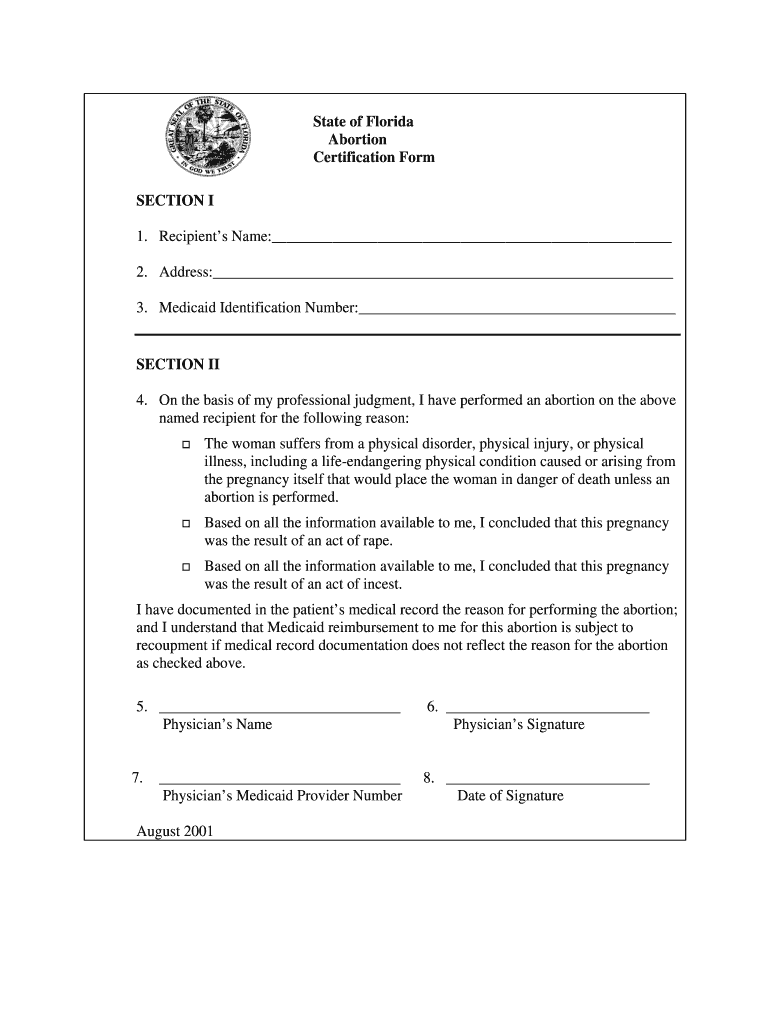
- Click ‘Get Form’ to open the proof of abortion paperwork in our editor.
- Begin by entering the recipient’s name in Section I, field 1. Ensure that the name matches official identification for accuracy.
- Next, fill in the address in field 2. This should be the current residential address of the recipient.
- In field 3, input the Medicaid Identification Number. This is crucial for processing any potential reimbursements.
- Move to Section II and select the appropriate reason for performing the abortion by checking one of the options provided. Make sure this aligns with your medical documentation.
- Enter the physician’s name in field 5 and their Medicaid provider number in field 7 to validate your credentials.
- Finally, sign and date the form in fields 6 and 8 respectively, ensuring all information is accurate before submission.
Start using our platform today to easily complete your proof of abortion paperwork online for free!
Fill out proof of abortion paperwork online
It's free
See more proof of abortion paperwork versions
We've got more versions of the proof of abortion paperwork form. Select the right proof of abortion paperwork version from the list and start editing it straight away!
Security and compliance
At DocHub, your data security is our priority. We follow HIPAA, SOC2, GDPR, and other standards, so you can work on your documents with confidence.
Learn more


Related forms
Summer Food Service Program - SD Department of Education
The document is an Income Eligibility Form for the Summer Food Service Program (SFSP) designed for camps and closed enro ...

T2050 application - Fill Out and Sign Printable PDF Template
The document is an application form for organizations seeking admission to the 2020 State Employees Combined Campaign (S ...
Form 14568-D Model VCP Compliance Statement
The document is the Model VCP Compliance Statement (Form 14568) issued by the Department of the Treasury - Internal Reve ...
Texas title transfer form
The document is an application form for obtaining a Texas title and/or registration for a vehicle. It includes sections ...
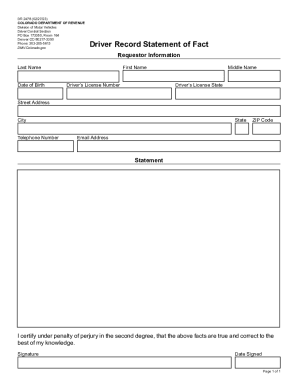
DR 2478, Driver Record Statement of Fact If you are using a screen reader or other assistive technol
DR 2478, Driver Record Statement of Fact If you are using a screen reader or other assistive technol
The document is a Driver Record Statement of Fact form from the Colorado Department of Revenue's Division of Motor Vehic ...

How to fill out a wire transfer form
The document is an Authorization to Wire Brokerage Funds form for Scottrade account holders, allowing them to request a ...
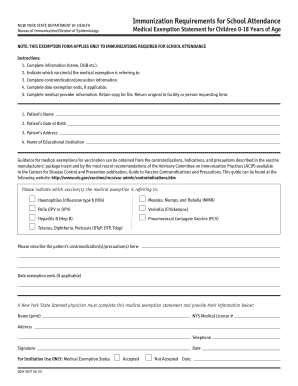
Vaccine exemption letter pdf ny
The document outlines the medical exemption requirements for immunizations necessary for school attendance in New York S ...