
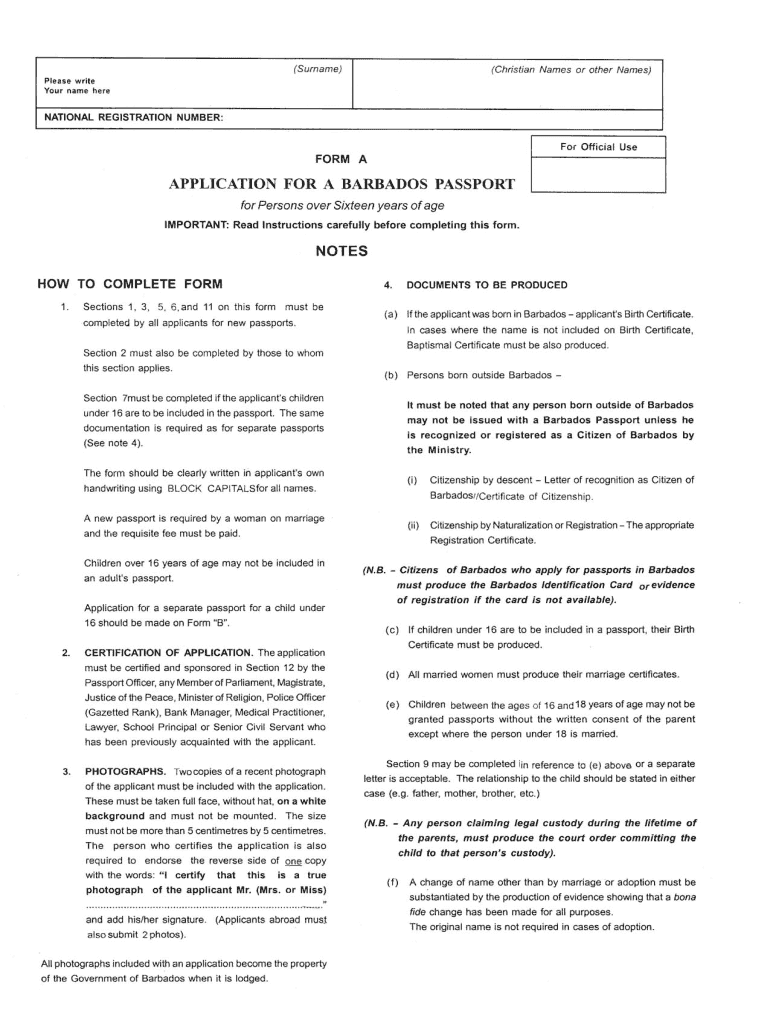




Here's how it works

01. Edit your barbados immigration form online
Type text, add images, blackout confidential details, add comments, highlights and more.

02. Sign it in a few clicks
Draw your signature, type it, upload its image, or use your mobile device as a signature pad.

03. Share your form with others
Send renew barbados passport via email, link, or fax. You can also download it, export it or print it out.
How to use or fill out barbados passport renewal form pdf with DocHub

- Click ‘Get Form’ to open the Barbados passport renewal form PDF in our platform's editor.
- Begin by entering your personal information in the designated fields, including your full name, date of birth, and current address. Ensure that all details are accurate to avoid processing delays.
- Next, provide your passport details such as the passport number and expiration date. This information is crucial for verifying your identity and processing your renewal request.
- Upload a recent passport-sized photograph by clicking on the image upload section. Make sure the photo meets the specified requirements for size and quality.
- Review all entered information carefully. Use our platform’s editing tools to make any necessary corrections before finalizing your form.
- Once satisfied with your entries, save the document and proceed to sign it electronically if required. This step ensures that your application is complete and ready for submission.
Start using our platform today to easily fill out your Barbados passport renewal form online for free!
Fill out barbados passport renewal form pdf online
It's free
It's free
Security and compliance
At DocHub, your data security is our priority. We follow HIPAA, SOC2, GDPR, and other standards, so you can work on your documents with confidence.
Learn more


Related forms

Commonwealth domestic violence
The document is a Financial Hardship Assistance application form from Bankwest, designed to collect personal and financi ...

Nationwide accountants certificate
The document is an Accountant's Certificate from Nationwide Building Society, requesting an accountant to provide a refe ...
Replacement Testamur or Senior First Aid Certificate
The document is an application form for students requesting a replacement of a lost, damaged, or stolen Testamur, Confir ...

IL State Continuation Coverage Election Notice This notice
The document is an IL State Continuation Coverage Election Notice informing qualified beneficiaries about their right to ...
BMCHP Medical Prior Auth Form Rev 3 24 11 doc
The document is a Medical Prior Authorization Request Form for WellSense Medicare Advantage HMO, which outlines the nece ...
JICA Young Leaders Application Form
The document provides application guidelines for the JICA Knowledge Co-Creation Program (Young Leaders), detailing the n ...
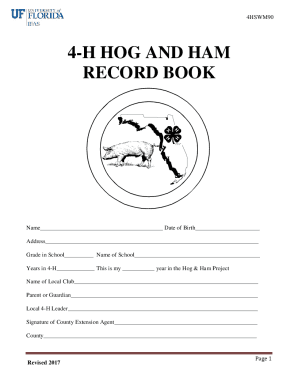
4-H Country Ham Club's auction nets thousands of dollars
The document is a record book for the Florida 4-H Hog and Ham Program, designed for participants to track their hog proj ...
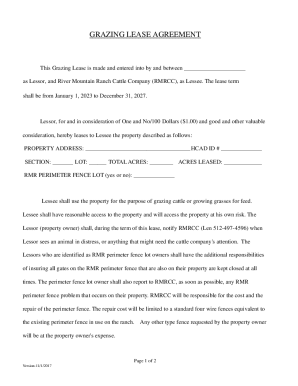
Grazing Lease Agreement
The Grazing Lease Agreement outlines the terms between the Lessor and River Mountain Ranch Cattle Company (RMRCC) for le ...