




Here's how it works

01. Edit your 3 day eviction notice california online
Type text, add images, blackout confidential details, add comments, highlights and more.

02. Sign it in a few clicks
Draw your signature, type it, upload its image, or use your mobile device as a signature pad.

03. Share your form with others
Send 3 day notice to quit california pdf via email, link, or fax. You can also download it, export it or print it out.
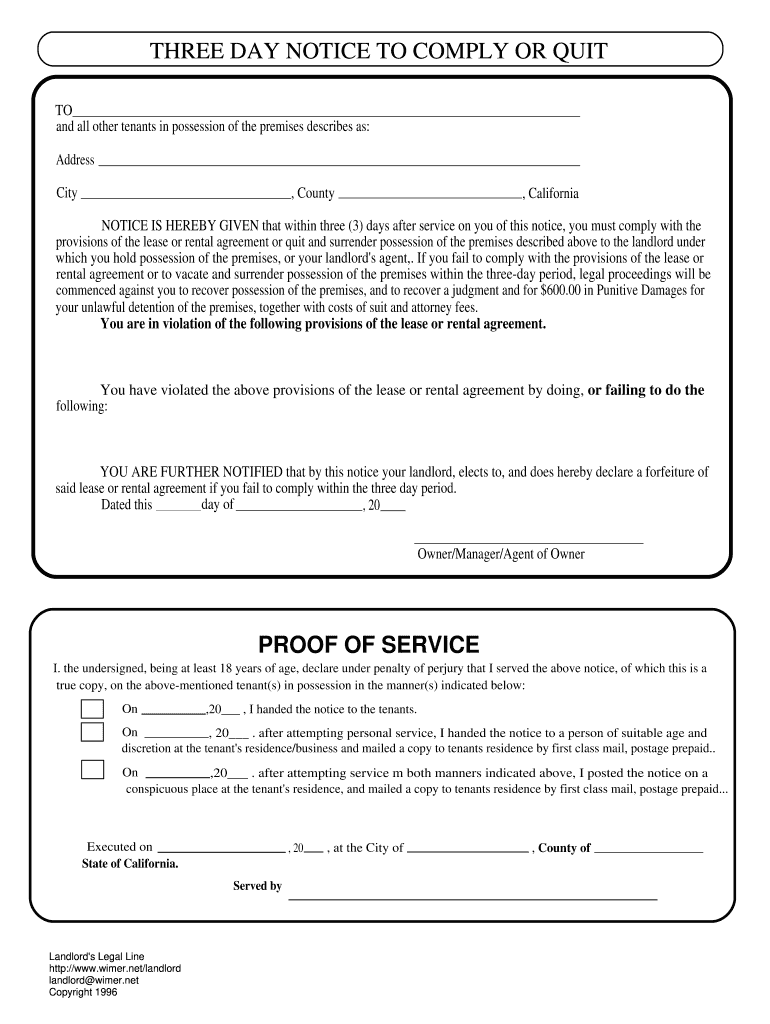
How to use or fill out 3 day notice to comply or quit california pdf with our platform

- Click ‘Get Form’ to open the 3 day notice to comply or quit California PDF in the editor.
- Begin by filling in the tenant's name and address at the top of the form. Ensure accuracy as this information is crucial for legal purposes.
- In the section detailing the lease violations, clearly specify what provisions of the lease or rental agreement have been violated. This helps establish a clear basis for your notice.
- Fill in the date on which you are issuing this notice, as well as any relevant dates for compliance and service attempts. This will provide a timeline for both parties.
- Complete the proof of service section by indicating how you delivered this notice to the tenant. Choose from personal delivery, leaving it with someone at their residence, or posting it.
- Finally, sign and date the document at the bottom to validate it before sending it out. Make sure all fields are filled correctly to avoid any delays.
Start using our platform today to easily fill out your 3 day notice and streamline your document management!
Fill out 3 day notice to comply or quit california pdf online
It's free
Security and compliance
At DocHub, your data security is our priority. We follow HIPAA, SOC2, GDPR, and other standards, so you can work on your documents with confidence.
Learn more


Related forms
Silent Auction Bid Form - csifresno
The document is a Silent Auction Bid Form that allows bidders to submit their bids for an item, including details such a ...

Texas lottery claim form
The Texas Lottery Winner Claim Form is designed for individual claimants to submit their winning lottery tickets. It req ...
Adm 9050
The document is an appointment form where a principal designates the Director of Motor Vehicles as their lawful agent fo ...
Ancc Renewal Certification Form Ancc Renewal Certification Form dvdcd
The document outlines the certification renewal process for nurses through the American Nurses Credentialing Center (ANC ...
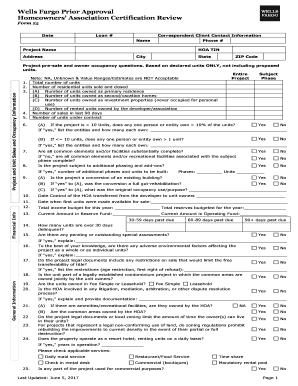
Wells Fargo Prior Approval
The document is a Wells Fargo Prior Approval Homeowners’ Association Certification Review Form, which collects detailed ...

Wells Fargo Homeowners Association Certification Review
The document is a Wells Fargo Homeowners’ Association Certification Review Form that collects detailed information about ...
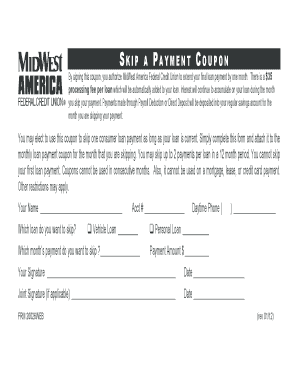
Skip a Payment Coupon By signing this coupon, you authorize MidWest America Federal Credit Union to
Skip a Payment Coupon By signing this coupon, you authorize MidWest America Federal Credit Union to
The document is a payment coupon that allows borrowers to authorize MidWest America Federal Credit Union to skip one mon ...

VP-015 Vehicle Inspection Certificate
The document is an 'Affidavit of Non-Operation' form used in Nevada, which certifies that a vehicle has not been driven ...