




Here's how it works

01. Edit your form online
Type text, add images, blackout confidential details, add comments, highlights and more.

02. Sign it in a few clicks
Draw your signature, type it, upload its image, or use your mobile device as a signature pad.

03. Share your form with others
Send it via email, link, or fax. You can also download it, export it or print it out.
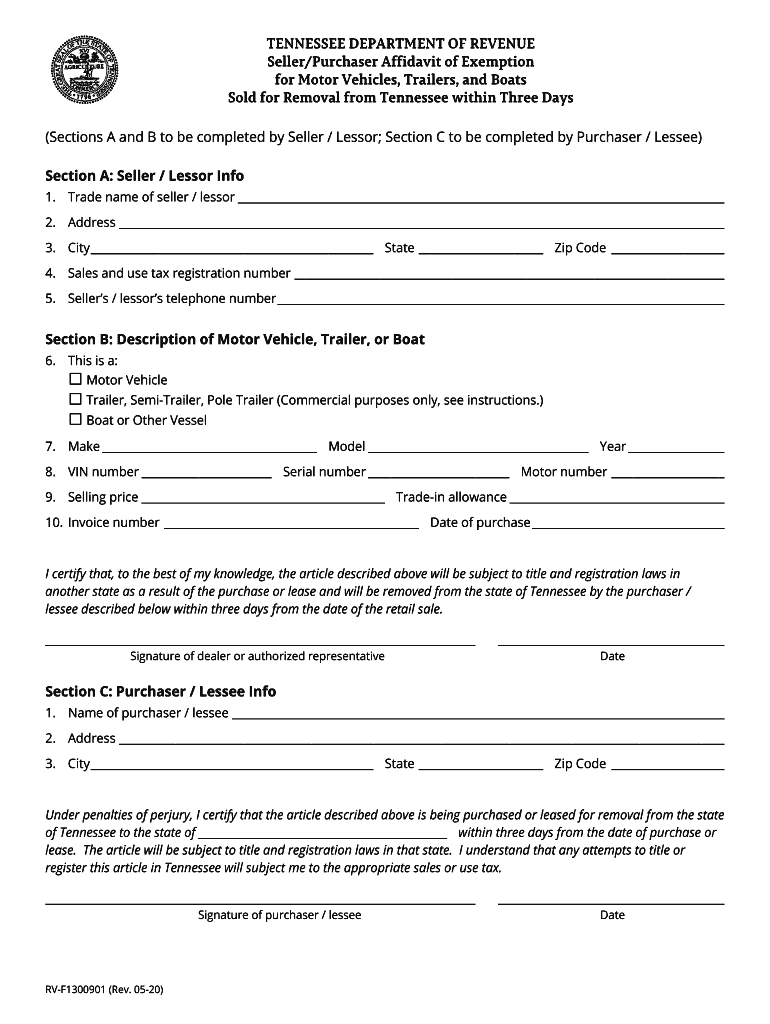
How to use or fill out tennessee rv f1300901 with our platform

- Click ‘Get Form’ to open the tennessee rv f1300901 in the editor.
- In Section A, enter the seller/lessor information. Fill in the trade name, address, city, state, zip code, sales and use tax registration number, and telephone number.
- Move to Section B to describe the motor vehicle, trailer, or boat. Select the type of item purchased and provide details such as make, model, year, VIN number, serial number, motor number, selling price, trade-in allowance, invoice number, and date of purchase.
- In Section C, complete the purchaser/lessee information by entering your name, address, city, state, and zip code. Ensure you certify that the item will be removed from Tennessee within three days.
- Finally, both parties must sign and date the form to validate it before submission.
Start using our platform today for free to streamline your document editing and signing process!
Fill out tennessee rv f1300901 online
It's free
It's free
See more tennessee rv f1300901 versions
We've got more versions of the tennessee rv f1300901 form. Select the right tennessee rv f1300901 version from the list and start editing it straight away!
Security and compliance
At DocHub, your data security is our priority. We follow HIPAA, SOC2, GDPR, and other standards, so you can work on your documents with confidence.
Learn more


Related forms
Rent to Own Vehicle Agreement Template
The Rent to Own Vehicle Agreement outlines the terms and conditions for a Lessee to rent a vehicle from a Lessor with th ...
Work Invoice Contract Template
The Work Invoice Contract Agreement outlines the terms and conditions between a Contractor and a Client for specific ser ...

Articulation Agreement Template
The document is an Articulation Agreement between [INSTITUTION A] and [INSTITUTION B], aimed at facilitating the transfe ...

Website Service Level Agreement Template
The Website Service Level Agreement (SLA) outlines the terms and conditions between a service provider and a client rega ...
Controller to Controller Agreement Template
The Controller to Controller Agreement outlines the terms and conditions under which two data controllers, referred to a ...
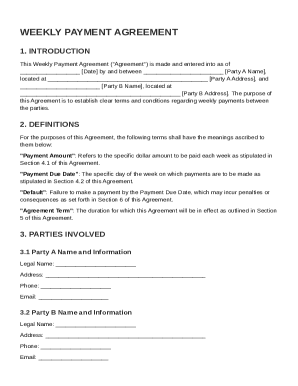
Weekly Payment Agreement Template
The Weekly Payment Agreement outlines the terms and conditions for weekly payments between two parties, including defini ...
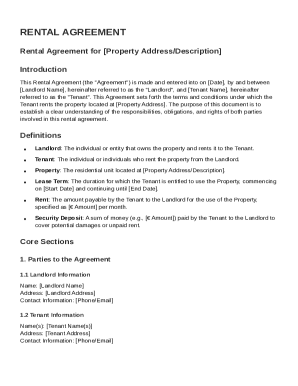
Rental Netherlands Agreement Template
This Rental Agreement outlines the terms and conditions between the Landlord and Tenant for renting a property, includin ...
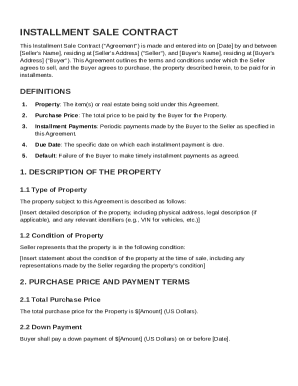
Installment Sale Contract Template
The Installment Sale Contract outlines the agreement between a Seller and a Buyer for the sale of property to be paid in ...