




Here's how it works

01. Edit your form online
Type text, add images, blackout confidential details, add comments, highlights and more.

02. Sign it in a few clicks
Draw your signature, type it, upload its image, or use your mobile device as a signature pad.

03. Share your form with others
Send it via email, link, or fax. You can also download it, export it or print it out.
How to use or fill out 2020-2021 Verification Worksheet Dependent Student- Group 5 with DocHub

- Click ‘Get Form’ to open the 2020-2021 Verification Worksheet Dependent Student- Group 5 in our platform.
- Begin by filling out Section A with your personal information, including your last name, first name, and Redlands ID. Ensure all details are accurate.
- In Section B, list all members of your household. Include yourself, your parents, and any siblings or dependents who live with you. Specify their ages and the colleges they will attend.
- Proceed to Section C for student income verification. Indicate whether you filed a tax return for 2018 and provide details about your income sources if applicable.
- In Section D, repeat the process for parent income verification. Select the appropriate option regarding their tax filing status and provide necessary documentation.
- Finally, complete Section E by signing the form along with one parent. Remember to print the form for signatures as required.
Start using our editor today to easily fill out your verification worksheet for free!
Fill out 2020-2021 Verification Worksheet Dependent Student- Group 5 online
It's free
See more 2020-2021 Verification Worksheet Dependent Student- Group 5 versions
We've got more versions of the 2020-2021 Verification Worksheet Dependent Student- Group 5 form. Select the right 2020-2021 Verification Worksheet Dependent Student- Group 5 version from the list and start editing it straight away!
Security and compliance
At DocHub, your data security is our priority. We follow HIPAA, SOC2, GDPR, and other standards, so you can work on your documents with confidence.
Learn more


Related forms
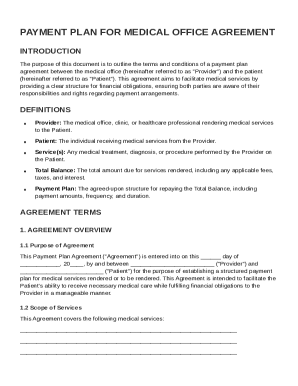
Payment Plan for Medical Office Agreement Template
The document outlines a Payment Plan Agreement between a medical provider and a patient, detailing the terms and conditi ...
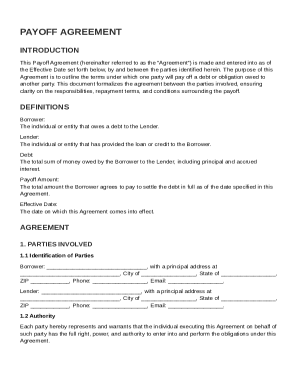
Payoff Agreement Template
The Payoff Agreement outlines the terms under which a Borrower will pay off a debt owed to a Lender. It includes definit ...
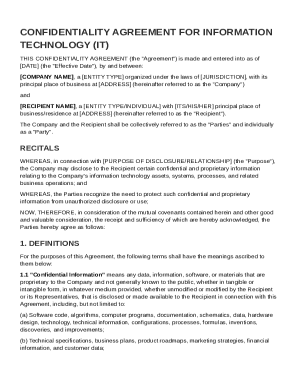
IT Confidentiality Agreement Template
This Confidentiality Agreement outlines the terms under which a Company discloses confidential and proprietary informati ...
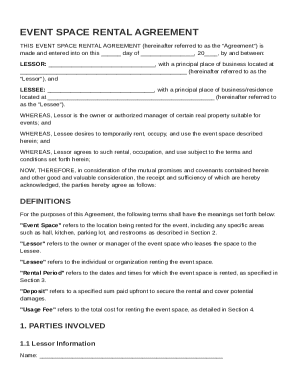
Event Space Rental Agreement Template
The document is an Event Space Rental Agreement between a Lessor and a Lessee, outlining the terms for renting an event ...
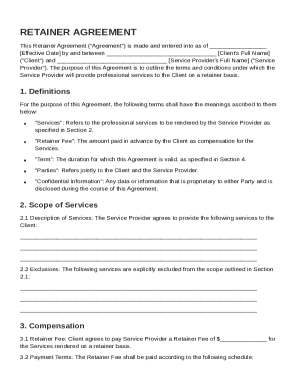
Retainer Agreement Template
The Retainer Agreement outlines the terms and conditions under which a Service Provider will offer professional services ...
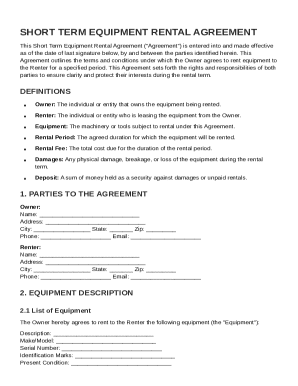
Short Term Equipment Rental Agreement Template
The Short Term Equipment Rental Agreement outlines the terms and conditions for renting equipment between an Owner and a ...
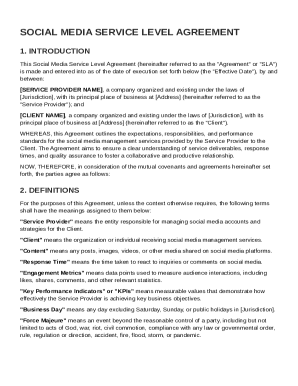
Social Media Service Level Agreement Template
The Social Media Service Level Agreement (SLA) outlines the terms and conditions between a Service Provider and a Client ...
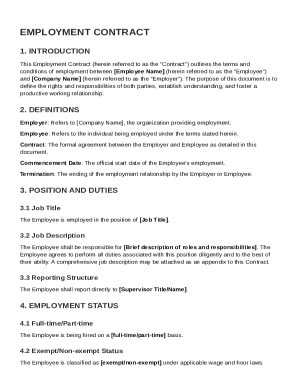
Terms Of Employment Contract Template
The document is an Employment Contract that outlines the terms and conditions of employment between an Employee and an E ...