




Here's how it works

01. Edit your ct summons form online
Type text, add images, blackout confidential details, add comments, highlights and more.

02. Sign it in a few clicks
Draw your signature, type it, upload its image, or use your mobile device as a signature pad.

03. Share your form with others
Send misdemeanor summons and complaint ct via email, link, or fax. You can also download it, export it or print it out.
How to use or fill out Connecticut Summons with our platform

- Click ‘Get Form’ to open the Connecticut Summons in the editor.
- Begin by entering the Return Date, which should be any day except Sundays and legal holidays. Specify the town and judicial district for proper filing.
- Fill in the number of plaintiffs and defendants. If there are more than two plaintiffs or four defendants, complete the Civil Summons Continuation of Parties (form JD-CV-2) and attach it.
- Provide the names and addresses of each party involved. Ensure that all information is accurate and legible, as this is crucial for legal proceedings.
- Review the notice section carefully. It outlines important information regarding rights and responsibilities for both parties involved in the eviction process.
- Once completed, save your document. You can then print it or share it directly from our platform for free.
Start using our platform today to streamline your Connecticut Summons process effortlessly!
Fill out connecticut summons online
It's free
It's free
Security and compliance
At DocHub, your data security is our priority. We follow HIPAA, SOC2, GDPR, and other standards, so you can work on your documents with confidence.
Learn more


Related forms
Taxi Driver Employment Contract Template
The document is a Taxi Driver Employment Contract outlining the terms and conditions of employment between an Employer a ...
Horse Co Ownership Agreement Template
The Horse Co-Ownership Agreement outlines the terms and conditions for joint ownership, care, management, and expense sh ...
B2B Partnership Agreement Template
The document is a Business-to-Business Partnership Agreement outlining the terms and conditions for a partnership betwee ...
Interactive Process Meeting Notes
The document outlines the interactive process for reasonable accommodation requests as per VA Handbook 5975.1. It detail ...
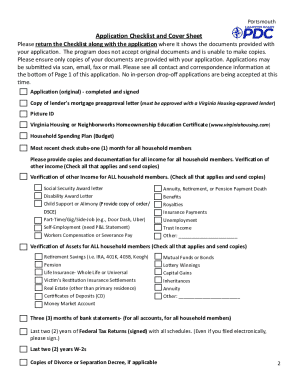
The Come HOME to Portsmouth Down Payment and Closing Cost
The 'Come HOME to Portsmouth' Down Payment and Closing Cost (DPCC) Program offers financial assistance for closing costs ...
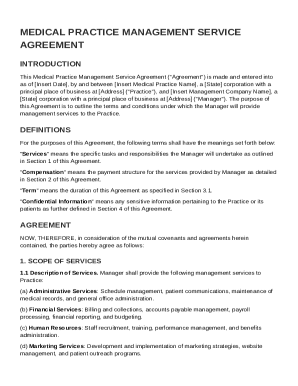
Medical Practice Management Service Agreement Template
The Medical Practice Management Service Agreement outlines the terms under which a management company will provide vario ...
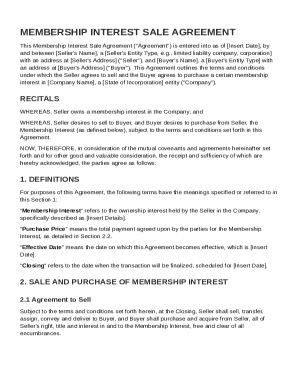
Membership Interest Sale Agreement Template
The Membership Interest Sale Agreement outlines the terms under which a Seller agrees to sell and a Buyer agrees to purc ...
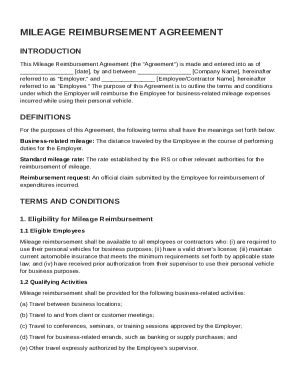
Mileage Reimbursement Agreement Template
The Mileage Reimbursement Agreement outlines the terms under which an employer will reimburse employees or contractors f ...