




Here's how it works

01. Edit your form online
Type text, add images, blackout confidential details, add comments, highlights and more.

02. Sign it in a few clicks
Draw your signature, type it, upload its image, or use your mobile device as a signature pad.

03. Share your form with others
Send it via email, link, or fax. You can also download it, export it or print it out.
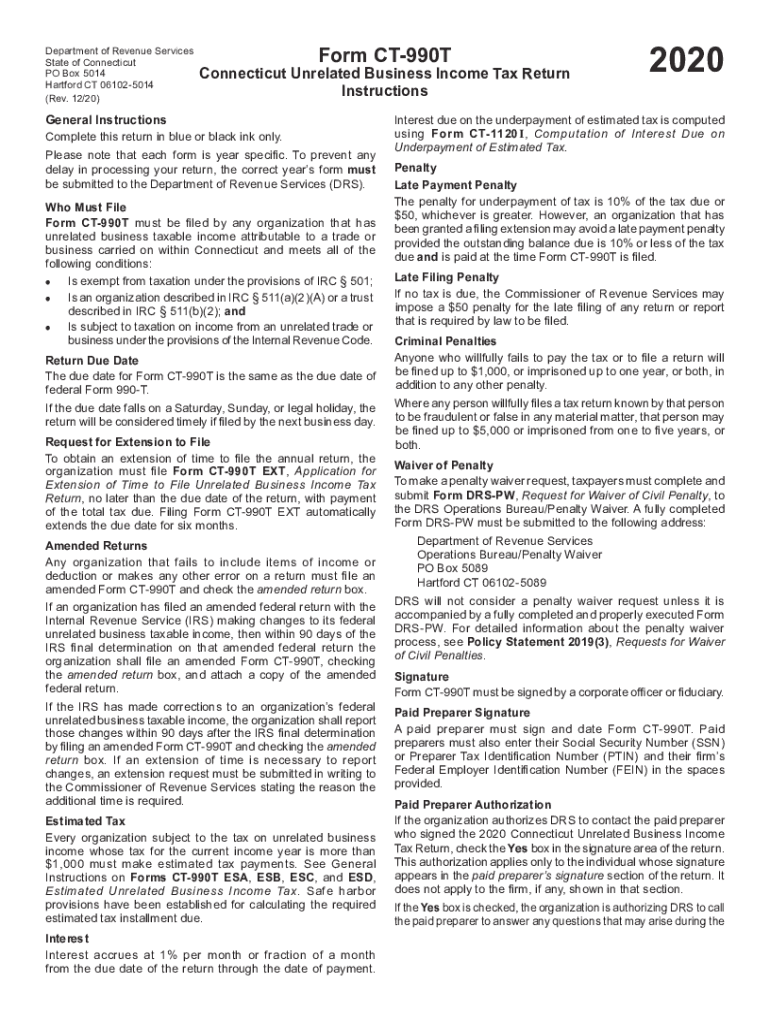
How to use or fill out To prevent any with our platform

- Click ‘Get Form’ to open it in the editor.
- Begin by entering your organization's name and address at the top of the form. Ensure that you check the box for any changes in mailing address if applicable.
- Fill in the required information, including the beginning and ending dates of your income year, Connecticut Tax Registration Number, and FEIN.
- Indicate whether this is an initial return, amended return, or final return by checking the appropriate boxes.
- Complete the computation of tax section by entering your unrelated business taxable income and any applicable deductions as instructed.
- If claiming a refund or credit for overpayment, ensure to fill out that section accurately to avoid delays.
- Finally, sign the form where indicated. If a paid preparer is involved, they must also sign and provide their identification numbers.
Start using our platform today to streamline your document editing and form completion process for free!
Fill out To prevent any online
It's free
See more To prevent any versions
We've got more versions of the To prevent any form. Select the right To prevent any version from the list and start editing it straight away!
Security and compliance
At DocHub, your data security is our priority. We follow HIPAA, SOC2, GDPR, and other standards, so you can work on your documents with confidence.
Learn more


Related forms

Motivation and training
The document is a training guide for seafood businesses, specifically focusing on motivation and training strategies for ...

Identification and Apportionment of Costs of Unidentified Gas - Ofgem - ofgem gov
The document is an Impact Assessment for UNC Modification Proposals aimed at improving the allocation of costs associate ...

Population Trends - No 103, Spring 2001 - Office for National

Consumer Prices Index and Retail Prices Index: The 2010 Basket of
The document outlines the annual review process of the Consumer Prices Index (CPI) and Retail Prices Index (RPI) baskets ...

Does poor people's access to formal banking services raise
The document is a systematic review protocol titled 'Does poor people’s access to formal banking services raise their in ...

Download - Sweetpotato Knowledge Portal
Chapter 4 discusses the use of consumer tests and trained taste panels to evaluate the sensory characteristics of sweetp ...
National Horizon Scanning Unit
The document is a Horizon Scanning prioritising summary for the GlucoWatch® G2™, a device designed for continuous glucos ...

SYD12MAY DOC - pc gov
The document is a transcript of proceedings from a public hearing conducted by the Productivity Commission regarding pro ...