




Here's how it works

01. Edit your dd form 2656 march 2022 pdf free download online
Type text, add images, blackout confidential details, add comments, highlights and more.

02. Sign it in a few clicks
Draw your signature, type it, upload its image, or use your mobile device as a signature pad.

03. Share your form with others
Send dd form 2656 pdf free download via email, link, or fax. You can also download it, export it or print it out.
How to use or fill out dd form 2656 with our platform

- Click ‘Get Form’ to open the dd form 2656 in the editor.
- Begin by filling out Section I, which requires your personal information including your name, Social Security number, date of retirement, and mailing address.
- In Section II, indicate your current coverage by selecting one of the options provided. Make sure to check the box that accurately reflects your situation.
- Proceed to Section III to specify the conditions that trigger your eligibility for a change in coverage. Mark all applicable boxes based on your circumstances such as marriage or divorce.
- In Section IV, select the requested change to your coverage by placing an X in the appropriate box. Ensure you complete any necessary sections based on your choice.
- If applicable, provide details about your spouse and dependent children in Section VI. This includes their names, Social Security numbers, and dates of birth.
- Finally, sign and date the form in Section VII. Remember that a witness must also sign this section; ensure they are not a beneficiary.
Start using our platform today for free to streamline your document editing and completion process!
Fill out dd form 2656 online
It's free
It's free
See more dd form 2656 versions
We've got more versions of the dd form 2656 form. Select the right dd form 2656 version from the list and start editing it straight away!
Security and compliance
At DocHub, your data security is our priority. We follow HIPAA, SOC2, GDPR, and other standards, so you can work on your documents with confidence.
Learn more


Related forms
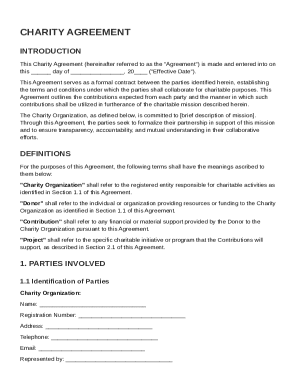
Charity Agreement Template
The Charity Agreement is a formal contract between a Charity Organization and a Donor, outlining the terms of their coll ...
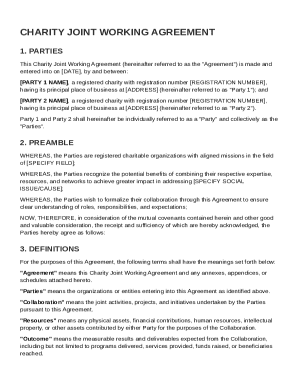
Charity Joint Working Agreement Template
The Charity Joint Working Agreement outlines a formal collaboration between two registered charities to combine their re ...
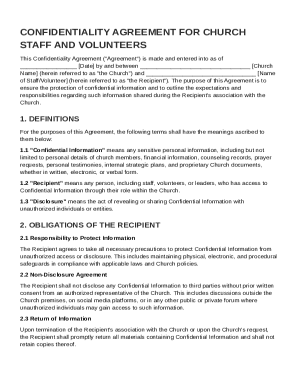
Church Confidentiality Agreement Template
The document is a Confidentiality Agreement for church staff and volunteers, outlining the responsibilities and obligati ...
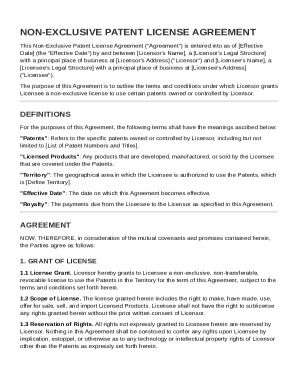
Non Exclusive Patent License Agreement Template
The Non-Exclusive Patent License Agreement outlines the terms under which a Licensor grants a Licensee a non-exclusive l ...
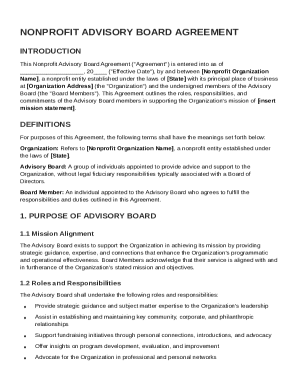
Nonprofit Advisory Board Agreement Template
The Nonprofit Advisory Board Agreement outlines the roles, responsibilities, and commitments of Advisory Board members w ...
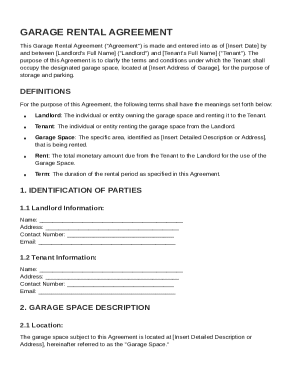
Garage Rental Agreement Template
The Garage Rental Agreement outlines the terms and conditions for renting a garage space between a landlord and tenant. ...
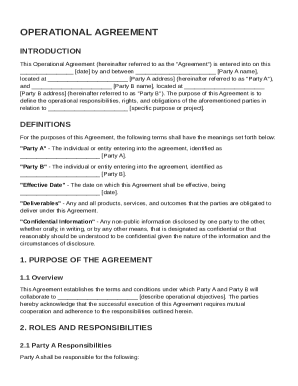
Operational Agreement Template
The Operational Agreement outlines the terms and conditions for collaboration between Party A and Party B, detailing the ...
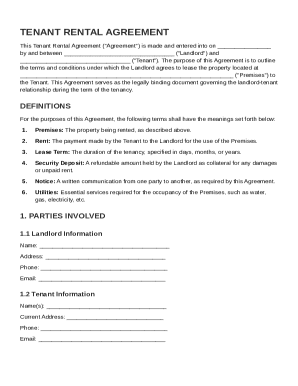
Tenant Rental Agreement Template
The Tenant Rental Agreement is a legal document outlining the terms and conditions for leasing a property from a landlor ...