
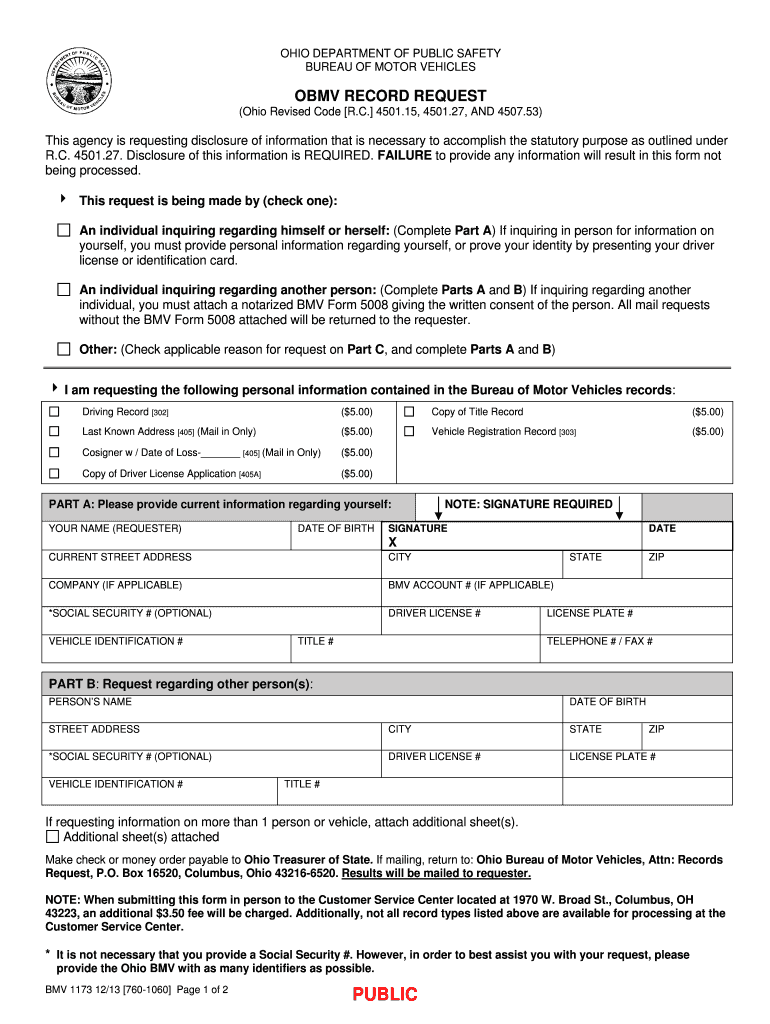




Here's how it works

01. Edit your bmv form 1173 online
Type text, add images, blackout confidential details, add comments, highlights and more.

02. Sign it in a few clicks
Draw your signature, type it, upload its image, or use your mobile device as a signature pad.

03. Share your form with others
Send form 1173 via email, link, or fax. You can also download it, export it or print it out.
How to use or fill out form bmv 1173 2013 with our platform

- Click ‘Get Form’ to open the BMV 1173 2013 in the editor.
- Begin by selecting the appropriate request type in Part A. If you are inquiring about yourself, complete your personal information including your name, date of birth, and current address.
- If you are requesting information for another person, ensure you complete both Parts A and B. You will need to provide their details such as name and date of birth, along with a notarized consent form (BMV Form 5008).
- In Part C, check the box that corresponds to your reason for requesting the information. This section is crucial as it determines how your request will be processed.
- Review all entered information for accuracy. Ensure that all required fields are filled out correctly before submitting.
- Once completed, save your document and either print it for mailing or submit it electronically if applicable.
Start using our platform today to fill out your BMV forms quickly and efficiently!
Fill out form bmv 1173 2013 online
It's free
See more form bmv 1173 2013 versions
We've got more versions of the form bmv 1173 2013 form. Select the right form bmv 1173 2013 version from the list and start editing it straight away!
Security and compliance
At DocHub, your data security is our priority. We follow HIPAA, SOC2, GDPR, and other standards, so you can work on your documents with confidence.
Learn more


Related forms

Application for Change of Beneficiary or Name
The document is a request form for changing the beneficiary or name associated with an insurance certificate from Modern ...

Bank appointment for Currency EXCHANGE Instructions - Ning
The document provides a comprehensive checklist and instructions for scheduling and preparing for a foreign currency exc ...
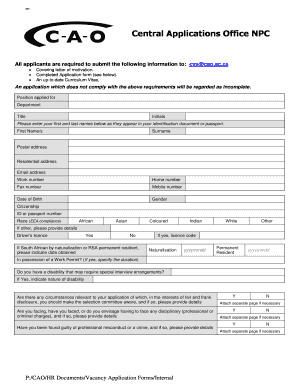
Cao application
The document outlines the application requirements for candidates applying to positions at the Central Applications Offi ...

Fahrradpass word vorlage
The document is a 'Bicycle Pass' that provides instructions for bicycle owners to fill out their personal and bicycle de ...