




01. Edit your form 8700 22 online
Type text, add images, blackout confidential details, add comments, highlights and more.

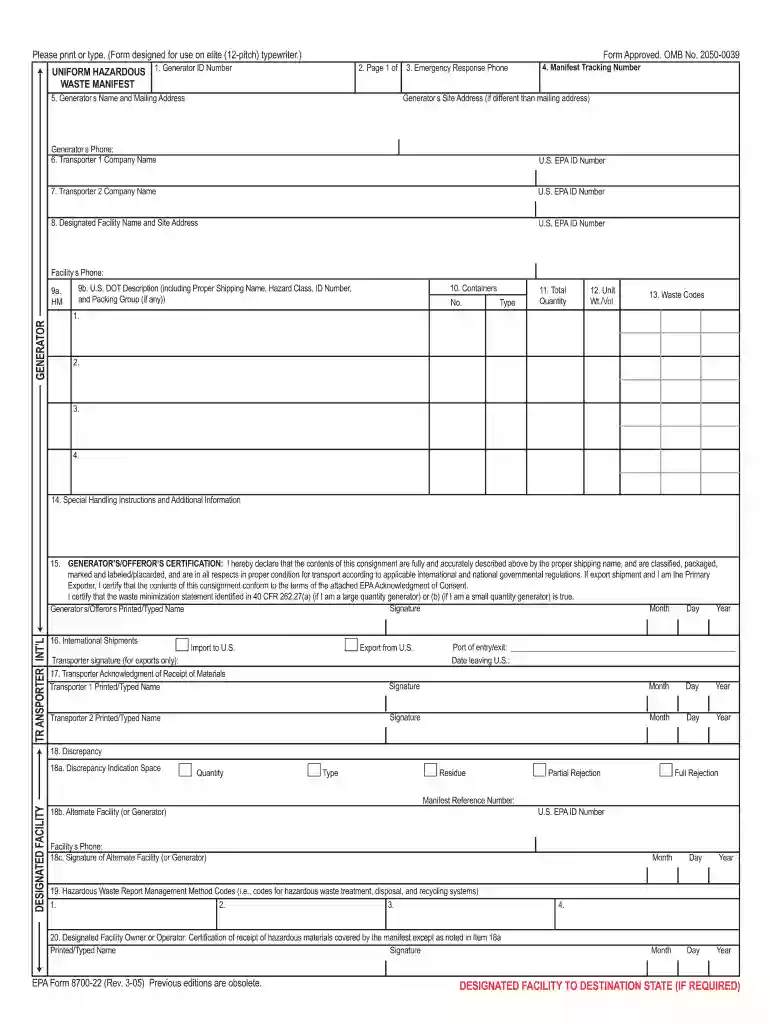
Type text, add images, blackout confidential details, add comments, highlights and more.

Draw your signature, type it, upload its image, or use your mobile device as a signature pad.

Send manifest hazardous waste via email, link, or fax. You can also download it, export it or print it out.

Start using our platform today to streamline your waste manifest process for free!
We've got more versions of the form 8700 22 form. Select the right form 8700 22 version from the list and start editing it straight away!
At DocHub, your data security is our priority. We follow HIPAA, SOC2, GDPR, and other standards, so you can work on your documents with confidence.




All waste generators must complete a manifest that accurately describes the waste Hazardous Materials. Management (HMM) will be collecting. Supplies AvailableRead more
May 30, 2025 EPAs hazardous waste manifest system is designed to track hazardous waste from the time it leaves the generator facility where it was produced.Read more
Exception reporting to USEPA is required if Copy 6 of the manifest is not returned. Completed copies of the UHWM must be kept indefinitely per PennDOT policy.Read more


