
Supply Order Forms
Boost your organization's transparency with Supply Order Forms. Choose and modify forms to ensure your processes stay on the right track.

Create a new Supply Order Form

Quest supply order form pdf
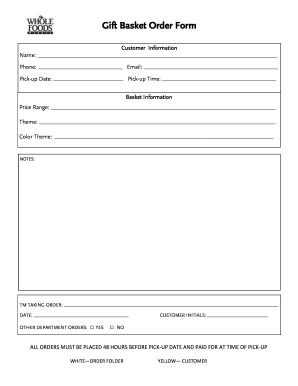
Gift basket supplies
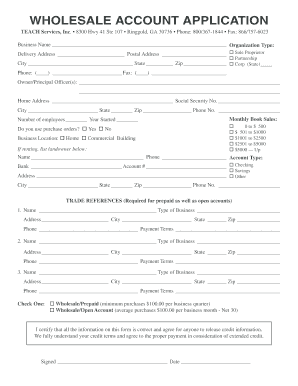
WHOLESALE ACCOUNT APPLICATION
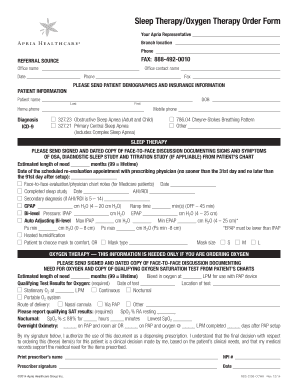
Apria cpap order form
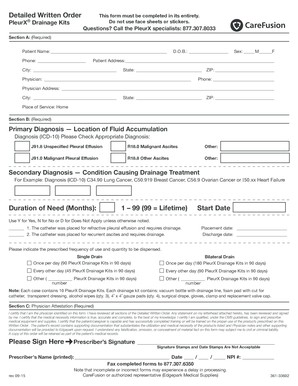
Pleurx catheter order form
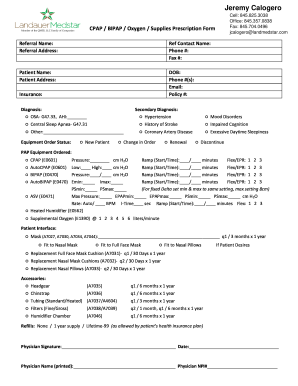
Cpap order
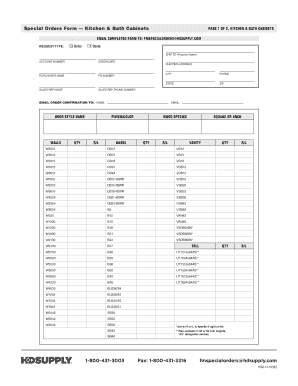
Kitchen & Bath Cabinets Form (PDF) - HD Supply Solutions

Byram healthcare fax number
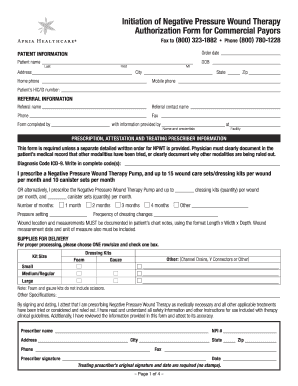
Apria wound vac order form
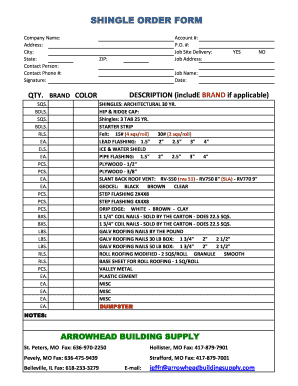
SHINGLE ORDER FORM - Arrowhead Building Supply
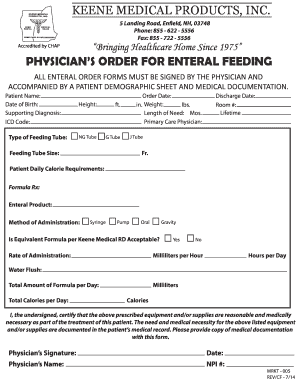
Keene medical products, inc. physician's order for enteral...

Classroom Collection Order Request Form

Incontinence Supply Order - Molina Healthcare
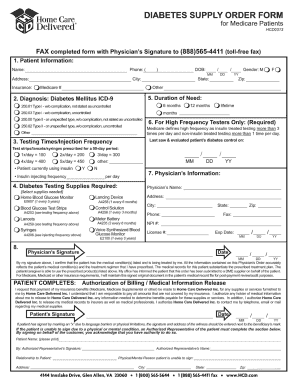
Dibetic physicians written order sample
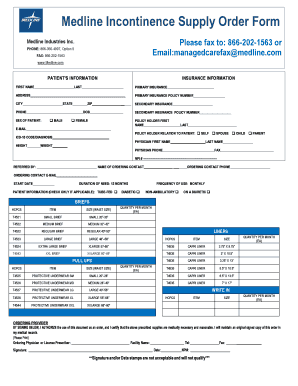
Medline order form
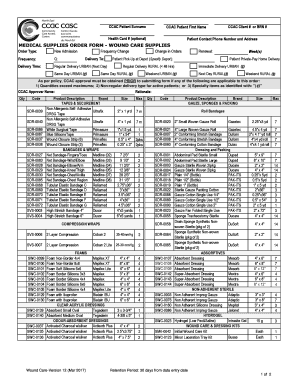
Medical supplies order form
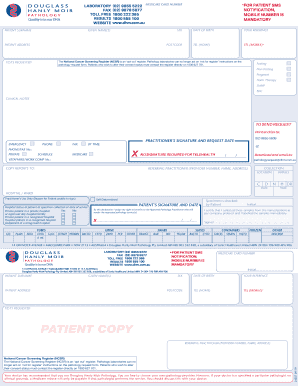
Douglass hanly moir pathology supplies order form
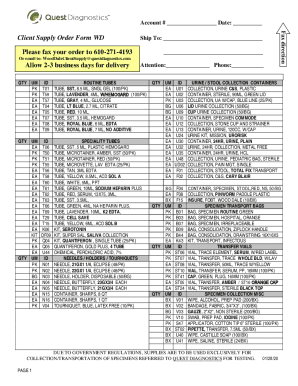
Client Supply Order Form WD
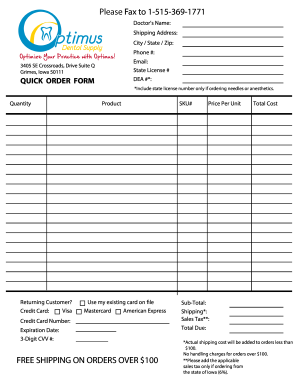
Optimus dental supply

Abc supply account application

William v macgill
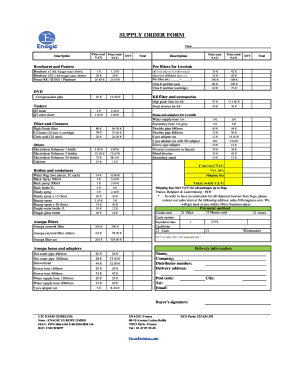
Supply order form EU - Enagic

Stationery request form excel
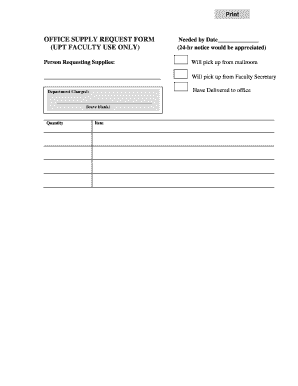
Office supply request form

Hd supply order form pdf
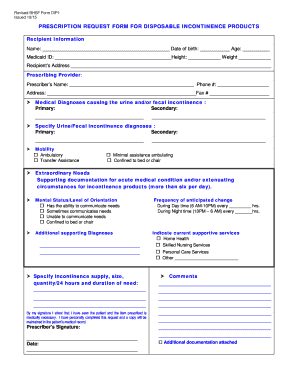
Prescription request form for disposable incontinence products
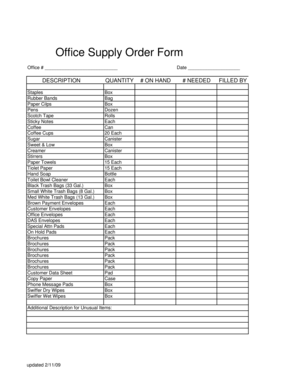
Office supply order form
FM-00550 SUPPLIES ORDER Form OUTLINED - Vectra DA

DME Supplies Order Form CA - Advanced Home Medical Inc
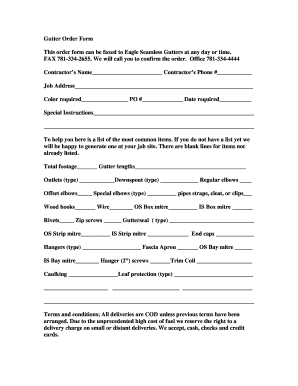
Gutter Order Form - Eagle Seamless Gutter Supply
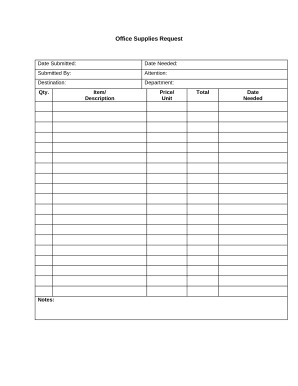
Supply request form
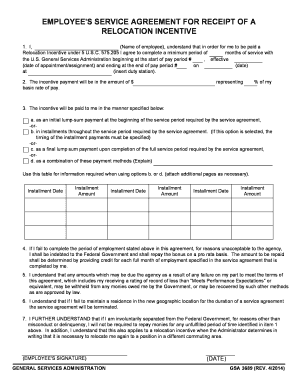
Gsa order - GSA.gov
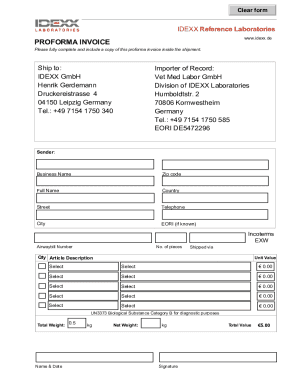
Idexx fifilesidexx-reference-laboratoriesIDEXX Reference Laboratories Supply Request Form
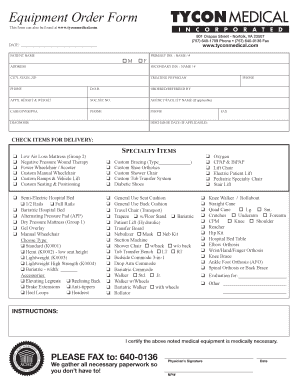
Tycon medical

Edgepark medical supplies order form
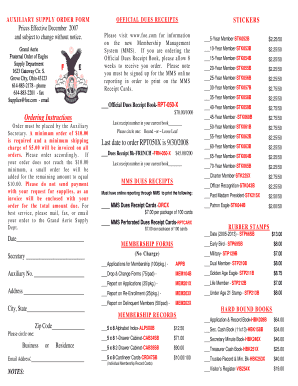
Auxiliary Order supply form - Fraternal Order of Eagles
-
1
- 2
Transform your form management with Supply Order Forms
Your workflows always benefit when you can locate all of the forms and documents you require at your fingertips. DocHub provides a vast array of templates to alleviate your daily pains. Get hold of Supply Order Forms category and quickly find your form.
Begin working with Supply Order Forms in several clicks:
- Browse Supply Order Forms and discover the document you need.
- Click Get Form to open it in our editor.
- Start changing your file: add fillable fields, highlight sentences, or blackout sensitive information and facts.
- The application saves your modifications automatically, and once you are all set, you can download or distribute your file with other contributors.
Enjoy fast and easy document managing with DocHub. Discover our Supply Order Forms category and find your form today!
Video Guide on Supply Order Forms management

Commonly Asked Questions about Supply Order Forms
What is the best program to make an order form?
Google Forms is a popular tool that allows users to create order forms quickly and easily using pre-made templates or by designing their own forms. PDFs with fillable forms are also an option for creating order forms, which can be filled out and submitted electronically.
What is a supply form?
A supply order template is a form containing details of an order to be placed with a vendor. It includes product name and quantity. Such a form helps a business keep track of its inventory and inventory costs.
How to create a supply order form?
5 Steps To Make a Supply Order Form Step 1: Client Details. While you make a supply form, you need to be clear about the person or the client for whom you are making the form. Step 2: The Products. Then comes the product details. Step 3: Date And Other Details. Step 4: Total Price. Step 5: Revision.
What is a supply order?
(xvii) Supply Order or Purchase Order means an order for supply of stores and includes an order for performance. 2. The delivery of stores shall be deemed to take place on delivery of the stores in ance with the terms of the contract.
How do I create my own order form?
Steps to Create an Order Form Decide what to sell. Choose a form builder tool. Customize the template with proper fields. Add photos of the products. Customize the order form with branding. Set up a payment method. Set up a success message. Share the order form.
How can I make my own order form?
Must-have components for creating an order form. Contact information. Name, email address, phone number, and shipping address are necessary pieces of information to gather from your buyers. Product description. Payment information. Shipping and handling. Order summary. Terms and conditions. Visuals. Order confirmation.
How do you draft an order form?
An order form typically mentions details about the product the customer would like to order, including the name of the product, pricing of the product, quantities they wish to buy, and the delivery option which suits them most. Other details like company name, logo, address, etc., are also mentioned.
Related Templates
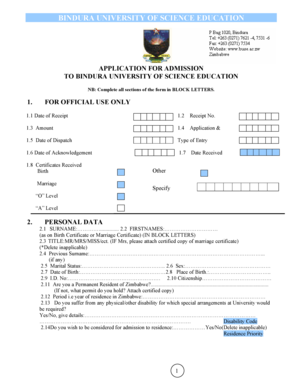
Bindura university online application
The document is an application form for admission to Bindura University of Science Education. It requires applicants to ...

Utmb doctors note
The document is a Parental Consent Form for the Summer Biomedical Health Careers Academy at The University of Texas Medi ...

CANCELLATION REQUEST - Total Warranty Services
The document is a cancellation request form for Total Warranty Services, detailing the process for customers to cancel t ...

Hebron animal hospital job application - Veterinary Specialty Care
The document is an employment application for Veterinary Specialty Care, outlining the company's non-discrimination poli ...
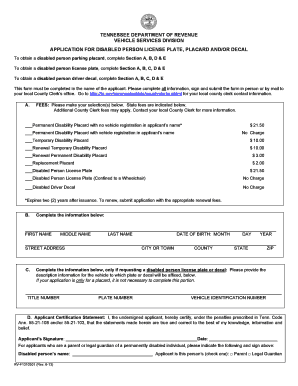
Application for Disabled Person License Plate and -or
The document is an application form from the Tennessee Department of Revenue's Vehicle Services Division for obtaining d ...

Asme forms
The document is a FORM U-4 MANUFACTURER’S DATA REPORT SUPPLEMENTARY SHEET, required by the ASME Boiler and Pressure Vess ...

Enrollment Form NEWEST
The document is an enrollment form and agreement for Ladybird Academy, detailing the information required for enrolling ...

CENTER FOR MUSIC THERAPY Intake Form
The document is a Client Intake Form designed for individuals seeking massage or bodywork services. It collects personal ...