
Simple t shirt Order Forms - Page 2
Streamline your document management with DocHub's Simple t shirt Order Forms templates. Edit, share, and safely store your order forms hassle-free.

Create a new Simple t shirt Order Form
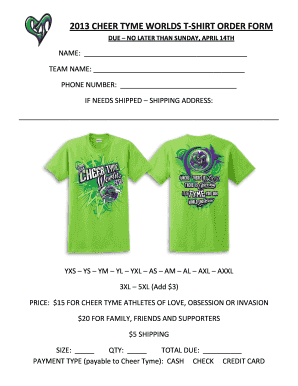
2013 CHEER TYME WORLDS T-SHIRT ORDER FORM
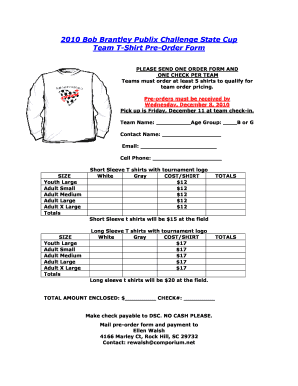
State Cup T-shirt pre order form.doc - discoveriessoccerclub

Bake-Sale-Order-Form-2016xlsx - stmichaelsgreensburgpa
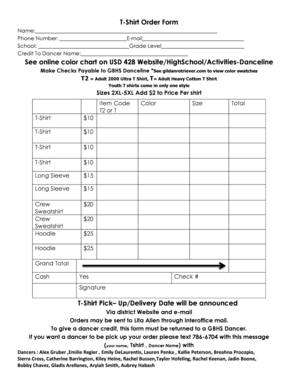
T-Shirt Order Form See online color chart on USD 428 Website
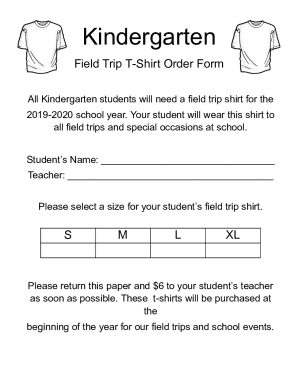
Field Trip T-Shirt Order Form

Souvenir Tee Shirt Order form - Ohio Music Education - omea-ohio
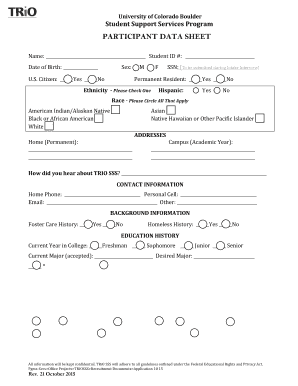
Participant data form

Group Policy Template
- 1
-
2
Enhance your document administration with Simple t shirt Order Forms
Your workflows always benefit when you can obtain all of the forms and files you will need at your fingertips. DocHub supplies a a huge collection of document templates to ease your everyday pains. Get a hold of Simple t shirt Order Forms category and quickly browse for your form.
Start working with Simple t shirt Order Forms in a few clicks:
- Gain access to Simple t shirt Order Forms and get the document you need.
- Click on Get Form to open it in the editor.
- Start adjusting your file: add fillable fields, highlight paragraphs, or blackout sensitive information and facts.
- The application saves your adjustments automatically, and after you are ready, you can download or share your file with other contributors.
Enjoy easy file administration with DocHub. Check out our Simple t shirt Order Forms category and discover your form today!
Video Guide on Simple t shirt Order Forms management

Commonly Asked Questions about Simple t shirt Order Forms
What is the easiest app to create t-shirt designs?
@canva is an incredible app for designing pretty much anything you need! A huge selection of templates, fonts and colours; endless choices at the tip of your fingers; easy editing and sending/sharing. Best app Ive used for a long time. If you havent tried it try it!
How to set up a shirt order form?
How to Create a Free Tshirt Order Form Step 1: Choose a Form Builder. Step 2: Start with a Free T Shirt Order Form Template or Build from Scratch. Step 3: Add Essential Form Fields. Step 4: Customize Your Form. Step 5: Add a Contact Form. Step 6: Set Up Payment Integration. Step 7: Test Your Form. Step 8: Distribute Your Form.
How do I create my own order form?
Steps to Create an Order Form Decide what to sell. Choose a form builder tool. Customize the template with proper fields. Add photos of the products. Customize the order form with branding. Set up a payment method. Set up a success message. Share the order form.
How to make an order form for t-shirts?
How to Make Your Own T-Shirt Order Form Name and contact information: Gathering phone numbers and email addresses enables you to docHub out if you have any questions regarding someones order (like verifying color and size). Size and color: Leave enough space to indicate the size and full color name.
How to make a Google form for t-shirt orders?
How to Make a Shirt Order Form on Google Forms Launch Google Forms. Create a new form by clicking the + Blank or Blank Form option. Give Your Form a Name and Description. Add T-Shirt Order Questions. Customize Question Types. Personalize Your Forms Appearance. Share Your T-Shirt Order Form. Keep Tabs on Incoming Order.
What is the best program to create an order form?
Google Forms is a popular tool that allows users to create order forms quickly and easily using pre-made templates or by designing their own forms. PDFs with fillable forms are also an option for creating order forms, which can be filled out and submitted electronically.
Related Templates
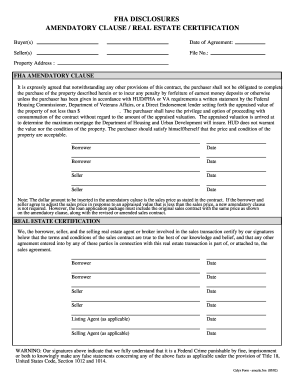
Blank fha amendatory clause 2002 form
The document outlines the FHA Amendatory Clause and Real Estate Certification related to a property purchase agreement. ...
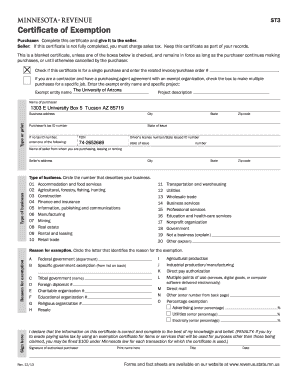
Minnesota form st3 2013
The document is a Certificate of Exemption (Form ST3) used in Minnesota for purchasers to claim sales tax exemptions on ...

Crazy types of insurance
The document is a cover sheet for filing a Provisional Application for Patent with the U.S. Patent and Trademark Office ...

Fillable Online Downloadable Forms - Cherokee Nation Fax
The document outlines the procedures and requirements for obtaining a Tribal Photo ID from the Cherokee Nation. It speci ...
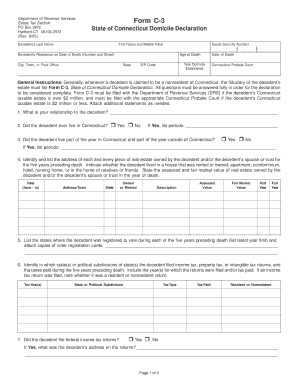
Does ct have declaration of domicile forms
The document is the Form C-3, State of Connecticut Domicile Declaration, required by the Department of Revenue Services ...

Direct Deposit Form SOC 829 - StanLink2Care - stanlink2care
The document is an In-Home Supportive Services Provider Direct Deposit Enrollment/Change/Cancellation Form from the Cali ...
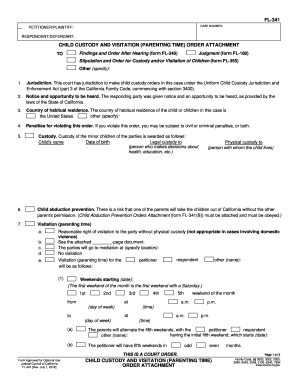
Fl 355 fillable 2012 form
The document FL-341 is a court order attachment regarding child custody and visitation arrangements between the petition ...

Ds 3032
The document is the General Application DS-3032 form from the City of San Diego's Development Services Department, used ...