




01. Edit your form online
Type text, add images, blackout confidential details, add comments, highlights and more.

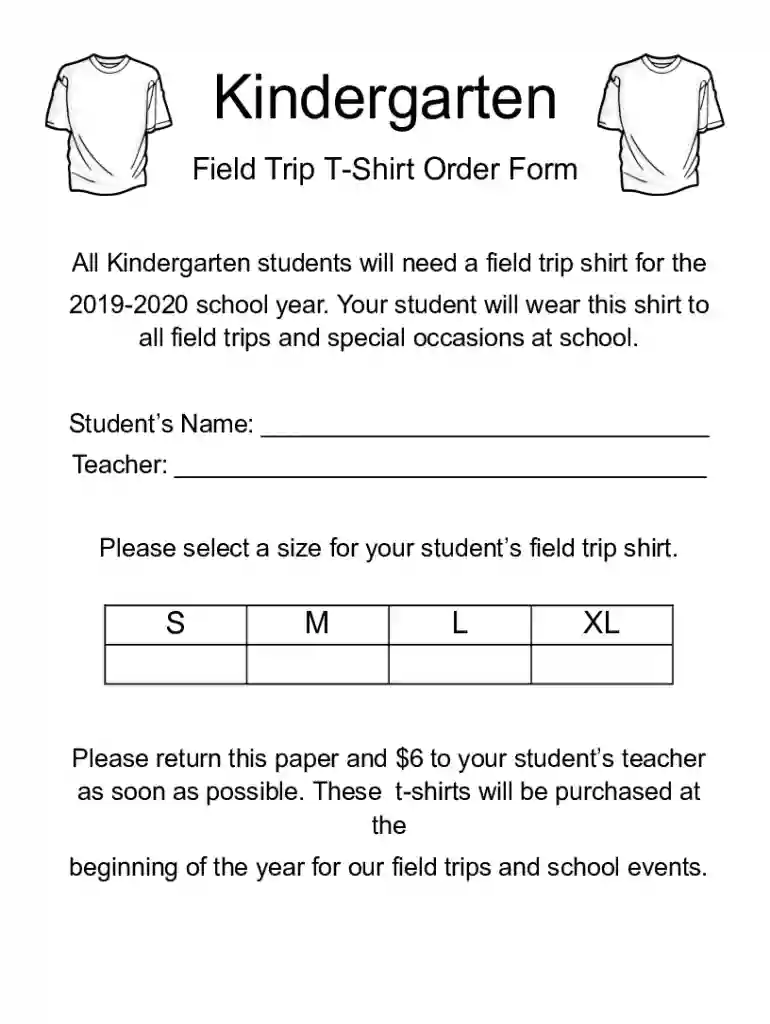
Type text, add images, blackout confidential details, add comments, highlights and more.

Draw your signature, type it, upload its image, or use your mobile device as a signature pad.

Send it via email, link, or fax. You can also download it, export it or print it out.

Start using our platform today to easily fill out and manage your forms online for free!
We've got more versions of the Field Trip T-Shirt Order Form form. Select the right Field Trip T-Shirt Order Form version from the list and start editing it straight away!
| Versions | Form popularity | Fillable & printable |
|---|---|---|
| 2019 | 4.5 Satisfied (42 Votes) |
eSignatures are an excellent replacement for traditional signing, as they save time, effort, and money people spend on printing, scanning, and paper delivery. You can eSign your Field Trip T-Shirt Order Form utilizing a reliable and robust online document processing services like DocHub. It complies with major eSignature standards (ESIGN and UETA), so all forms approved there are legally binding and have the same validity as manually signed ones.
You can find and edit your Field Trip T-Shirt Order Form online by using DocHub. Its simple but feature-rich design enables you to begin effective work right after you sign up your account. Create your profile and add your document, then our interface will guide you via our stress-free form completion experience.
At DocHub, your data security is our priority. We follow HIPAA, SOC2, GDPR, and other standards, so you can work on your documents with confidence.
Last week everyone received a T-Shirt Order Form. Please fill it out, attach your payment and bring it to me. shirts during field trips!
The development and use of a National Field Manual is necessary to achieve consistency in the scientific methods and procedures used, to document those methodsRead more
T-shirts will be given out to campers on Monday of the first week that they attend. For identification purposes, each participant and staff are required to wearRead more


