
Google rank Order Forms - Page 2
Streamline your document management with DocHub's Google rank Order Forms templates. Modify, share, and securely keep your order documents hassle-free.

Create a new Google rank Order Form
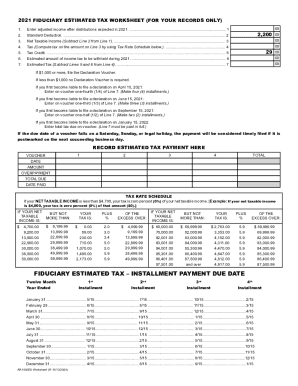
State of arkansas tax forms and instructionsandquot; Keyword Found ...
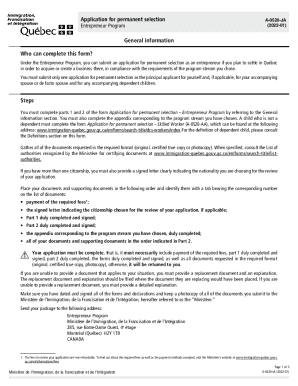
Selection certificate
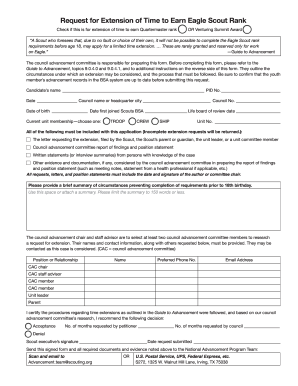
11.2.0.0 Request for Extension of Time to Earn Eagle Scout ...
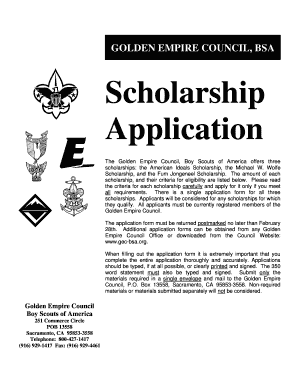
Scholarship Application - Golden Empire Council
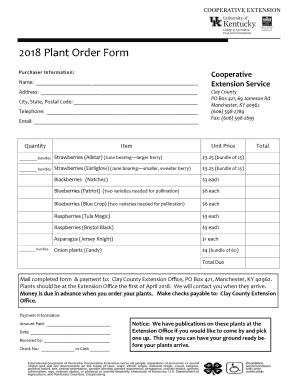
Plant order form
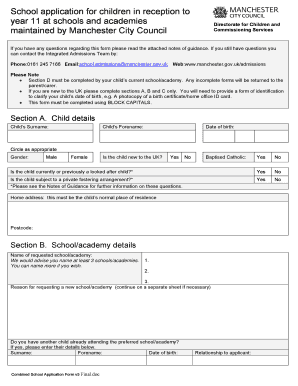
Application form for school place - Manchester City Council

Itf registration form
- 1
-
2
Increase your productiveness with Google rank Order Forms
Form managing occupies to half of your business hours. With DocHub, it is simple to reclaim your office time and improve your team's productivity. Access Google rank Order Forms category and investigate all templates relevant to your everyday workflows.
The best way to use Google rank Order Forms:
- Open Google rank Order Forms and employ Preview to find the suitable form.
- Click Get Form to start working on it.
- Wait for your form to upload in our online editor and begin editing it.
- Add new fillable fields, icons, and pictures, modify pages order, and many more.
- Complete your form or prepare it for other contributors.
- Download or share the form by link, email attachment, or invite.
Accelerate your everyday document managing with our Google rank Order Forms. Get your free DocHub profile right now to discover all forms.
Video Guide on Google rank Order Forms management

Commonly Asked Questions about Google rank Order Forms
How do I create a scale in Google Forms?
What is the linear scale option in Google Forms? Access Google Forms at docs.google.com/forms. Make sure youre signed in to your Google account. Create a new Google Form. Add a question. Write the question. Decide the scale range. Label the scales. Choose a photo to go with the question. Add more.
How to make a rating scale in Google Forms?
Follow these step-by-step instructions: Open Google Forms. Create a new form. Add a title and description. Insert questions. Create a new question. Choose the Likert scale question type. Craft your statement. Set the rating options.
How do I add a rating in forms?
Login to Microsoft Forms via . Open an existing form to add the rating question, or click New Form or New Quiz. From the form, click the Rating button from the toolbar:
How to do order of events in Google form?
To create this type of a question with Google Forms, we will need to complete the following four steps: Create the Google Form (Quiz) Add directions for the online formative assessment. Add a separate question for each item to be put in order. Set the option to shuffle the form questions.
How can I create an order form in Google Forms?
How to create an order form in Google forms Step 1: Access Google Forms and Start a New Form. Step 2: Add Order Details Questions. Step 3: Incorporate Pricing Information. Step 4: Include Contact and Delivery Information. Step 5: Utilize File Upload for Customization. Step 6: Apply Themes and Branding.
Can you do a rating scale on Google Forms?
After creating your form, you will find all the field types we have mentioned above under Rating Scales on the fields menu. Simply select one of them and customize it based on your needs.
How do I add a rating scale in a Google doc?
1:01 3:15 And i quite like this one here the black star this has the id. 9733 so lets copy that number. AndMoreAnd i quite like this one here the black star this has the id. 9733 so lets copy that number. And lets pop it in there and close our brackets. Okay we now have our star we have a single star.
How do I add ranking in forms?
0:25 3:44 Question. Now its time to sort out what goes in the rows. And what goes in the columns. This partMoreQuestion. Now its time to sort out what goes in the rows. And what goes in the columns. This part can be a little tricky. Add all the items youre ranking in the rows.
Related Templates

Please complete this form if you are UNABLE to provide
The document is an Affidavit of Residency form for parents or guardians who cannot provide proof of residency in their n ...

New york social services
The document is an application form for burial allowance from the Office of Burial Services in New York City. It collect ...
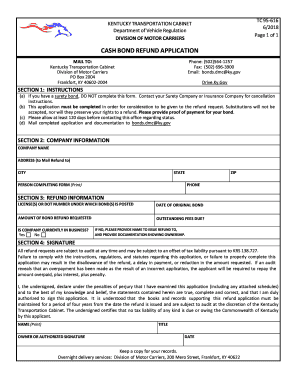
Kentucky bond refund
The document is a Cash Bond Refund Application from the Kentucky Transportation Cabinet's Division of Motor Carriers. It ...

ROOF INSPECTION AFFIDAVIT - Lakeland, Florida
The document is a Roof Inspection Affidavit used in Lakeland, FL, allowing contractors or licensed professionals to cert ...

Broward county pet registration
The document is a Pet Registration Tag Reconciliation Worksheet from the Animal Care and Adoption Division of Broward Co ...

Brush site consent form
The document is a Brush Site Consent Form required for the delivery of yard waste to the City of St. Petersburg's brush ...
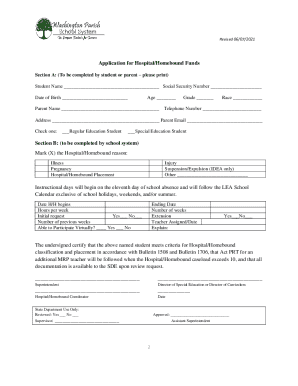
Homebound and Hospital Student Services Policy
The document outlines the procedures and policies for hospital or homebound educational services available to students i ...
Vha directive 1100 18
The document is a VHA notice (2018-05) that outlines interim changes to the reporting process for licensed health care p ...