
Best create Application Forms
Boost your form preparation with Best create Application Forms. Pick from various of templates for individual and business use and begin editing them right away.

Create a new Best create Application Form
Victorian birth certificate application form
Mass id application
Carer allowance application form pdf
Form application
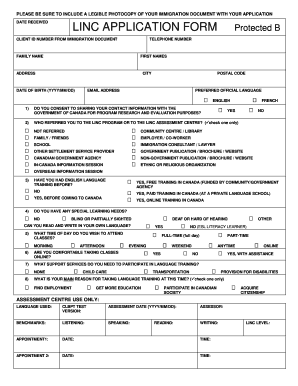
Application form
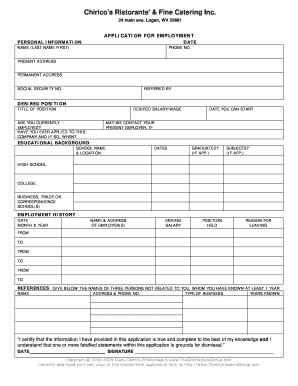
Printable employment application
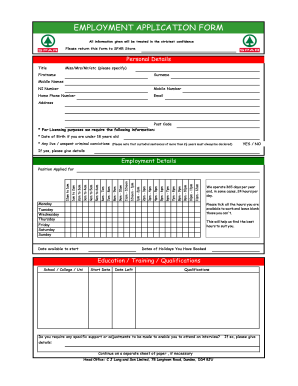
Spar sms number for job application
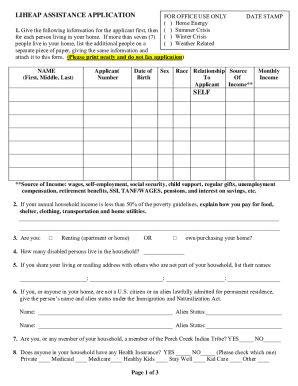
Liheap application form
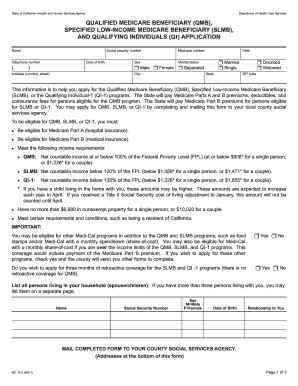
Qmb application form
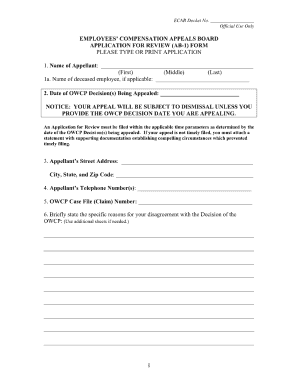
Employee application form
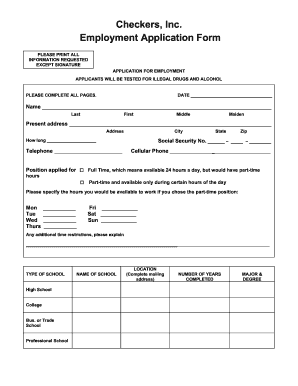
Checkers job application form online

Hra application form
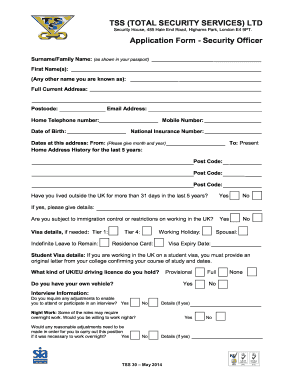
Tss security job application form
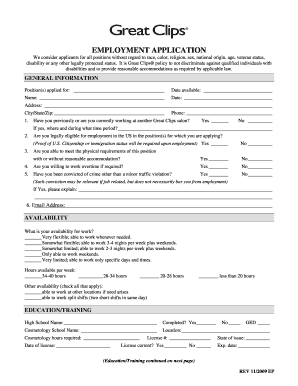
Application form pdf
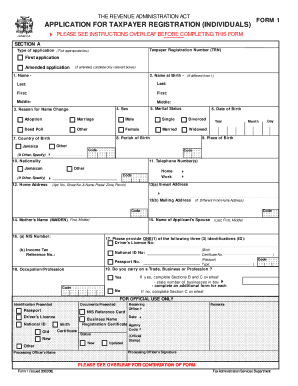
Trn application form online jamaica

Naivas supermarket job application form
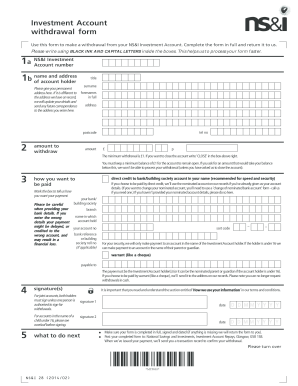
Premium bonds application form
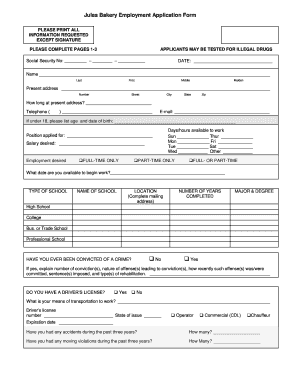
Bakery application form

U s army application form pdf
Kaizer chiefs academy application forms 2022

Aldi application form
Nda application form download pdf
Registration form
Nyda funding application forms 2021
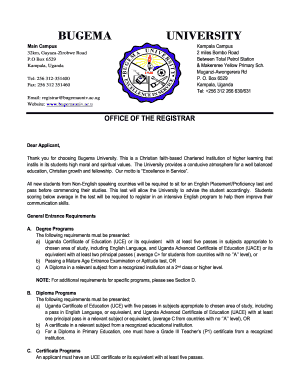
Bugema university application form download
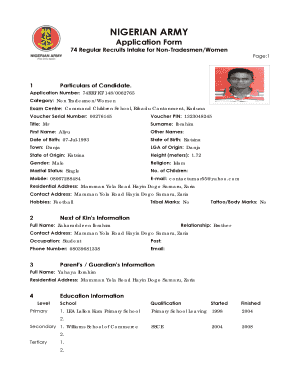
Nigeria army form
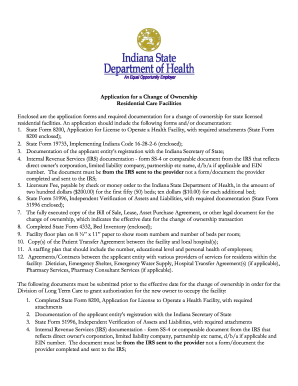
Form application
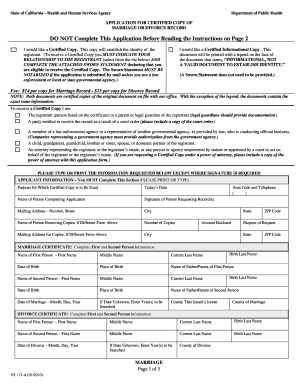
Application copy of form
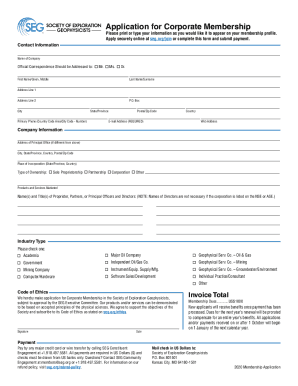
Create Free Membership Application Forms - Typeform17+ Sample Club Application Templates - PDF, DOCFree ...6 Best Examples of Membership Application Forms (with Free ...17+ Sample Club Application Templates - PDF, DOCFree ...
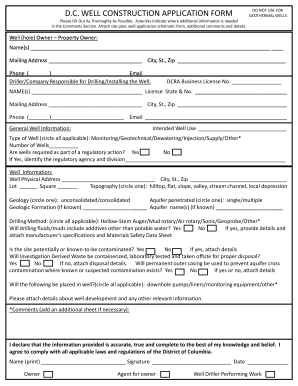
Construction application form
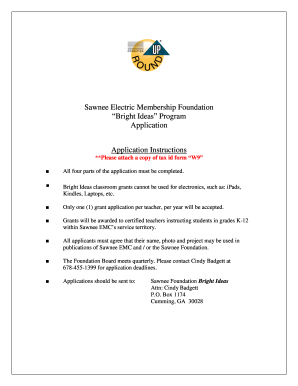
Program application form
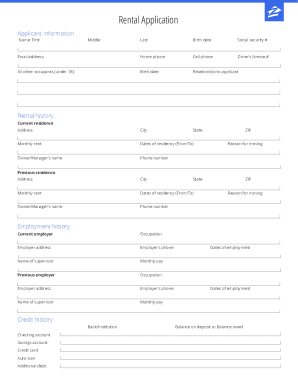
Zillow application form

Ekart logistics franchise application form
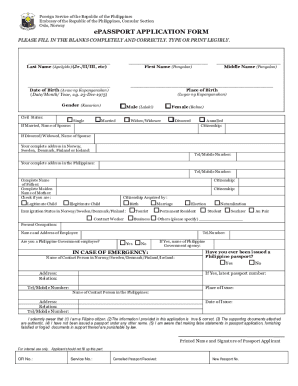
Duly accomplished application form

Napit application form
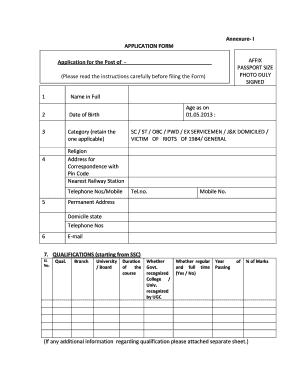
Duly filled application form
-
1
- 2
Transform your file operations with Best create Application Forms
Your workflows always benefit when you can locate all the forms and documents you may need at your fingertips. DocHub offers a wide array of form templates to alleviate your daily pains. Get a hold of Best create Application Forms category and easily discover your form.
Begin working with Best create Application Forms in several clicks:
- Open Best create Application Forms and discover the form you require.
- Click Get Form to open it in our editor.
- Start editing your file: add fillable fields, highlight paragraphs, or blackout sensitive information and facts.
- The app saves your changes automatically, and after you are ready, you are able to download or distribute your file with other contributors.
Enjoy smooth file administration with DocHub. Check out our Best create Application Forms category and locate your form right now!
Video Guide on Best create Application Forms management

Commonly Asked Questions about Best create Application Forms
Which form builder is the best?
Best online form builders Wix. Wufoo. Typeform. JotForm. Paperform. Formsite. Formstack. Google Forms. 10 Best Online Form Builders in 2024 - Wix.com wix.com blog best-online-form-builders wix.com blog best-online-form-builders
Which Microsoft Office program is best for creating forms?
In Word, you can create a form that others can fill out and save or print. To do this, you will start with baseline content in a document, potentially via a form template. Then you can add content controls for elements such as check boxes, text boxes, date pickers, and drop-down lists.
Can I create a fillable form in Microsoft?
Start a new form Sign in to Microsoft 365 with your school or work credentials. Select. New Forms for Excel. Enter a name for your form, and then select Create. A new tab for Microsoft Forms will open in your web browser.
What is better than Google Forms?
The best Google Forms alternatives include Visme, Jotform, Typeform, Wufoo, SurveySparrow, LimeSurvey, Formstack Forms, Microsoft Forms, SogoSurvey, Zoho Forms, Formidable Forms and Gravity Forms. 12 Powerful Google Forms Alternatives in 2024 (Free Paid) visme.co blog google-forms-alternatives visme.co blog google-forms-alternatives
How do I turn a Word document into a fillable form?
Click the Developer tab and press Design Mode to enable it. With this mode on, you can add form controls to your document: rich text, plain text, combo box, date picker, check box, and legacy tools. When you finish formatting the form, press the Design Mode button again to exit it.
What is the best app to create forms?
Top Form Builder Apps 123FormBuilder Best for multipurpose form creation. docHub Best for users who want to get signatures. Google Forms Best for Google Suite users. Zoho Forms Best for Zoho Suite users. Microsoft Forms Best for Microsoft Suite users. Gravity Forms Best for WordPress Users. 12 Best Form Builder Apps You Should Try Out SurveySparrow blog form-builder-apps SurveySparrow blog form-builder-apps
What is the best program to create a fillable form?
The best online form builders at a glance Best forPricing Microsoft Forms Real-time sync with Excel 100% free Zoho Forms Teams and approval flows Free plan available; paid plans start at $12/month QuestionScout Powerful reports Plans start at $5/month Paperform Creating order forms Plans start at $24/month8 more rows
What is the best Microsoft program to create a fillable form?
In Word, you can create a form that others can fill out and save or print. To do this, you will start with baseline content in a document, potentially via a form template. Then you can add content controls for elements such as check boxes, text boxes, date pickers, and drop-down lists. Create a form in Word that users can complete or print - Microsoft Support microsoft.com en-us office create-a- microsoft.com en-us office create-a-
Related Templates

In the united states patent and trademark office oath or declaration i
The document is an oath or declaration form (PTO-1209) required by the U.S. Patent and Trademark Office (USPTO) for indi ...
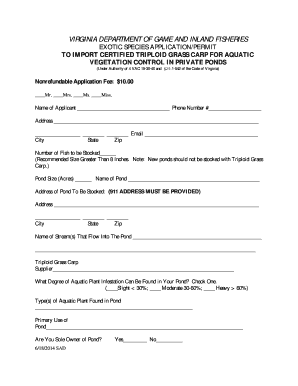
Virginia grass carp permit
The document outlines the application process for obtaining a permit to import certified triploid grass carp for aquatic ...
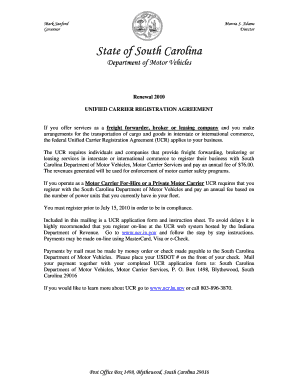
Scdmv ucr form
The document outlines the requirements for businesses involved in freight forwarding, brokering, or leasing services in ...

Scrlta
The document is a Rental Agreement for leasing property in South Carolina, outlining the terms and conditions between th ...
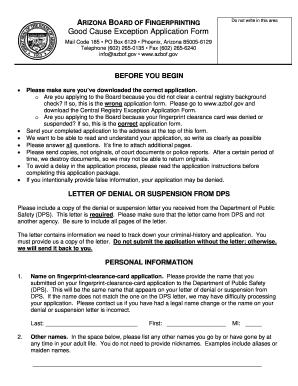
Arizona good cause
The document is an application form for the Arizona Board of Fingerprinting's Good Cause Exception, intended for individ ...
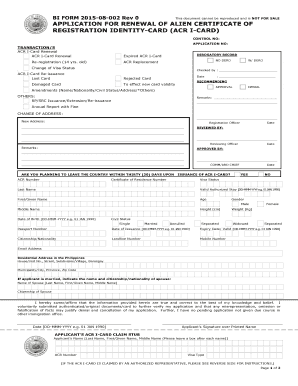
Acr i card application form download
The document is an application form for the renewal of the Alien Certificate of Registration Identity Card (ACR I-Card). ...
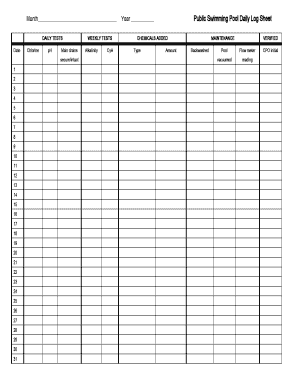
Printable pool log sheet
The document is a log sheet for daily and weekly tests of a public swimming pool, including measurements for chlorine, p ...
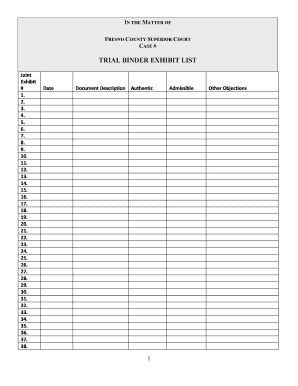
TRIAL BINDER EXHIBIT LIST - fresno courts ca
The document is a trial binder exhibit list for a case in the Fresno County Superior Court, detailing joint exhibits wit ...