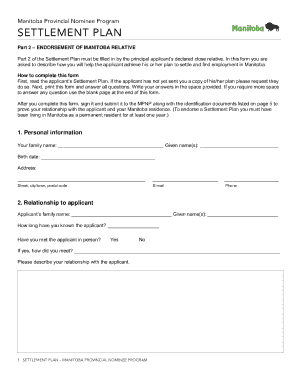
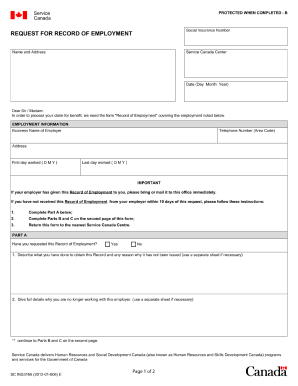
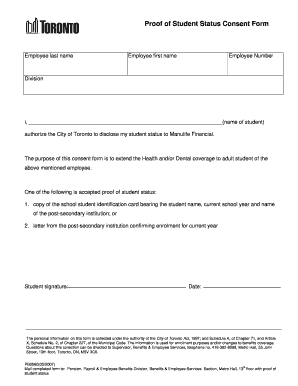
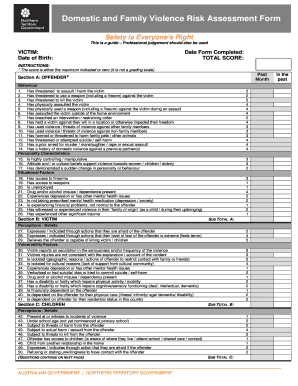
Get and handle Blank calendar Canada Forms online

Speed up your file administration with the Blank calendar Canada Forms category with ready-made form templates that meet your needs. Access the document template, edit it, complete it, and share it with your contributors without breaking a sweat. Start working more efficiently with the documents.

How to use our Blank calendar Canada Forms:

  1. Open our Blank calendar Canada Forms and find the form you need.
  2. Preview your document to ensure it’s what you want, and click on Get Form to begin working on it.
  3. Modify, include new text, or point out important information with DocHub tools.
  4. Complete your form and save the adjustments.
  5. Download or share your document with other people.

Explore all the possibilities for your online file management with our Blank calendar Canada Forms. Get a totally free DocHub account today!


Video Guide on Blank calendar Canada Forms management

video background

Commonly Asked Questions about Blank calendar Canada Forms

With Microsoft calendar templates, you can find a weekly calendar in the format you want, and you can personalize it by adding photographs and important dates like birthdays.
Office 365 Calendar Mobile Settings. The Office 365 Calendar website has a lot of settings and a lot of options, though it shouldnt take you too long to set up your calendar exactly the way you like. The mobile app has far fewer settings.
There is an Annual Calendar in the Google Sheets Template Gallery. If that doesnt suit your purpose, you can do a simple Google Search for a Google Docs calendar template ex. Google Sheets calendar template.
Download a calendar template: Browse through the calendar templates, choose an Excel calendar template that is best for you. Click the Download button on the template page, open the template file in Excel, and then edit and save your calendar.
Click anywhere in the blank calendar to make it the active calendar. Click File Print. In the Print pane, under Settings, select your preferred calendar style. Note: If the print preview displays your main calendar with all of your appointments and events, click Print Options.
The Standards Council of Canada also specifies this as the countrys date format. The YYYY - MM - DD format is the only officially recommended method of writing a numeric date in Canada. The presence of the DD / MM / YY (most of the world) and MM / DD / YY (American) formats often results in misinterpretation.
To create a new calendar: In Outlook on the web, select Calendar Add calendar Create new calendar. Give your calendar a name. Customize your calendar with a color, a charm, or both. Optional: Add your calendar to an existing calendar group. Select Save.
Instead when you open an Office program, youll see the templates provided by Microsoft 365. If you want to see your custom templates on the Personal tab when you start an Microsoft 365 program, heres how to do this.