
Personalized Business Forms
Enhance your document organization with Personalized Business Forms. Customize pre-designed forms according to your needs and effortlessly send them to gather approvals.

Create a new Personalized Business Form
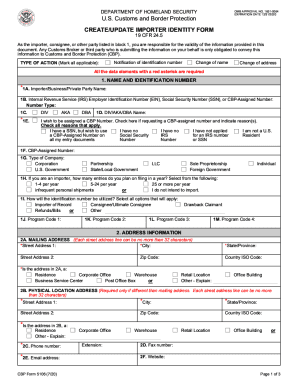
Cbp form 5106 pdf
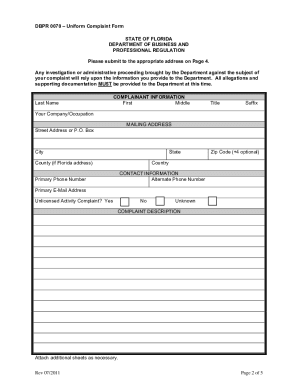
Dbpr complaint
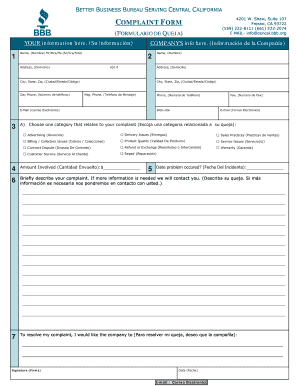
COMPLAINT FORM - Central California BBB - Better Business Bureau - cencal bbb

Hsmv 83043

Companies office of jamaica forms
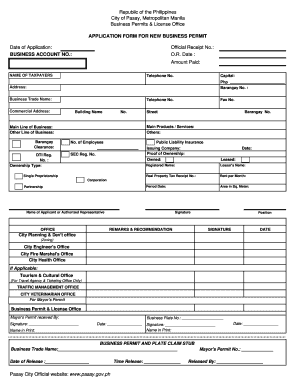
Business permit application form
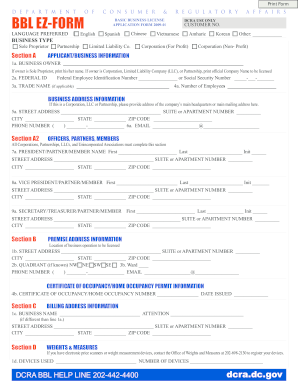
Dcra bblezform business license

Tustin business license
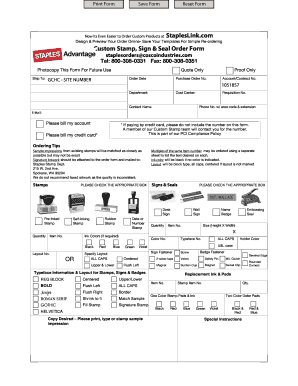
Staples advantage custom stamp order form
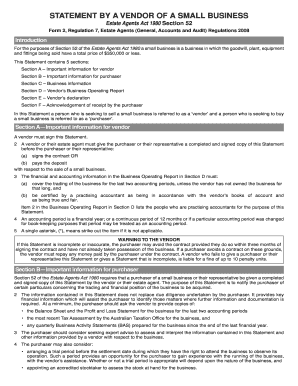
Statement vendor business
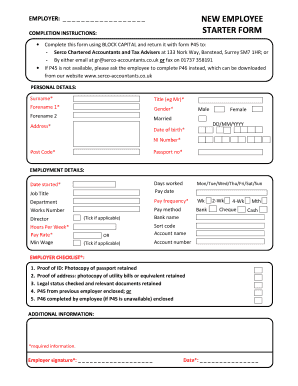
Employee starter form
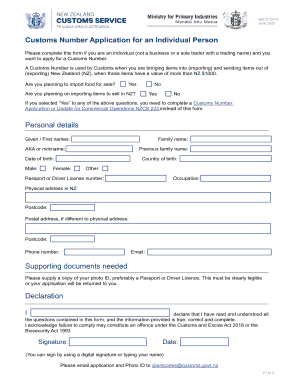
Customs number application for an individual person
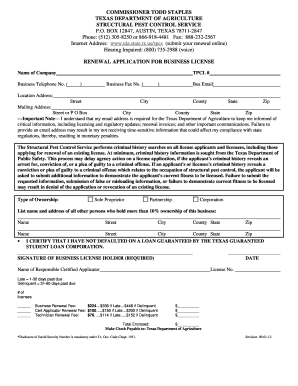
Texas business license application form
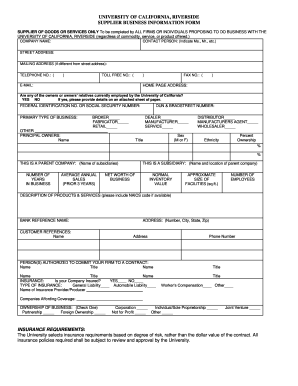
Business information template
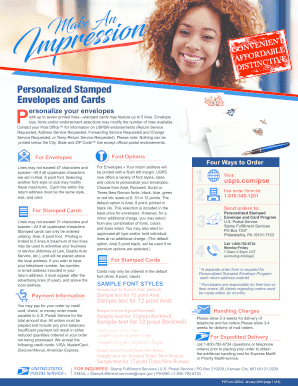
Personalized stamped envelopes order form
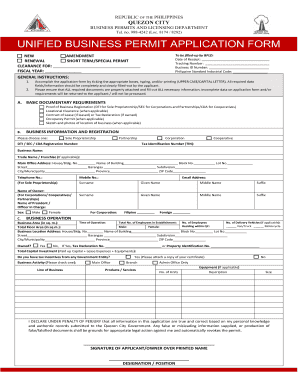
Unified application form for business permit
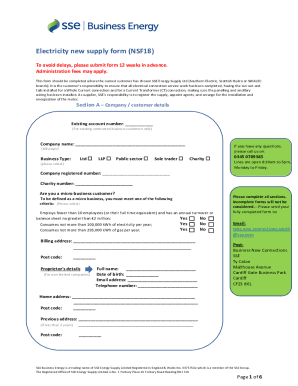
Electricity new supply form (NSF18) - SSE Business Energy
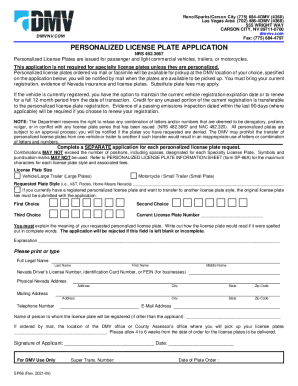
Personalized plates nevada
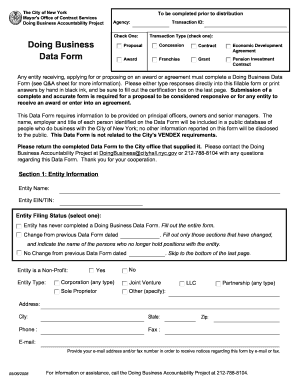
Download nycedc doing business data form
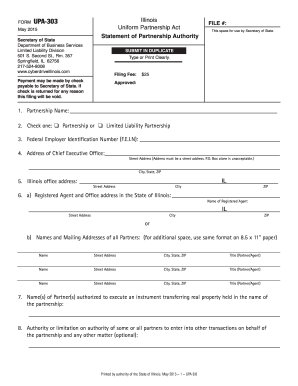
FORM UPA-303 - Illinois Secretary of State
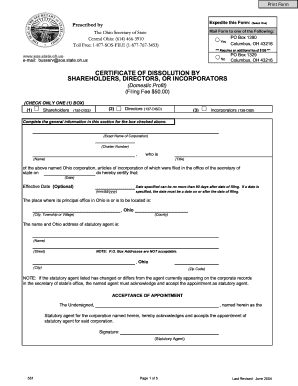
Ohio secretary of state business search 2004 form
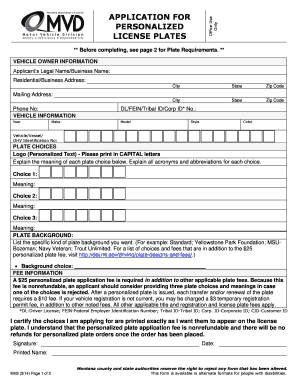
Personalized license plates
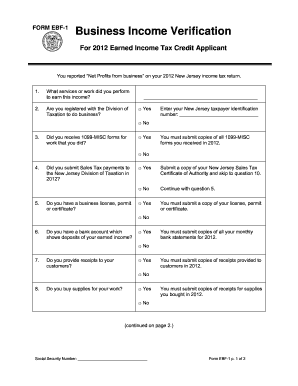
FORM EBF-1 Business Income Verification - State of New Jersey
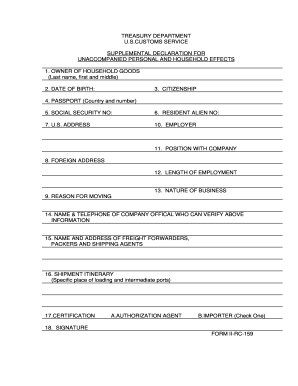
USA Customs form CI28 (supplemental declaration)
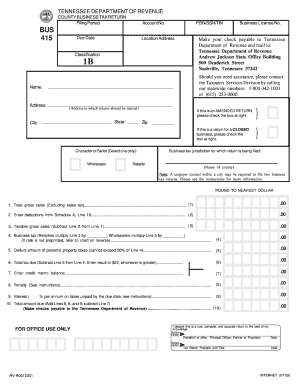
Tennessee county business tax return bus 415 2009 form

Business loan application form
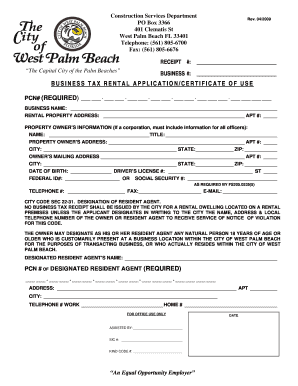
Business tax rental application/certificate of use - City of West Palm ... - wpb

Reeves business forms
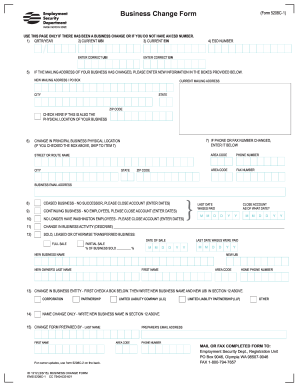
Employment business change form
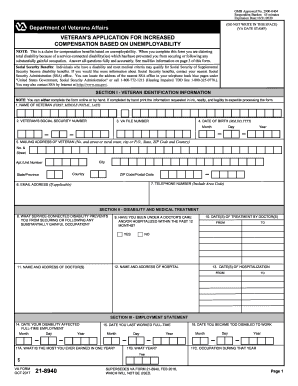
Va form 21 8940
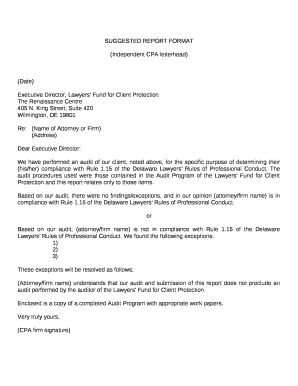
Accounting letterhead
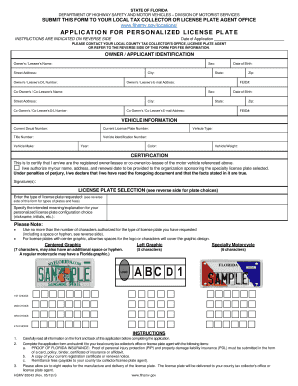
Florida personalized plate
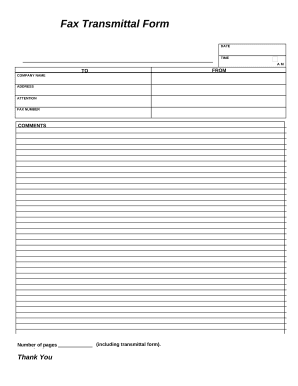
Transmittal form

Ohiobusinesscentral gov form 522
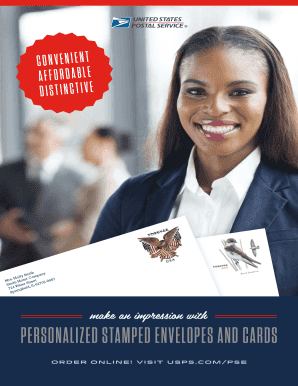
Usps stamped print
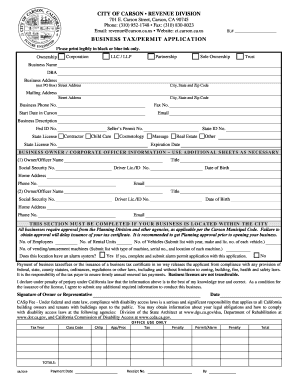
City of carson business license
-
1
- 2
Raise your productivity with Personalized Business Forms
Record managing consumes to half of your office hours. With DocHub, it is simple to reclaim your office time and improve your team's productivity. Access Personalized Business Forms online library and check out all templates related to your daily workflows.
Easily use Personalized Business Forms:
- Open Personalized Business Forms and apply Preview to obtain the relevant form.
- Click on Get Form to start working on it.
- Wait for your form to upload in the online editor and start modifying it.
- Add new fillable fields, symbols, and pictures, modify pages order, etc.
- Fill your template or set it for other contributors.
- Download or deliver the form by link, email attachment, or invite.
Boost your daily document managing with the Personalized Business Forms. Get your free DocHub account today to explore all forms.
Video Guide on Personalized Business Forms management

Commonly Asked Questions about Personalized Business Forms
What is the size of a horizontal invoice?
Horizontal format forms have measurements of 11 inches 8.5 inches. This format is suitable for sellers that write longer descriptions of services and products rendered.
What is a carbonless form?
Carbonless copy paper (CCP), non-carbon copy paper, or NCR paper (No Carbon Required, taken from the initials of its creator, National Cash Register) is a type of coated paper designed to transfer information written on the front onto sheets beneath.
Can I print my own carbonless forms?
If you often create new forms, make changes to your forms, or simply wish to print your own forms immediately from your printer, our inkjet and laser carbonless paper provides an immediate solution. These are pre-collated and sheet-fed (not continuous) for easily printing forms on an as-needed basis.
What is a carbon copy contract?
Generally, a carbon copy contract is a document that is duplicated for each party involved, so everyone has a copy of the same agreement.
Related Templates

Form report loss
The document is a reporting form from the U.S. Department of Justice's Bureau of Alcohol, Tobacco, Firearms and Explosiv ...
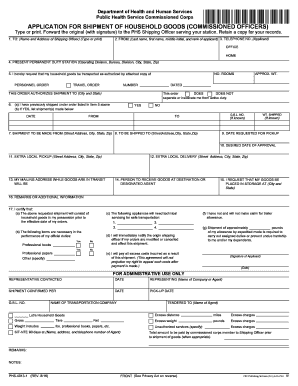
Health household goods form
The document is an application form for commissioned officers of the Public Health Service to request the shipment of th ...
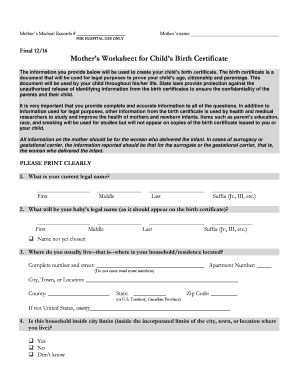
Worksheet birth
The document is a worksheet for mothers to provide necessary information for their child's birth certificate. It outline ...
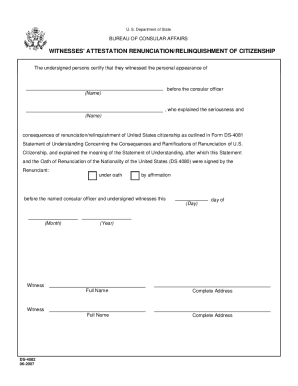
Ds 4082
The document is a certification form from the U.S. Department of State's Bureau of Consular Affairs, which attests to th ...
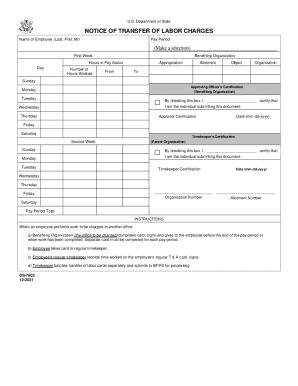
US Labor Department settles charges of hiring
The document is a notice from the U.S. Department of State regarding the transfer of labor charges for employees. It out ...

Partner relationship form
The document is an affidavit from the U.S. Department of State for declaring a domestic partner relationship, outlining ...
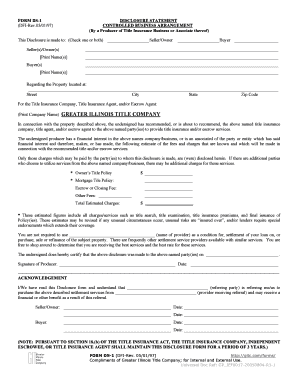
Illinois disclosure arrangement
The document is a Disclosure Statement (FORM DS-1) related to a Controlled Business Arrangement in the title insurance i ...

Finance payment agreement
The document is an Equal Payment Agreement from Snap Home Finance Corp., detailing the terms and conditions for a loan t ...