
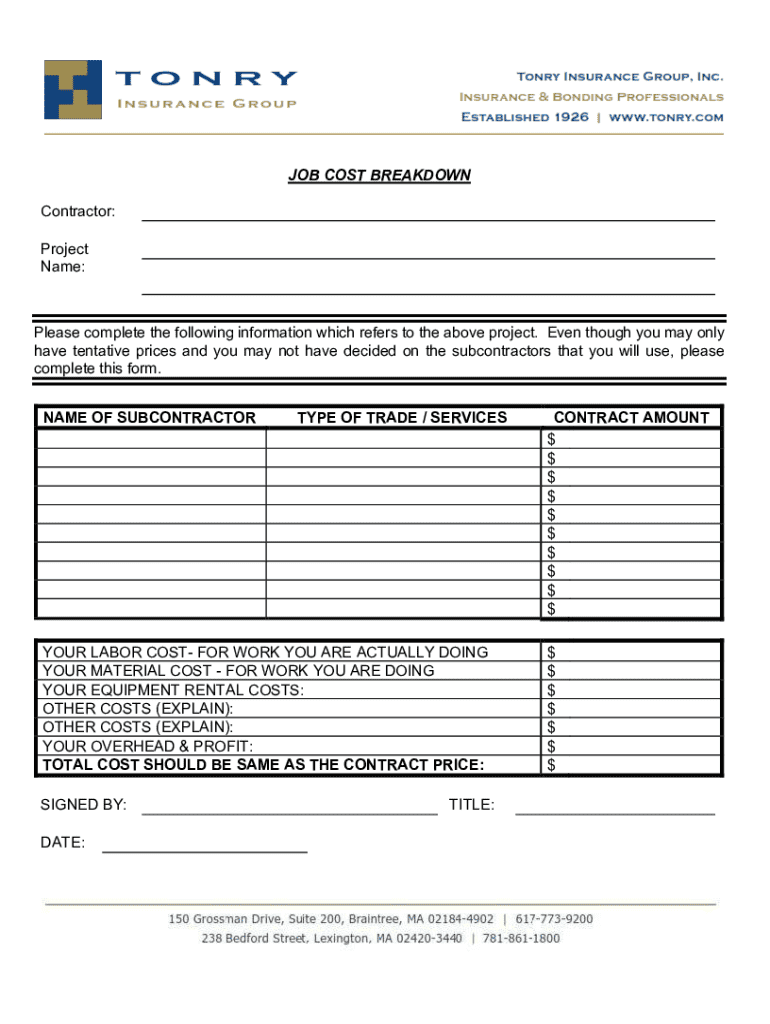




Here's how it works



How to use or fill out reeves business forms with our platform

- Click ‘Get Form’ to open the Job Cost Breakdown Sheet in the editor.
- Begin by entering the Customer Name and Contractor details at the top of the form. Ensure accuracy as this information is crucial for identification.
- Fill in the Job Number and addresses, including city and zip codes. This section helps in tracking job locations and communications.
- In the Remarks section, provide any additional notes relevant to the job that may assist in understanding specific requirements or conditions.
- Proceed to the Summary section where you will input labor costs. Record dates, employee names, total hours worked, overtime costs, and estimated costs for accurate financial tracking.
- Complete the Total Material and Sales Tax fields to ensure all expenses are accounted for. This will help in calculating total labor and overhead costs effectively.
- Finally, review all entries for accuracy before saving or sharing your completed form. Utilize our platform’s features to sign or distribute your document seamlessly.
Start using our platform today to streamline your form completion process for free!
It's free
Got questions?
Can I complete and sign my reeves business forms online?
Yes, and it’s really easy! DocHub is a web-based PDF editor with advanced document management capabilities that allow you quickly edit your paperwork, complete empty fields and drop new ones for other people to fill out, and create electronic signatures in several ways. Import your reeves business forms, give information as required, and choose how you want to eSign your template - by typing your name, drawing your signature, uploading its picture, or using a QR code.
What internet browser do I need to edit reeves business forms online?
If you want to edit your reeves business forms online quickly, it does not matter what internet browser you use. DocHub’s simple editing tools are available using any internet browser. Just open the appropriate tab within our editor, add your document, and fill it out without stress.
Security and compliance
At DocHub, your data security is our priority. We follow HIPAA, SOC2, GDPR, and other standards, so you can work on your documents with confidence.
Learn more




