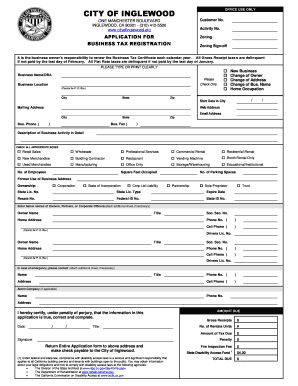
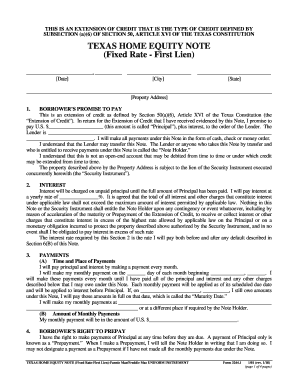
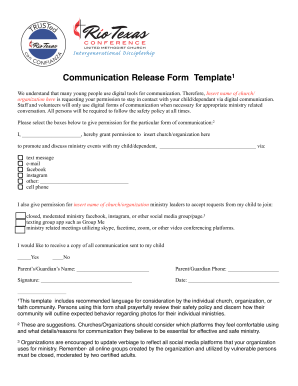
Get and handle Mobile Business Forms online

Accelerate your document managing with the Mobile Business Forms collection with ready-made document templates that meet your needs. Access your document, alter it, fill it, and share it with your contributors without breaking a sweat. Start working more efficiently with your documents.

How to use our Mobile Business Forms:

  1. Open our Mobile Business Forms and look for the form you require.
  2. Preview your document to ensure it’s what you want, and click on Get Form to start working on it.
  3. Alter, include new text, or point out important information with DocHub tools.
  4. Prepare your form and preserve the adjustments.
  5. Download or share your document template with other people.

Examine all of the opportunities for your online document administration using our Mobile Business Forms. Get a totally free DocHub account today!


Video Guide on Mobile Business Forms management

video background

Commonly Asked Questions about Mobile Business Forms

Mobile forms are applications designed for smartphones and tablets that allow for the creation and submission of forms with multiple types of form data. In most cases, mobile forms help companies with employees in the field streamline their data collection.
The doForms platform is a robust, full-featured solution designed to simplify data collection and management for all usersfield workers, managers, analysts and customers.
FastField is a mobile forms automation solution for efficient and accurate data collection. FastField allows for offline data capture to achieve a completely paperless workflow.
Device Magic is a data collection mobile app that helps businesses automate and manage the process of creating forms for mobile devices. Key features include collaboration, version control, text editing and remote access.