
Data canada Business Forms
Collect and manage your business information with Data canada Business Forms. Eliminate manual issues and improve your document accuracy with the DocHub online editor.

Create a new Data canada Business Form

- cic gc
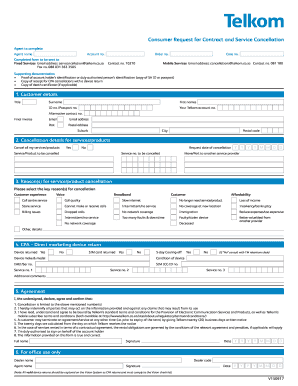
Telkom cancellation form
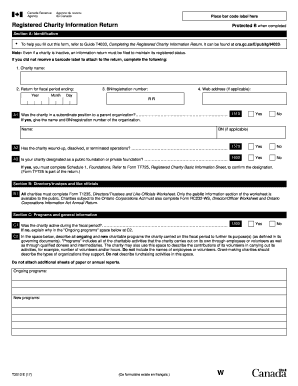
T3010
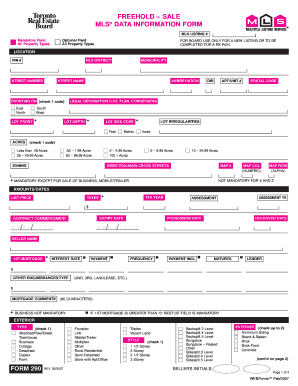
Mls data sheet

Chase direct deposit authorization form
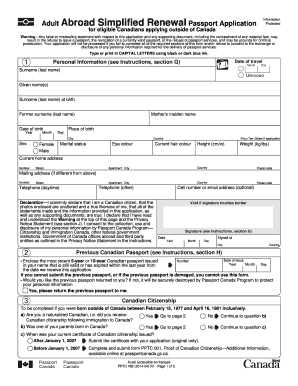
Renew passporst canada forms
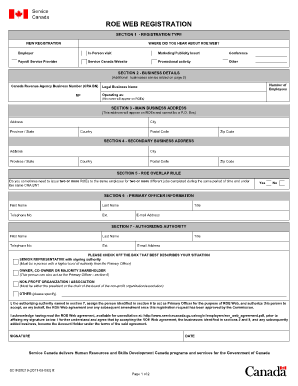
Pdf roe form printable
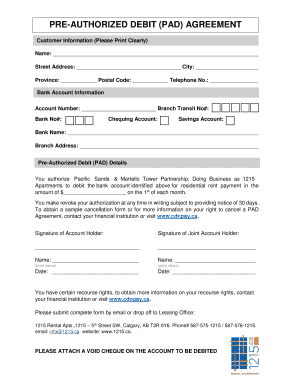
Canada pre authorized debit form

Canada bank form
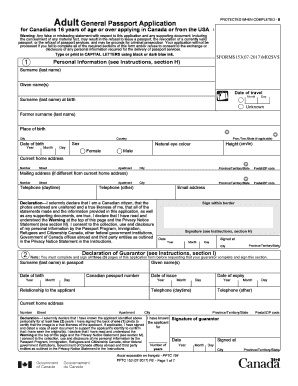
Pptc 445
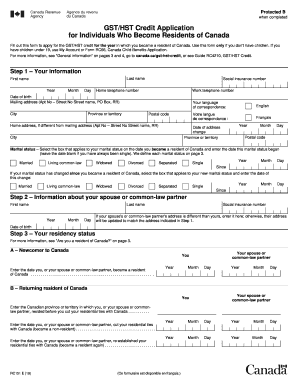
Rc151

Canada form indian visa
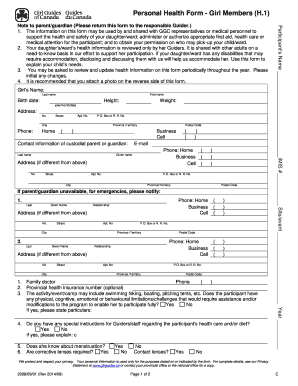
Canada personal health form
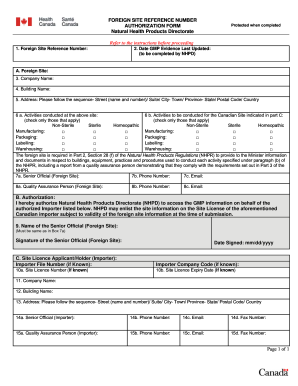
Foreign site reference number
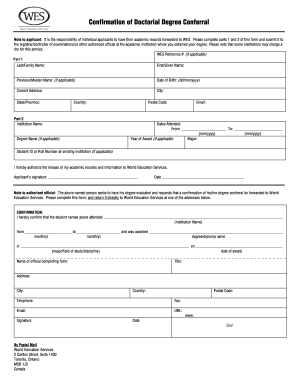
Wes doctoral conferral form canada
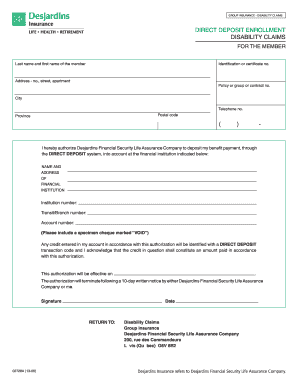
Direct deposit enrollment disability claims - Desjardins Life Insurance
Imm 5877
Mls data hold lease
SCHEDULE G IN-HOME CAREGIVING OCCUPATIONS - servicecanada gc
Canada import declaration
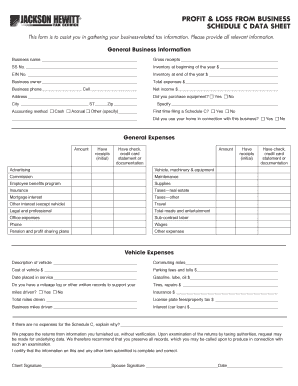
PROFIT & LOSS FROM BUSINESS SCHEDULE C DATA SHEET
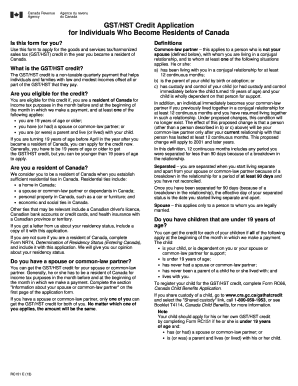
GST/HST Credit Application for Individuals Who ... - Canada.ca
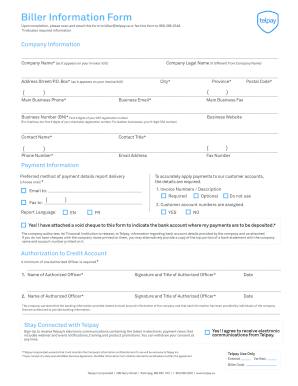
Biller Information Form - Telpay
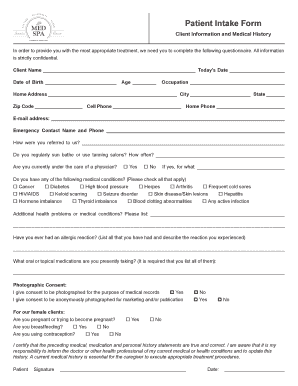
Med spa intake form

Canada revenue log in

Identifying Data of Offeror
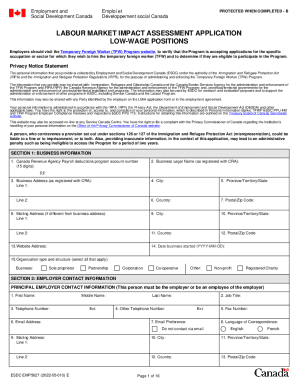
Labour market impact assessment
Organization donation receipt
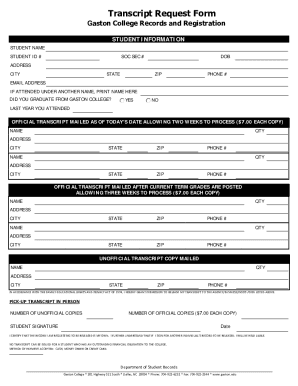
Studentclearinghouse transcriptservicesClearinghouse Transcript & Data Exchange Services
407 business transponder application
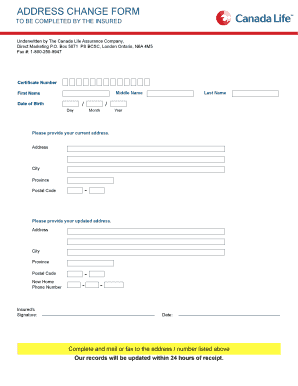
Canada life change of address
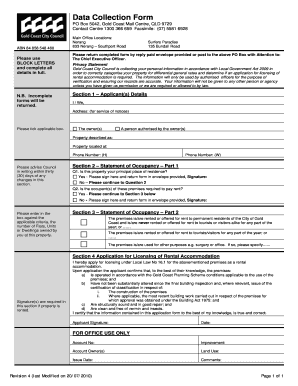
Data Collection Form - Gold Coast City Council - goldcoast qld gov
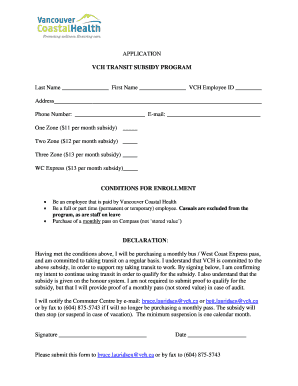
Vch transit subsidy program
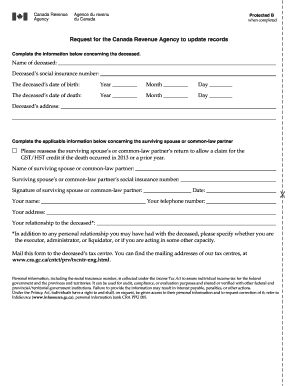
Request for the canada revenue agency to update records
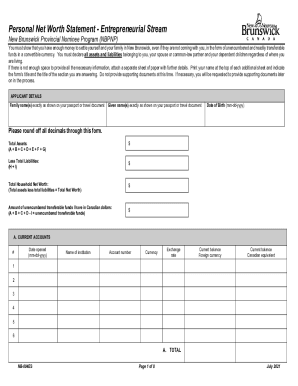
Canada net worth statement
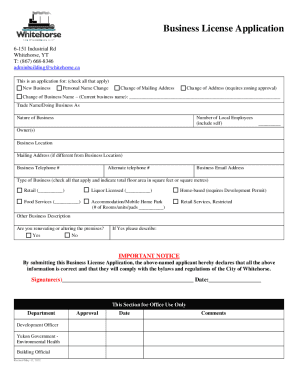
Dnb business-directorycompany-profilesIndustrial Supply & Service Ltd Company ProfileWhitehorse
-
1
- 2
Improve your form management with Data canada Business Forms
Your workflows always benefit when you can discover all of the forms and files you will need at your fingertips. DocHub supplies a huge selection of documents to ease your daily pains. Get hold of Data canada Business Forms category and easily discover your form.
Begin working with Data canada Business Forms in a few clicks:
- Browse Data canada Business Forms and find the form you require.
- Click on Get Form to open it in our editor.
- Start adjusting your form: add more fillable fields, highlight sentences, or blackout sensitive information.
- The app saves your changes automatically, and after you are ready, you are able to download or share your form with other contributors.
Enjoy fast and easy form administration with DocHub. Discover our Data canada Business Forms collection and look for your form right now!
Video Guide on Data canada Business Forms management

Related Templates
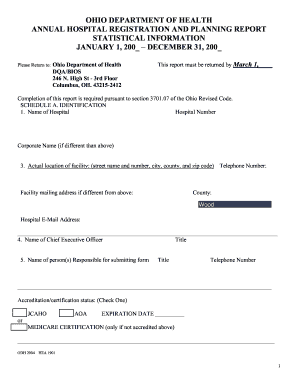
Ohio hospital registration
The document is the Annual Hospital Registration and Planning Report from the Ohio Department of Health, which requires ...

Schools student entry
The document is a Student Entry Form for Seminole County Public Schools, which requires parents or guardians to provide ...
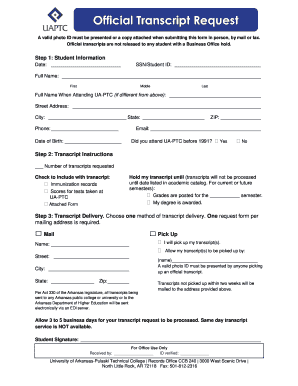
Official transcript form
The document is an Official Transcript Request form for students at the University of Arkansas-Pulaski Technical College ...
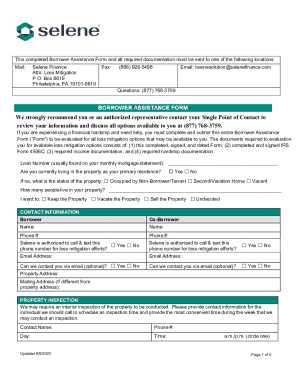
Selene FormFill Out Printable PDF Forms Online
The document outlines the process for borrowers experiencing financial hardship to apply for loss mitigation options thr ...

Filing After the Due DateMinnesota Department of Revenue
The document is a Corporation Return Payment Voucher (Form 40-PV) issued by the North Dakota Office of State Tax Commiss ...
Arkansas Withholding Tax Employer Instructions
The document provides comprehensive instructions for employers in Arkansas regarding their responsibilities related to w ...
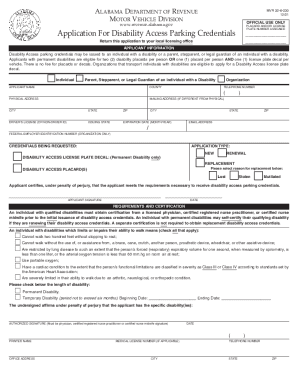
Alabama Disability Access Parking Application
The document is an application form from the Alabama Department of Revenue's Motor Vehicle Division for Disability Acces ...

Change number plates nsw
The document outlines the process for exchanging or transferring number plates in New South Wales, detailing eligibility ...