
Small business monthly Balance Sheet Templates - Page 2
Browse Small business monthly Balance Sheet Templates and create a personalized financial statement. Edit, complete, eSign, and send your balance sheets without holdups.

Create a new Small business monthly Balance Sheet Template
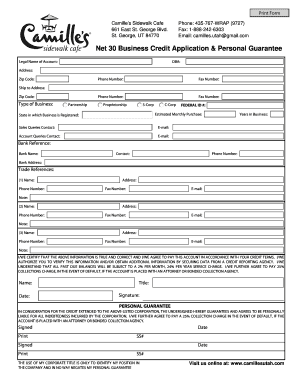
Business credit application with personal guarantee
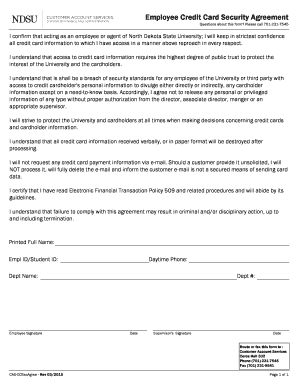
Employee credit card agreement

Sba form 413
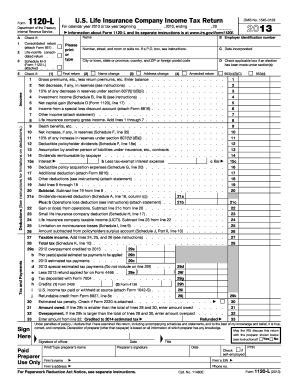
Form 1120 schedule l 2013
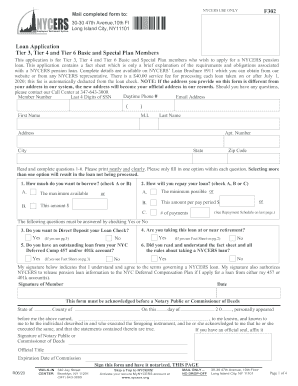
Nycers loan applciation
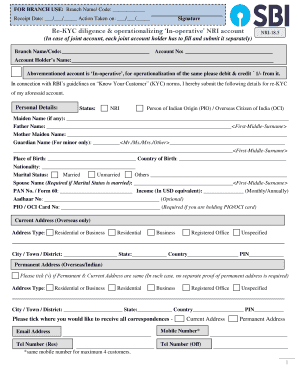
NRI Banking - NRI Bank Account - NRI Services - ICICI Bank
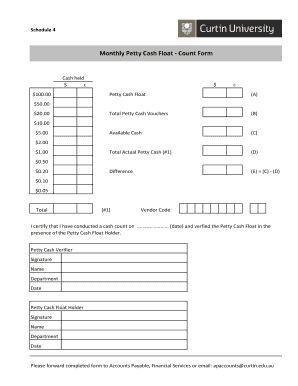
Cash float template

Fillable SBA Form 770: Financial Statement of Debtor
- 1
-
2
Improve your productivity with Small business monthly Balance Sheet Templates
Form managing consumes to half of your office hours. With DocHub, it is possible to reclaim your time and effort and increase your team's efficiency. Get Small business monthly Balance Sheet Templates category and discover all document templates relevant to your daily workflows.
Easily use Small business monthly Balance Sheet Templates:
- Open Small business monthly Balance Sheet Templates and use Preview to obtain the suitable form.
- Click on Get Form to begin working on it.
- Wait for your form to open in the online editor and start modifying it.
- Add new fillable fields, symbols, and images, modify pages, etc.
- Fill out your file or prepare it for other contributors.
- Download or deliver the form by link, email attachment, or invite.
Speed up your daily file managing with our Small business monthly Balance Sheet Templates. Get your free DocHub account today to discover all forms.
Video Guide on Small business monthly Balance Sheet Templates management

Commonly Asked Questions about Small business monthly Balance Sheet Templates
Is there a balance sheet template in Excel?
The Balance Sheet Template for Excel is a pre-designed spreadsheet that allows users to enter their companys financial information, including assets, liabilities, and equity. This template is useful for businesses of all sizes, as it can be customized to fit each companys specific needs.
Can QuickBooks create a balance sheet?
The QuickBooks Online balance sheet template makes it easy The main categories of assets are listed first in the balance sheet, followed by the liabilities. The difference between assets and liabilities is displayed at the bottom as the equity or net worth of the business.
Can a balance sheet be monthly?
This financial statement details your assets, liabilities and equity, as of a particular date. Although a balance sheet can coincide with any date, it is usually prepared at the end of a reporting period, such as a month, quarter or year.
How to prepare a balance sheet for a small business?
How to make a balance sheet Invest in accounting software. Create a heading. Use the basic accounting equation to separate each section. Include all of your assets. Create a section for liabilities. Create a section for owners equity. Add total liabilities to total owners equity. Step-by-Step: How To Make a Balance Sheet - Chase Bank Chase Bank knowledge-center start ho Chase Bank knowledge-center start ho
Does Excel have a bookkeeping template?
Those who havent used Excel before or arent familiar with its features can download Excel bookkeeping templates online. Once you create or download templates, you can use them as a basis for more advanced account-related tasks like basic financial statements, forms, receipts, reports, etc.
How to make a balance sheet in Excel template?
Preparing a balance sheet involves several steps: Gather Financial Information: Gather all your financial data, including assets, liabilities, and equity. Organize Assets: Here is the list of all assets, including current assets (cash, inventory) and non-current assets (property, equipment).
How do you create a simple balance sheet for a small business?
Follow these steps: Step 1: Pick the balance sheet date. Step 2: List all of your assets. Step 3: Add up all of your assets. Step 4: Determine current liabilities. Step 5: Calculate long-term liabilities. Step 6: Add up liabilities. Step 7: Calculate owners equity. Step 8: Add up liabilities and owners equity.
Can I create my own balance sheet?
You can create a personal balance sheet by completing the following steps, including getting all relevant documents, listing your assets and liabilities, and calculating your net worth. Personal Balance Sheet: How To Create Your Own Financial Statement rocketmoney.com learn personal-finance rocketmoney.com learn personal-finance
How to do a beginning balance sheet?
Preparing a Balance Sheet in 5 Steps Define a Reporting Period and Reporting Date. The first thing to make any financial statement is determining the data you want to look at. Gather Your Assets. Gather Your Liabilities. Determine Shareholders Equity. Add Liabilities to Shareholders Equity, Compare to Assets. How to Make a Balance Sheet: 5 Steps for Beginners - FreshBooks freshbooks.com en-gb hub accounting freshbooks.com en-gb hub accounting
How to make a simple balance sheet in Excel?
Tips for creating a balance sheet in Excel Use a template. Use the Borders button to create guiding lines in your balance sheet. Use Excels tools to manage your data. Create a trial balance sheet to initially display information and add in an error check sheet. How To Create a Balance Sheet in Excel (With Tips and FAQs) - Indeed indeed.com career-development how-to- indeed.com career-development how-to-
Related Templates
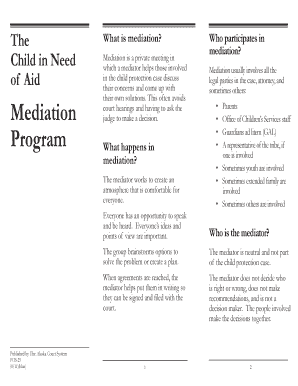
Alaska pub25 mediation get
The document outlines the Child in Need of Aid Mediation Program, which facilitates private meetings where a neutral med ...
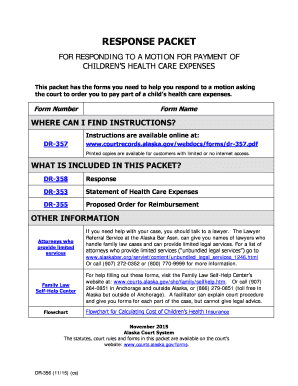
Ak dr356
The document is a response packet designed to assist individuals in responding to a court motion for payment of children ...

(MCA) (PUB-12) - Alaska Court Records - State of Alaska
The document provides essential information for individuals convicted of minor consuming or possessing alcohol (MCA) in ...

Jdf 529
The document is a legal form from the Denver Juvenile Court in Colorado regarding the petition for the adoption of an ad ...
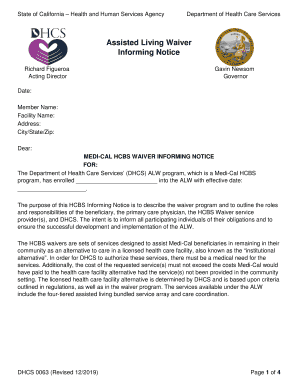
California assisted living waiver
The document is an Informing Notice from the California Department of Health Care Services regarding the Assisted Living ...
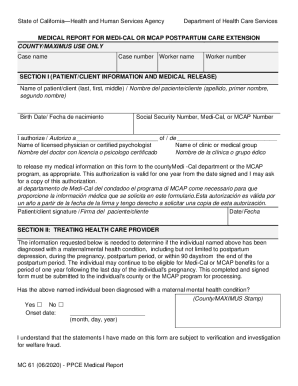
California health care services
The document is a Medical Report for Medi-Cal or MCAP Postpartum Care Extension from the California Department of Health ...

APPLICATION FOR LICENSE AND CERTIFICATE OF MARRIAGE VS 24c
The document is an Affidavit to Amend a Marriage Record, which outlines the process for correcting information on a marr ...
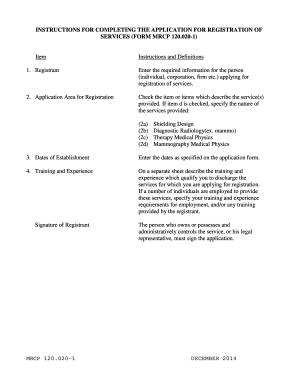
Form mrcp
The document provides detailed instructions for completing the application for registration of services related to radia ...