
Zillow rental Application Forms
Boost your form preparation with Zillow rental Application Forms. Select from various of templates for individual and corporate use and start modifying them immediately.

Create a new Zillow rental Application Form

Rental application pdf fillable

Residential rental apartment
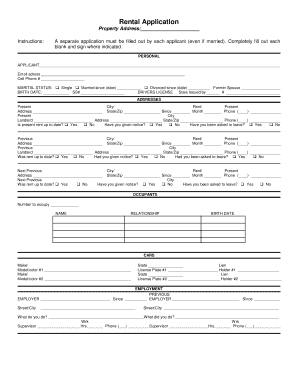
Rental application
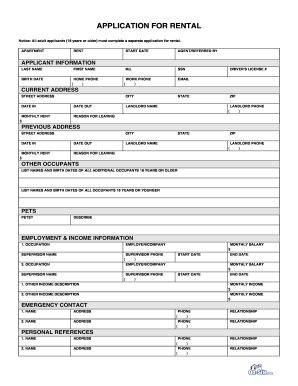
Tenant application form pdf
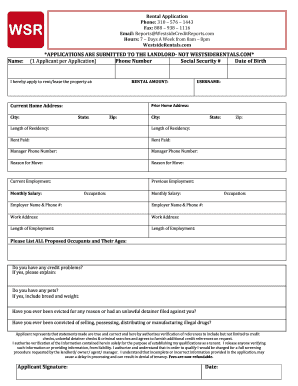
Westside rentals application
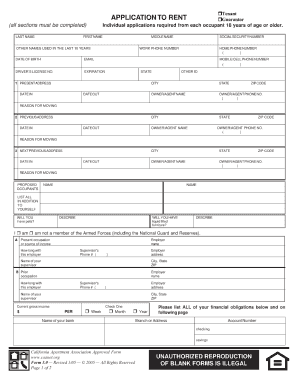
Rental application

Long rental application online
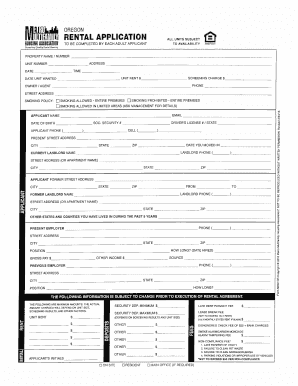
Rental applications to print
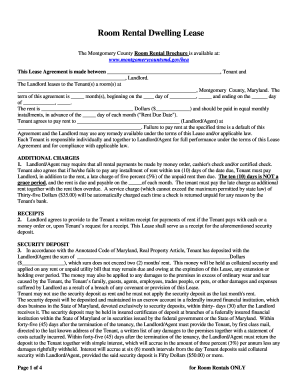
Room for rent

Rental application

Rental application form opportunity print
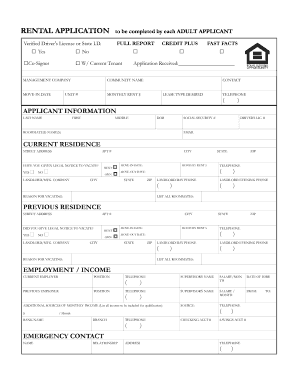
Applicant rental application
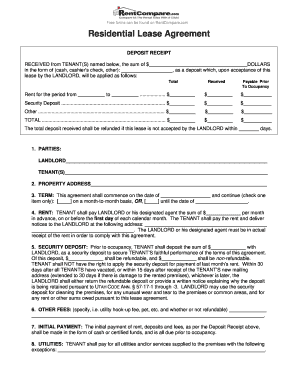
Residential lease rental agreement and deposit receipt
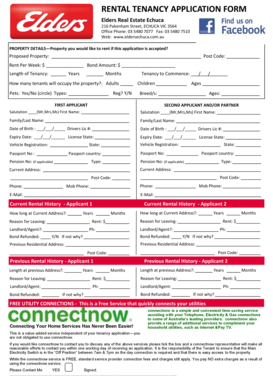
Real estate tenancy application form
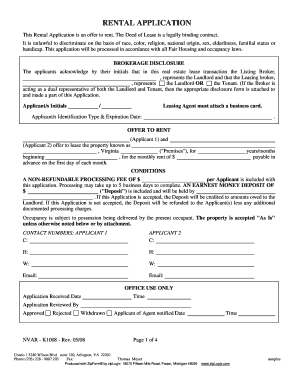
Fillable pdf rental application
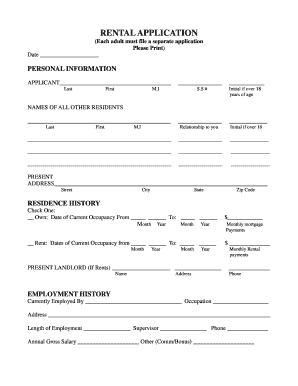
Rental application form
Tenant application

Printable rental application
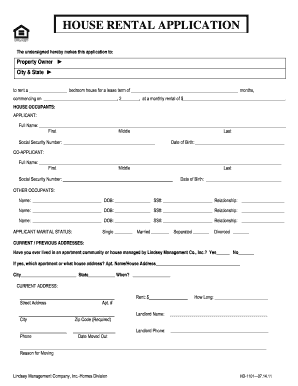
Application for house

Massachusetts rental application fillable

Tenant pre screening form pdf
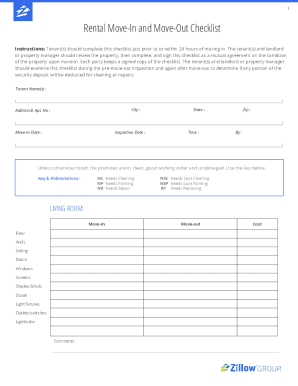
Zillow move in checklist
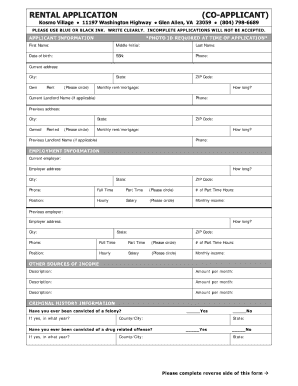
Printable rental application
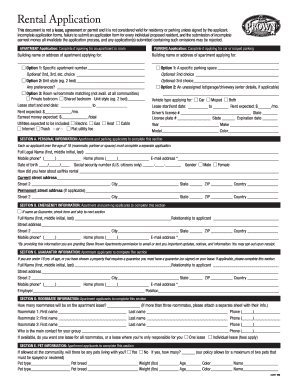
Apartment format pdf
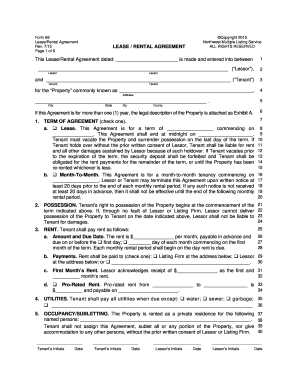
Free Rental Lease Applications Templates PDF Word

Rental application
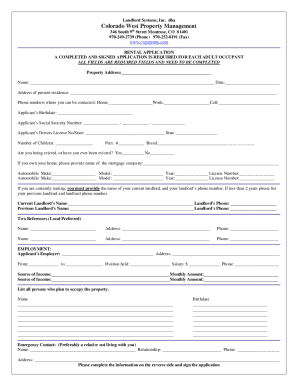
Rental application form

Printable rental application pdf

Fillable rental application
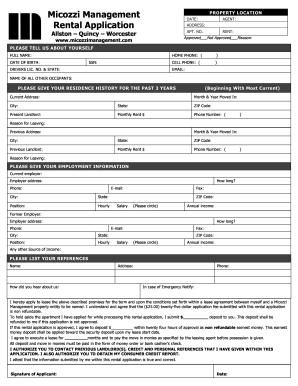
Management rental application
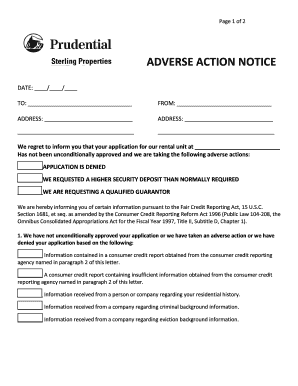
Rental application denial letter pdf
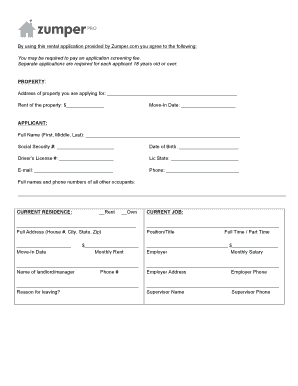
Zumper rental application pdf
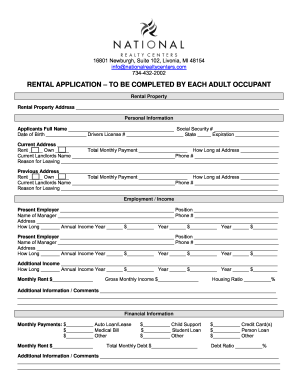
Rental application form every occupant fillable

Real estate tenancy application form
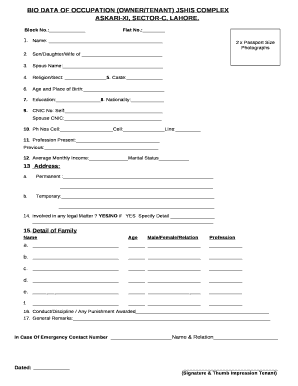
Bio for rental application
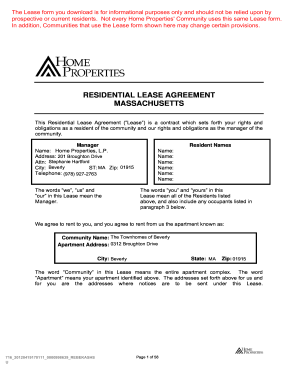
Home properties lease
-
1
- 2
Improve your template managing with Zillow rental Application Forms
Your workflows always benefit when you are able to locate all of the forms and files you need on hand. DocHub gives a a large collection document templates to alleviate your everyday pains. Get a hold of Zillow rental Application Forms category and easily discover your document.
Begin working with Zillow rental Application Forms in several clicks:
- Open Zillow rental Application Forms and discover the form you need.
- Click Get Form to open it in the editor.
- Begin editing your document: add more fillable fields, highlight sentences, or blackout sensitive data.
- The application saves your adjustments automatically, and after you are all set, you are able to download or distribute your file with other contributors.
Enjoy smooth form management with DocHub. Check out our Zillow rental Application Forms online library and discover your form today!
Video Guide on Zillow rental Application Forms management

Commonly Asked Questions about Zillow rental Application Forms
Is signing a lease through Zillow legit?
By signing a lease, you and your tenant are agreeing to follow the terms and conditions outlined in the rental agreement. While our leases are signed electronically, rather than in person, eSignatures still create a legally binding and valid lease.
What does application in progress mean on Zillow?
You can view the status of your applications in the Applications section of your listing in Zillow Rental Manager. Completed applications: This section shows submitted applications. Applications in progress: These are applications that have been completed by at least one, but not all, applicants.
How do I edit an application on Zillow?
Once an application has been submitted, it cannot be changed. You can update information on your application by withdrawing the application. After you withdraw your application from your Renter Hub, you can then edit the details of this new application before submitting it to the landlord for review.
Does the Zillow application affect credit score?
The $35 fee allows prospective renters to apply to an unlimited number of participating rentals for 30 days, and also includes their credit and background reports. This is a soft pull on their credit, so credit scores wont be affected. What is a portable rental application?
Can I delete an application on Zillow?
Alternatively, you can withdraw an application after youve submitted it at any point. All you have to do is click on the Withdraw button on your Application page, and your application will no longer be visible to the landlord.
What do applications mean on Zillow?
When you enable applications on one or more of your listings, renters see an Apply now button on your listing. They can use this button to submit an application.
Related Templates

PennDOT Form MV-550A
The document is a registration application form (MV-550A) for establishing or renewing a single vehicle's apportioned ac ...

Study form
The document is a Code Study Form from the Pikes Peak Regional Building Department, designed for commercial projects. It ...
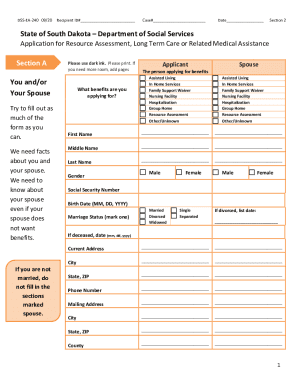
Social department services
The document is an application form from the South Dakota Department of Social Services for resource assessment and long ...

Dor.sc.govforms-siteFormsSTATE OF SOUTH CAROLINA SC8857 DEPARTMENT OF REVENUE REQUEST ...
Dor.sc.govforms-siteFormsSTATE OF SOUTH CAROLINA SC8857 DEPARTMENT OF REVENUE REQUEST ...
The document is a request form for Innocent Spouse Relief from the South Carolina Department of Revenue. It outlines eli ...
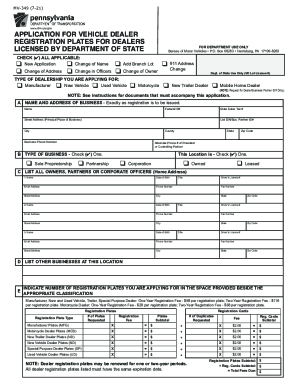
Pa dealer license
The document MV-349 (7-21) is an application form for vehicle dealer registration plates in Pennsylvania, intended for b ...

MVC Forms - NJ.gov
The document outlines the process for applying for a refund of motor vehicle fees through the New Jersey Motor Vehicle C ...
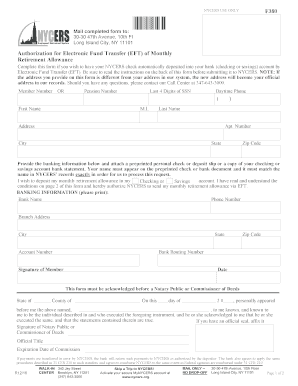
Nycers login
The document is an authorization form for Electronic Fund Transfer (EFT) of monthly retirement allowances from the New Y ...
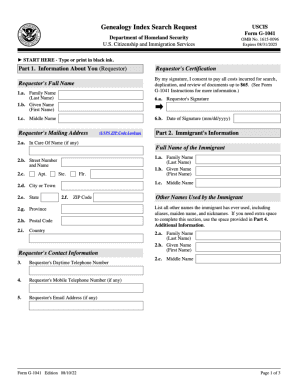
Form G-1041, Genealogy Index Search Request - g-1041.pdf