
Zillow Application Forms
Explore numerous of modifiable and no-cost Zillow Application Forms with DocHub. Edit, fill out, and invite other contributors to collaborate on your application templates in real-time.

Create a new Zillow Application Form

Rental application pdf fillable
Printable rental application
Rental application
Tenant application form pdf
Rental application

Long rental application online
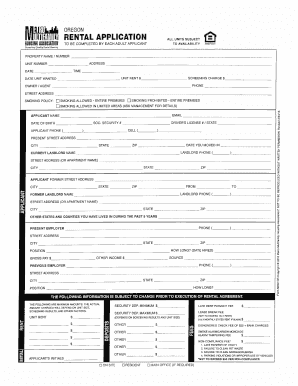
Rental applications to print
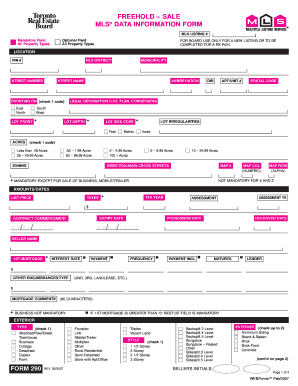
Mls data sheet

Rental application

Rental application form opportunity print
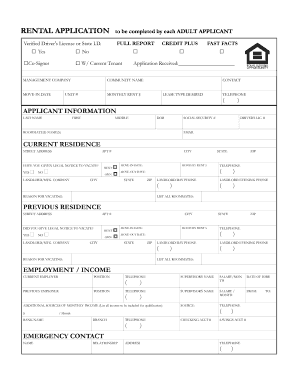
Applicant rental application
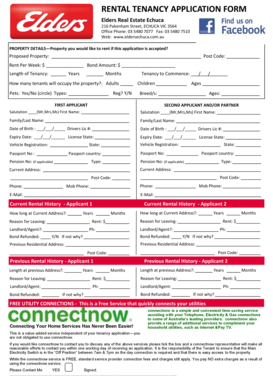
Real estate tenancy application form
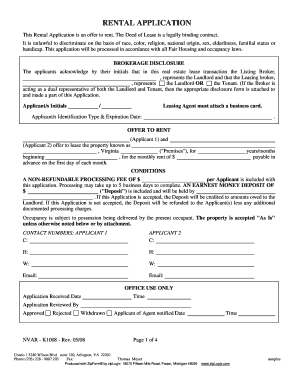
Fillable pdf rental application
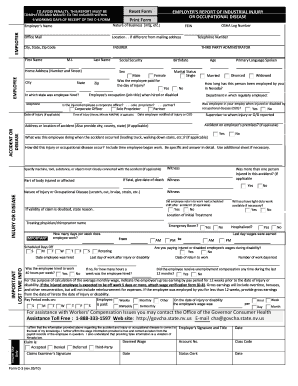
C 3 form nevada
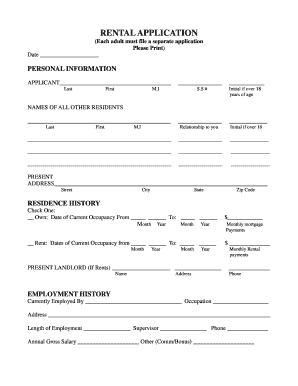
Rental application form
Tenant application

Printable rental application
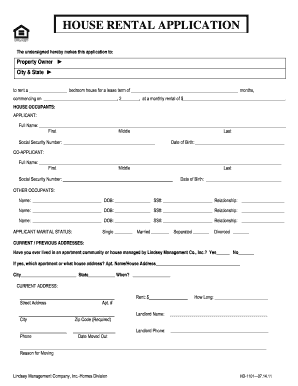
Application for house

Massachusetts rental application fillable

Tenant pre screening form pdf
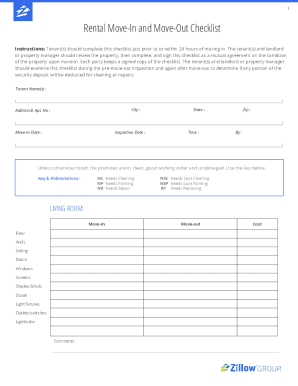
Zillow move in checklist
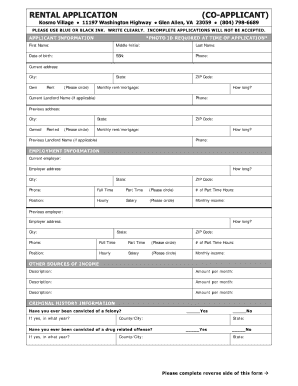
Printable rental application
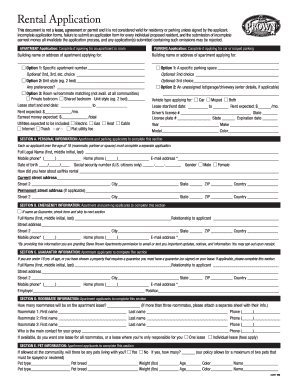
Apartment format pdf
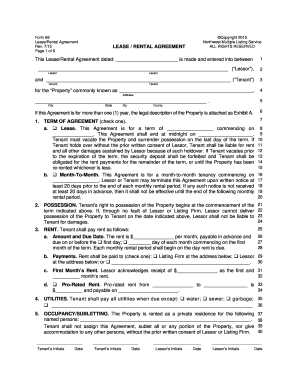
Free Rental Lease Applications Templates PDF Word

Rental application
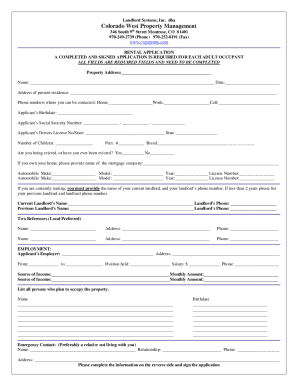
Rental application form

Printable rental application pdf

Fillable rental application
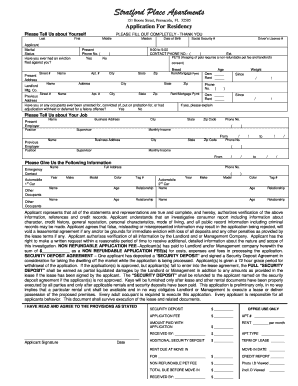
Printable rental application
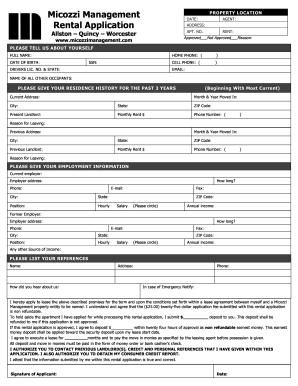
Management rental application
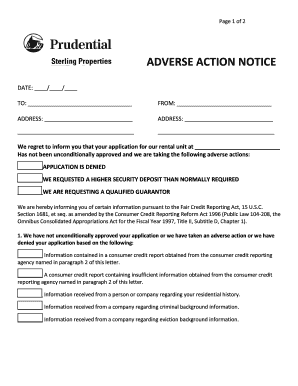
Rental application denial letter pdf
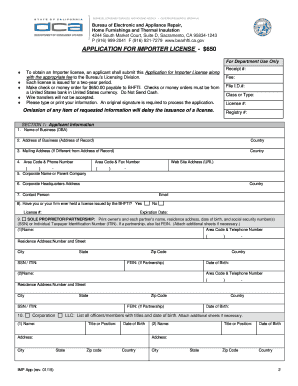
Bureau of Electronic and Appliance Repair Home Furnishings and Thermal Insulation - Application for Importers License Bureau of Electronic and Appliance Repair Home Furnishings and Thermal Insulation - Application for Importers License
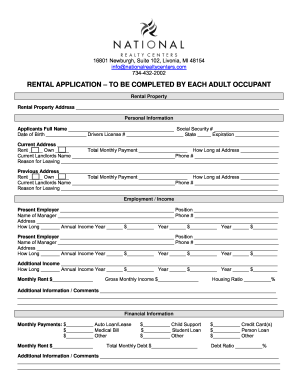
Rental application form every occupant fillable

Real estate tenancy application form
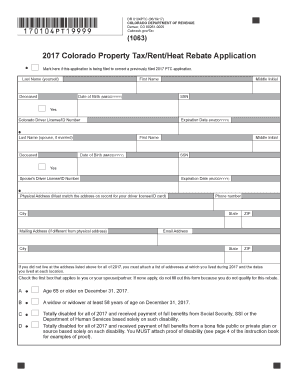
Property rent application form
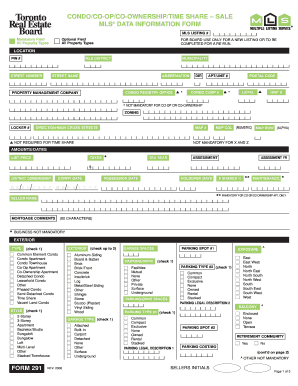
Mls data information form
-
1
- 2
Boost your productivity with Zillow Application Forms
Document managing occupies to half of your office hours. With DocHub, you can reclaim your office time and enhance your team's efficiency. Access Zillow Application Forms collection and discover all templates related to your day-to-day workflows.
The best way to use Zillow Application Forms:
- Open Zillow Application Forms and employ Preview to find the suitable form.
- Click Get Form to start working on it.
- Wait for your form to upload in the online editor and begin editing it.
- Add new fillable fields, icons, and images, adjust pages order, and many more.
- Fill your document or set it for other contributors.
- Download or share the form by link, email attachment, or invite.
Improve your day-to-day file managing with our Zillow Application Forms. Get your free DocHub account today to explore all forms.
Video Guide on Zillow Application Forms management

Commonly Asked Questions about Zillow Application Forms
What do applications mean on Zillow?
What does it mean to enable or accept applications for my properties? If you have enabled applications on your properties, all renters will see an Apply now button on your listing on Zillow, Trulia and HotPads, and they can apply directly from your listing.
How do I delete my Zillow application?
Can I withdraw an application after Ive submitted it to a landlord or property manager? If youd like to withdraw your application, visit your Renter Hub and click on the application you need to withdraw. From there, click withdraw and your application will be removed from the landlords account.
Does Zillow provide a 1099?
Zillow partners with Stripe to file 1099 tax forms that summarize your earnings or sales activities. Weve put together some FAQs to help you learn more about 1099s, and how to use Stripe Express to review your tax information and download your tax forms.
Does the Zillow application affect credit score?
At Zillow Home Loans, we can pre-qualify you in as little as 3 minutes, with no impact to your credit score.
How do you edit your Zillow application?
Once an application has been submitted, it cannot be changed. You can update information on your application by withdrawing the application. After you withdraw your application from your Renter Hub, you can then edit the details of this new application before submitting it to the landlord for review.
Related Templates

Medical release form
The document is a medical release form from Premier Cardiology & Vascular Associates, authorizing the release of a patie ...
Sao.nd.eduassets420600UNIVERSITY OF NOTRE DAME STANDARD FORM ENTERTAINMENT CONTRACT
The document is a Standard Form Entertainment Contract between the University of Notre Dame and an artist, outlining the ...
Chiropractor Intake form-12June2018
The document is a Chiropractic Intake Form designed to collect comprehensive patient information, including personal det ...
OVR Tournament Entry Form
The OVR Tournament Entry Form is a document required for teams to register for a volleyball tournament. It must be fully ...

Sign operating permit application - City of Richmond
The document is a Sign Operating Permit Application from the Building Department of Richmond, TX. It outlines the necess ...

UC-018-Unemployment Tax and Wage Report
The document provides instructions for completing the Unemployment Tax and Wage Report required by the Arizona Departmen ...
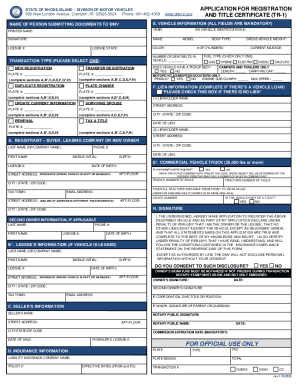
FOR OFFICIAL USE ONLY
The document is an application form (TR-1) for vehicle registration and title certification in Rhode Island, detailing t ...

Registry of Motor Vehicles - Licence Renewal
The document is a mail-in application form for renewing or obtaining a duplicate Missouri driver license specifically fo ...