
Staff Application Forms
Browse numerous of customizable and no-cost Staff Application Forms with DocHub. Adjust, fill, and invite other recipients to work together on your application templates in real-time.

Create a new Staff Application Form
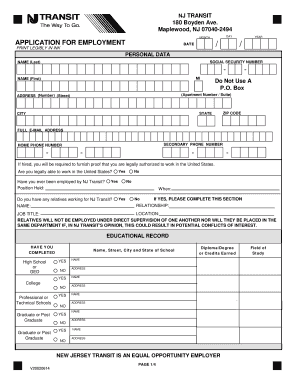
New jersey transit job application
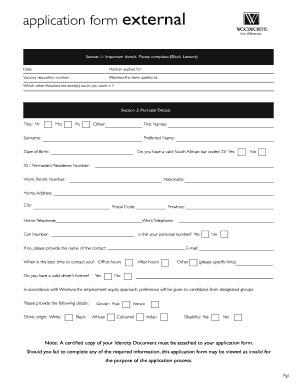
Woolworths application form

Toyota job application form
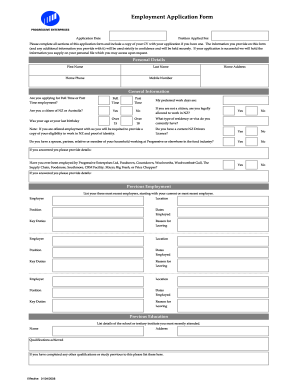
Countdown application
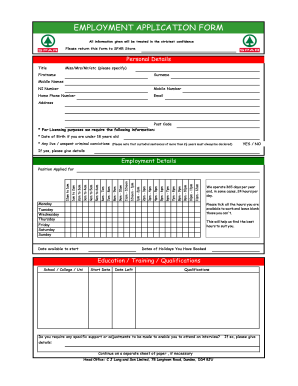
Spar sms number for job application

Dollar tree job application online pdf

Job application form
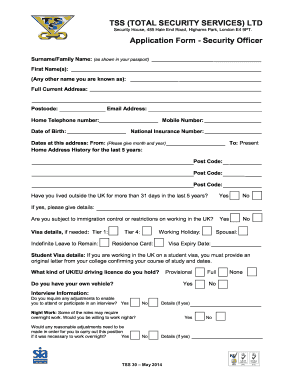
Tss security job application form
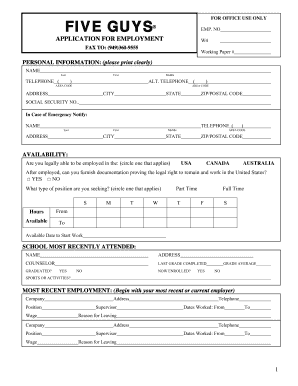
Five guys application pdf
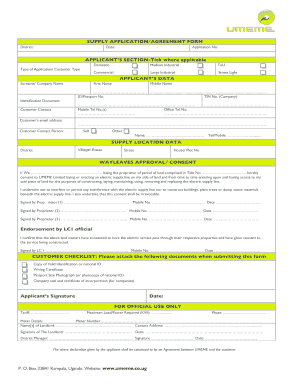
Umeme job application forms

Naivas supermarket job application form
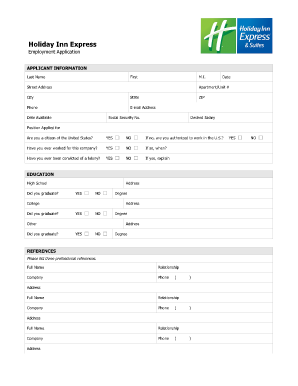
Holiday inn application pdf

New zealand new employment
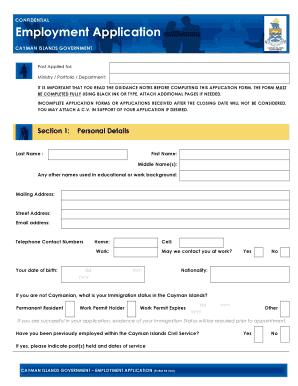
Cayman islands government job application form
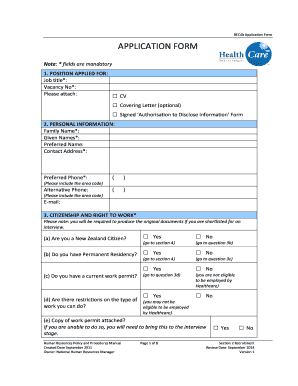
Download the job application form - HealthCare NZ
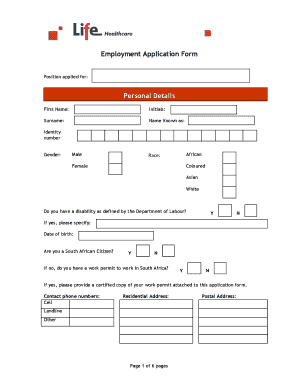
Hospital job application form pdf
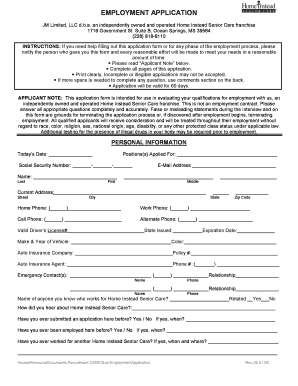
Application form for care homes
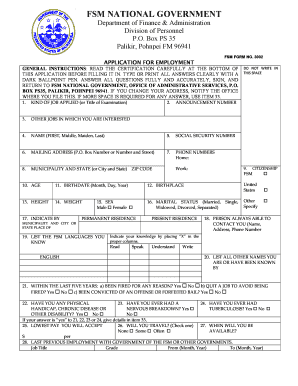
Fsm job application form

New employee application 2007 form
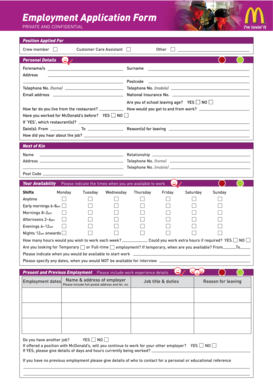
Download job application form for McDonald's - application-form.org - images pcmac
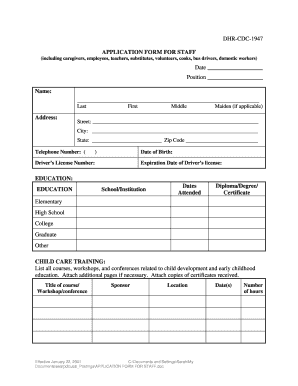
DHR-CDC-1947 APPLICATION FORM FOR STAFF Date - searpdc
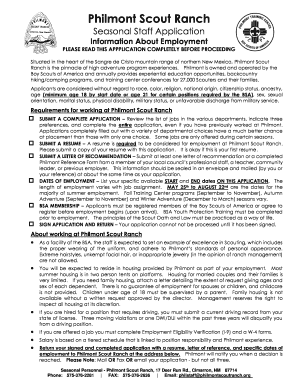
(PDF) Staff Application - Philmont Scout Ranch - philmontscoutranch

SUPPORT STAFF APPLICATION FORM - Hampshire County Council - kimpton hants sch

Library employment application form
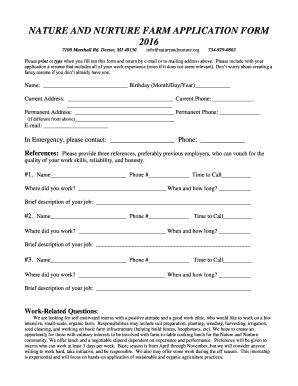
Farm job application form
Job application lippert

STAFF APPLICATION FORM - whizzkids.ie
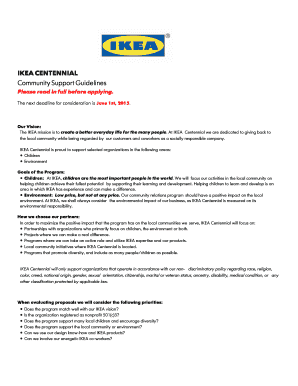
Ikea application form online
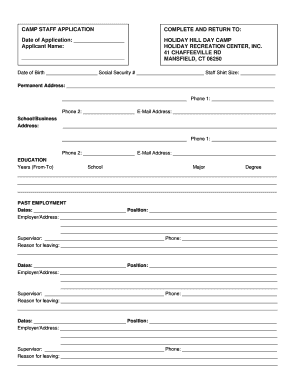
Camp Staff Job Application Form - Mansfield's Holiday Hill
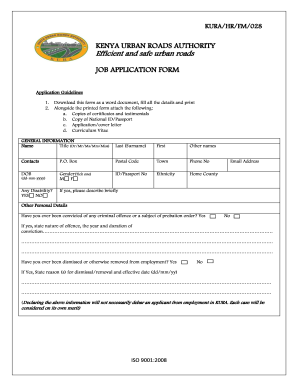
Kura job application form
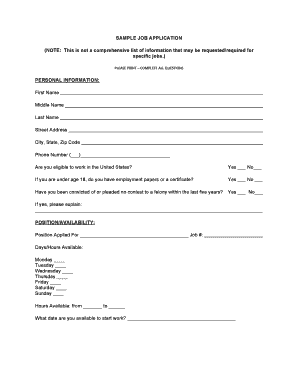
Sample job application form
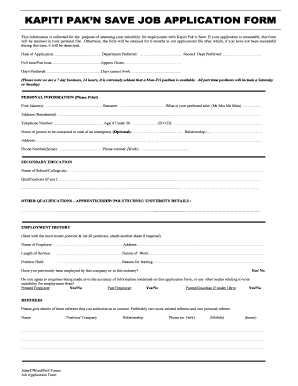
Pak n save job application form
Aramark job application form
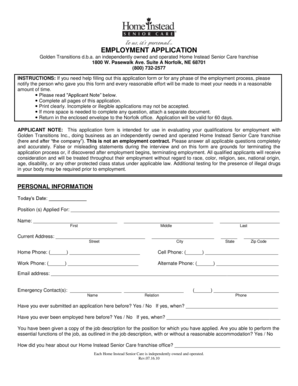
Home instead application form
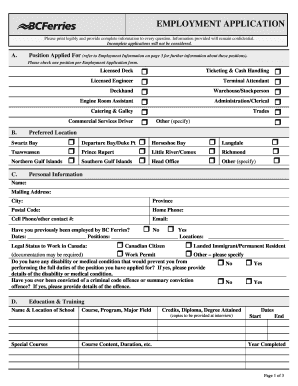
Bc ferries employment application

Tss security job application form
-
1
- 2
Handle Staff Application Forms quickly online
Document administration can overpower you when you can’t locate all of the documents you require. Fortunately, with DocHub's extensive form categories, you can discover everything you need and easily handle it without switching between applications. Get our Staff Application Forms and start working with them.
How to use our Staff Application Forms using these simple steps:
- Browse Staff Application Forms and select the form you require.
- Preview the template and click on Get Form.
- Wait for it to open in the online editor.
- Change your form: add new information and images, and fillable fields or blackout some parts if necessary.
- Complete your form, conserve alterations, and prepare it for sending.
- When you are ready, download your form or share it with your contributors.
Try out DocHub and browse our Staff Application Forms category without trouble. Get a free profile today!
Video Guide on Staff Application Forms management

Commonly Asked Questions about Staff Application Forms
What is the description of the staff application?
A simple Job Application Form which allows to collect personal and contact information, current employment status, desired position, available start date of the candidate, their resume and any other document.
How to create a staff application?
5 Steps to Prepare a Staff Application Form Step 1: Make a Reference List. Prepare a reference list of all the requirements that you will need from the applicants. Step 2: Design a Structure. Step 3: Add the Requirements. Step 4: Organize It. Step 5: Re-Checking.
How to create an employee application form?
How to structure an effective job application form Name of applicant. Contact information (phone and email) Education. Work experience. Professional references (optional) Availability (e.g., weekends, night shift) Applicants signature and date.
How to create an application form?
Application Form Best Practices Be straight to the point. Dont waste applicants time with unnecessary questions or wordy statements. Think about the information you need. Use personalization. Create an organized form structure. Use automation.
How do I create an online form?
How to use Google Forms Step 1: Set up a new form or quiz. Go to forms.google.com. Step 2: Edit and format a form or quiz. You can add, edit or format text, images or videos in a form. Step 3: Send your form for people to fill in. When you are ready, you can send your form to others and collect their responses.
How can I create a free application form?
Login to your Canva account and search for form templates. Pick a design or start with a blank template. Choose a pre-made form template design. Customize your form. Edit your form by adding text, labels, logos, and other graphic elements. Download and print. Publish and share your form.
How do I create an app form?
Step by Step for building an application form with high completion rate Step 1 - Sign up to MightyForms. Step 2 - Drag and Drop fields. Step 3 - Design your form. Step 4 - Add integrations and features for form automation. Step 5 - Share your application form. Be straight to the point. Think about the information you need.
How do I create an online application process?
How to Create a Smooth Online Application Process Brand your employment site to match your website. Make sure your job information is up-to-date and complete. Decide how much you want to ask of candidates when they apply. Keep the application simple. Dont make the candidate re-enter data.
Related Templates
Predetermination form
The document is a Medical Predetermination of Benefits Request Form that outlines the process for submitting requests fo ...

Wisconsin-general-personal-property-bill-of-sale
The document is a Wisconsin General Bill of Sale, outlining the transaction details between a buyer and seller for perso ...

Utah Month-to-Month Lease Agreement
The document is a Utah Month-to-Month Lease Agreement outlining the terms and conditions between a landlord and tenant f ...
This Virginia Commercial Lease Agreement (Agreement) made on
The Virginia Commercial Lease Agreement outlines the terms and conditions under which a lessor leases commercial propert ...
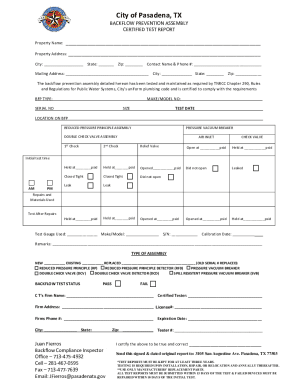
Get the free Backflow prevention assembly certified test ...
The document is a certified test report for backflow prevention assemblies in Pasadena, TX. It includes details about th ...
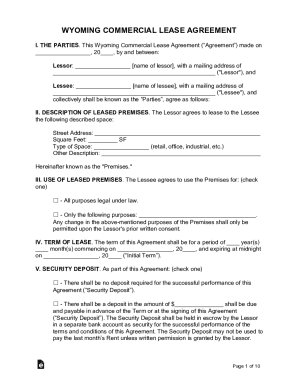
This Wyoming Commercial Lease Agreement (Agreement) made on
The Wyoming Commercial Lease Agreement outlines the terms and conditions under which a lessor leases commercial property ...

Settlement without ujs form
The document is a Stipulation and Settlement Agreement for a divorce case in South Dakota, involving two parties who hav ...

Illinois amendment request
The document outlines the process for grantees of the Illinois State Library to request a budget amendment when expendit ...