
Builders Application Forms
Navigate various Builders Application Forms relevant to your needs. Enhance the document submission workflow and securely store finished forms within your DocHub account.

Create a new Builders Application Form
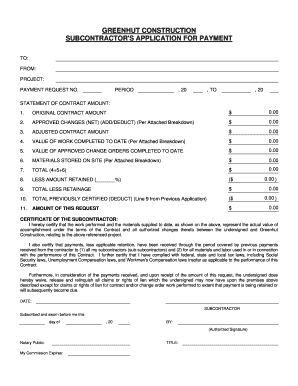
Construction pay application

Hawaii contractors form

Builders license nj
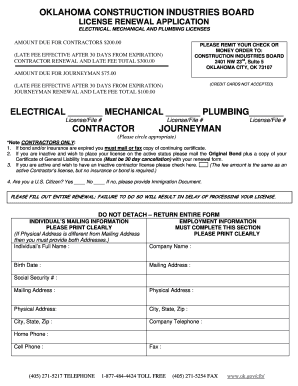
Oklahoma construction industries board
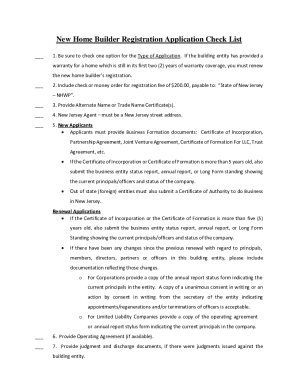
Nj builder application
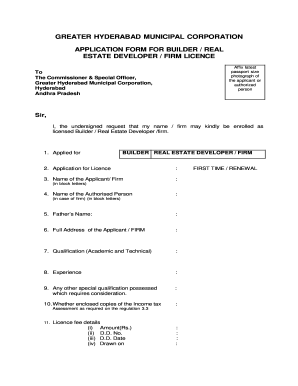
Builder licence in telangana
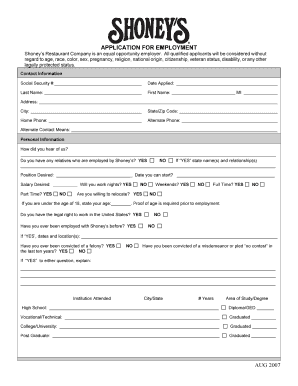
Construction company application form 2007

U s army application form pdf
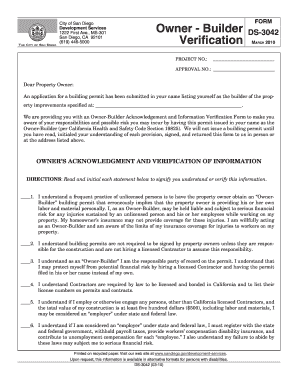
Owner builder form
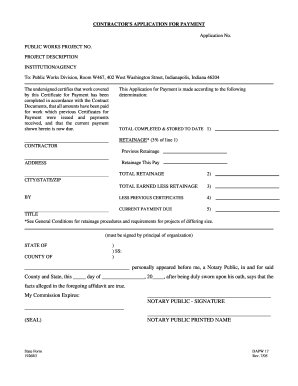
CONTRACTOR S APPLICATION FOR PAYMENT - in
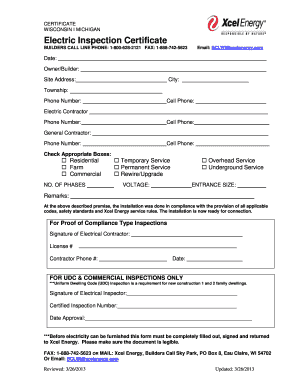
Xcel builders call line

13a 2a
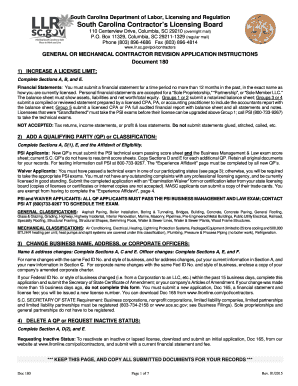
Revision application, Doc #180 - llr sc
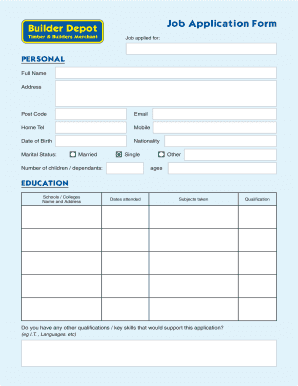
Job application form builder
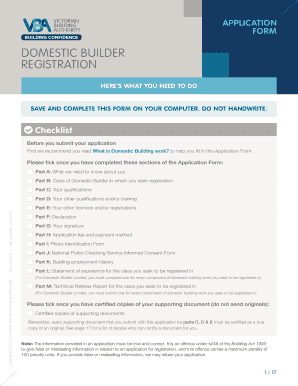
Domestic Builder Registration Application Form - VBA Website
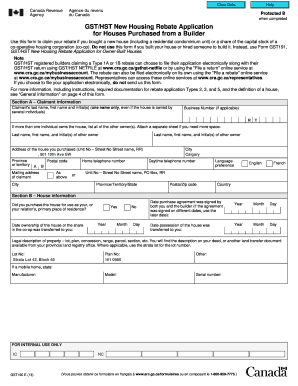
GST/HST New Housing Rebate Application for Houses Purchased from a Builder
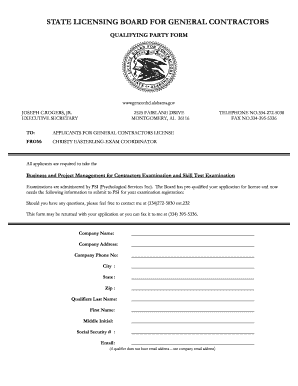
Construction license qualifier alabama form
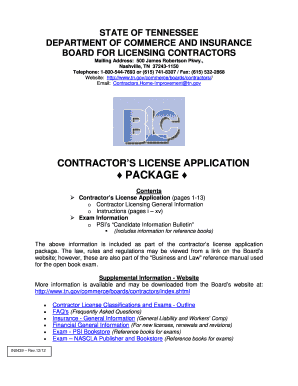
CONTRACTOR'S LICENSE APPLICATION INSTRUCTIONS - TN . gov - tn

Jewson account application form

Sc llr forms

Dupage county contractor registration
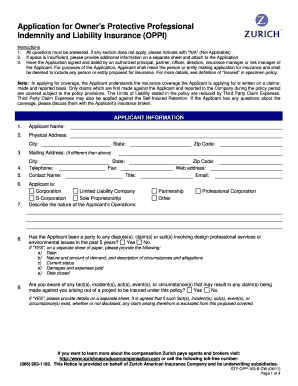
Zurich builders risk application pdf
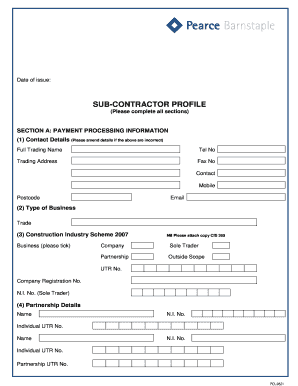
Pcl form
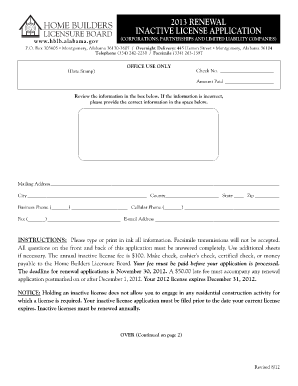
Alabama home builders association license renewal
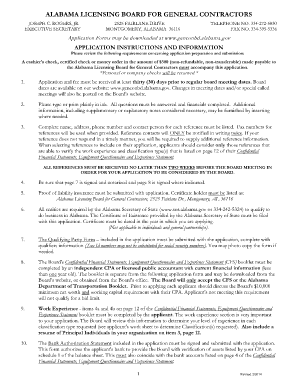
Alabama general contractors license renewal

Application form - MailChimp
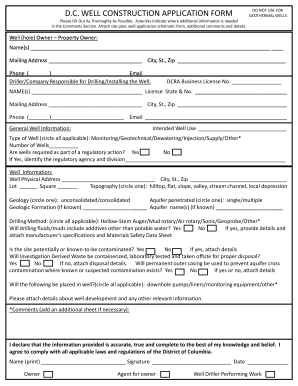
Construction application form
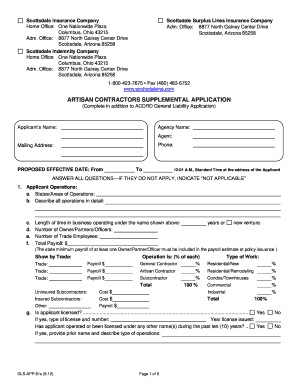
Contractors supplemental
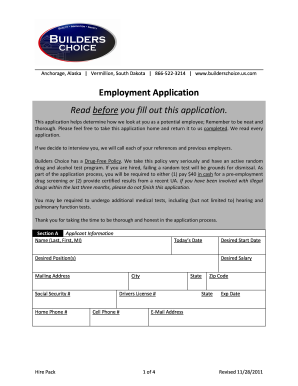
Builders choice application
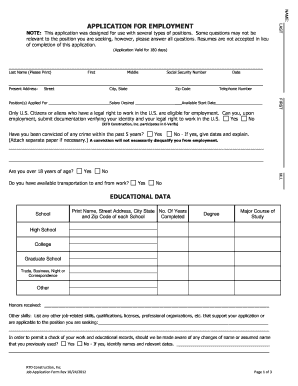
To download a Job Application Form - RTD Construction, Inc
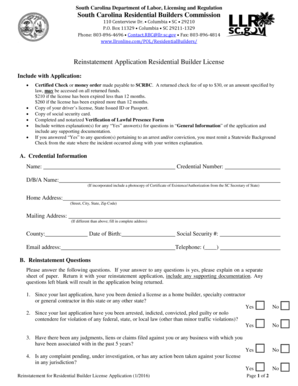
Reinstatement Application Residential Builder License

1 year builder warranty form
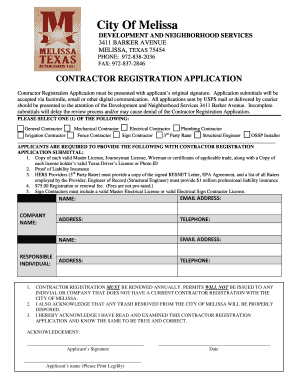
Contractors Registration bApplicationb - City of Melissa Texas
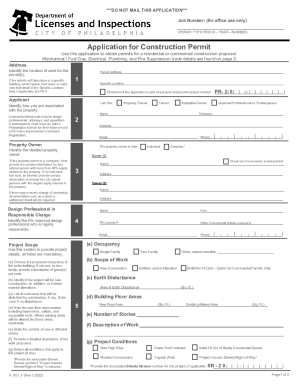
Application for Construction Permit - City of Philadelphia
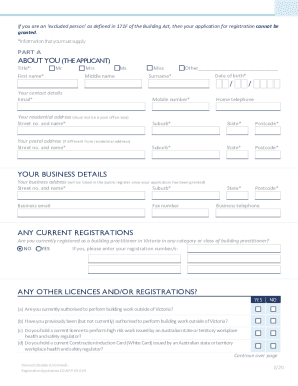
Domestic Builder - Unlimited - Registration Application Form
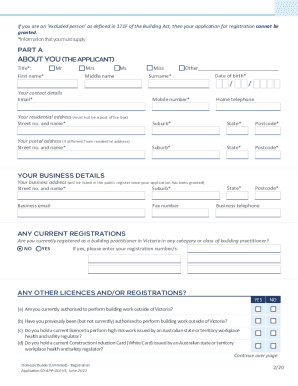
DOMESTIC BUILDER
-
1
- 2
Enhance your template management with Builders Application Forms
Your workflows always benefit when you can easily obtain all of the forms and files you will need at your fingertips. DocHub gives a huge selection of documents to alleviate your daily pains. Get a hold of Builders Application Forms category and easily discover your document.
Begin working with Builders Application Forms in a few clicks:
- Open Builders Application Forms and discover the form you need.
- Click on Get Form to open it in our editor.
- Start changing your file: add fillable fields, highlight paragraphs, or blackout sensitive facts.
- The application saves your modifications automatically, and after you are ready, you are able to download or share your file with other contributors.
Enjoy easy record management with DocHub. Discover our Builders Application Forms category and find your form today!
Video Guide on Builders Application Forms management

Commonly Asked Questions about Builders Application Forms
Is there a free form builder?
Yes, Zoho Forms offers a free plan that allows you to design, build, and share forms for free online. With the free plan, you can create a variety of forms, like contact forms, surveys, and registration forms.
What is a form 123?
Notice of a disqualifying conflict of interest is given by an evaluator by signing and mailing QME Form 123 (QME/AME Conflict of Interest Disclosure and Objection or Waiver by Represented Parties Form) to the parties. (8 Cal. Code Regs. 41.5 and 123.)
How do I start a form builder?
Setting up Form Builder Plus with Google Forms Open Form Builder Plus add-on. Consider you have an existing Google Forms. Select Google Forms. After clicking Google Forms Google Picker opens, and you can choose any Form to build a new Form or add new fields to the existing one.
What is the best program to create a form in?
Top 14 Form Builder Software ClickUp. ClickUp is the worlds leading project management and form builder tool. Jotform. Via Jotform. Google Forms. Via Google Forms. Microsoft Forms. Via Microsoft Forms. Elementor Form Builder. Via Elementor. Feathery. via Feathery. Paperform. Via Paperform. Gravity Forms. Gravity Forms.
What is a form builder app?
An online form builder is a web application software that creates and manages online forms.
How do I create a form builder?
After clicking Google Forms Google Picker opens where you can choose any Form to build a new Form or add new fields to the existing one. Form Builder automatically check the selected form is a quiz or not . If the selected form is Quiz then it will ask a user to convert the current working form to quiz form.
Does Google have a form builder?
Form Builder makes things easier and quicker for businesses, organizations, institutions, teachers, students and professionals to build a Google Form.
Related Templates

Checkpay payment adjustment form
The Payment Adjustment Request Form is used to request changes to previously transmitted payments, including correcting ...
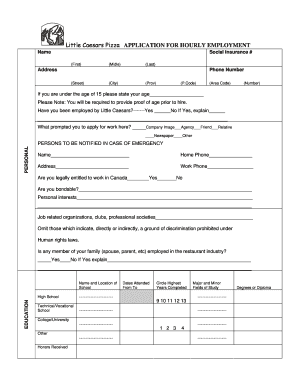
Little caesars pizza application
The document is an application form for hourly employment at Little Caesars Pizza. It collects personal information, inc ...
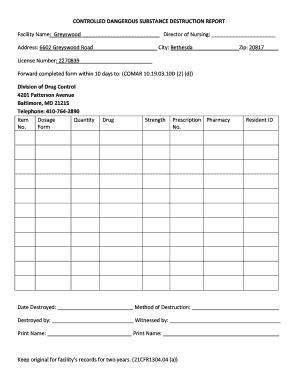
CONTROLLED DANGEROUS SUBSTANCE DESTRUCTION REPORT
The document is a Controlled Dangerous Substance Destruction Report for Greyswood facility, detailing the destruction of ...

Spousal support letter template
The document is a formal letter confirming the provision of spousal support (alimony) from one spouse to another, detail ...

Conditonal acceptance for value pdf
The document is a Post-Conviction Conditional Acceptance for Value Agreement between an individual and Sovereign Filing ...
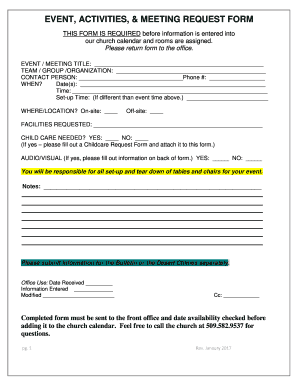
Meeting request form
The document is an Event, Activities, & Meeting Request Form required for scheduling events at a church. It outlines the ...

Community Center Cleaning Checklist -
The document is a cleaning checklist for renters of a community center, outlining specific tasks to be completed in the ...
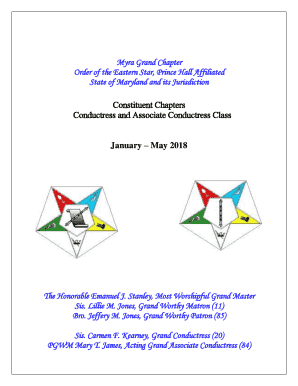
Conductress and associate conductress class
The document outlines the curriculum and objectives for the Conductress and Associate Conductress Class of the Myra Gran ...