




Here's how it works

01. Edit your nj new home builder registration online
Type text, add images, blackout confidential details, add comments, highlights and more.

02. Sign it in a few clicks
Draw your signature, type it, upload its image, or use your mobile device as a signature pad.

03. Share your form with others
Send nj builders license via email, link, or fax. You can also download it, export it or print it out.
How to use or fill out nj builder application with our platform

- Click ‘Get Form’ to open the nj builder application in the editor.
- Begin by selecting the type of application you are submitting: New, Renewal, Amendment, or Business No Longer Constructing New Homes. This is crucial for processing your application correctly.
- Fill in the Applicant Information section. Enter the name of your business and ensure that it matches exactly with your registration details. Provide a physical business address (no P.O. Boxes) and a mailing address for correspondence.
- In the Alternate Name or Trade Names section, list any other names under which you operate. Attach relevant certificates if applicable.
- Designate an Agent for service of process if applicable, ensuring they have a valid New Jersey address.
- Complete the Business Information section by selecting your business organization type and providing your EIN. Answer all questions regarding judgments and bankruptcy status accurately.
- Indicate your New Home Warranty Security Option by checking either State Plan or Private Plan, and provide necessary documentation if required.
- Finally, ensure that an authorized principal signs and dates the certification section to validate your application before submission.
Start filling out your nj builder application today using our platform for free!
Fill out nj builder application online
It's free
It's free
Security and compliance
At DocHub, your data security is our priority. We follow HIPAA, SOC2, GDPR, and other standards, so you can work on your documents with confidence.
Learn more


Related forms

Star observation technique guide
The document is a STAR Observation Technique Guide from the Department of Education, Region III, designed for classroom ...

FMCSA Form MCSA-5871 Vision Evaluation Form
The document is Form MCSA-5871, a vision evaluation report required by the Federal Motor Carrier Safety Administration ( ...
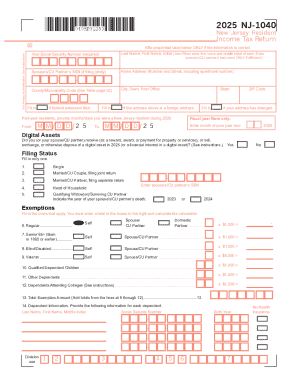
2024-2026 Form NJ NJ-1040 Fill Online, Printable, Fillable
The document is the 2025 New Jersey Resident Income Tax Return (NJ-1040), which outlines the necessary information and s ...

2025 Form OR-40-N, Oregon Individual Income Tax Return
The document is the 2025 Form OR-40-N, an Oregon Individual Income Tax Return for Nonresidents. It provides instructions ...
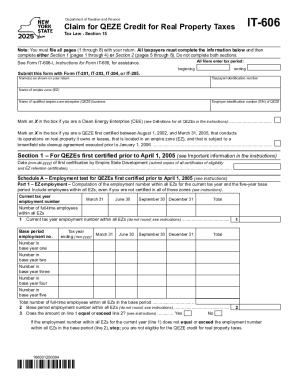
Form IT-606 Claim for QEZE Credit for Real Property Taxes Tax Year 2025
The document outlines the procedures and requirements for calculating employment numbers within Empire Zones (EZs) for t ...
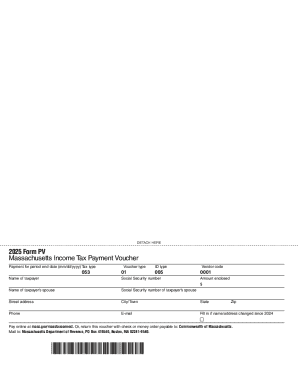
Massachusetts tax payment voucher: Fill out and sign online
The document is a Massachusetts Income Tax Payment Voucher (Form PV) for the year 2025, which provides instructions for ...
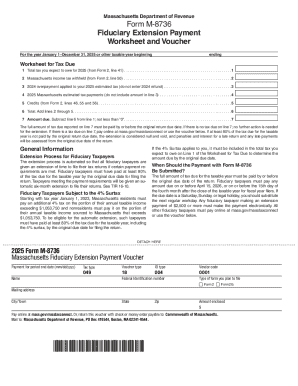
Form M-8736 Application for Extension of Time to File
The document is the Massachusetts Fiduciary Extension Payment Voucher (Form M-8736) for the tax year 2025. It outlines t ...

Income tax part-year resident forms (current year)
The document outlines the instructions for completing New York State Form IT-230, which is used to calculate the tax on ...