




Here's how it works



How to use or fill out zurich builders risk application pdf with our platform

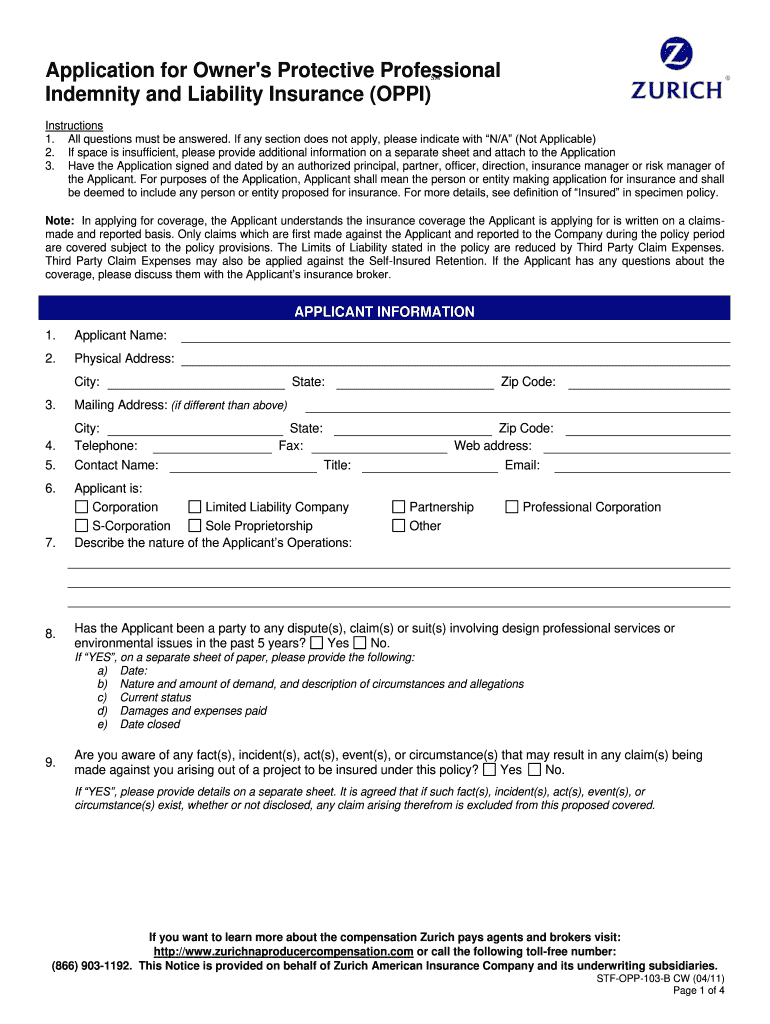
- Click ‘Get Form’ to open the Zurich Builders Risk Application PDF in the editor.
- Begin by filling out the 'Applicant Information' section. Enter your name, physical address, and contact details. If any field does not apply, indicate with 'N/A'.
- Proceed to the 'Project Information' section. Provide details about the project name, location, description, total construction cost, and schedule. Ensure all fields are completed accurately.
- In the 'Contractor Information' section, list the prime general contractor's name and address. Answer whether they have worked with you before and provide additional project descriptions if necessary.
- Complete the 'Additional Underwriting Information' section by attaching required documents such as contracts and insurance certificates.
- Finally, review all entries for accuracy before signing and dating the application at the end of the form.
Start using our platform today to fill out your Zurich Builders Risk Application PDF quickly and efficiently!
It's free
See more zurich builders risk application pdf versions
| Versions | Form popularity | Fillable & printable |
|---|---|---|
| 2011 | 4.8 Satisfied (121 Votes) |
Got questions?
Can I sign my zurich builders risk application pdf on a mobile?
Yes, you’ll find numerous apps for this on the web. Nevertheless, if you need to eSign your zurich builders risk application pdf without installing extra software, DocHub is the best choice you can make. This robust editor works on mobile devices just as on desktops. Open our editor in any internet browser, register or log in to your account, and start processing your paperwork.
How do you fill out zurich builders risk application online?
You may get and edit your zurich builders risk application online by using DocHub. Its simple yet feature-rich design enables you to begin effective work right after you register your account. Create your account and add your document, then our user interface will guide you via our stress-free form completion experience.
Security and compliance
At DocHub, your data security is our priority. We follow HIPAA, SOC2, GDPR, and other standards, so you can work on your documents with confidence.
Learn more




