
Slides Abstract Templates
View and choose Slides Abstract Templates and send them by email. With DocHub free profile, you can download and edit the document without crafting it from scratch.

Create a new Slides Abstract Template
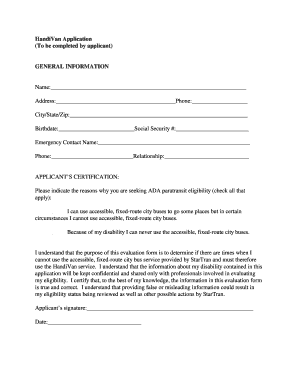
Handivan
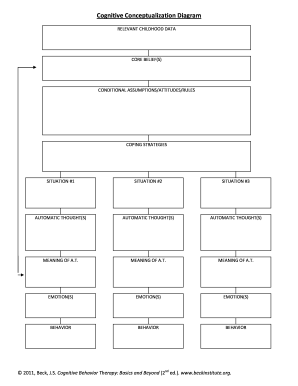
Cognitive conceptualization diagram
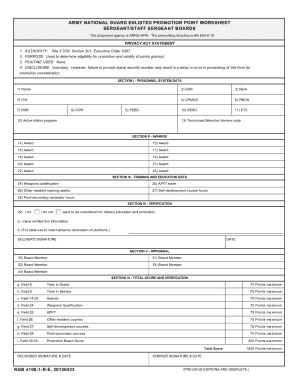
E4 evaluation form 4100
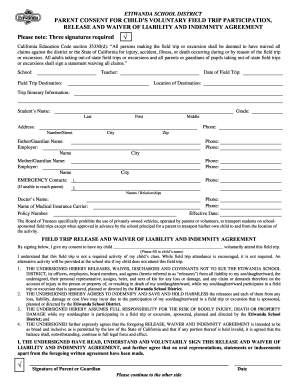
Cef spartanburg permission slips
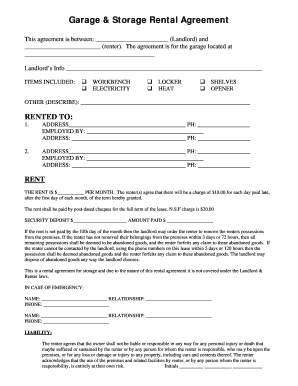
Garage storage rental agreement
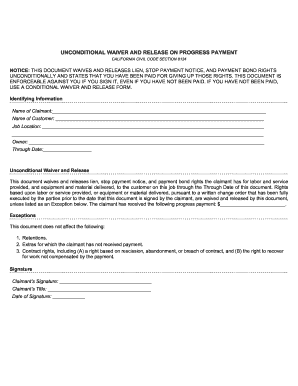
Unconditional progress form code 8134

Miller trust form

Disclosure statement medical
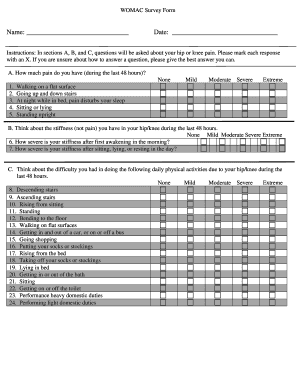
Survey formsdoc
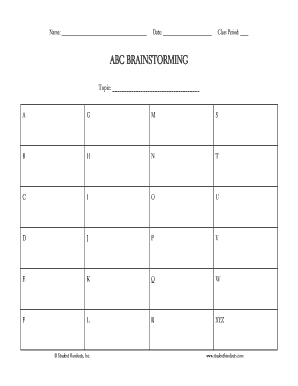
Abc brainstorming - Student Handouts
1042 s form

Declaration domicile seminole
QSIT 2011 Presentation Evaluation Form Speaker: Categories: 5 excellent, 4 very good, 3 good, 2 needs improvement, 1 poor 1 - qudev ethz
Pcl form

Pdf image microscope
Nunez community college transcript request
Article summary template
Recording contracts
Aish consent form
Aasp 60

CLEAN INTERMITTENT CATHETERIZATION CIC SKILLS CHECKLIST
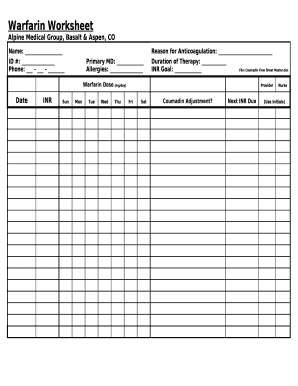
Worksheet
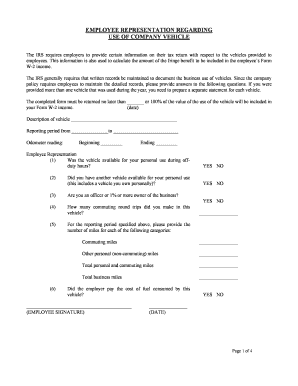
Company vehicle use agreement template
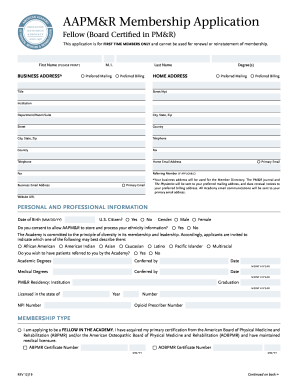
Aapmr membership
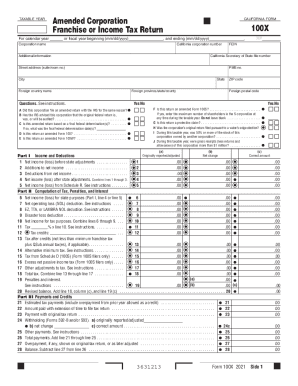
100x form
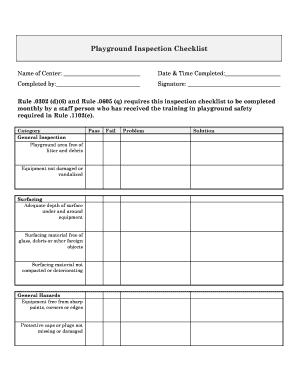
Nc playground form
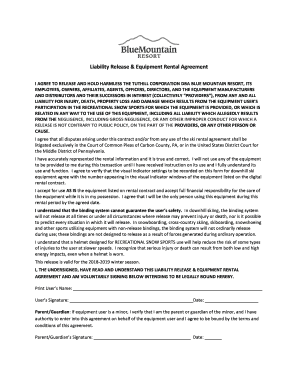
Blue mountain resort waiver
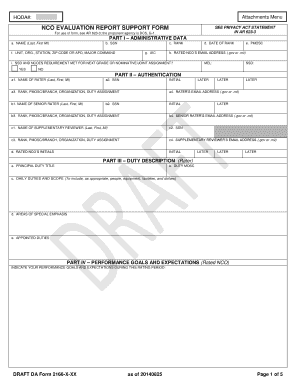
Nco support form
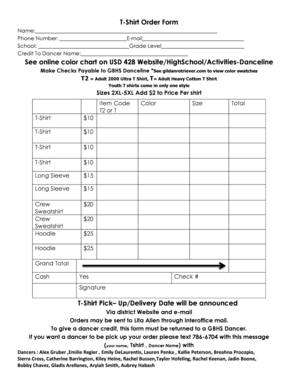
T-Shirt Order Form See online color chart on USD 428 Website
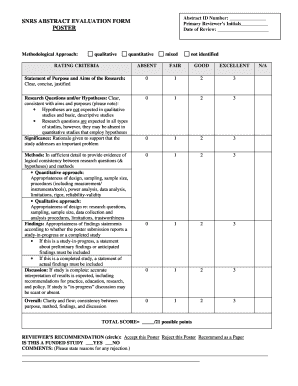
Abstract evaluation form

SF-424 SHORT ORGANIZATIONAL FORM (4040-0003) - Grants - grants

Converter frp para pdf

Complaint (Civil Action) :: Louisiana - Free Legal Forms
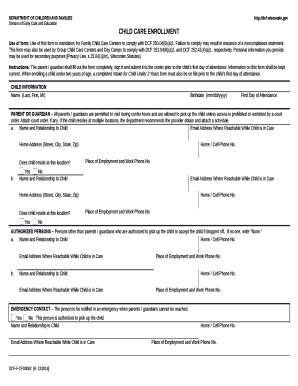
Use of form: Use of this form is mandatory for Family Child Care Centers to comply with DCF 250

(MN) Lost Month Sticker Need Replacement : r DMV

Hospital Visit Report Form - First United Methodist Church
Transform your form administration with Slides Abstract Templates
Your workflows always benefit when you can easily get all the forms and files you require on hand. DocHub supplies a a huge collection of form templates to relieve your everyday pains. Get hold of Slides Abstract Templates category and easily discover your document.
Begin working with Slides Abstract Templates in several clicks:
- Open Slides Abstract Templates and discover the document you need.
- Click Get Form to open it in our online editor.
- Start adjusting your file: add more fillable fields, highlight paragraphs, or blackout sensitive information and facts.
- The app saves your adjustments automatically, and once you are all set, you can download or share your file with other contributors.
Enjoy fast and easy record management with DocHub. Explore our Slides Abstract Templates category and find your form today!
Video Guide on Slides Abstract Templates management

Commonly Asked Questions about Slides Abstract Templates
How do I get more templates for Google Slides?
The Template Gallery in Google Slides provides a variety of templates that you can use. If your themes gallery isnt expanded when visiting the Google Slides home page, click Template Gallery. You can pick a theme by sifting through the various categories and selecting one that suits your needs.
Where can I get free Google Slides templates?
PresentationGO is your go-to source for an extensive and ever-expanding library of free templates tailored for PowerPoint and Google Slides.
How to write an abstract for a PPT presentation?
A presentation abstract should have fewer than 250 words, and the breakdown is a bit more simplified and condensed. There are a couple reasons for this. A presentation relies on the use of visual aids, so the poster or other visual should essentially illustrate the abstract.
Does Google Slides have premade templates?
You can customize how your presentation looks in Google Slides. Start your presentation from a template or change the theme, background, or layout. Theme: A preset group of colors, fonts, background, and layouts.
Related Templates
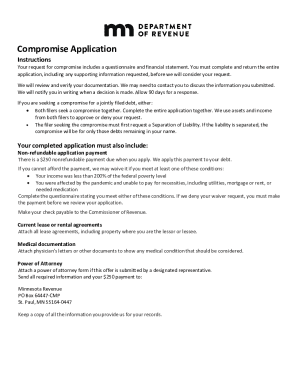
Requesting a CompromiseMinnesota Department of Revenue
The document outlines the process for submitting a compromise application to the Minnesota Revenue Department, including ...
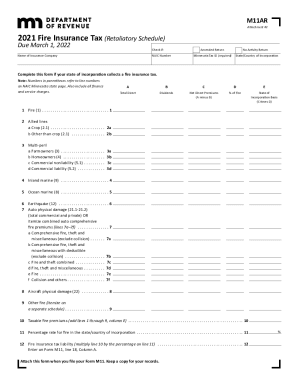
Minnesota Form M11AR (Fire Insurance Tax (Retaliatory ...
The document is the 2021 Fire Insurance Tax (Retaliatory Schedule) for insurance companies, due on March 1, 2022. It out ...

Ia worksheet
The document is the Iowa Net Operating Loss (NOL) Schedule, which provides guidelines for taxpayers in Iowa to report an ...

How to form 1094b
The document is Form 1094-B, a transmittal form used by the Internal Revenue Service (IRS) for reporting health coverage ...
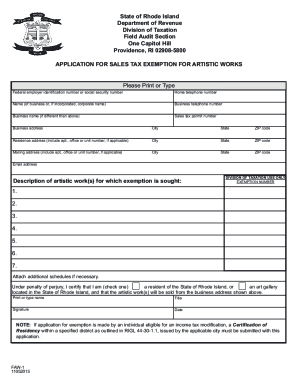
Dor.ri.govRhode Island - WelcomeRI Department of Revenue
The document is an application form for sales tax exemption for artistic works in the State of Rhode Island, issued by t ...

Periodic review litem sample
The document is a Periodic Review Worksheet used by the Superior Court of Connecticut to track fees charged by counsel o ...
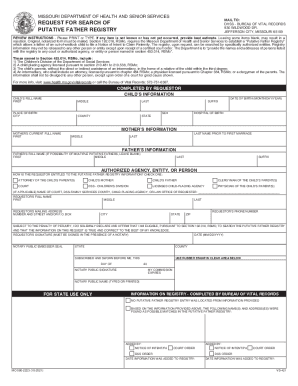
Missouri putative father registry
The document is a request form for searching the Putative Father Registry maintained by the Missouri Department of Healt ...
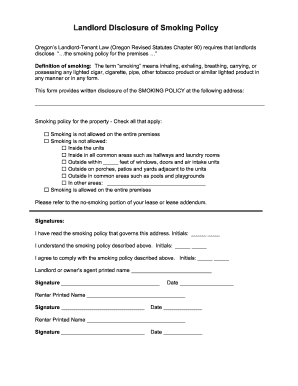
Oregon-landlord-disclosure-of-smoking-policy.docx
The document outlines the smoking policy disclosure required by Oregon's Landlord-Tenant Law, detailing the definition o ...