




Here's how it works

01. Edit your e4 evaluation form 4100 online
Type text, add images, blackout confidential details, add comments, highlights and more.

02. Sign it in a few clicks
Draw your signature, type it, upload its image, or use your mobile device as a signature pad.

03. Share your form with others
Send e4 evaluation form via email, link, or fax. You can also download it, export it or print it out.
How to use or fill out e4 evaluation form 4100 with our platform

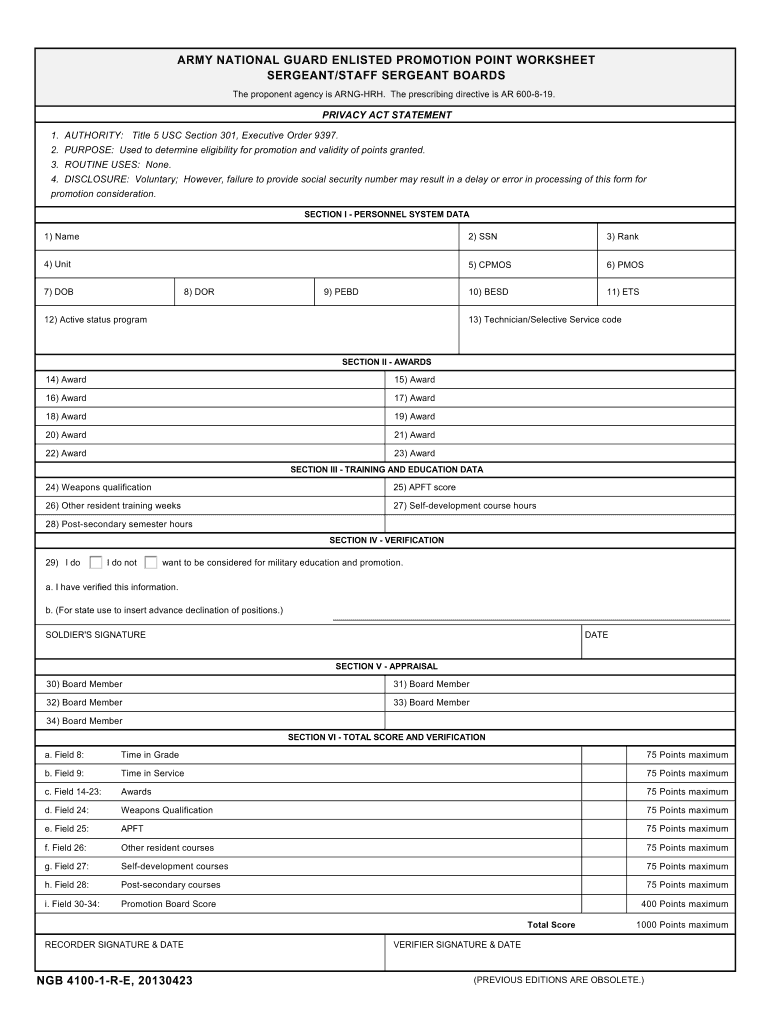
- Click ‘Get Form’ to open the e4 evaluation form 4100 in the editor.
- Begin by filling out Section I - Personnel System Data. Enter your Name, SSN, Rank, Unit, CPMOS, PMOS, DOB, DOR, PEBD, BESD, ETS, Active status program, and Technician/Selective Service code accurately.
- Move to Section II - Awards. List all relevant awards in the provided fields (14-23). Ensure you include each award's details for proper evaluation.
- In Section III - Training and Education Data, input your Weapons qualification score, APFT score, Other resident training weeks, Self-development course hours, and Post-secondary semester hours.
- Proceed to Section IV - Verification. Indicate whether you want to be considered for military education and promotion by selecting 'I do' or 'I do not'. Sign and date the form.
- Complete Section V - Appraisal by entering the names of Board Members as required.
- Finally, calculate your total score in Section VI based on the criteria provided. Ensure all scores are verified before submitting.
Start using our platform today for free to streamline your e4 evaluation form completion!
Fill out e4 evaluation form 4100 online
It's free
See more e4 evaluation form 4100 versions
We've got more versions of the e4 evaluation form 4100 form. Select the right e4 evaluation form 4100 version from the list and start editing it straight away!
Security and compliance
At DocHub, your data security is our priority. We follow HIPAA, SOC2, GDPR, and other standards, so you can work on your documents with confidence.
Learn more


Related forms

INPATIENT SURGERY PROCEDURE REQUEST FORM
The document is an Inpatient Surgery/Procedure Request Form for HUSKY A members, requiring detailed patient information, ...
Eaton Corporation - Products and Services
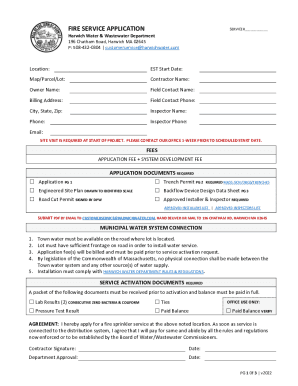
The document is a Fire Service Application from the Harwich Water & Wastewater Department, detailing the requirements an ...

Southborough Recreation Department: Facility Details
The document outlines the scholarship program offered by the Southborough Recreation Department, which provides financia ...

Vietnam visa application formEmbassy of Vietnam in Wien, Austria Vietnamese visa application form fo
Vietnam visa application formEmbassy of Vietnam in Wien, Austria Vietnamese visa application form fo
The document is a visa application form for entry into Vietnam, issued by the Embassy of Vietnam in Vienna. It requires ...
Certificate of Solvency
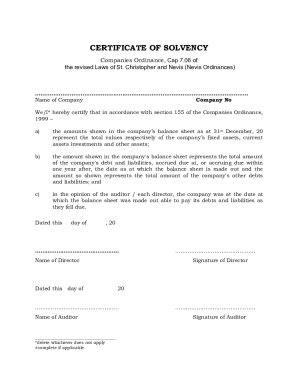
The document is a Certificate of Solvency, required under the Companies Ordinance of St. Christopher and Nevis. It certi ...
CV Counterclaim Packet - Maricopa County Justice Courts - justicecourts maricopa
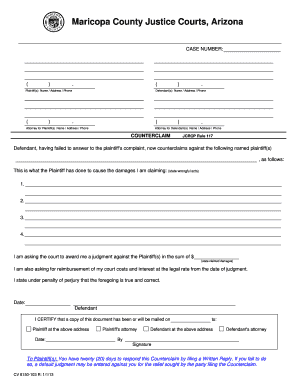
The document provides instructions for filing a civil counterclaim in the Maricopa County Justice Court. It outlines the ...

SD Form 816 "Application for Department of Defense Impact
The document is an application form for the Department of Defense Impact Aid aimed at providing financial assistance for ...
T4rsp
The document is a Statement of RRSP Income (État du revenu provenant d'un REER) that outlines various types of income, d ...