
Certificate blue Abstract Templates
Get unlimited access to Certificate blue Abstract Templates and easily edit the forms you require. Save or edit the forms online and simplify your processes without holdups.

Create a new Certificate blue Abstract Template
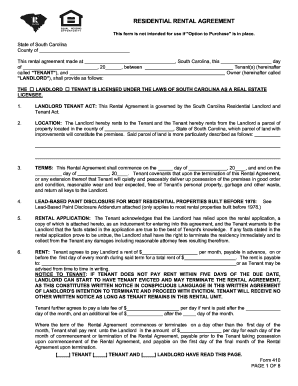
Blank lease agreement

Aim prior authorization form pdf

2013 Form 590 -- Withholding Exemption Certificate - ftb.ca.gov
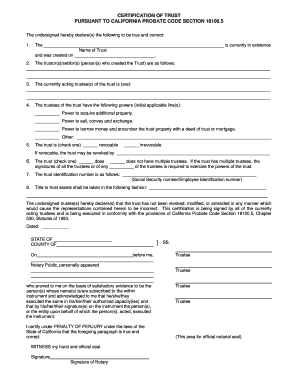
Certificate of trust template
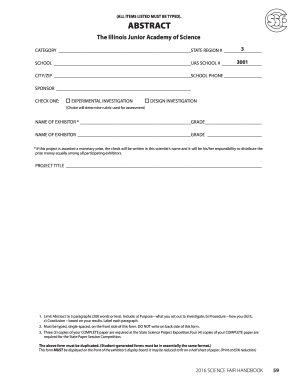
Fair abstract form
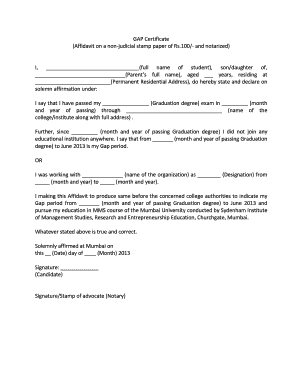
Gap certificate download
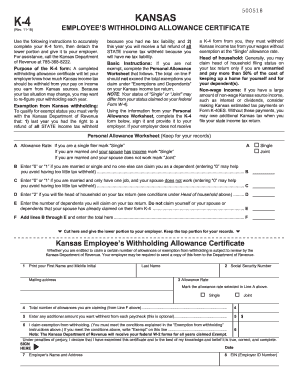
Ks k 4

Bmv form ohio
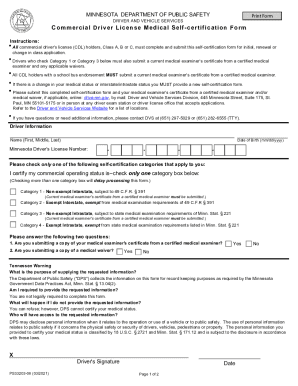
Ps33203 self certification form
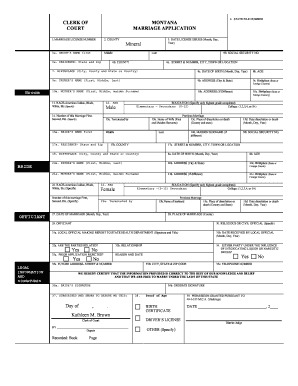
Blank marriage license
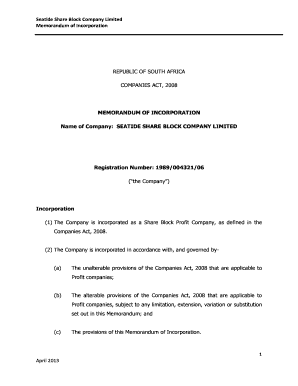
Memorandum of incorporation
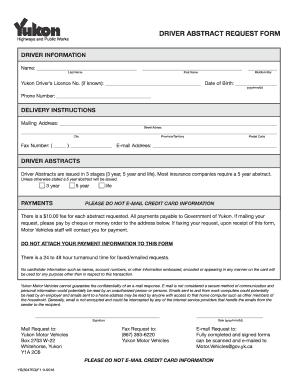
Drivers abstract request form
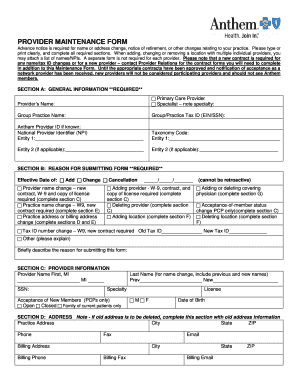
PROVIDER MAINTENANCE FORM - Anthem Health Insurance
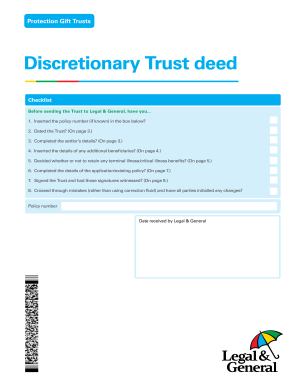
Trust deed legal sample
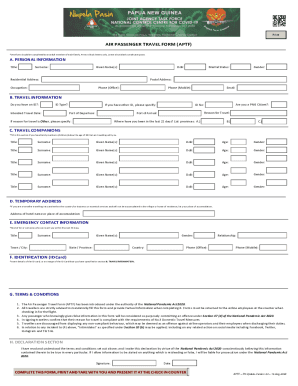
Air passenger travel form
Fr19
Af1562 fillable form
Counterclaim form
New mexico deed

Dual name declaration

Fitness Kickboxing Canada Inc Course Registration Form

School leaving certificate download
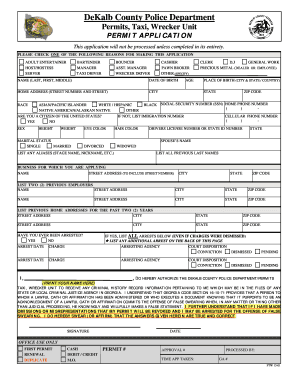
Permit Application - DeKalb County, Georgia - web dekalbcountyga
Iht30

Marriage certificate request form
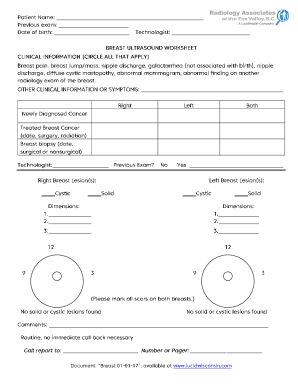
Title of Exam

Certificate of Diagnosis - World Boccia

Stanislaus county clerk-recorder - application for birth certificate
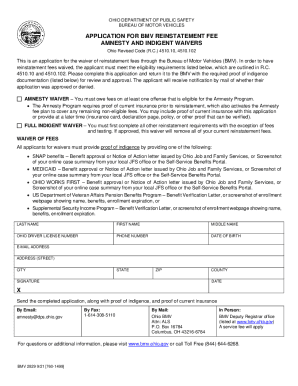
Ohio bureau motor vehicles
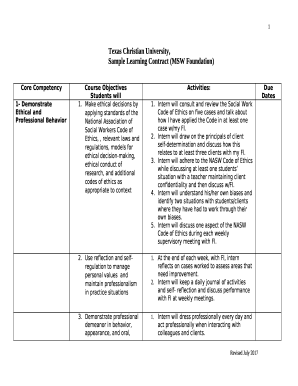
Sample Learning Contract (MSW Foundation)
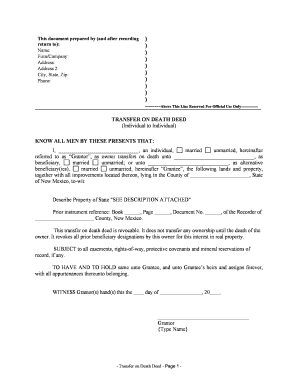
Transfer on death deed in newmexico
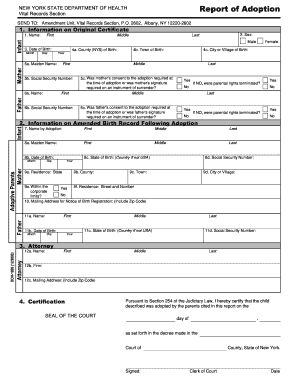
Report adoption template

Terms of Use - Penn Vet
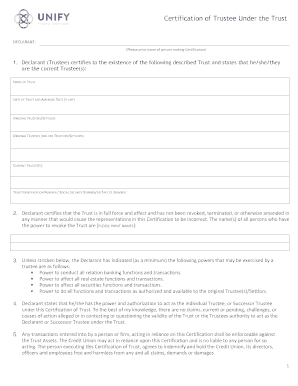
Certificate of trust example
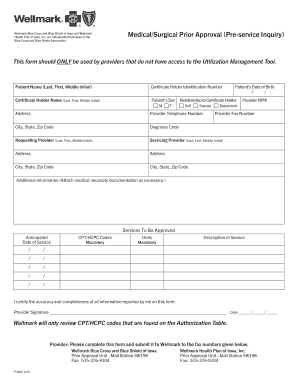
Wellmark form

Birth Attendant Application and Change Request add, remove or change birth attendant information in
Get and manage Certificate blue Abstract Templates online
Boost your form managing with our Certificate blue Abstract Templates collection with ready-made form templates that suit your needs. Get your form, modify it, complete it, and share it with your contributors without breaking a sweat. Start working more effectively with your forms.
The best way to manage our Certificate blue Abstract Templates:
- Open our Certificate blue Abstract Templates and look for the form you want.
- Preview your form to ensure it’s what you want, and click on Get Form to begin working on it.
- Edit, include new text, or point out important information with DocHub features.
- Fill out your form and save the adjustments.
- Download or share your form with other recipients.
Discover all the possibilities for your online document administration with our Certificate blue Abstract Templates. Get a totally free DocHub account today!
Video Guide on Certificate blue Abstract Templates management

Commonly Asked Questions about Certificate blue Abstract Templates
How do I create a custom certificate template?
In the Certification Authority MMC, click Certificate Templates. On the Action menu, point to New, and then click Certificate Template to Issue. The Enable Certificate Templates dialog box opens. In Enable Certificate Templates, click the name of the certificate template that you just configured, and then click OK.
Is there a certificate template on word?
TL;DR. Using a certificate template This is the easier way to generate certificates in Word. All you need to do is choose a template and edit the text. Without using a template This is a lengthier method since youre starting with a blank page.
How to create a custom certificate?
Select a template, make some tweaks, and your certificate is ready to distribute or download. Read our article for the best tips and tricks for professional-looking custom certificates (that beat Canva). With the Certifier certificate tool, you can generate custom certificate templates quickly and easily.
How to create a certificate template in Windows?
Open the Certification Authority snap-in, and double-click the name of the CA. Right-click Certificate Templates, click New, and then click Certificate Template to Issue. Select the certificate template, and click OK.
How do I create a certificate template in Word?
Heres how: Open a new document in Microsoft Word. In the search bar, type certificate. Browse through the available templates and choose the one that suits your needs. Customize the selected template with your organizations information and the details of the recipients.
How do I create a certificate template in docs?
How to Make a Certificate on Google Docs Step 1: Document Setup. Start by launching Google Docs and opening a new blank document. Step 2: Creating the Border. Step 3: Arranging Text. Step 4: Adding Signatures and Logos. Step 5: Review and Download.
Related Templates

Illinois corporaciones form
This document serves as a guide for forming non-profit corporations in Illinois, detailing the necessary steps, requirem ...
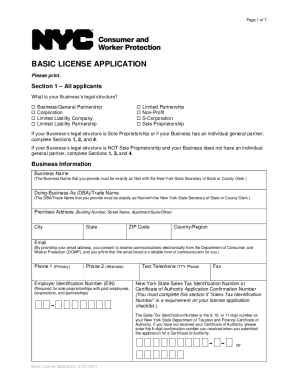
Basic license application
The document is a Basic License Application form for businesses in New York City, requiring applicants to provide inform ...
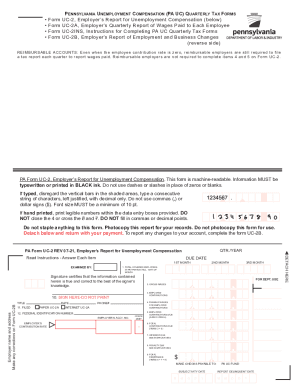
Pa uc form unemployment
The document provides instructions and forms related to Pennsylvania Unemployment Compensation (PA UC) quarterly tax rep ...
St johns county notice of commencement
The document is a Notice of Commencement for improvements to real property in St. Johns County, Florida. It outlines ess ...
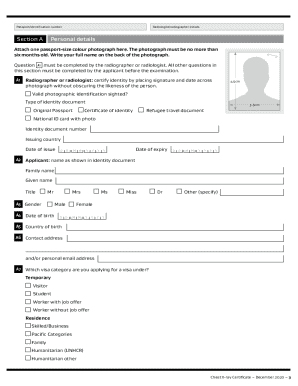
Inz 1096
The document is a Chest X-ray Certificate form required by Immigration New Zealand for applicants seeking entry into the ...
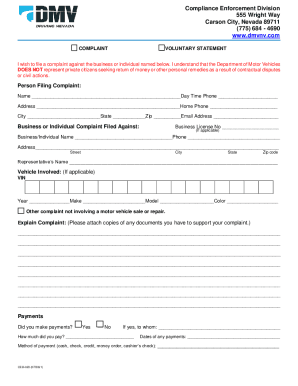
Nevada enforcement form
The document outlines the process for filing a complaint with the Nevada Department of Motor Vehicles' Compliance Enforc ...
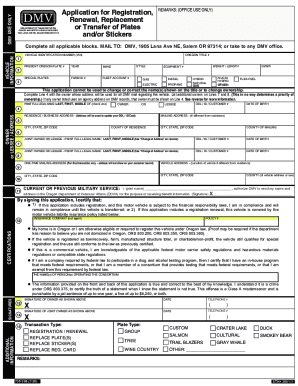
Oregon dmv registration renewal
The document is an application form for the registration, renewal, replacement, or transfer of vehicle plates and sticke ...

Il disabled veteran license plates
The document outlines the process for requesting Disabled Veteran License Plates in Illinois, detailing eligibility crit ...